

Gravity Forms Chained Selects GPL
$4.49
Gravity Forms Chained Selects is a Gravity Forms add-on that lets you build dependent dropdown fields whose options change based on the selection made in a previous dropdown.
Gravity Forms Chained Selects is a Gravity Forms add-on that lets you build dependent dropdown fields whose options change based on the selection made in a previous dropdown. Choices are imported from a CSV file, and one chained select field can hold several linked dropdowns. It is intended for forms where a long list of options would otherwise be unwieldy, such as picking a region before a city. This build is version 1.8.2, a 0.1 MB zip.
| Product | gravity-forms-chained-selects |
|---|---|
| Version | 1.8.2 |
| Works with | WordPress 6.x+ / PHP 8.x+ |
| Tested up to | WordPress current |
| License | GPLv2 or later |
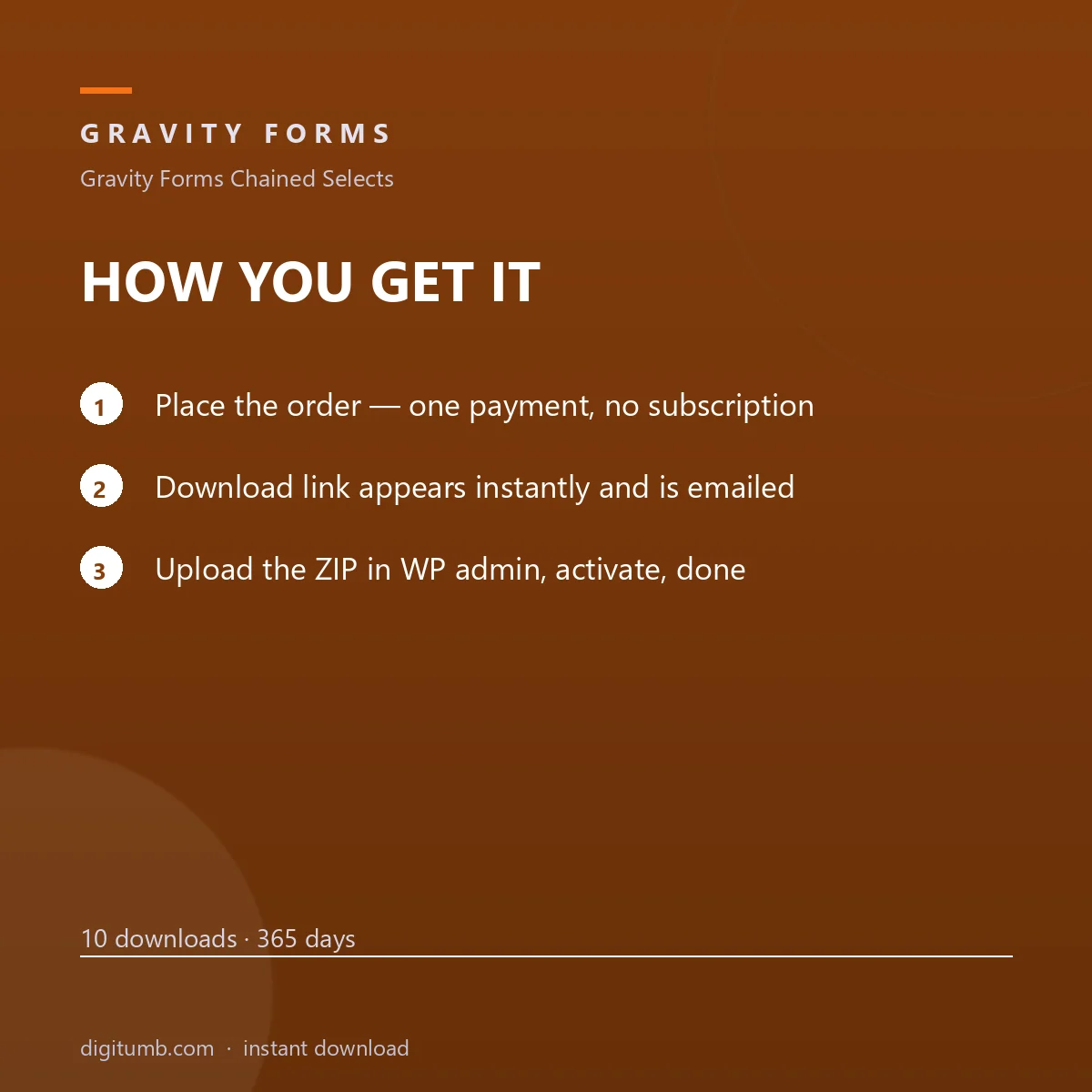
| Delivery | Instant ZIP download, 10 downloads, 365 days |
How chained dropdowns change as the visitor selects
The add-on adds a Chained Selects field type to Gravity Forms. Inside that single field you place multiple dropdowns, and each one is populated dynamically rather than fixed in advance. When a visitor picks a value in the first dropdown, the choices offered in the next dropdown follow from that pick, and the chain continues down the remaining dropdowns.
Because the dropdowns live in one field, the form stays compact while still collecting a precise answer. The field description in the settings reads that it allows populating dropdowns dynamically and chaining multiple dropdowns together.
Importing your dropdown choices from a CSV file
Choices come from a .csv file you upload through the Import Choices control. The upload area accepts a dragged file or a selected one, and the importer only accepts CSV files; other file types are rejected with a clear message. Empty files, files that cannot be read, and files above the size limit are each reported separately, so you know which part of the import failed.
If a column in your file holds more unique values than the importer can handle, the import reports that the column exceeded the limit for unique values and points you back to the file.
Layout and visibility options for the dropdowns
Drop Down Alignment lets you stack the dropdowns vertically in a column or lay them out horizontally in a row, so the field can match the shape of your form. Drop Down Display includes a Hide Inactive Drop Downs setting, which keeps dropdowns that are not yet reachable out of view until a prior selection makes them relevant.
The field can be marked required, and in that case the visitor is asked to select a value for each option before the form is submitted.
Themes and WordPress compatibility
The add-on is built to work with any WordPress theme, including Astra and Divi, so the chained select field follows the styling of the form around it. It runs alongside the Gravity Forms plugin and is compatible with current versions of WordPress.
This is a GPL build: you receive the same files the developer ships, with no vendor update channel and no vendor support desk. The price is $4.49.
What this build includes
| Dependent dropdown fields | Create dropdown fields whose options are filtered by the value chosen in the dropdown before them, so visitors narrow a long list step by step. |
|---|---|
| CSV choice import | Upload a .csv file to bring your option sets into the field instead of typing each choice by hand. |
| Multiple dropdowns in one field | Chain several dropdowns together inside a single Chained Selects field on your form. |
| Horizontal or vertical alignment | Display the dropdowns in a row or in a column, depending on how the rest of the form is laid out. |
| Hide inactive dropdowns | Keep dropdowns hidden until an earlier selection makes them available, reducing clutter for the visitor. |
| Required field validation | Mark the field required and the form asks for a value in each option before submission. |
| Upload error reporting | Distinct messages for non-CSV files, empty files, unreadable files, oversized files and columns over the unique value limit. |
Installing it on a WordPress site
- Install and activate the Gravity Forms Chained Selects add-on from your WordPress dashboard.
- Create or edit a form in Gravity Forms and add the Chained Selects field where you need it.
- Upload a .csv file to import your choices, then set the drop down alignment, display options and whether the field is required.
Latest changes
This listing covers version 1.8.2 of the add-on.
Frequently asked questions
What does Gravity Forms Chained Selects actually do?
It creates dependent dropdown fields that change based on prior selections. A visitor's pick in one dropdown determines what the next dropdown offers, which simplifies data entry on forms with long option lists and keeps the answers consistent.
Does it work with the latest WordPress version?
Yes. The add-on is fully compatible with the latest version of WordPress and works alongside the Gravity Forms plugin, so you do not need a separate setup step for WordPress itself beyond activating the add-on.
How do I set it up on my site?
Install and activate the plugin from your WordPress dashboard, then create or edit a form in Gravity Forms and add the chained select fields you need. Choices are brought in by uploading a .csv file, and the field settings cover alignment, display and required status.
Will it look right with Astra or Divi?
The add-on is designed to work with any WordPress theme, including popular options such as Astra and Divi, so the chained select field fits forms built in those themes without a theme-specific workaround.
What happens if my CSV does not import?
The importer reports the specific problem: only CSV files are allowed, the file is empty, the file is too large, the file could not be loaded, or one of your columns has exceeded the limit for unique values. Fix the file and import again.
Is this the same build the developer ships?
Yes. You get the GPL build with the same files the developer ships, priced at $4.49. It comes without a vendor update channel and without a vendor support desk.
What the GPL build means for you
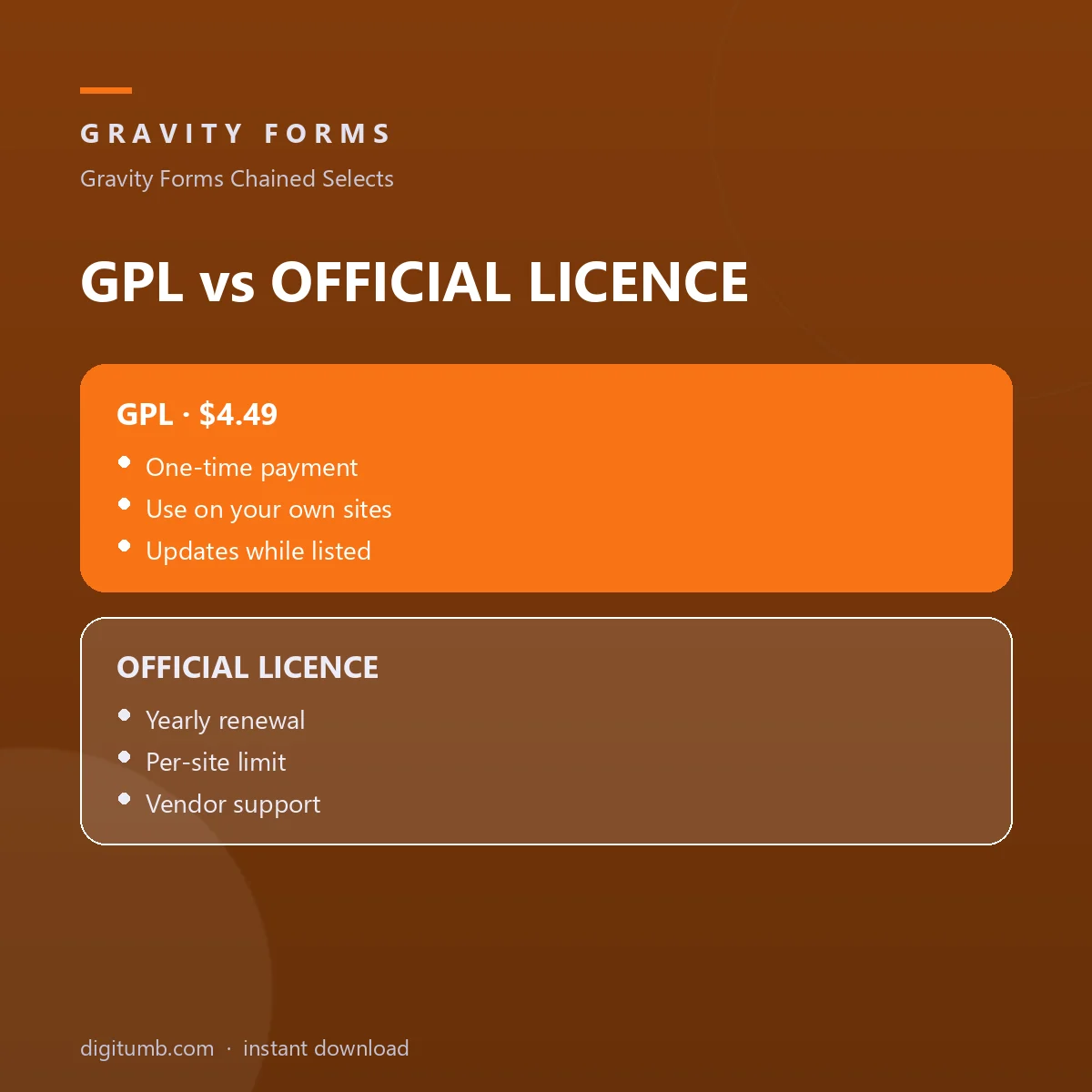
This is the same archive the developer publishes, redistributed under the GNU General Public License: you get the working files for $4.49 with no vendor update channel and no vendor support desk. If you need automatic updates or a support contract, buy the official license from the developer.
| This GPL build | Official license | |
|---|---|---|
| Price | $4.49 one time | Vendor subscription |
| Automatic updates | No | Yes |
| Developer support | No | Yes |
| Number of sites | Unlimited | Depends on plan |
Browse the rest of the WordPress plugins category or the full shop. The licence text is at GNU GPL v2, and general documentation is at WordPress.org.
You must be logged in to post a review.
You may also like…

Related products








Reviews
Clear filtersThere are no reviews yet.