





Graphina Pro Elementor Dynamic Charts – WordPress Plugin
$4.49
Graphina Pro is an Elementor addon for creating dynamic charts, graphs and datatables inside the Elementor editor. The vendor summary describes it as a dynamic charts and graphs addon and lists all.
Graphina Pro is an Elementor addon for creating dynamic charts, graphs and datatables inside the Elementor editor. The vendor summary describes it as a dynamic charts and graphs addon and lists all premium features as included. This GPL build carries the same files the developer ships, with no vendor update channel and no vendor support desk, at $4.49 from digitumb.com.
| Product | graphina-pro-elementor-dynamic-charts-graphs-datatables |
|---|---|
| Version | 3.1.5 |
| Works with | WordPress 6.x+ / PHP 8.x+ |
| Tested up to | WordPress current |
| License | GPLv2 or later |
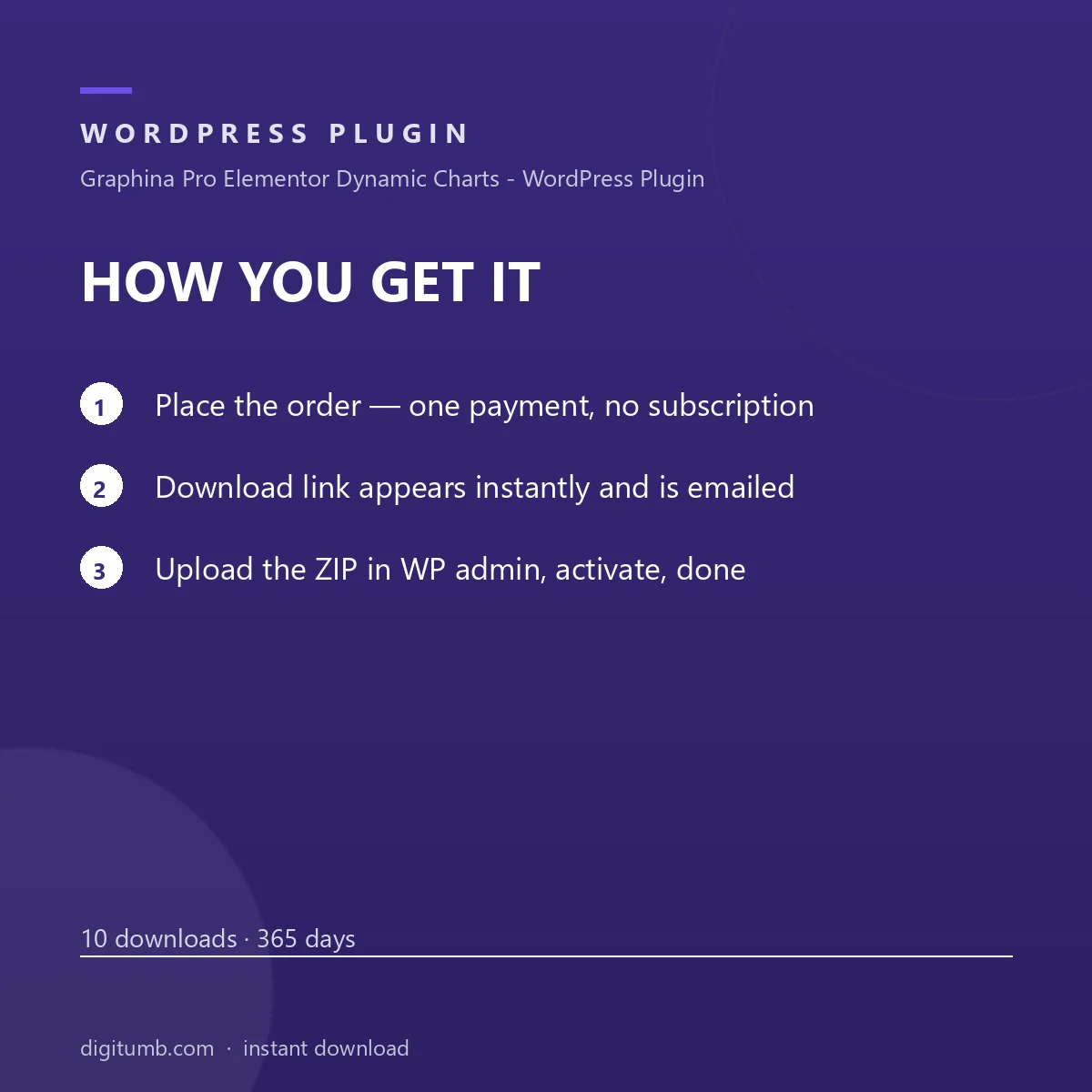
| Delivery | Instant ZIP download, 10 downloads, 365 days |
What the Graphina Pro addon does in Elementor
Graphina Pro extends Elementor with chart, graph and datatable elements. You build the visual on the page you are already editing, so a chart sits in a section next to your headings, text and other widgets instead of arriving as a separate embed. The vendor summary frames the product around dynamic charts and graphs, and it puts datatables in the same addon.
Everything the developer lists as premium is part of this package. You are not working from a cut-down widget list, and the chart, graph and table elements are all part of the one plugin you install.
Building dynamic charts on an Elementor page
The word dynamic is in the product name, and the vendor summary describes the addon as a way to create dynamic charts and graphs. You add a chart as an Elementor element and the chart is driven by the data you give it, so it stays an editable element on the page rather than a fixed picture.
That distinction matters on pages you revisit. A chart built as an element can be changed when the underlying figures change, while a static image has to be replaced by hand. Keeping the chart inside Elementor means the update happens in the same editor where you built the page.
Graphs and charts from one plugin
Charts and graphs are both covered by the addon, which keeps the visualisation work in a single plugin instead of spreading it across several. You place the graph element in the same way as the chart element, as part of the Elementor layout.
Because both come from Graphina Pro, a page that needs a bar-style comparison and a line-style trend does not require a second tool for the second visual. The premium feature set is included in this build, so the full element list is available to you.
Datatables next to the chart
Datatables are part of the product alongside charts and graphs. A datatable shows figures in rows and columns, which suits a page where the reader needs the exact numbers rather than only the shape of the trend. You add the table as an Elementor element on the same page as the chart.
Used together, a chart gives the overview and the datatable gives the detail from the same dataset. Both are placed in the Elementor editor, so the page layout stays under your control and the table is edited the same way as the chart.
What is inside the Graphina Pro zip
The download is a 4.4 MB zip containing three top-level folders: Plugin, Licensing and Old Versions. The Plugin folder is the one you install into WordPress. The Old Versions folder holds earlier builds in the same download, and the Licensing folder ships as part of the package.
This is a GPL build at $4.49: the same files the developer ships, with no vendor update channel and no vendor support desk. Version 3.1.5 is the build inside this zip.
What this build includes
| Chart elements in Elementor | Add charts as Elementor elements so a visual sits inside the page layout you are already building. |
|---|---|
| Graph elements in Elementor | Place graph elements from the same addon, keeping chart and graph work in one plugin. |
| Datatable elements | Build datatables in Elementor to present figures in rows and columns beside the chart. |
| Dynamic chart output | Charts are built as elements driven by the data you supply, not as fixed images on the page. |
| Premium features included | The vendor summary lists all premium features as included, so the full toolset arrives in this build. |
| Old Versions folder in the zip | Earlier builds ship in the same download, giving you previous versions to fall back on. |
Installing it on a WordPress site
- Unzip the 4.4 MB download and open the Plugin folder inside it.
- In WordPress go to Plugins, then Add New, then Upload Plugin, and upload the plugin zip from that folder.
- Activate Graphina Pro, open a page in the Elementor editor, and add a chart, graph or datatable element to a section.
Latest changes
Version 3.1.5 is the build supplied in this zip.
Frequently asked questions
Does Graphina Pro need Elementor to be installed?
Yes. Graphina Pro is an Elementor addon for charts, graphs and datatables, so its elements are placed from inside the Elementor editor. Elementor is the page builder the addon extends, and the chart and table work happens there.
Is this the complete plugin or a reduced version?
It is the same files the developer ships. The vendor summary lists all premium features as included, and the zip holds the Plugin folder, a Licensing folder and an Old Versions folder. The price on digitumb.com is $4.49.
Will the developer send me updates for this build?
No. This is a GPL build with no vendor update channel and no vendor support desk. The zip carries an Old Versions folder with earlier builds, and version 3.1.5 is the build in this download.
Can a page show the numbers as well as the chart?
Yes. Graphina Pro covers datatables alongside charts and graphs, so you can place a table of figures on the same Elementor page as the chart and let the reader see both the trend and the underlying values.
How big is the download and what is in it?
The zip is 4.4 MB. Inside are three top-level folders: Plugin, which you install into WordPress; Licensing; and Old Versions, which holds earlier builds of the plugin.
What the GPL build means for you
This is the same archive the developer publishes, redistributed under the GNU General Public License: you get the working files for $4.49 with no vendor update channel and no vendor support desk. If you need automatic updates or a support contract, buy the official license from the developer.
| This GPL build | Official license | |
|---|---|---|
| Price | $4.49 one time | Vendor subscription |
| Automatic updates | No | Yes |
| Developer support | No | Yes |
| Number of sites | Unlimited | Depends on plan |
Browse the rest of the WordPress plugins category or the full shop. The licence text is at GNU GPL v2, and general documentation is at WordPress.org.
You must be logged in to post a review.
You may also like…

Related products









Reviews
Clear filtersThere are no reviews yet.