


Events Schedule WP Plugin – WordPress Plugin
$4.49
Events Schedule WP Plugin is a WordPress plugin for creating, managing and displaying event schedules on a website. You build events in the plugin, place the schedule on your pages with a shortcode.
Events Schedule WP Plugin is a WordPress plugin for creating, managing and displaying event schedules on a website. You build events in the plugin, place the schedule on your pages with a shortcode, and visitors can find events and RSVP. Tickets can be sold through WooCommerce, and event listings work with popular themes such as Astra and Divi. This build is version 2.7.2, a 1.7 MB zip.
| Product | events-schedule-wp-plugin |
|---|---|
| Version | 2.7.2 |
| Works with | WordPress 6.x+ / PHP 8.x+ |
| Tested up to | WordPress current |
| License | GPLv2 or later |
| Delivery | Instant ZIP download, 10 downloads, 365 days |
How shortcodes put an event schedule on a page
The plugin is built around shortcodes. You create your events in the plugin, then place the schedule where you want it by adding the shortcode to a page or post. That keeps the schedule inside the site's own content rather than on a separate event platform.
Because the output comes from a shortcode, you decide which pages carry the schedule and how much of the surrounding page you control yourself. The plugin handles the event data and the schedule display; the page layout stays with your theme.
Selling event tickets through WooCommerce
WooCommerce compatibility means you can sell tickets for your events directly through your online store. The events you create in the plugin and the products you sell in WooCommerce sit in the same WordPress installation, so ticketing runs alongside the rest of your shop.
For a site that already takes payments through WooCommerce, this avoids adding a second storefront just for events. The plugin's job is the schedule and the event listing; WooCommerce handles the order side.
Working with Astra, Divi and other popular themes
Events Schedule WP Plugin is designed to work with popular WordPress themes, including Astra and Divi. Event listings integrate with the site's existing design instead of forcing a separate visual style onto the pages that carry them.
If your site already runs on one of these themes, you can add event pages without rebuilding the theme around the plugin. The schedule output follows the page it is placed on, so the event listings look like part of the site.
Setting up events after activation
Once the plugin is active, the plugin settings are where you configure your event details. From there you start adding events, and each event becomes part of the schedule that visitors see.
The workflow is short: install, activate, open the settings, enter event details, add events. There is no separate service to connect to before the first event appears on the site.
What is inside the plugin zip
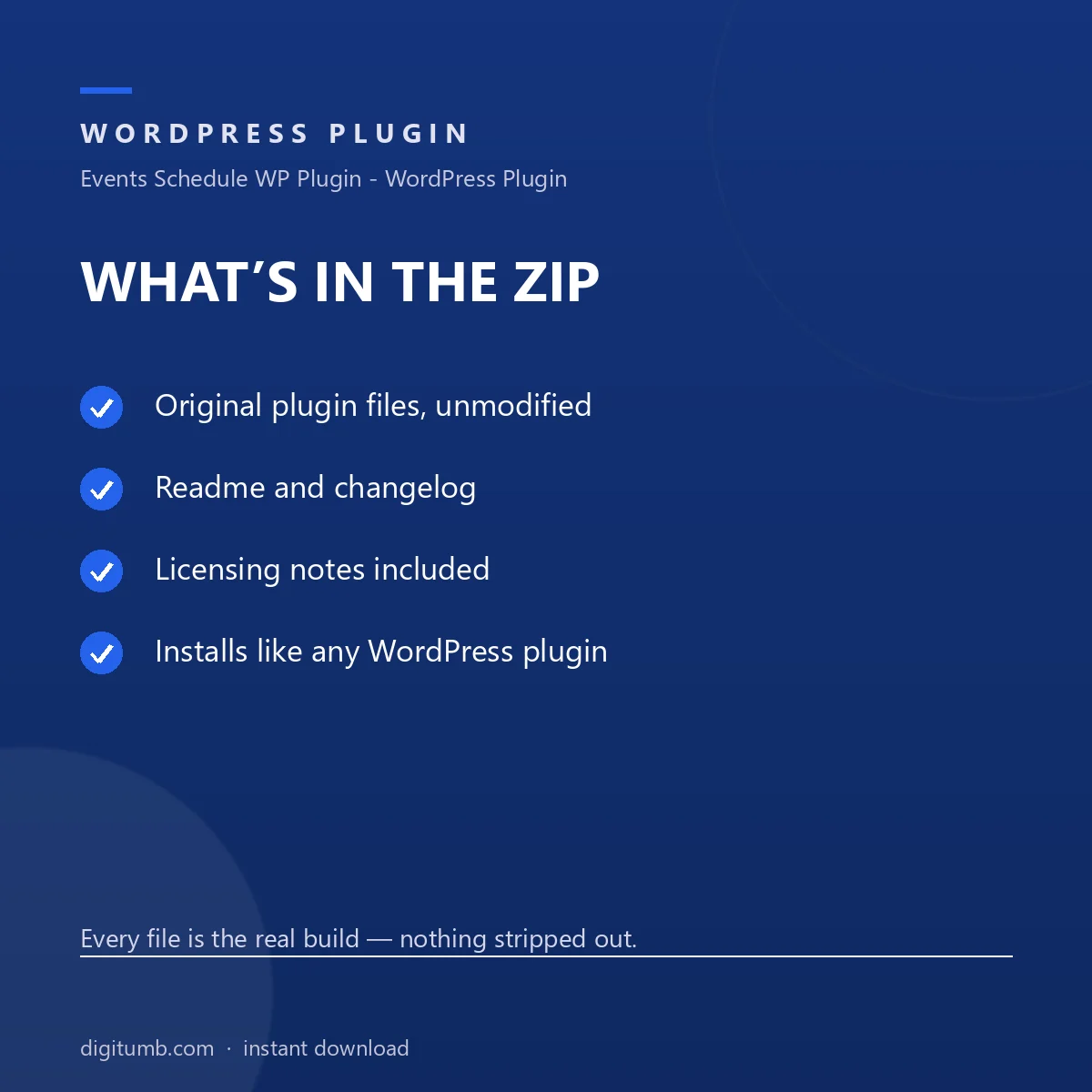
The download contains the plugin folder for version 2.7.2, a demo folder, a documentation folder and a Licensing folder. Documentation sits alongside the plugin files, so setup guidance is in the package you download rather than somewhere else.
The demo folder gives you a working reference for how the plugin's output can look. The Licensing folder holds the licensing files that ship with the build.
What this build includes
| Create and manage event schedules | Build event schedules inside WordPress and keep them updated as event details change, all from the plugin's own event management. |
|---|---|
| Display schedules with shortcodes | Place an event schedule on a page or post by adding the plugin's shortcode, so the schedule appears inside your existing content. |
| Visitor RSVP | Let visitors find events in the schedule and RSVP, giving you a record of who intends to attend. |
| WooCommerce ticket sales | Sell tickets for your events directly through your WooCommerce store, using the shop you already run. |
| Theme compatibility | Event listings are designed to integrate with popular themes such as Astra and Divi, fitting the site's existing design. |
| Plugin settings for event details | Configure event details in the plugin settings after activation, then add events from the same place. |
| Demo and documentation included | The zip carries a demo folder and a documentation folder next to the plugin files, so you have a reference build and written guidance at hand. |
Installing it on a WordPress site
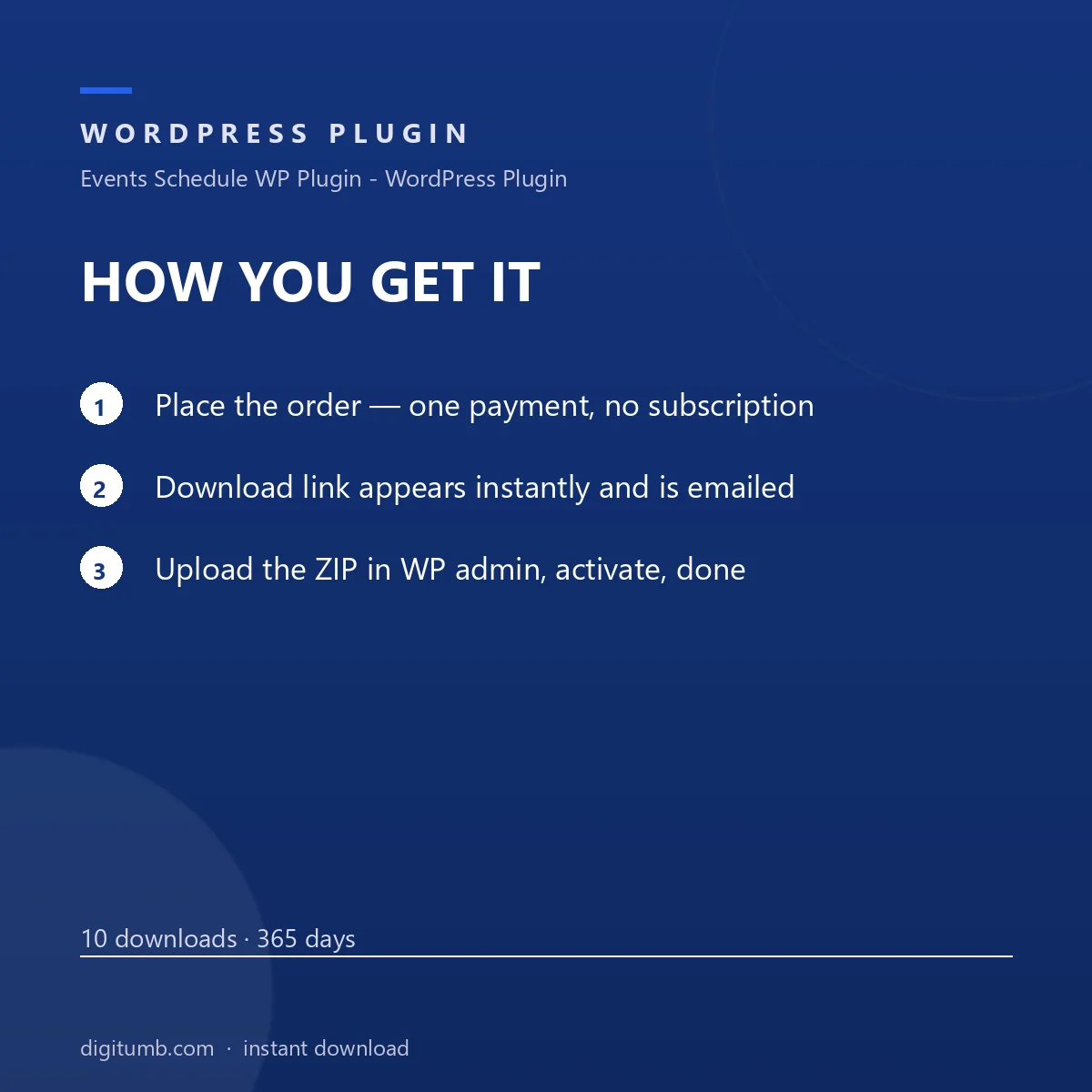
- Download the plugin zip and upload it through your WordPress dashboard, or install it from the dashboard's plugin screen.
- Activate Events Schedule WP Plugin.
- Open the plugin settings to configure your event details, then start adding events.
- Add the schedule shortcode to the page or post where the event schedule should appear.
Latest changes
This build is version 2.7.2 of Events Schedule WP Plugin.
Frequently asked questions
What does Events Schedule WP Plugin do?
It lets you create, manage and display event schedules on a WordPress website. Visitors can find events in the schedule and RSVP. You build the events in the plugin and place the schedule on your pages with a shortcode, so the listing lives inside your own site.
Can I sell tickets with this plugin?
Yes. Events Schedule WP Plugin is compatible with WooCommerce, so you can sell tickets for your events directly through your online store. The ticket products sit in WooCommerce while the plugin handles the event schedule and listing.
Will it work with Astra or Divi?
Yes. The plugin is designed to work with popular WordPress themes, including Astra and Divi. Event listings integrate with your site's design, so the schedule pages keep the look of the rest of the site.
How do I set the plugin up?
Download the plugin from your WordPress dashboard or upload the plugin file. After activation, go to the plugin settings to configure your event details and start adding events. Then place the schedule shortcode on the page where it should appear.
What am I buying at $4.49?
You get the GPL build of Events Schedule WP Plugin, version 2.7.2, as a 1.7 MB zip: the same files the developer ships. There is no vendor update channel and no vendor support desk with this build. The price is $4.49.
What the GPL build means for you
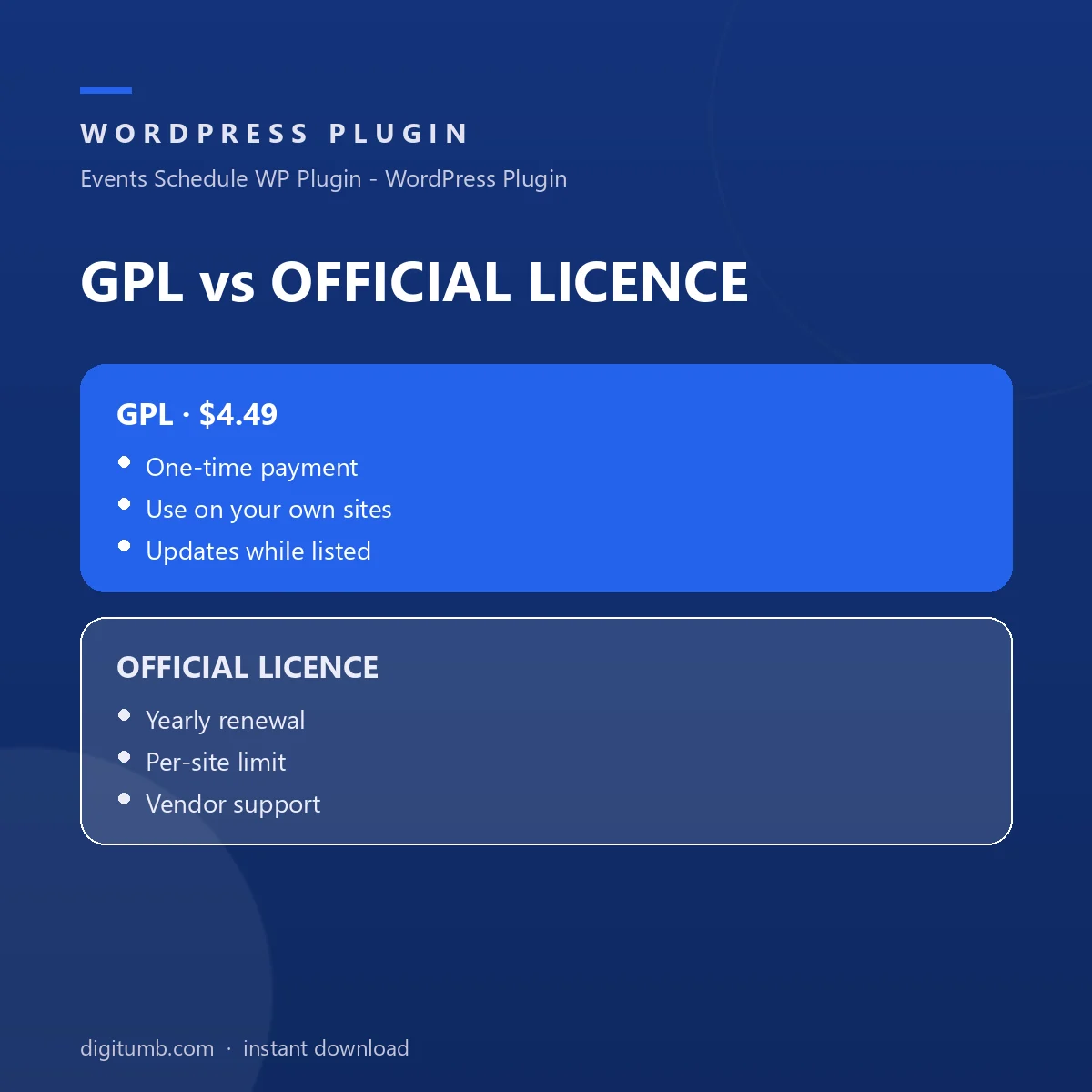
This is the same archive the developer publishes, redistributed under the GNU General Public License: you get the working files for $4.49 with no vendor update channel and no vendor support desk. If you need automatic updates or a support contract, buy the official license from the developer.
| This GPL build | Official license | |
|---|---|---|
| Price | $4.49 one time | Vendor subscription |
| Automatic updates | No | Yes |
| Developer support | No | Yes |
| Number of sites | Unlimited | Depends on plan |
Browse the rest of the WordPress plugins category or the full shop. The licence text is at GNU GPL v2, and general documentation is at WordPress.org.
You must be logged in to post a review.
You may also like…

Related products









Reviews
Clear filtersThere are no reviews yet.