



Eventon Csv Event Importer GPL
$4.49
EventOn CSV Event Importer is an addon that imports events into your EventOn calendar directly from CSV files.
EventOn CSV Event Importer is an addon that imports events into your EventOn calendar directly from CSV files. Instead of creating each event by hand, you upload a spreadsheet of events and the importer brings them into EventOn. This reduces manual entry errors and simplifies event management when you have many events to publish. The build sold here is version 1.1.10, a 0.1 MB zip, distributed under GPL for $4.49.
| Product | eventon-csv-event-importer |
|---|---|
| Version | 1.1.10 |
| Works with | WordPress 6.x+ / PHP 8.x+ |
| Tested up to | WordPress current |
| License | GPLv2 or later |
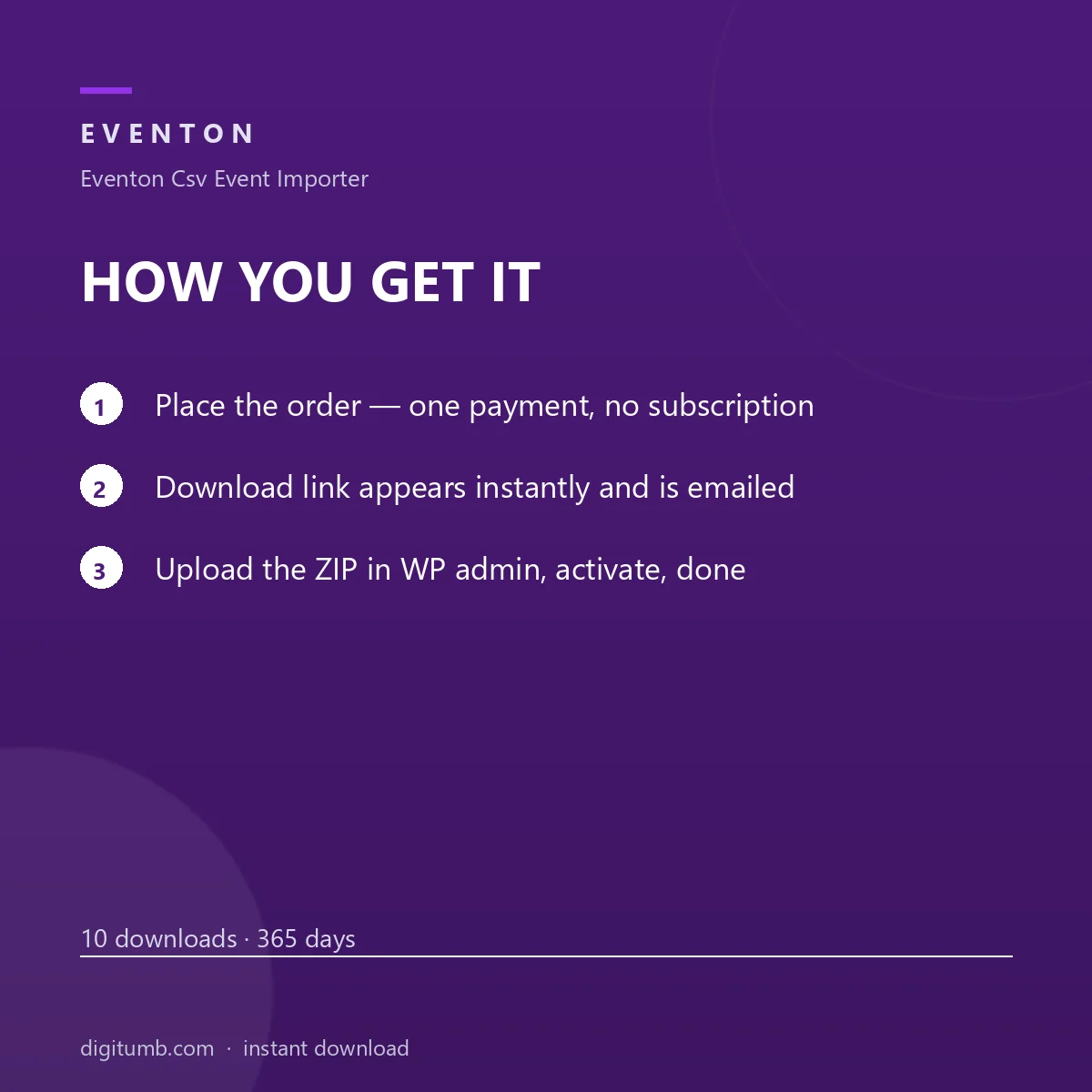
| Delivery | Instant ZIP download, 10 downloads, 365 days |
How does importing from a CSV file change event entry in EventOn?
The addon reads a CSV file and imports multiple events into your EventOn calendar in one pass. You prepare the event data in a spreadsheet, save it as CSV, and the importer moves those rows into EventOn. That removes the need to open the event editor for every single event.
Because the data comes from one file instead of repeated typing, manual entry errors are reduced. Event management becomes a matter of maintaining the CSV and importing it, which is simpler than rebuilding each event by hand.
Does the importer work with EventOn and other WordPress plugins?
Can I display imported events with Elementor?
Yes. The importer works well with Elementor, so events brought in from CSV can be displayed using Elementor's design capabilities. You import the events into EventOn, then build the calendar display with Elementor.
That keeps the import step and the design step separate: CSV handles the event data, Elementor handles how the events appear on the page.
What kind of GPL build is this and what does the price cover?
This is a GPL build of the addon sold for $4.49. You receive the same files the developer ships, packaged as a 0.1 MB zip. The GPL terms let you use and modify the code under that license.
The purchase does not include a vendor update channel and does not include access to a vendor support desk. Updates and help come from the GPL community and your own resources, not from the original developer.
What this build includes
| Bulk event import from CSV | Import multiple events into your EventOn calendar at once from a CSV file instead of creating each event individually. |
|---|---|
| Fewer manual entry errors | Enter event data once in a spreadsheet and import it, reducing the typing mistakes that come with repeated manual entry. |
| EventOn calendar integration | The addon is designed to work with the EventOn plugin, bringing imported rows into the calendar you already run. |
| Broad plugin compatibility | Compatible with most other popular WordPress plugins, so it fits an existing site setup without replacing other tools. |
| Elementor display support | Works well with Elementor, so you can display imported events using Elementor's design capabilities. |
| Simplified event management | Keep event data in a CSV file and import it, making calendar management simpler than rebuilding events one by one. |
Installing it on a WordPress site
- Install the EventOn plugin on your WordPress site, since the CSV importer is an addon for EventOn.
- Upload the EventOn CSV Event Importer zip (version 1.1.10, 0.1 MB) and activate the plugin.
- Prepare your events in a CSV file and run the import to bring the rows into your EventOn calendar.
Latest changes
This build is version 1.1.10 of EventOn CSV Event Importer.
Frequently asked questions
What does EventOn CSV Event Importer actually do?
It imports multiple events into your EventOn calendar directly from CSV files. You keep event data in a spreadsheet, save it as CSV, and the addon brings those events into EventOn. This simplifies event management and reduces manual entry errors compared with creating every event by hand.
Do I need EventOn installed to use this importer?
Yes. The addon is designed to work with the EventOn plugin, and EventOn is the calendar the events are imported into. Install and activate EventOn first, then add the CSV importer. The importer handles the CSV side; EventOn holds and displays the calendar.
Will it conflict with the other plugins on my site?
The importer is compatible with most other popular WordPress plugins, so it is built to sit alongside a typical plugin stack. It is also designed specifically to work with EventOn. As with any plugin addition, test the import on your own setup before running a large CSV.
Can I use Elementor to design the pages that show imported events?
Yes. The importer works well with Elementor, so events imported from CSV can be displayed using Elementor's design capabilities. You import the event data into EventOn, then use Elementor to control how the events appear on your pages.
What do I get for $4.49, and is support included?
You get the GPL build of EventOn CSV Event Importer version 1.1.10 as a 0.1 MB zip: the same files the developer ships. The price does not include a vendor update channel or a vendor support desk. Updates and assistance come from the GPL community and your own resources.
What the GPL build means for you
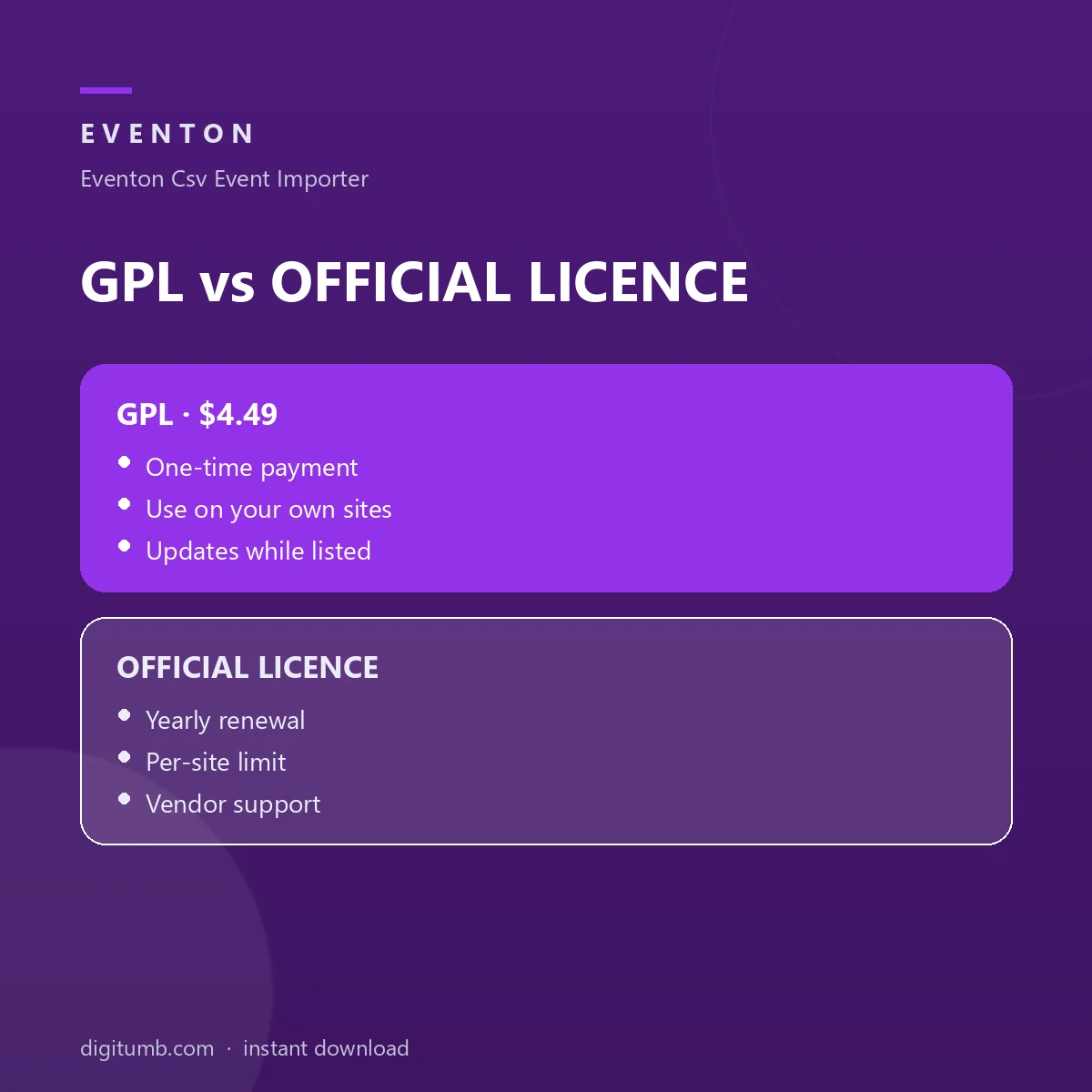
This is the same archive the developer publishes, redistributed under the GNU General Public License: you get the working files for $4.49 with no vendor update channel and no vendor support desk. If you need automatic updates or a support contract, buy the official license from the developer.
| This GPL build | Official license | |
|---|---|---|
| Price | $4.49 one time | Vendor subscription |
| Automatic updates | No | Yes |
| Developer support | No | Yes |
| Number of sites | Unlimited | Depends on plan |
Browse the rest of the WordPress plugins category or the full shop. The licence text is at GNU GPL v2, and general documentation is at WordPress.org.
You must be logged in to post a review.
You may also like…

Related products








Reviews
Clear filtersThere are no reviews yet.