



Redwood A Responsive WordPress Blog – WordPress Theme
$4.49
Redwood is a responsive WordPress theme made for bloggers who want a flexible, user-friendly design without writing code. Its style.css names it a WordPress Theme for Bloggers, and the vendor.
Redwood is a responsive WordPress theme made for bloggers who want a flexible, user-friendly design without writing code. Its style.css names it a WordPress Theme for Bloggers, and the vendor describes it as a responsive design that lets bloggers build a visually appealing blog with ease. Digitumb sells it as a GPL build at $4.49, delivered as a 1.2 MB zip.
| Product | Redwood |
|---|---|
| Version | 1.7.1 |
| Works with | WordPress 6.x+ / PHP 8.x+ |
| Tested up to | WordPress current |
| License | GPLv2 or later |
| Delivery | Instant ZIP download, 10 downloads, 365 days |
How Redwood Handles Blog Archives and Categories
Publishing sits at the centre of this theme. Redwood ships archive templates, and the labels readers see on those pages come from the theme itself: Daily Archives, Monthly Archives, Yearly Archives and an Archives heading, plus a Browsing Category label on category listings. Date-based browsing and category browsing are therefore covered by the theme rather than assembled from shortcodes.
Because the design is described as flexible and responsive, those archive pages follow the same layout rules as the rest of the site, so a reader moving from a single post into a monthly archive stays inside one consistent design.
Building Custom Layouts in Elementor or WPBakery
Layout work happens in the editor you already know. Redwood is compatible with popular page builders like Elementor and WPBakery, which means you can create custom layouts without any coding. You place sections, columns and content in the builder, and the theme supplies the surrounding design and responsive behaviour.
That combination suits a blogger who wants a distinctive landing or about page while keeping article templates standard.
Adding a WooCommerce Store to Your Blog
If the blog also sells something, Redwood is designed to work with WooCommerce. The vendor states the theme is built to work seamlessly with WooCommerce, allowing you to set up an online store alongside your blog instead of running a second site on a different theme.
A store and a blog then share one header, one navigation and one design, so a reader who arrives for an article can move into product pages without the site changing character.
What the Redwood Plugin Installer Screens Show
The theme's settings screens include a detailed plugin installer. It lists required and recommended plugins with statuses such as Installed But Not Activated, Requires Update and Update recommended, and shows the installed version, the minimum required version and the available version for each entry. Every plugin is marked as coming from the WordPress Repository or an External Source, and the screens report activation results, including a message when a plugin is activated successfully.
Failures are reported plainly. The installer can show Plugin activation failed, Something went wrong with the plugin API, or a note to contact the administrator of this site for help, and it offers a return link to the Required Plugins Installer or to the Dashboard. Empty states are handled too, with messages such as No plugins to install, update or activate and No plugins were selected to be installed. No action taken. An Upgrade message from the plugin author field is also part of the installer.
Redwood as a GPL Build from Digitumb
This listing is a GPL build: the same files as the developer ships, priced at $4.49. No vendor update channel and no vendor support desk come with this build, so plan on handling updates and troubleshooting through your own WordPress installation. Version 1.7.1 is the current build in the store.
What this build includes
| Responsive blog design | The theme provides a flexible, responsive layout so your blog reads well across screen sizes without separate mobile templates. |
|---|---|
| Elementor and WPBakery layouts | Create custom page layouts in popular page builders without any coding, and let the theme handle the surrounding design. |
| WooCommerce store support | Set up an online store alongside your blog, since the theme is designed to work with WooCommerce on the same site. |
| Date and category archives | Publish daily, monthly and yearly archive views plus category pages, with the Browsing Category label shown to readers. |
| Bundled plugin installer | Install, update and activate required or recommended plugins from the theme's screens, with version numbers and activation status listed. |
| Plugin source labels | See whether each plugin comes from the WordPress Repository or an External Source before you install or update it. |
| Translation files folder | A lang folder ships in the package for language files covering the theme's interface strings. |
Installing it on a WordPress site
- Upload the Redwood zip through Appearance > Themes > Add New > Upload Theme in WordPress, then activate the theme.
- Open the theme's plugin installer screen, review each required or recommended plugin with its version and source, and install, update or activate what you need.
- Configure your archive and category pages, then build any custom layouts in Elementor or WPBakery.
Latest changes
Version 1.7.1 is the current build in the store.
Frequently asked questions
Does Redwood work with Elementor and WPBakery?
Yes. Redwood is compatible with popular page builders like Elementor and WPBakery, so you can create custom layouts without any coding. You design the page in the builder you already use, and the theme's responsive design carries that layout across screen sizes.
Can I run a shop next to my blog with Redwood?
Redwood is designed to work with WooCommerce, so you can set up an online store alongside your blog. Blog posts and product pages then share one theme, one header and one navigation on a single WordPress installation.
What is inside the Redwood zip file?
The zip is 1.2 MB and contains the theme folders inc, fonts, img, functions, js, css, plugins and lang. The plugins folder backs the theme's plugin installer screens, and the lang folder holds translation files for the theme's interface strings.
Is this the same theme the developer ships?
This is a GPL build: the same files as the developer ships, at $4.49 from Digitumb. No vendor update channel and no vendor support desk come with this build, so updates and help are handled through your own WordPress setup.
Which archive pages does Redwood include?
The theme ships archive templates. Its interface strings include Daily Archives, Monthly Archives, Yearly Archives, an Archives heading and a Browsing Category label, so date-based and category browsing are handled by the theme's own templates.
How does the plugin installer report problems?
The installer screens show concrete statuses rather than silence. They can display Plugin activation failed, Something went wrong with the plugin API, or a request to contact the site administrator, and they offer a return link to the Required Plugins Installer or the Dashboard.
What the GPL build means for you
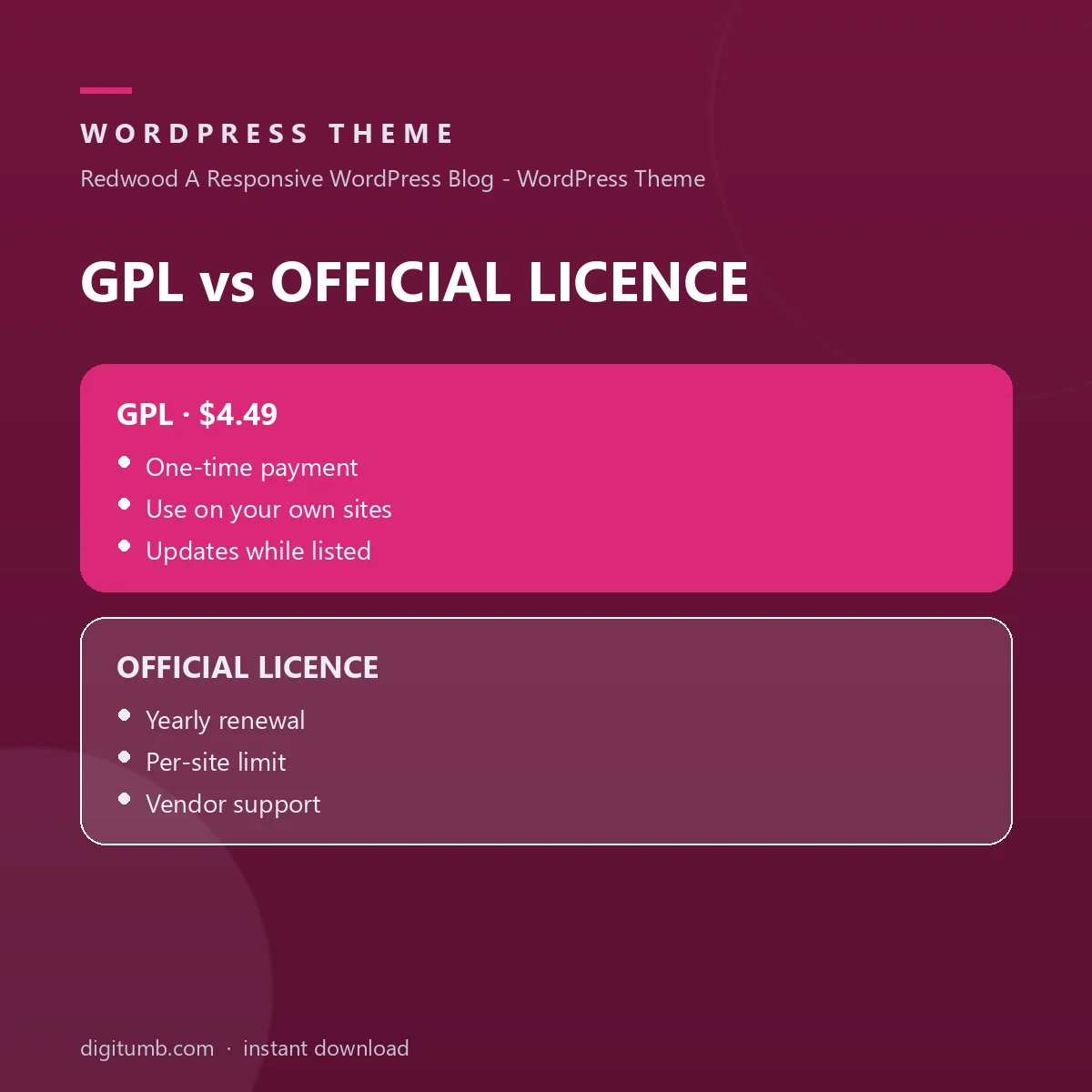
This is the same archive the developer publishes, redistributed under the GNU General Public License: you get the working files for $4.49 with no vendor update channel and no vendor support desk. If you need automatic updates or a support contract, buy the official license from the developer.
| This GPL build | Official license | |
|---|---|---|
| Price | $4.49 one time | Vendor subscription |
| Automatic updates | No | Yes |
| Developer support | No | Yes |
| Number of sites | Unlimited | Depends on plan |
Browse the rest of the WordPress themes category or the full shop. The licence text is at GNU GPL v2, and general documentation is at WordPress.org.
You must be logged in to post a review.
You may also like…

Related products






Reviews
Clear filtersThere are no reviews yet.