





Dw Question Answer Pro – WordPress Plugin
$4.49
DW Question Answer Pro is a WordPress plugin that lets users create a question and answer section on a website, giving visitors a structured place to post questions and interact around the answers.
DW Question Answer Pro is a WordPress plugin that lets users create a question and answer section on a website, giving visitors a structured place to post questions and interact around the answers. It is aimed at sites that want a Q&A community rather than plain comment threads, and it is compatible with both WooCommerce and Elementor. This GPL build is sold at digitumb.com for $4.49.
| Product | dw-question-answer-pro |
|---|---|
| Version | v1.3.7 |
| Works with | WordPress 6.x+ / PHP 8.x+ |
| Tested up to | WordPress current |
| License | GPLv2 or later |
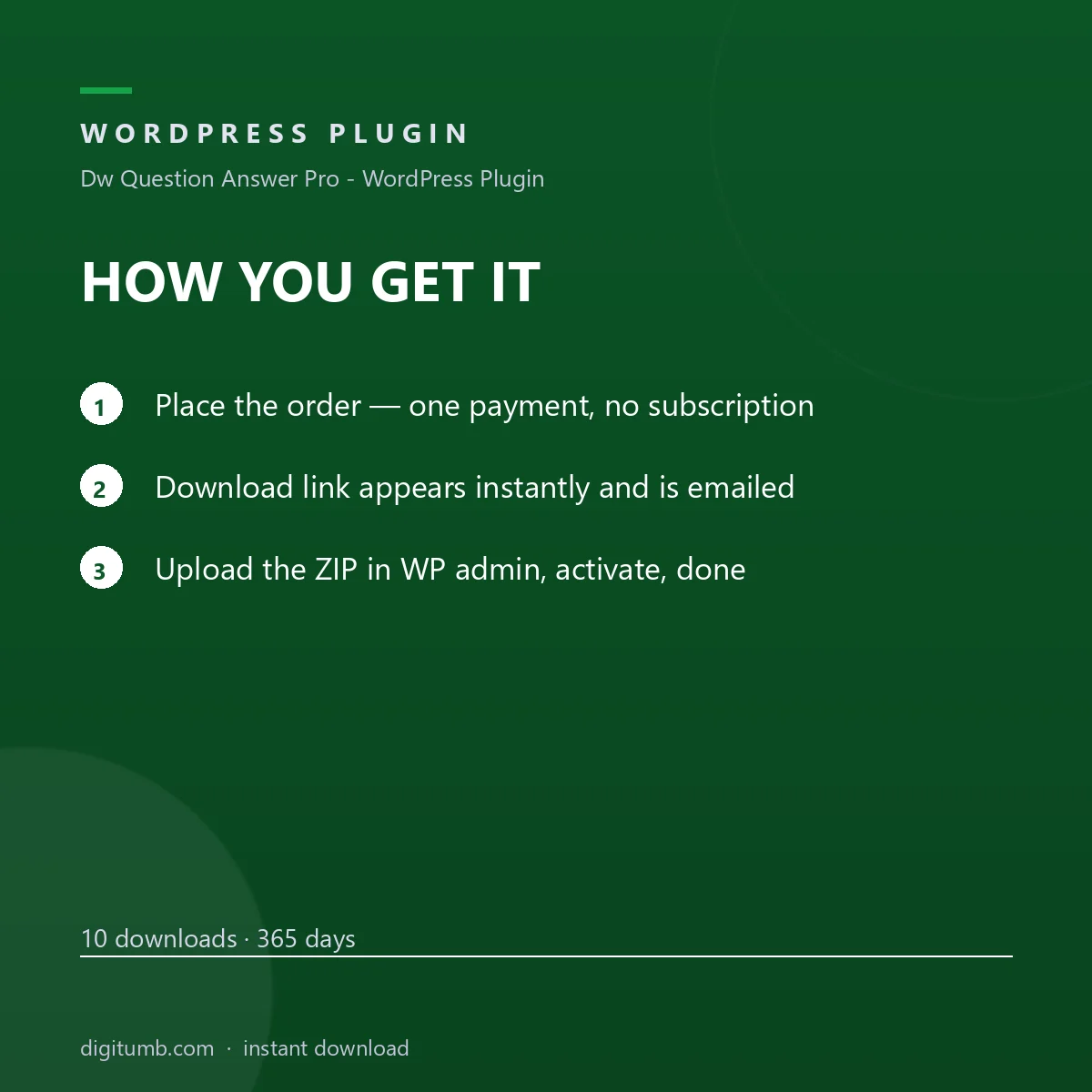
| Delivery | Instant ZIP download, 10 downloads, 365 days |
What a question and answer section adds to a WordPress site
DW Question Answer Pro creates a dedicated question and answer area inside your WordPress installation. Visitors post questions, and the community engages around them. That organization by question is the core of the plugin: instead of discussion scattered across comment threads under unrelated posts, the site gains a place built specifically for asking and answering.
Because the Q&A section runs on WordPress itself, it sits on the same site, theme and user accounts as the rest of your content. You are extending a site you already operate rather than standing up a separate platform for community questions. That keeps the community and the content in one place, managed from the same dashboard you use for everything else.
Running Q&A alongside a WooCommerce shop
Designing question and answer pages with Elementor
The plugin works well with Elementor, so you can design your question and answer pages using the Elementor page builder. Layout choices for the Q&A area stay in the builder you already use for the rest of the site, rather than being fixed by the plugin.
In practice that means the Q&A pages are built with the same visual tools as your other Elementor pages. Sites that have standardized on Elementor for page design can keep that workflow for the community section too.
What this build includes
| Question and answer section | Add a question and answer section to a WordPress site so users can post questions and the community interacts around the answers. |
|---|---|
| Community engagement | Facilitates user engagement and community interaction by giving visitors a structured place to ask questions and answer each other. |
| WooCommerce compatibility | Integrate Q&A functionality into an eCommerce site, since the plugin is compatible with WooCommerce. |
| Elementor compatibility | Design question and answer pages with the Elementor page builder instead of being limited to a fixed template. |
Installing it on a WordPress site
- Install the 3.1 MB plugin zip through the WordPress plugins screen and activate DW Question Answer Pro.
- Open the plugin settings to configure the question and answer section for your site.
- If you use Elementor, build or adjust your Q&A pages in the page builder. On a WooCommerce store, enable the Q&A functionality alongside the shop.
Latest changes
This package contains DW Question Answer Pro version 1.3.7.
Frequently asked questions
What does DW Question Answer Pro do?
It is a WordPress plugin that allows users to create a question and answer section on their website. Visitors post questions and the community interacts around the answers, which facilitates user engagement and gives the site a structured discussion area rather than relying on standard comments alone.
Is DW Question Answer Pro compatible with WooCommerce?
Yes. DW Question Answer Pro is compatible with WooCommerce, so you can integrate Q&A functionality into an eCommerce site. The shop and the question and answer area run in the same WordPress installation, which suits stores where pre-sale questions and customer answers are part of the buying process.
Can I use DW Question Answer Pro with Elementor?
Yes. DW Question Answer Pro works well with Elementor, enabling you to design your question and answer pages using the Elementor page builder. Layout decisions for those pages stay in the builder you already use for the rest of the site.
What exactly am I buying at digitumb.com for $4.49?
You receive the GPL build of DW Question Answer Pro: the same plugin files the developer ships, distributed under the GPL. There is no vendor update channel and no vendor support desk with this build. The price is $4.49.
Which version is in the package and what is inside it?
The package contains DW Question Answer Pro version 1.3.7 as a 3.1 MB zip. Inside the archive you will find the documentations and Licensing folders alongside the plugin files.
Where is the Q&A section managed once it is active?
The question and answer section runs inside your WordPress site, so it is managed from the same WordPress installation as the rest of your content, theme and user accounts. You are adding a community function to a site you already operate.
What the GPL build means for you
This is the same archive the developer publishes, redistributed under the GNU General Public License: you get the working files for $4.49 with no vendor update channel and no vendor support desk. If you need automatic updates or a support contract, buy the official license from the developer.
| This GPL build | Official license | |
|---|---|---|
| Price | $4.49 one time | Vendor subscription |
| Automatic updates | No | Yes |
| Developer support | No | Yes |
| Number of sites | Unlimited | Depends on plan |
Browse the rest of the WordPress plugins category or the full shop. The licence text is at GNU GPL v2, and general documentation is at WordPress.org.
You must be logged in to post a review.
You may also like…

Related products





Reviews
Clear filtersThere are no reviews yet.