




Elfsight Youtube Gallery GPL – WordPress Plugin
$4.49
Elfsight YouTube Gallery is a WordPress plugin that builds a visually appealing gallery of your YouTube videos so visitors can browse and watch your content directly on your website. You choose the.
Elfsight YouTube Gallery is a WordPress plugin that builds a visually appealing gallery of your YouTube videos so visitors can browse and watch your content directly on your website. You choose the videos, customize the gallery in the plugin settings, and place it on any page or post with a shortcode. This is a GPL build: the same files the developer ships, with no vendor update channel and no vendor support desk, priced at $4.49.
| Product | elfsight-youtube-gallery |
|---|---|
| Version | 3.5.0 |
| Works with | WordPress 6.x+ / PHP 8.x+ |
| Tested up to | WordPress current |
| License | GPLv2 or later |
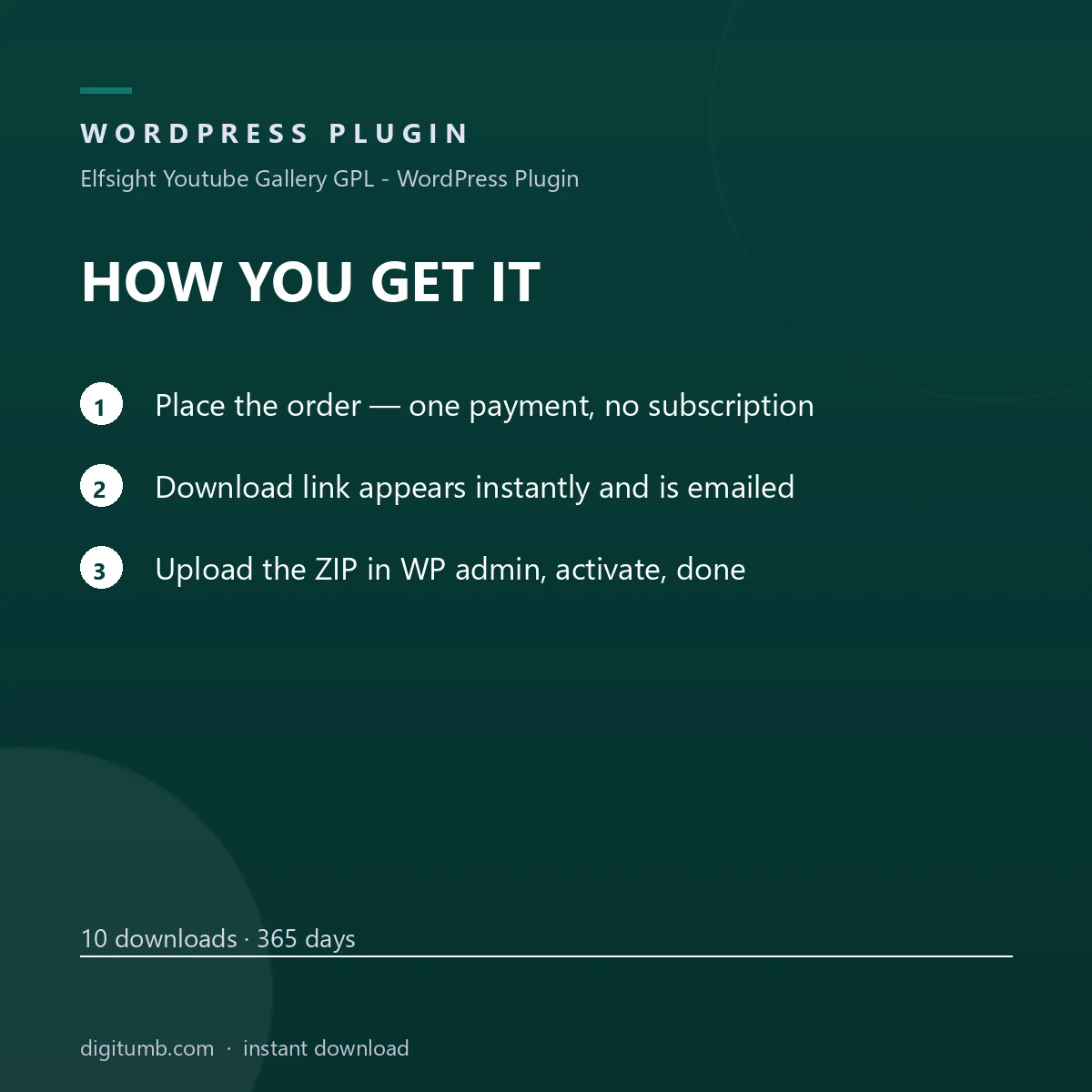
| Delivery | Instant ZIP download, 10 downloads, 365 days |
What can visitors do with a YouTube gallery on your site?
The plugin creates a gallery of your YouTube videos inside your own WordPress pages. Instead of sending people to YouTube to find your content, the gallery lets them browse and watch the videos directly on your website.
Because the gallery is rendered on your site, it fits into the page you place it on. You select the videos you want in the gallery and generate a shortcode, then paste that shortcode into the page or post where the gallery should appear.
Does Elfsight YouTube Gallery work with Elementor and WPBakery?
Yes. The plugin is designed to work with popular WordPress plugins, including page builders such as Elementor and WPBakery. You can build your page in the builder you already use and place the gallery shortcode where it belongs.
It is also compatible with most WordPress themes, so the gallery can be integrated into an existing site design rather than requiring a theme change.
How do you choose which videos appear in the gallery?
Video selection happens in the plugin settings. After installing and activating the plugin, you open the settings, customize the gallery, and select the desired videos for it.
The plugin then generates a shortcode for that gallery. Placing the shortcode on a page or post is what publishes the gallery to visitors.
What this build includes
| YouTube video gallery | Create a visually appealing gallery of your YouTube videos so visitors can browse and watch your content directly on your website. |
|---|---|
| Customizable gallery settings | Customize the gallery from the plugin settings, then select the videos you want to include before generating the shortcode. |
| Shortcode placement | Generate a shortcode for your gallery and place it on the page or post where the gallery should appear. |
| Page builder compatibility | Works with popular WordPress plugins, including page builders like Elementor and WPBakery, alongside your existing build workflow. |
| Theme compatibility | Compatible with most WordPress themes, so the gallery can be integrated into your existing site design. |
| All premium features included | The GPL build ships with all premium features included in the plugin, in the same files the developer ships. |
Installing it on a WordPress site
- Install and activate the plugin from your WordPress dashboard.
- Open the plugin settings, customize your gallery, and select the desired videos.
- Generate the shortcode and place it on the page or post where you want the gallery to appear.
Frequently asked questions
What does Elfsight YouTube Gallery do?
It creates a visually appealing gallery of your YouTube videos, making it easy for visitors to browse and watch your content directly on your website. You select the videos, customize the gallery in the settings, and publish it with a shortcode.
Is Elfsight YouTube Gallery compatible with other plugins?
Yes. The plugin is designed to work harmoniously with popular WordPress plugins, including page builders like Elementor and WPBakery. That means you can keep building pages the way you already do and add the gallery shortcode to them.
How do I set up Elfsight YouTube Gallery on my WordPress site?
Install and activate the plugin from your WordPress dashboard. Then go to the plugin settings to customize your gallery, select your desired videos, and generate the shortcode to place it on your desired page or post.
Can I use Elfsight YouTube Gallery with my current theme?
Yes. The plugin is compatible with most WordPress themes, allowing you to integrate the gallery into your existing site design. You do not need to switch themes to use it.
What do I get for $4.49?
You get a GPL build of the plugin, version 3.5.0, in a 0.9 MB zip. The files are the same ones the developer ships, with all premium features included. There is no vendor update channel and no vendor support desk with this build.
What the GPL build means for you
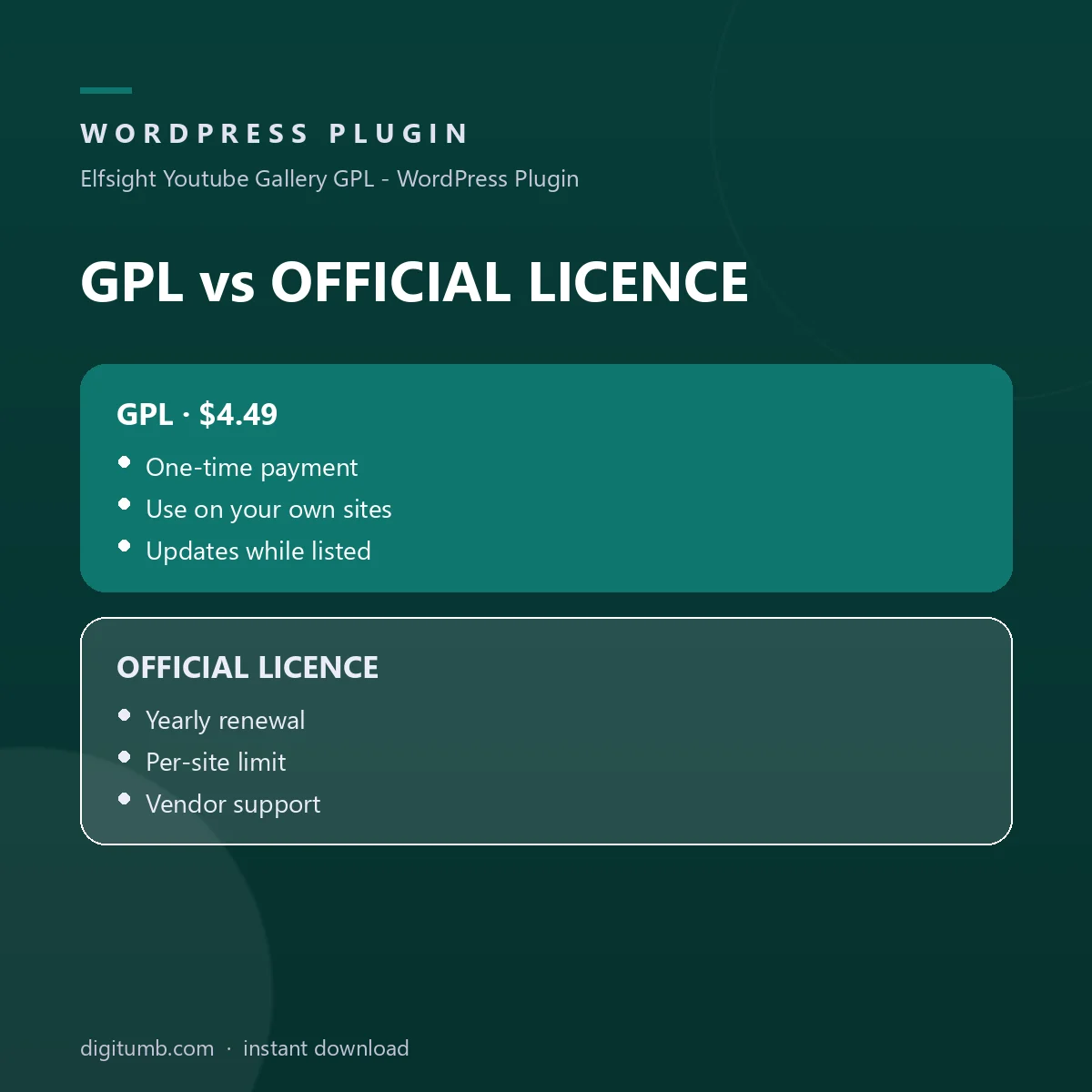
This is the same archive the developer publishes, redistributed under the GNU General Public License: you get the working files for $4.49 with no vendor update channel and no vendor support desk. If you need automatic updates or a support contract, buy the official license from the developer.
| This GPL build | Official license | |
|---|---|---|
| Price | $4.49 one time | Vendor subscription |
| Automatic updates | No | Yes |
| Developer support | No | Yes |
| Number of sites | Unlimited | Depends on plan |
Browse the rest of the WordPress plugins category or the full shop. The licence text is at GNU GPL v2, and general documentation is at WordPress.org.
You must be logged in to post a review.
You may also like…

Related products






Reviews
Clear filtersThere are no reviews yet.