



Divi Overlays GPL
$4.49
Divi Overlays is a Divi addon that lets you build full-screen overlays and popups on a WordPress website.
Divi Overlays is a Divi addon that lets you build full-screen overlays and popups on a WordPress website. You use it to present content in a layer above the page, which supports user engagement and puts promotional content in front of visitors. It is made for the Divi theme and installs like a standard WordPress plugin.
| Product | divi-overlays |
|---|---|
| Version | 2.9.7.2 |
| Works with | WordPress 6.x+ / PHP 8.x+ |
| Tested up to | WordPress current |
| License | GPLv2 or later |
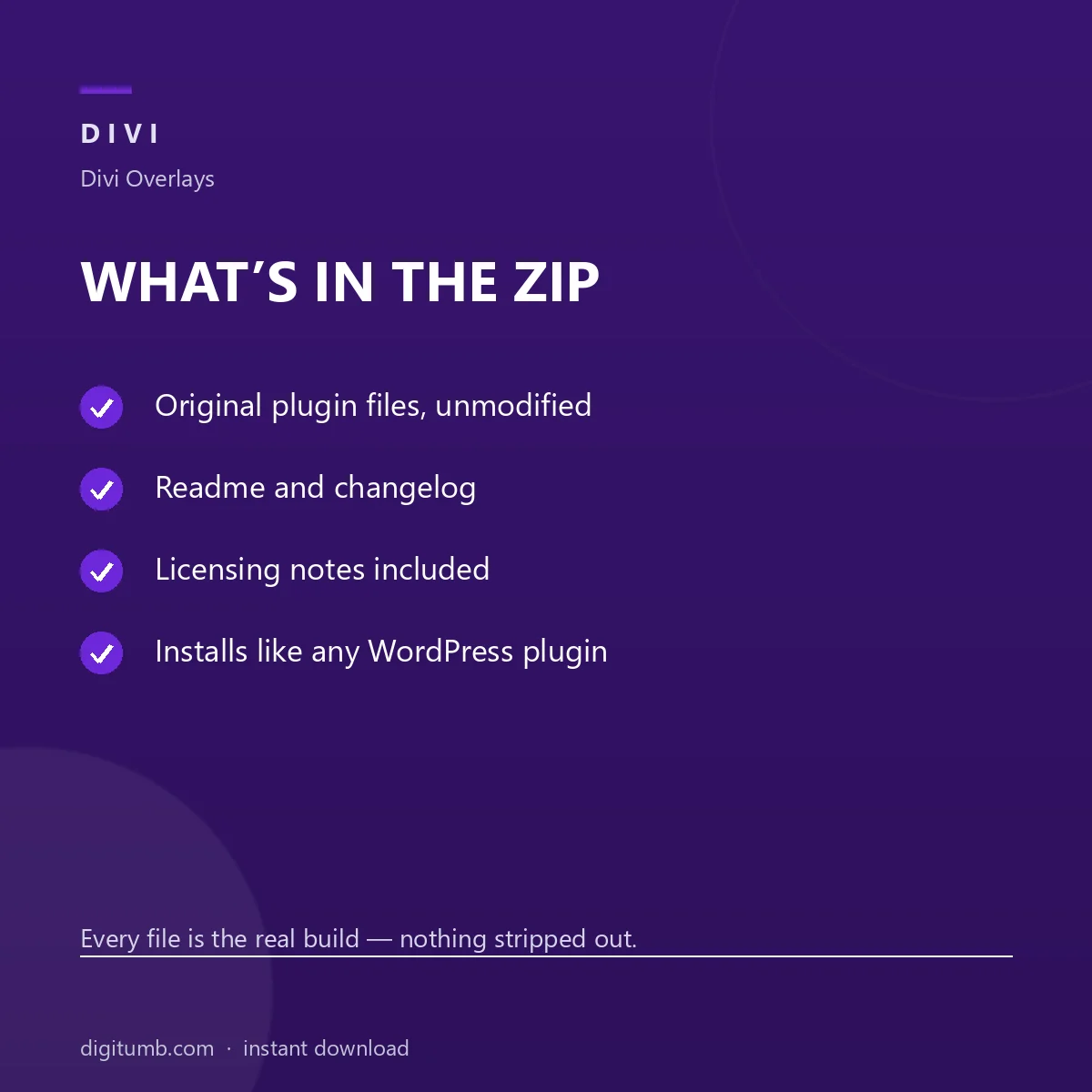
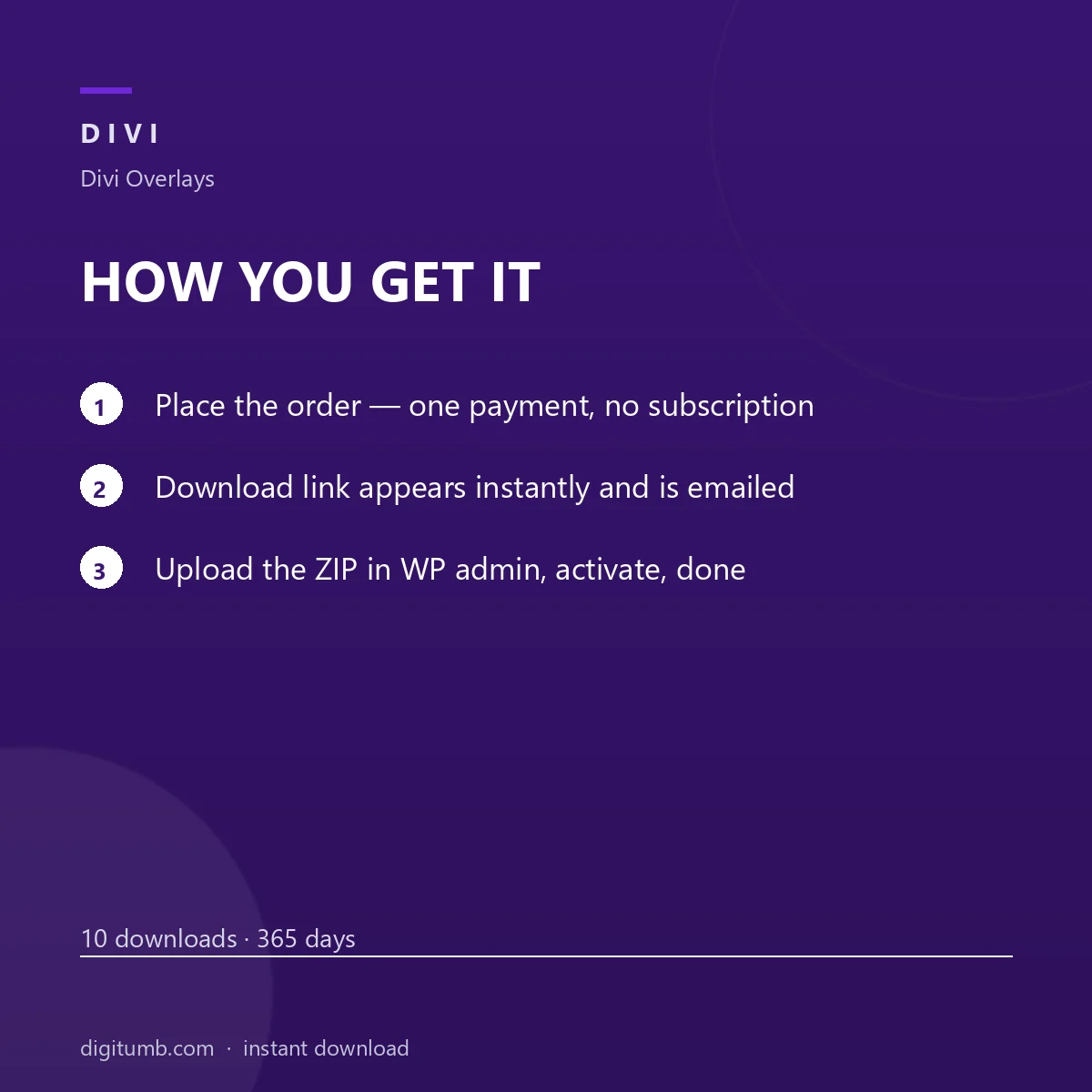
| Delivery | Instant ZIP download, 10 downloads, 365 days |
What Divi Overlays adds to a Divi site
The plugin gives you a way to create customizable overlays and pop-ups without leaving the Divi workflow. Overlays cover the screen, so a message, promotion or piece of content gets the visitor's full attention instead of sitting somewhere in the page flow.
Because the overlays are customizable, you decide what each one contains and how it looks. The vendor positions the addon around user engagement and content promotion, which fits landing pages, announcements and campaign pages built in Divi.
Does Divi Overlays work with WooCommerce and Contact Form 7?
Yes. Divi Overlays is built to work with other popular plugins, and the vendor names WooCommerce and Contact Form 7 as examples of a smooth integration. That means an overlay can sit alongside a shop or a contact form you already run on the site.
The addon is not a general-purpose popup tool for every builder. It is designed for the Divi theme, so plan on a Divi-based site as the home for these overlays.
Where Divi Overlays fits and where it does not
Use the plugin when your site runs Divi and you want full-screen overlays and popups managed as part of that setup. The vendor states it may not function optimally with Elementor or other page builders, so it is not the right pick for an Elementor site.
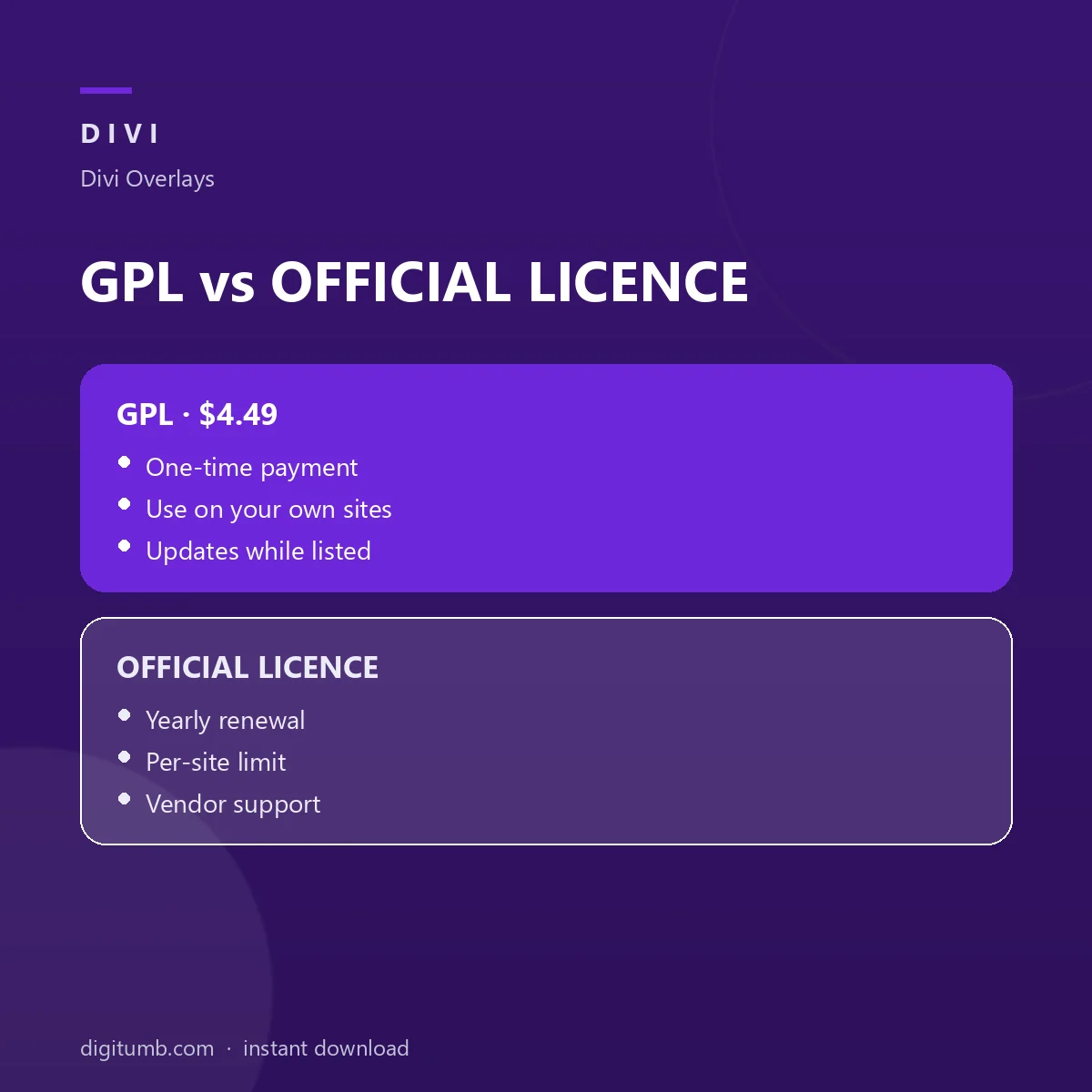
This build is sold by digitumb.com as a GPL package at $4.49. You get the same files the developer ships, with no vendor update channel and no vendor support desk attached to the purchase.
What this build includes
| Full-screen overlays | Create overlays that fill the screen, so a message or promotion is presented above the rest of the page. |
|---|---|
| Customizable pop-ups | Build pop-ups and adjust what each one contains, giving you control over the content visitors see. |
| Content promotion | Use overlays to put promotional content in front of visitors and support engagement on the site. |
| WooCommerce integration | The vendor lists WooCommerce among the popular plugins Divi Overlays is designed to work with. |
| Contact Form 7 integration | Contact Form 7 is also named as a plugin the addon integrates with for a smooth setup. |
| Divi theme addon | Runs as an addon for the Divi theme, so overlays are created inside a Divi-based WordPress site. |
Installing it on a WordPress site
- Upload the plugin file through the WordPress admin dashboard.
- Activate the plugin.
- Open the Divi Overlays settings and start creating your overlays.
Frequently asked questions
What can I build with Divi Overlays?
You can create customizable overlays and pop-ups on a WordPress site. They are used to support user engagement and to promote content, and each overlay can be set up with the content you choose.
Will Divi Overlays work with my WooCommerce shop or Contact Form 7 forms?
The vendor states the plugin is designed to work well with other popular plugins, naming WooCommerce and Contact Form 7 as examples. If your site already uses those, the addon is intended to integrate with them.
Can I use Divi Overlays on an Elementor site?
No, that is not the intended setup. Divi Overlays is specifically designed for the Divi theme and may not function optimally with Elementor or other page builders, so a Divi site is the right environment.
How do I install Divi Overlays?
Upload the plugin file through the WordPress admin dashboard, activate it, then go to the Divi Overlays settings to begin creating overlays. The package is a 0.3 MB zip, version 2.9.7.2.
What do I get for $4.49 at digitumb.com?
You receive a GPL build containing the same files the developer ships. The purchase does not include a vendor update channel or a vendor support desk; the price is $4.49.
What the GPL build means for you
This is the same archive the developer publishes, redistributed under the GNU General Public License: you get the working files for $4.49 with no vendor update channel and no vendor support desk. If you need automatic updates or a support contract, buy the official license from the developer.
| This GPL build | Official license | |
|---|---|---|
| Price | $4.49 one time | Vendor subscription |
| Automatic updates | No | Yes |
| Developer support | No | Yes |
| Number of sites | Unlimited | Depends on plan |
Browse the rest of the WordPress plugins category or the full shop. The licence text is at GNU GPL v2, and general documentation is at WordPress.org.
You must be logged in to post a review.
You may also like…

Related products










Reviews
Clear filtersThere are no reviews yet.