

Translatepress Translation Plugin GPL
$4.49
TranslatePress Translation Plugin is a WordPress plugin that translates a website into multiple languages through a user-friendly interface managed directly from the front end.
TranslatePress Translation Plugin is a WordPress plugin that translates a website into multiple languages through a user-friendly interface managed directly from the front end. Instead of working inside separate translation tables, you open your own pages and translate the visible text where it appears. The plugin is compatible with popular page builders such as Elementor and Beaver Builder, and it fully supports WooCommerce stores.
| Product | translatepress-translation-plugin |
|---|---|
| Version | 2.9.5 + Addons |
| Works with | WordPress 6.x+ / PHP 8.x+ |
| Tested up to | WordPress current |
| License | GPLv2 or later |
| Delivery | Instant ZIP download, 10 downloads, 365 days |
How front-end translation works in TranslatePress
Translation happens on the live front end of your site. You view a page as a visitor would and edit the translated strings in place, which keeps the layout you already built in view while you work. The plugin gives you a user-friendly interface for managing those translations, so the editing screen is the page itself rather than a separate admin table.
Because the interface sits on the front end, the same workflow applies to every page type you publish. You configure your languages in the plugin settings first, then move through your content and translate it. The result is a multilingual site managed from one place.
Translating Elementor and Beaver Builder layouts
Sites built with Elementor or Beaver Builder can be translated with TranslatePress. The plugin is compatible with these page builders, so custom layouts created with them can be translated without rebuilding the design in a different tool.
This matters for sites where the visual structure carries as much as the text. You keep the builder layout and translate the content that sits inside it, page by page, from the front end.
Running a multilingual WooCommerce store
TranslatePress fully supports WooCommerce. Product descriptions, product categories and checkout pages can all be translated, which covers the parts of a store a customer reads before and during a purchase.
For a shop, this means the catalogue and the buying flow can both appear in the languages you have configured. Category names, product copy and the checkout steps are handled inside the same front-end translation workflow as the rest of the site.
What this build includes
| Front-end translation editor | Translate your site's text directly on the front end through a user-friendly interface, editing pages as visitors see them. |
|---|---|
| Multiple languages | Translate your WordPress website into multiple languages and manage all of those translations from one plugin. |
| Elementor compatibility | Translate custom layouts built with Elementor, keeping the page builder design intact while you work on the text. |
| Beaver Builder compatibility | Pages built with Beaver Builder can be translated as well, so builder-made layouts are covered by the same workflow. |
| WooCommerce support | Translate product descriptions, product categories and checkout pages for an online store running WooCommerce. |
| Language configuration in settings | Set up your languages in the plugin settings after activation, then begin translating your content. |
Installing it on a WordPress site
- Upload the downloaded plugin zip file to your WordPress dashboard under the Plugins section.
- Activate the plugin.
- Open the plugin settings to configure your languages, then start translating your content from the front end.
Latest changes
This build is version 2.9.5 and includes the addons.
Frequently asked questions
What does TranslatePress Translation Plugin actually do?
It translates your WordPress website into multiple languages. Translations are managed from the front end through a user-friendly interface, so you work on your own pages rather than in a separate translation screen. You configure languages in the settings and translate the content in place.
Can I translate a site built with Elementor or Beaver Builder?
Yes. TranslatePress is compatible with popular page builders including Elementor and Beaver Builder. Custom layouts made with either builder can be translated, which means you do not have to abandon your existing design to run a multilingual site.
Does it work with WooCommerce product pages?
Yes, the plugin fully supports WooCommerce. You can translate product descriptions, categories and checkout pages, so customers can read the catalogue and complete a purchase in the languages you have set up.
How do I install and set it up?
Upload the plugin file in your WordPress dashboard under Plugins, then activate it. After activation, go to the settings to configure your languages. Once that is done, you can start translating your content from the front end of the site.
What am I buying at $4.49?
You receive a GPL build containing the same files the developer ships, at a price of $4.49. There is no vendor update channel and no vendor support desk included with this build. The download is 13.9 MB and covers version 2.9.5 plus addons.
What the GPL build means for you
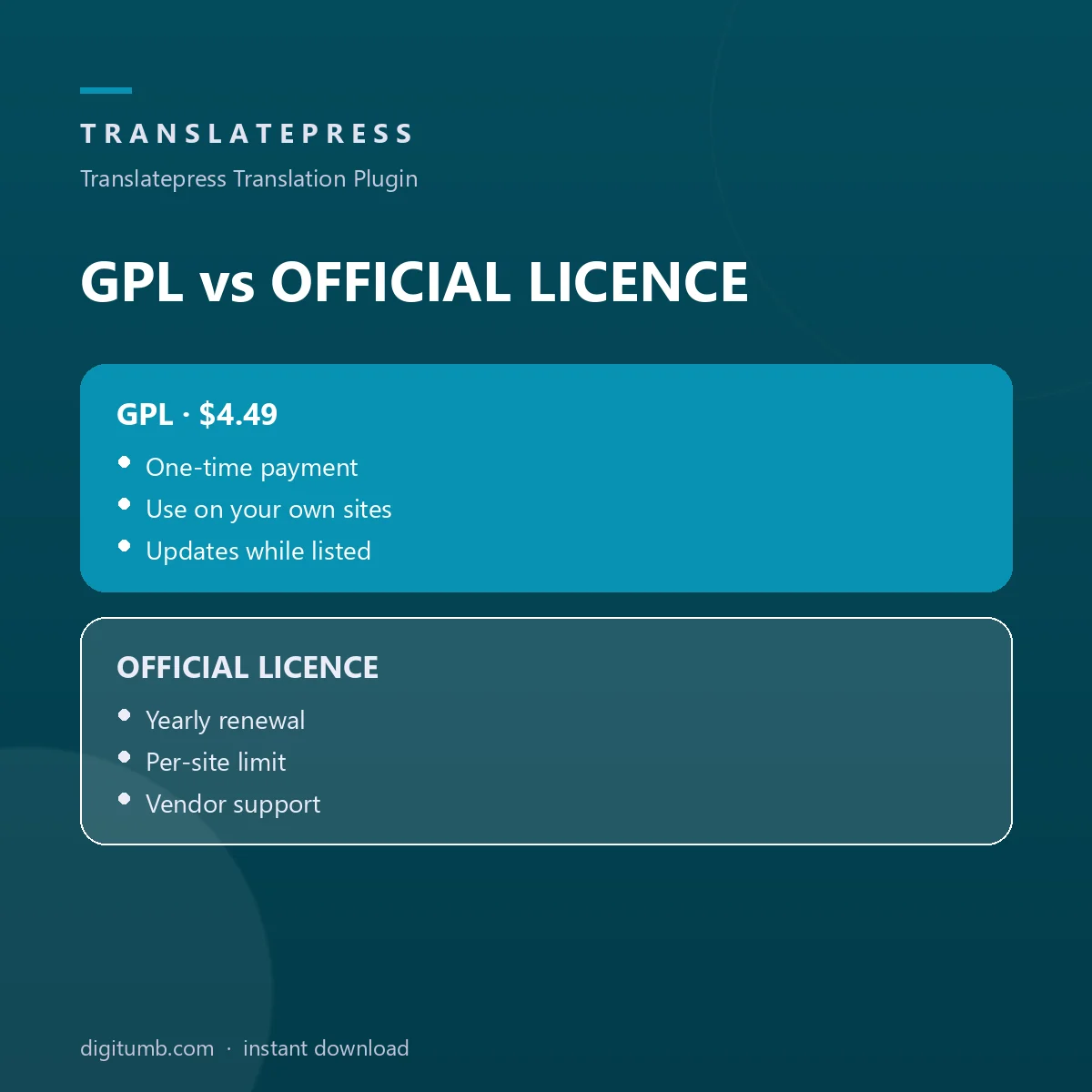
This is the same archive the developer publishes, redistributed under the GNU General Public License: you get the working files for $4.49 with no vendor update channel and no vendor support desk. If you need automatic updates or a support contract, buy the official license from the developer.
| This GPL build | Official license | |
|---|---|---|
| Price | $4.49 one time | Vendor subscription |
| Automatic updates | No | Yes |
| Developer support | No | Yes |
| Number of sites | Unlimited | Depends on plan |
Browse the rest of the WordPress plugins category or the full shop. The licence text is at GNU GPL v2, and general documentation is at WordPress.org.
You must be logged in to post a review.
You may also like…








Reviews
Clear filtersThere are no reviews yet.