

LearnDash – Slack Lms Integration GPL
$4.49
LearnDash Slack is a WordPress plugin that connects a LearnDash learning management site to Slack channels through configurable notifications.
LearnDash Slack is a WordPress plugin that connects a LearnDash learning management site to Slack channels through configurable notifications. Site owners define which events on the LMS — such as new user registrations or quiz completions — should post an alert into any Slack channel, and adjust the message content for each one. This GPL build is version 1.4.0, packaged as a 0.1 MB zip, and is sold by digitumb.com for $4.49.
| Product | LearnDash – Slack |
|---|---|
| Version | 1.4.0 |
| Works with | WordPress 4.3.0+ / PHP 5.3.0+ |
| Tested up to | WordPress 6.0.1 |
| License | GPLv2 or later |
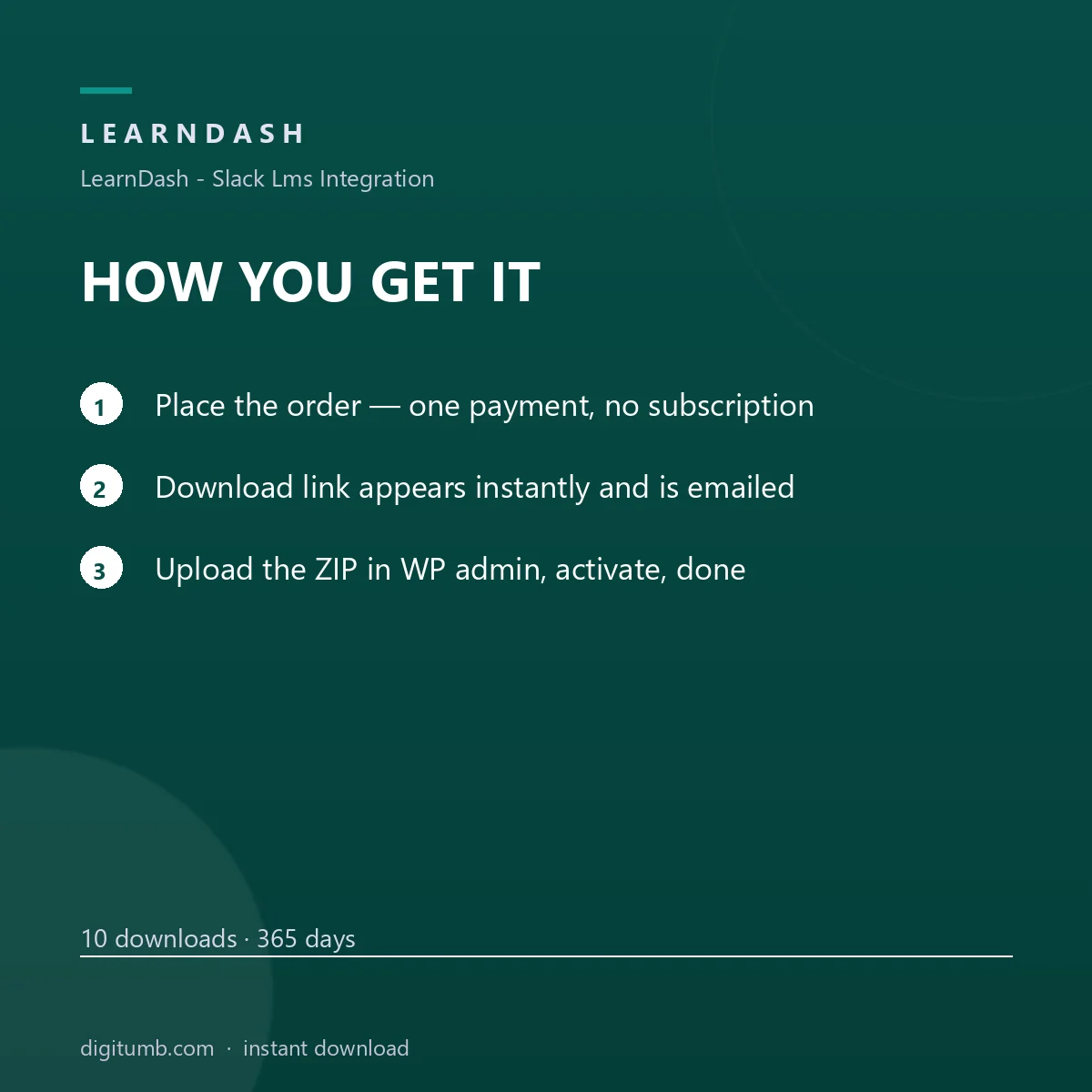
| Delivery | Instant ZIP download, 10 downloads, 365 days |
Which LearnDash events can trigger a Slack alert?
The plugin turns activity on a LearnDash site into notifications that are delivered to Slack. New user registrations and quiz completions are the examples named in the product description, and each one can be configured separately so that only the events a team cares about reach a channel.
Each notification can be customized, so the text sent into Slack is written by the site owner rather than fixed by the plugin. Timestamp replacements inside those messages follow the timezone set for the website instead of always using UTC, which keeps alert times aligned with the site's own clock.
Quiz outcomes have their own triggers: Quiz Complete, Pass and Fail. An incompatibility between those triggers and LearnDash versions 3.5.1.1 through 3.6.0.2 was fixed, so the quiz events fire as expected on those releases.
How do you connect the plugin to a Slack workspace?
Setup starts from the WordPress plugins screen: upload the zip, activate the plugin, then follow the configuration steps in its settings to connect the LearnDash LMS to a Slack workspace. Notification rules are created and edited from the same settings area, where triggers and the channel they post to are chosen.
From version 1.4.0 the license field sits on a sub-page under LearnDash LMS → Settings → Slack → Licensing. That move was made because the LearnDash Hub plugin, installed automatically when updating to LearnDash v4.3.0.2, removes the LMS License tab from view.
The zip contains two top-level folders, core and dist, and the plugin requires WordPress 4.3.0 or later and PHP 5.3.0 or later. It is tested up to WordPress 6.0.1.
What does the Groups field on a trigger control?
Some triggers can be scoped with a Groups field, which selects the LearnDash group a notification applies to. One release corrected a case where that field was not showing for certain triggers, which had prevented those notifications from being configured properly.
The same maintenance release also fixed an undefined index notice that appeared when creating new notifications, and a deprecated PHP warning in the upgrade routine.
Beta releases and licensing controls inside the plugin
The settings screens include a licensing section with states such as License Active and License Inactive, a Save and Activate action, and messages for a disabled key, an invalid license, a key not active for the current URL, and a key that has reached its activation limit. A link lets you manage the license key.
An Enable Beta Releases option is available in the same area. The plugin also carries a support form with a required field and confirmation messages for a sent or failed support message, and a Delete and Deactivate action.
The licensing and support module has been updated over several releases, and the changelog now shows directly within your website.
What this build includes
| Event notifications to Slack | Configure alerts from your LearnDash site into any Slack channel, covering events such as new user registrations and quiz completions. |
|---|---|
| Customizable alert content | Write the message each notification sends so the text in Slack matches how your team reads updates. |
| Timezone-aware timestamps | Timestamp replacements follow the timezone set for your website rather than UTC, keeping alert times aligned with your site's clock. |
| Quiz outcome triggers | Use Quiz Complete, Pass and Fail triggers, with the incompatibility on LearnDash 3.5.1.1 to 3.6.0.2 fixed in the plugin. |
| Group field on triggers | The Groups field appears for triggers that need it, after a fix for triggers where it was missing. |
| Licensing screen | View license state, save and activate a key, and read messages for disabled, invalid, URL-mismatched or activation-limited keys. |
| Beta releases toggle | Turn on beta releases from the plugin settings when you want to test pre-release builds. |
| Support message form | Send a support message from inside the plugin, with a required field and success or failure confirmation. |
| In-dashboard changelog | Read the plugin changelog directly inside your WordPress site instead of leaving the dashboard to check it. |
Installing it on a WordPress site
- Upload the plugin zip through the WordPress plugins screen and activate it.
- Open the plugin settings and follow the configuration steps to connect your LearnDash LMS to your Slack workspace.
- Create your notifications by choosing the events to watch and the Slack channel each one posts to.
- On LearnDash sites updated to v4.3.0.2, enter your license key under LearnDash LMS → Settings → Slack → Licensing.
Latest changes
Version 1.4.0 moves the license field to a sub-page under LearnDash LMS → Settings → Slack → Licensing to accommodate the LearnDash Hub plugin in LearnDash v4.3.0.2.
Frequently asked questions
Where did the license field go in the current release?
It moved to a sub-page under LearnDash LMS → Settings → Slack → Licensing, because the LearnDash Hub plugin installed automatically when updating to LearnDash v4.3.0.2 removes the LMS License tab. The licensing controls are therefore reachable from the Slack settings area.
Do quiz completion triggers work on older LearnDash versions?
Quiz Complete, Pass and Fail triggers are supported. An incompatibility with those triggers on LearnDash versions 3.5.1.1 through 3.6.0.2 was fixed, so they work on those releases.
What are the WordPress and PHP requirements?
The plugin requires WordPress 4.3.0 or later and PHP 5.3.0 or later, and it is tested up to WordPress 6.0.1. Check these against your hosting before you upload the zip.
Do Slack alerts use my website's timezone?
Yes. Timestamp replacements respect the timezone set for your website instead of using UTC, so alert times reflect your site's clock rather than a fixed standard.
What exactly do I get for $4.49?
You get the GPL build of LearnDash Slack version 1.4.0 as a 0.1 MB zip: the same files the developer ships. There is no vendor update channel and no vendor support desk with this build; the price is $4.49 from digitumb.com.
What the GPL build means for you
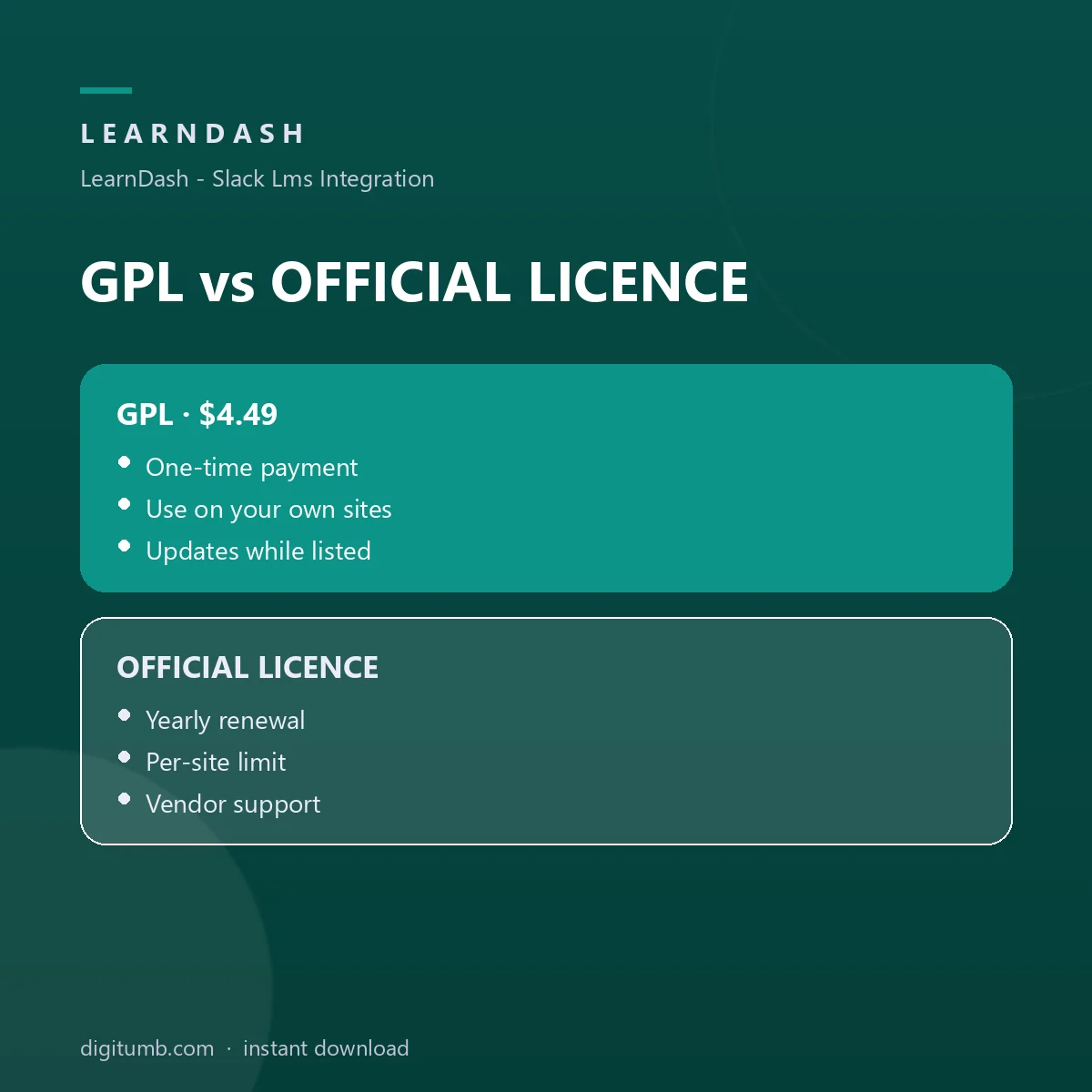
This is the same archive the developer publishes, redistributed under the GNU General Public License: you get the working files for $4.49 with no vendor update channel and no vendor support desk. If you need automatic updates or a support contract, buy the official license from the developer.
| This GPL build | Official license | |
|---|---|---|
| Price | $4.49 one time | Vendor subscription |
| Automatic updates | No | Yes |
| Developer support | No | Yes |
| Number of sites | Unlimited | Depends on plan |
Browse the rest of the WordPress plugins category or the full shop. The licence text is at GNU GPL v2, and general documentation is at WordPress.org.
You must be logged in to post a review.
You may also like…

Related products








Reviews
Clear filtersThere are no reviews yet.