

Affiliatewp Custom Affiliate Slugs GPL
$4.49
AffiliateWP Custom Affiliate Slugs is an add-on for AffiliateWP that lets you create and manage custom slugs for affiliate links, so referral URLs read as words instead of random strings.
AffiliateWP Custom Affiliate Slugs is an add-on for AffiliateWP that lets you create and manage custom slugs for affiliate links, so referral URLs read as words instead of random strings. Affiliates can be allowed to choose their own slug, and the plugin can generate slugs automatically. The result is a cleaner, more user-friendly link that fits your site's address structure.
| Product | affiliatewp-custom-affiliate-slugs |
|---|---|
| Version | 1.3.1 |
| Works with | WordPress 6.x+ / PHP 8.x+ |
| Tested up to | WordPress current |
| License | GPLv2 or later |
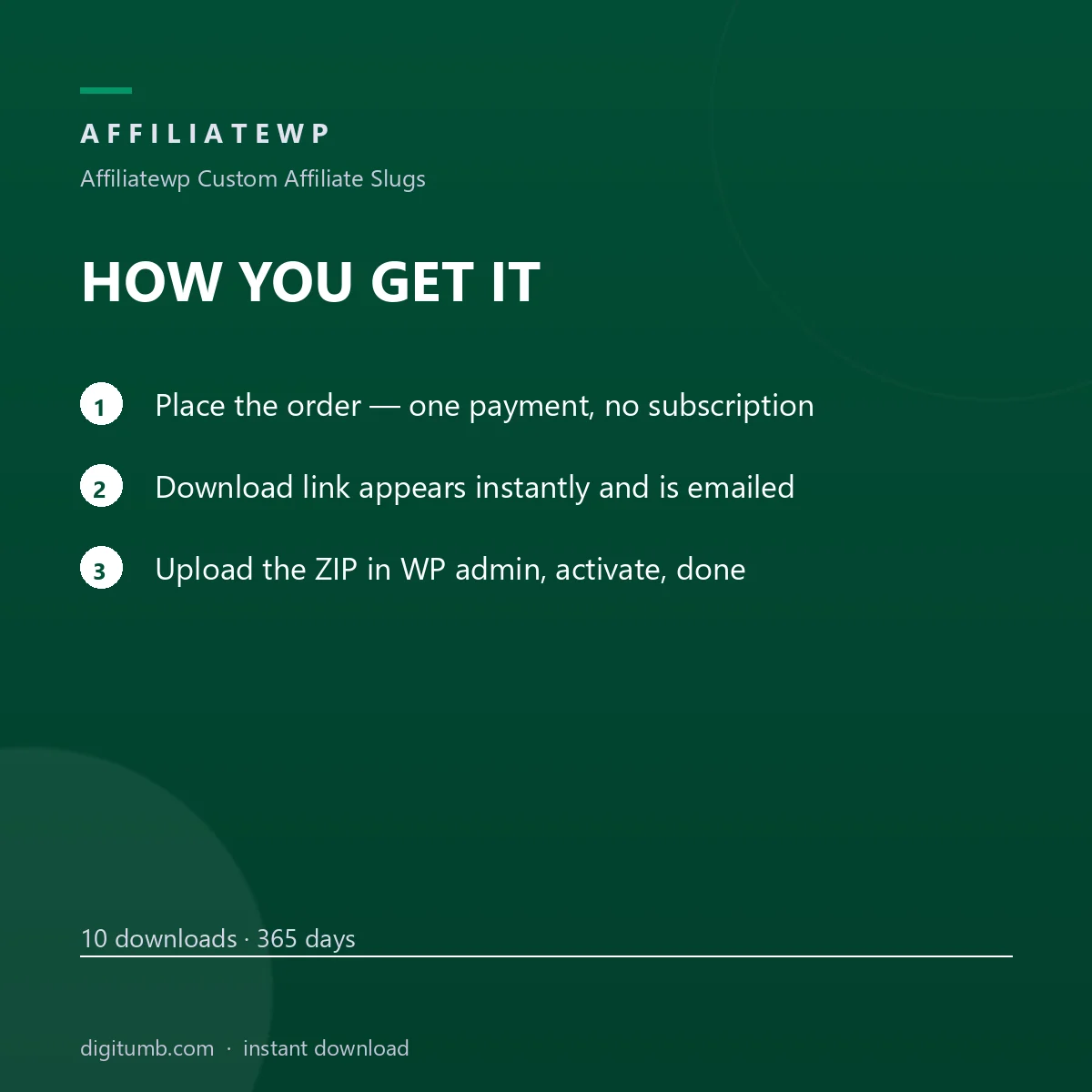
| Delivery | Instant ZIP download, 10 downloads, 365 days |
How custom slugs change an affiliate referral URL
Instead of a referral link built from a generated identifier, the plugin lets you attach a custom slug to an affiliate. Affiliates can present a short, readable URL that points to their referral identity, which makes the link easier to say, type and remember.
Slug creation happens in the plugin's own settings areas. There is a Custom Affiliate Slug field for the affiliate's slug, a Show Custom Slug option to display it, and an Allow Custom Slug toggle described as letting an affiliate create a custom slug.
Automatic slug generation and its options
When you do not want affiliates choosing their own slugs, the Auto-create Custom Slugs option builds them for you. Auto-create Slug Settings let you pick how the slug should appear, Alphanumeric or Alphabetic.
A separate length setting controls how long a custom slug can be, and that length applies only to newly generated slugs. Existing slugs are not rewritten by the length setting.
Validation rules affiliates see when they pick a slug
The plugin checks submitted slugs and returns clear messages. An affiliate may see that a username is already in use, that slugs do not match, that a slug cannot be used, that it contains invalid characters, that it is too long, or that it cannot contain all numbers.
A Confirm Affiliate Slug field and a Confirm Slug Change prompt ask the affiliate to confirm the choice, and a Confirm Removal prompt covers removal. The current slug is shown with the note that this is your current slug.
Where the plugin fits in a WooCommerce or Astra/Divi site
AffiliateWP Custom Affiliate Slugs is compatible with WooCommerce, so custom slugs can be created for affiliate products. It is also designed to work with popular themes such as Astra and Divi, so the slug output sits inside your existing design.
Permissions are handled inside the plugin: a user without rights sees that they do not have permission to manage affiliates, and an Allow Custom Affiliate Slugs setting controls the feature at site level.
What this build includes
| Custom slug per affiliate | Set a custom slug for an affiliate and display it with the Show Custom Slug option so the referral link reads as words. |
|---|---|
| Affiliate-chosen slugs | Turn on Allow Custom Slug so affiliates can create their own slug, with a confirmation field and change confirmation before it is saved. |
| Automatic slug creation | Enable Auto-create Custom Slugs to generate slugs without manual entry, using the auto-create settings you configure. |
| Alphanumeric or alphabetic format | Choose whether generated slugs appear as alphanumeric or alphabetic characters, matching the link style you want. |
| Length control for new slugs | Set the maximum length of a custom slug; the limit applies only to newly generated slugs, not to existing ones. |
| Slug validation messages | Affiliates get specific errors for slugs that are too long, contain invalid characters, are all numbers, are already in use, or do not match the confirmation. |
| WooCommerce compatibility | Create custom slugs for affiliate products on WooCommerce stores, using the same slug settings. |
| Works with Astra and Divi | The plugin is designed to work with popular themes such as Astra and Divi, so slugs integrate into the site's design. |
Installing it on a WordPress site
- Upload the plugin file through the WordPress Plugins menu and activate it.
- Open the plugin settings and configure Allow Custom Slug, Show Custom Slug, and the Auto-create Custom Slugs options.
- Set the slug format (Alphanumeric or Alphabetic) and the length for newly generated slugs, then create or let affiliates create custom slugs.
Latest changes
Version 1.3.1 is the current build, supplied as a 0.0 MB zip.
Frequently asked questions
What does AffiliateWP Custom Affiliate Slugs do?
It allows you to create and manage custom slugs for affiliate links, enhancing their appearance and making them more user-friendly. You can let affiliates choose a slug, generate slugs automatically, and control the slug format and length.
Is AffiliateWP Custom Affiliate Slugs compatible with WooCommerce?
Yes. The plugin is compatible with WooCommerce, allowing you to create custom slugs for your affiliate products. The slug settings work the same way on a WooCommerce store as elsewhere on the site.
How do I set up the plugin on my WordPress site?
Upload the plugin file through the WordPress Plugins menu, activate it, and then navigate to the settings to create your custom slugs. From there you can enable affiliate-chosen slugs or automatic slug creation and set the format and length.
Does it work with themes like Astra or Divi?
Yes. AffiliateWP Custom Affiliate Slugs is designed to work with popular themes such as Astra and Divi, ensuring that custom slugs integrate smoothly into your site's design.
What happens if an affiliate picks an invalid slug?
The plugin returns a specific message: the username is already in use, the slugs do not match, the slug cannot be used, it contains invalid characters, it is too long, or it cannot contain all numbers. The affiliate can then correct the slug before confirming it.
What the GPL build means for you
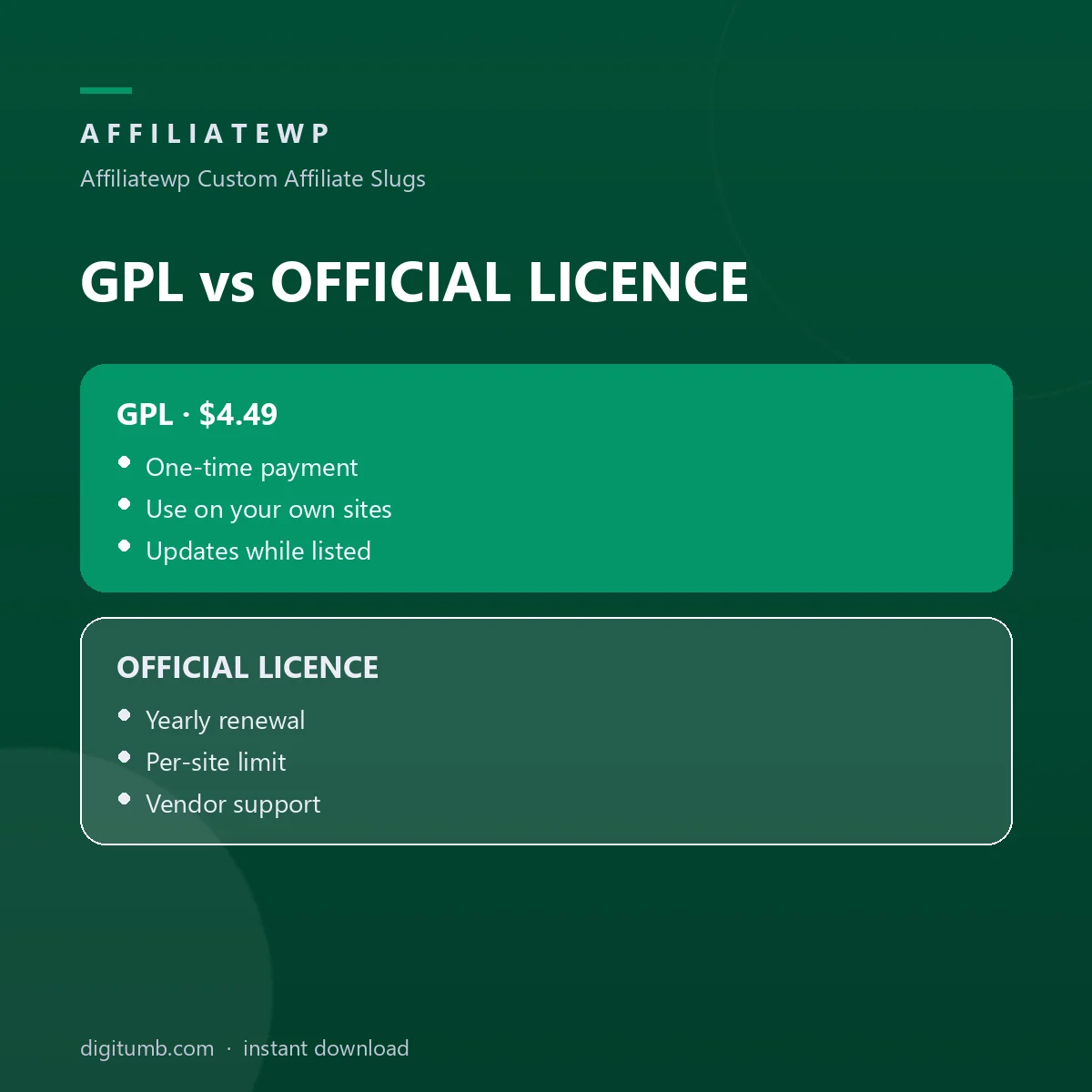
This is the same archive the developer publishes, redistributed under the GNU General Public License: you get the working files for $4.49 with no vendor update channel and no vendor support desk. If you need automatic updates or a support contract, buy the official license from the developer.
| This GPL build | Official license | |
|---|---|---|
| Price | $4.49 one time | Vendor subscription |
| Automatic updates | No | Yes |
| Developer support | No | Yes |
| Number of sites | Unlimited | Depends on plan |
Browse the rest of the WordPress plugins category or the full shop. The licence text is at GNU GPL v2, and general documentation is at WordPress.org.
You must be logged in to post a review.
You may also like…

Related products





Reviews
Clear filtersThere are no reviews yet.