


CHANGELOG Yith Woocommerce Checkout Manager Premium GPL
$4.49
YITH WooCommerce Checkout Manager Premium is a WooCommerce plugin that customizes the checkout process of your store by adding, editing, or removing the fields used to collect customer information.
YITH WooCommerce Checkout Manager Premium is a WooCommerce plugin that customizes the checkout process of your store by adding, editing, or removing the fields used to collect customer information. Its settings screens separate billing fields, shipping fields, and additional fields, and give you controls for validation, field labels, and the visual style of the checkout form.
| Product | CHANGELOG |
|---|---|
| Version | 1.55.0 |
| Works with | WordPress 6.x+ / PHP 8.x+ |
| Tested up to | WordPress current |
| License | GPLv2 or later |
| Delivery | Instant ZIP download, 10 downloads, 365 days |
Which checkout field groups can you edit in YITH Checkout Manager
The plugin organizes your checkout into three working areas shown in its settings: billing fields, shipping fields, and additional fields. Each area is managed as a list of fields, and every entry carries its own settings, so you can shape what a customer fills in at each stage of the checkout.
Fields are edited one at a time, and a delete action asks for confirmation with the prompt "Do you really want to delete this field?" before removing anything. Because the same field list drives what appears on the checkout page, changes you make in the settings are reflected in the form customers complete.
Validation options for VAT numbers and email addresses
General options include a switch to enable JS validation, described in the interface as enabling JavaScript field validation. A separate switch enables VAT JS validation for the EU, and the plugin can return the message "The VAT number you have entered seems to be wrong. Please, check it." when an entry does not pass.
Email entries get their own feedback string, "The mail you have entered seems to be wrong." Required fields are flagged with "This is a required field." These messages appear next to the form so a customer knows which entry needs correcting before completing an order.
Styling the checkout form and its input fields
Checkout style settings let you show the checkout form in one column instead of the two-column default layout. From the same panel you set the input field height in pixels and choose border colors for several states: the normal border, the border on focus, the border when entered information is correct, and the border when it is wrong.
Error messages have their own color setting. Tooltips can be switched on with the enable tooltip option, and formatted addresses can be overwritten, with a separate choice to show or hide the field label for those formatted addresses. Time fields accept a chosen time format, including Meridian (AM/PM), and field classes can be entered as a comma-separated list.
Displaying custom fields in emails
A display in emails option is available for the fields you create, so the extra information a customer supplies at checkout can be carried into the order emails rather than staying only on the order screen. This matters for fields you add to collect details that the default WooCommerce form does not ask for.
Because the plugin is built for WooCommerce, the fields you configure sit inside the standard checkout flow. It is also compatible with Elementor, so checkout pages can be designed with that page builder, and it is compatible with WooCommerce Subscriptions, so the checkout process can be customized for subscription products as well.
Files inside the plugin package
The download is a 2.2 MB zip containing the plugin folders plugin-fw, plugin-upgrade, templates, and plugin-options, alongside the plugin itself. Version 1.55.0 is the build supplied in this listing.
This is a GPL build: the files are the same ones the developer ships, distributed under the GPL. There is no vendor update channel and no vendor support desk attached to this purchase; the price is $4.49.
What this build includes
| Add, edit and remove checkout fields | Manage the fields customers complete at checkout by adding new ones, editing existing ones, or deleting fields you do not need. |
|---|---|
| Separate billing, shipping and additional field lists | Work on billing fields, shipping fields and additional fields as distinct groups so each part of the checkout is configured on its own. |
| JavaScript field validation | Turn on JS validation from General options to check entries in the browser as customers fill in the checkout form. |
| EU VAT number validation | Enable VAT JS validation for the EU and show a warning message when an entered VAT number appears to be wrong. |
| Single-column checkout layout | Switch the checkout form from the default two-column layout to a single column from the checkout style settings. |
| Input border colors by state | Set colors for the normal input border, the focused border, the border for correct information and the border for wrong information. |
| Input field height control | Define the height of checkout input fields in pixels to match the spacing of your store's design. |
| Custom field classes | Assign classes to fields by entering them separated by commas, giving you a hook for your own styling. |
| Tooltips and formatted address labels | Enable tooltips on fields and choose whether the label for formatted addresses is shown or hidden. |
| Time format for time fields | Pick the time format used by time fields, including the Meridian AM/PM option. |
| Display fields in emails | Include the custom fields you create in order emails so collected information reaches the inbox, not just the order screen. |
| Elementor and Subscriptions compatibility | Design checkout pages with the Elementor page builder and customize the checkout process for subscription products through WooCommerce Subscriptions. |
Installing it on a WordPress site
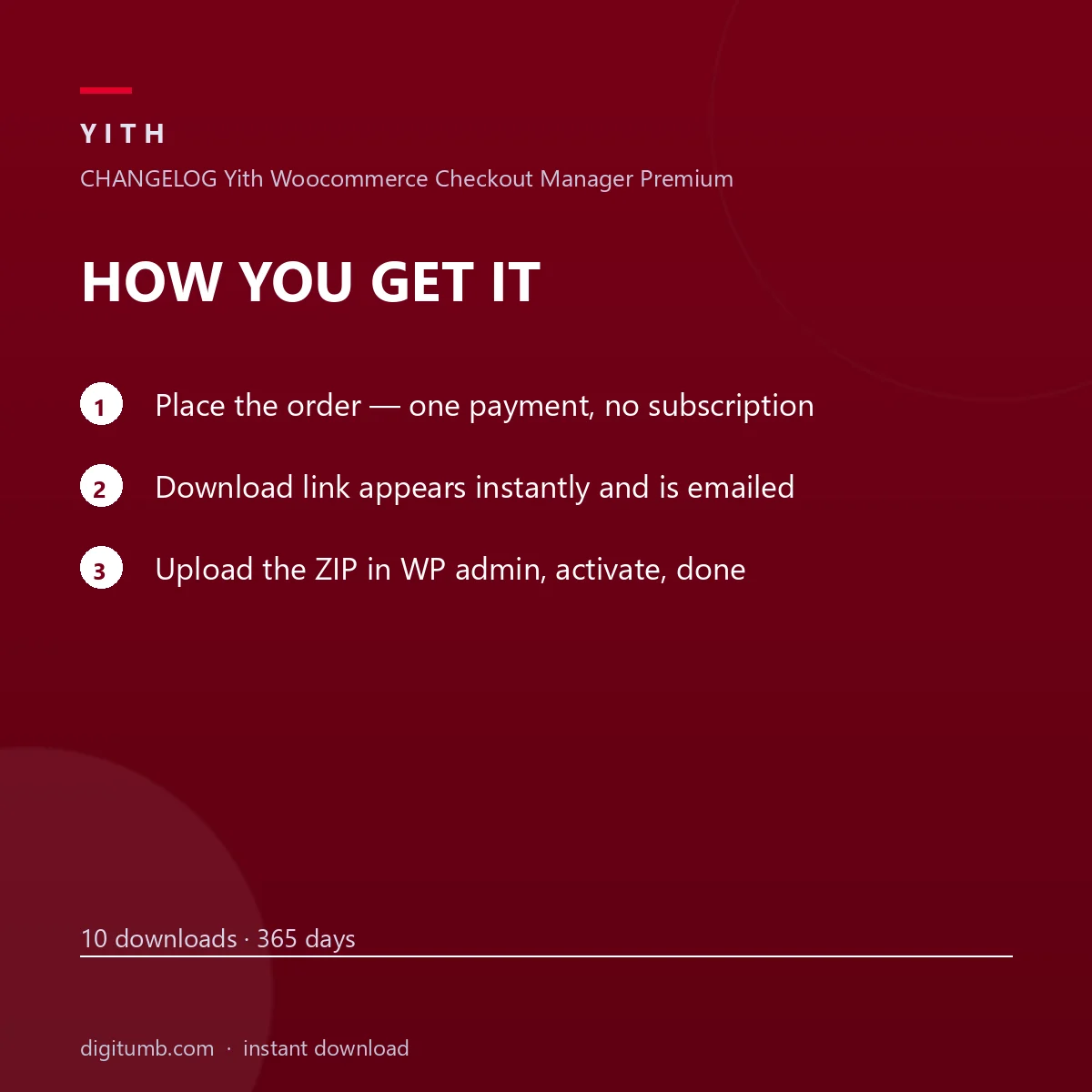
- Upload the downloaded plugin zip through the WordPress admin under Plugins > Add New, then activate it.
- Open the YITH Checkout Manager settings in your WordPress admin to reach the field and style options.
- Configure your billing, shipping and additional checkout fields, then adjust validation and checkout style settings to match your store.
Latest changes
Version 1.55.0 is the build supplied in this 2.2 MB package.
Frequently asked questions
What does YITH WooCommerce Checkout Manager Premium do?
It customizes the checkout process in a WooCommerce store by adding, editing, or removing fields used to collect specific information from customers. Billing, shipping and additional fields are managed separately, and the plugin also provides validation switches, field label options and checkout style controls.
Is the plugin compatible with Elementor?
Yes. YITH WooCommerce Checkout Manager Premium is compatible with Elementor, so you can design your checkout pages using the Elementor page builder while the plugin handles the checkout fields and their settings.
Does it work with WooCommerce Subscriptions?
Yes. The plugin is compatible with WooCommerce Subscriptions, which means the checkout process for subscription products can be customized with the same field and style settings used for regular products.
How do I set it up on my WordPress site?
Upload the downloaded plugin file through the WordPress admin panel under Plugins > Add New. After activation, go to the YITH Checkout Manager settings to configure your checkout fields, validation options and checkout style.
What is included in the download?
You receive a 2.2 MB zip of version 1.55.0 containing the plugin and its folders plugin-fw, plugin-upgrade, templates and plugin-options. The files are the same ones the developer ships, under the GPL, at $4.49, without a vendor update channel or vendor support desk.
What the GPL build means for you
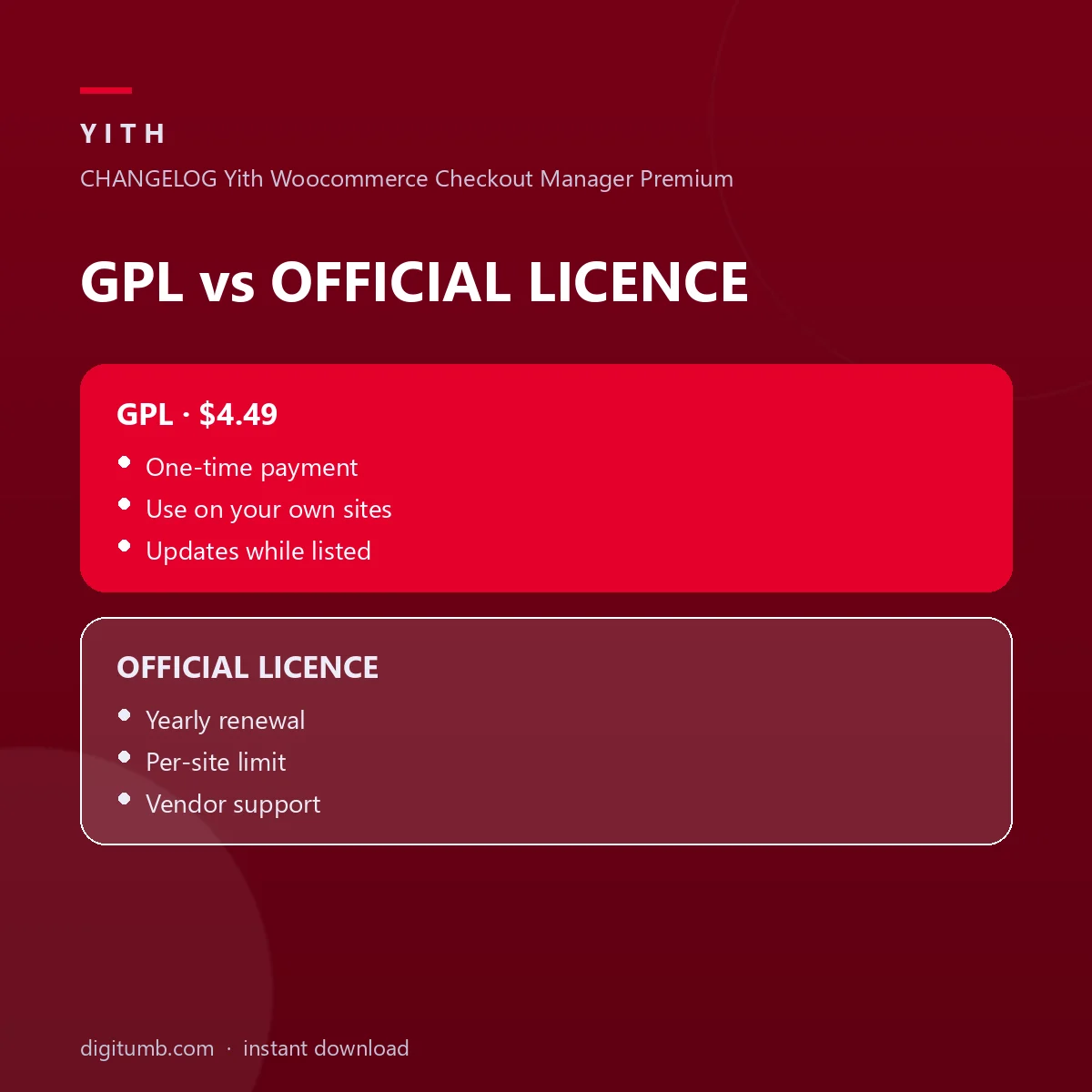
This is the same archive the developer publishes, redistributed under the GNU General Public License: you get the working files for $4.49 with no vendor update channel and no vendor support desk. If you need automatic updates or a support contract, buy the official license from the developer.
| This GPL build | Official license | |
|---|---|---|
| Price | $4.49 one time | Vendor subscription |
| Automatic updates | No | Yes |
| Developer support | No | Yes |
| Number of sites | Unlimited | Depends on plan |
Browse the rest of the WordPress plugins category or the full shop. The licence text is at GNU GPL v2, and general documentation is at WordPress.org.
You must be logged in to post a review.
You may also like…

Related products










Reviews
Clear filtersThere are no reviews yet.