



Eventon Ticket Variations Options GPL
$4.49
EventON Ticket Variations & Options is an add-on for EventON events that lets you create and manage multiple ticket types with customizable pricing and availability.
EventON Ticket Variations & Options is an add-on for EventON events that lets you create and manage multiple ticket types with customizable pricing and availability. Each event can carry its own variation types, ticket variations and price options, and those options can be sold through WooCommerce for ticket sales. This is a GPL build: the same files the developer ships, with no vendor update channel and no vendor support desk, priced at $4.49.
| Product | eventon-ticket-variations-options |
|---|---|
| Version | 1.1.14 |
| Works with | WordPress 6.x+ / PHP 8.x+ |
| Tested up to | WordPress current |
| License | GPLv2 or later |
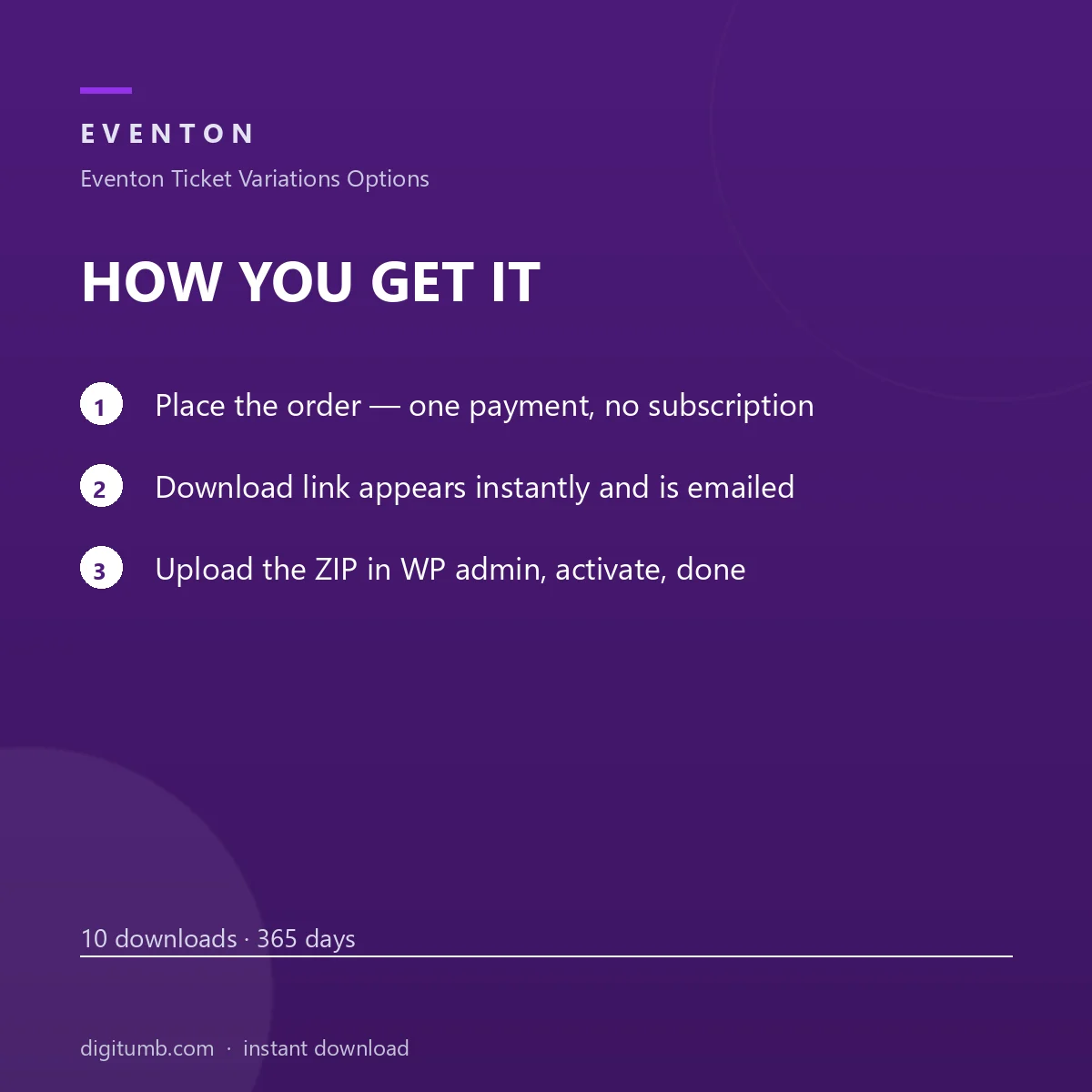
| Delivery | Instant ZIP download, 10 downloads, 365 days |
What ticket variations and price options add to an EventON event
Inside the event settings you enable ticket variations and options, and the plugin then lets you create variations and options for that event. The structure is layered: you must add variation types first, then add ticket variations under a type, and separately add price options. An event can be marked Has Variations, Has Price Options, or both, so the ticket form reflects exactly the choices you built.
Each variation carries a name, a stock quantity, a stock status and a purchaser rule. Price options carry a name and a description, and the field label warns against using an apostrophe sign in the price option name. Confirmation messages for add, update and delete actions appear as Successfully Added!, Successfully Updated! and Successfully Deleted!, so you can see each change land.
Stock control and hiding out-of-stock variations
Stock is managed per variation through Ticket Variation Stock Quantity and Ticket Variation Stock Status; leaving the quantity blank means unlimited. Price options follow the same convention, with a Stock field that stays unlimited when left blank. That makes it possible to run a capped tier next to an open-ended one on the same event.
A dedicated toggle hides variations that are out of stock, so attendees only see options they can actually buy. When a selection runs out, the interface reports Item out of stock!, which keeps the purchase step honest without you editing the ticket list by hand.
Restricting a variation to logged-in members
The who-can-purchase control on each variation includes an Only loggedin members setting. Because the rule lives on the variation rather than the event, one event can offer a members-only tier alongside variations open to everyone.
This is useful where you want a cheaper or earlier allocation reserved for registered users while keeping general admission open.
WooCommerce ticket sales and reporting
The add-on is compatible with WooCommerce, so you can use its eCommerce features for ticket sales. The event must have an associated WooCommerce product; if it does not, the settings report Woocommerce product not associated with this event! and the variation setup cannot continue.
A setting lets you sell price options as separate tickets rather than as add-ons to an existing ticket, which changes how those options appear at checkout. A Sales by Ticket Variations & Options view reports sales generated from variations and options, generated using ticket variations from variations and options addon.
Repeating events and Astra theme compatibility
Variation options are not available for repeating events, and the settings state this plainly with Variation options are not available for repeating events! Plan on single events for this add-on.
The plugin is compatible with the Astra theme, so ticket options display correctly and function smoothly on Astra sites.
What this build includes
| Multiple ticket variations | Create named ticket variations per event, each with its own stock quantity, stock status and purchaser rule. |
|---|---|
| Variation types | Group variations under variation types; the settings require at least one variation type before variations can be added. |
| Price options with descriptions | Add price options with a name and description, and leave stock blank for unlimited availability. |
| Separate-ticket price options | A setting sells price options as separate tickets instead of attaching them to an existing ticket. |
| Hide out-of-stock variations | Toggle hiding of variations that are out of stock so attendees only see purchasable options. |
| Member-only variations | Restrict a variation to logged-in members with the who-can-purchase control on each variation. |
| WooCommerce integration | Sell tickets through WooCommerce; the event must have an associated WooCommerce product before variations can proceed. |
| Per-variation sales reporting | The Sales by Ticket Variations & Options view reports sales generated from ticket variations and options. |
Installing it on a WordPress site
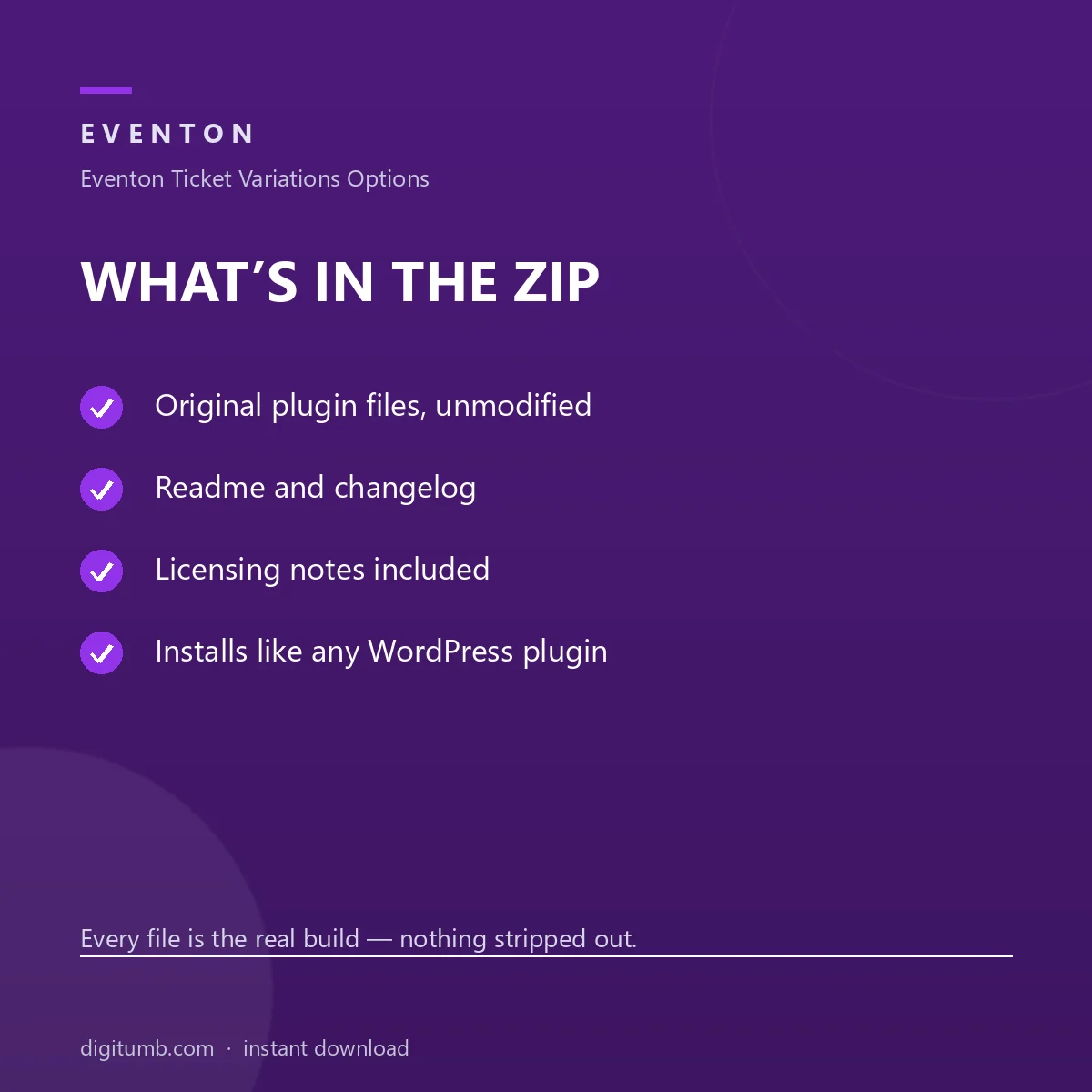
- Upload the plugin zip through the WordPress admin panel and activate it.
- Open the EventON settings and enable ticket variations and options for the event you are editing.
- Add a variation type first, then add ticket variations and price options with their stock and purchase rules.
Latest changes
Version 1.1.14 is the build supplied in this 0.1 MB zip.
Frequently asked questions
Can I create several ticket types for one event?
Yes. The add-on lets you create and manage multiple ticket types for your events, with customizable options for pricing and availability. Variations sit under variation types, and price options are added alongside them, so one event can present several distinct choices to attendees.
Does it work with WooCommerce?
It is compatible with WooCommerce, so you can use WooCommerce eCommerce features for ticket sales. The event needs an associated WooCommerce product; without one, the settings show Woocommerce product not associated with this event! and the variation setup cannot proceed.
How is stock handled for variations and price options?
Each variation has a stock quantity field and a stock status control. Leaving the quantity blank means unlimited. Price options follow the same rule: blank stock means unlimited. A setting hides variations that are out of stock, and sold-out items return Item out of stock!
Can I limit a ticket variation to logged-in members?
Yes. The who-can-purchase control on a variation includes an Only loggedin members option. Because the restriction is set per variation, different variations on the same event can follow different purchaser rules.
Does this work with repeating events?
Variation options are not available for repeating events. The plugin reports Variation options are not available for repeating events! in its settings, so use the add-on with standard single events.
Is the Astra theme supported?
It is compatible with the Astra theme, so your ticket options display correctly and function smoothly on sites running Astra.
What the GPL build means for you
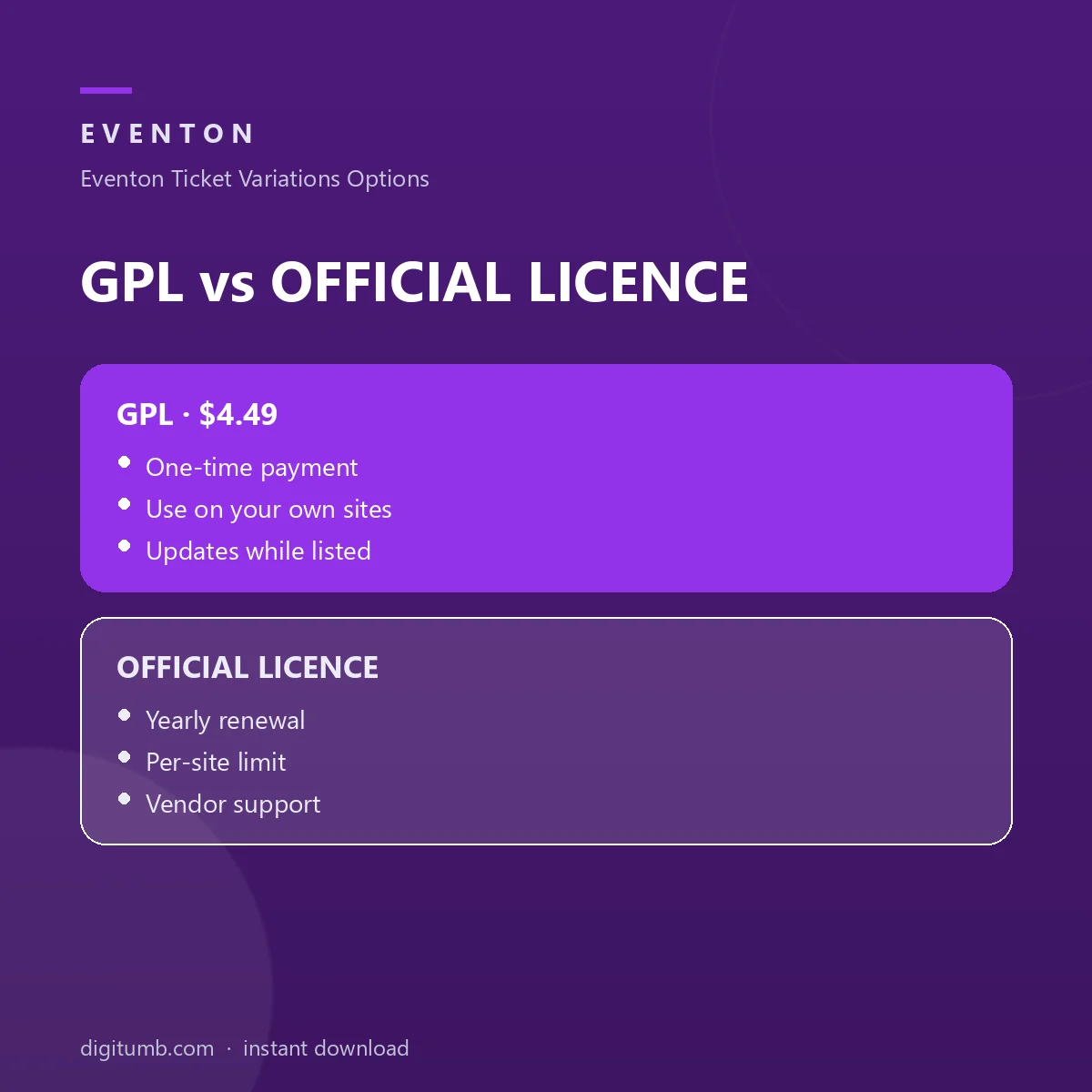
This is the same archive the developer publishes, redistributed under the GNU General Public License: you get the working files for $4.49 with no vendor update channel and no vendor support desk. If you need automatic updates or a support contract, buy the official license from the developer.
| This GPL build | Official license | |
|---|---|---|
| Price | $4.49 one time | Vendor subscription |
| Automatic updates | No | Yes |
| Developer support | No | Yes |
| Number of sites | Unlimited | Depends on plan |
Browse the rest of the WordPress plugins category or the full shop. The licence text is at GNU GPL v2, and general documentation is at WordPress.org.
You must be logged in to post a review.
You may also like…







Reviews
Clear filtersThere are no reviews yet.