

Ninja Forms – User Management Extension GPL
$4.49
Ninja Forms User Management is an add-on for Ninja Forms that lets you build login pages, register new users and let current users update their profile through your forms.
Ninja Forms User Management is an add-on for Ninja Forms that lets you build login pages, register new users and let current users update their profile through your forms. You add a login, registration or edit profile action to a form, map the fields you want to use, and the form handles the user account work. It is a GPL build of the plugin, sold at $4.49.
| Product | Ninja Forms – User Management Extension |
|---|---|
| Version | 3.2.5 |
| Works with | WordPress 6.7+ / PHP 8.x+ |
| Tested up to | WordPress 6.9 |
| License | GPLv2 or later |
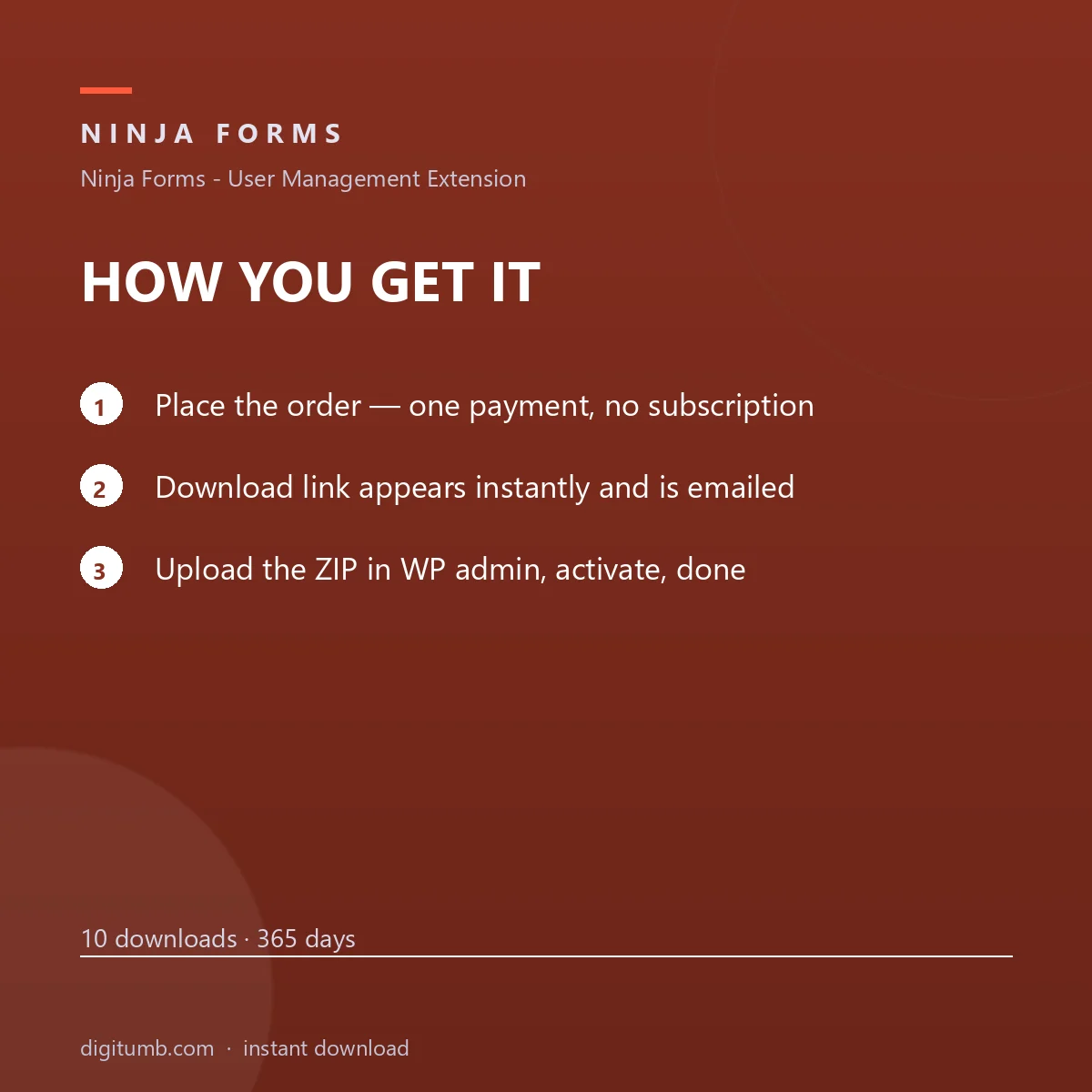
| Delivery | Instant ZIP download, 10 downloads, 365 days |
What can a Ninja Forms form do with this add-on installed?
Three actions become available: a login action, a user registration action and an update profile action. Each one is added to a form and configured with the fields that already exist on that form, so the same form layout you designed can collect a username, a password or any other detail you want to store.
The registration action can register new users including custom user meta, and it can log the user in on successful registration. It can also refresh the page upon registration, and an option controls whether the form's own success messages are shown in that case.
How does the Update Profile action handle passwords and user fields?
The Update Profile action writes submitted values back to the WordPress user account behind the form. Version 3.2.5 fixes password updates in this action and fixes profile entries not updating, so a changed password or a changed profile value is saved rather than silently dropped.
Earlier releases addressed the same area: 3.2.4 made the update profile action properly handle WordPress user fields and removed a fatal error with Select fields in Conditional Logic. The action also carries settings for a username nickname field and a password reset field.
Which messages and checks does the registration flow show?
Registration forms validate what the visitor types before an account is created. The settings screens include messages for an email address already in use, a username that is taken, and an email address in use on a profile update, so the visitor is told to try a different value instead of being left with a failed submission.
An option lets you email credentials to newly created users, generating a random password for the account. A separate note in the settings reminds you to log out to view a login form, and the login settings include a username and password prompt.
Can you limit which submissions a user role can see or edit?
User Management includes access settings for submissions. You configure whether a role can view submissions, whether it can view its own submissions and whether it can view others' submissions, with matching edit permissions for own and others' submissions.
Roles you grant access to are added to the View Own Submissions list or the View Others Submissions list accordingly, and the User Access settings are present when you select roles. Version 3.2.1 ensured capabilities are honored for submission access and that identical values do not override meta keys.
What this build includes
| Login action | Add a login action to a form so users can sign in, with username and password fields you add and remove as needed. |
|---|---|
| User registration action | Register new users from a form, including custom user meta, and map the fields the action should use. |
| Update Profile action | Let logged-in users change their account details through a form, with password updates handled by the action. |
| Login after registration | A setting logs the user in automatically once registration succeeds. |
| Random password by email | Email credentials to newly created users, generating a random password for the account. |
| Refresh after registration | Refresh the page upon registration, with an option to hide the form's own success messages. |
| Duplicate checks | Built-in messages warn when an email address is already in use or a username is taken. |
| Submission access by role | Configure which roles can view or edit their own submissions and the submissions of others. |
Installing it on a WordPress site
- Upload the ninja-forms-user-management directory to your /wp-content/plugins/ directory.
- Activate the plugin through the Plugins menu in WordPress.
- Add a login, user registration or edit profile action to a form, map the fields you want to use, and save.
Latest changes
Version 3.2.5, released 18 May 2026, fixes password updates in the Update Profile action, profile entries not updating, and an undefined array key.
Frequently asked questions
Does this add-on work without Ninja Forms?
It is built as an add-on for Ninja Forms and is designed to work with it. The actions it provides are added inside Ninja Forms forms, so you need Ninja Forms installed to use the login, registration and update profile actions.
What WordPress version do I need?
The plugin requires WordPress 6.7 and is tested up to WordPress 6.9.
Can users update their password from a form?
Yes. The Update Profile action includes password handling, and version 3.2.5 fixes password updates in that action. The settings also include a password reset field and a username nickname field.
Can I control who sees form submissions?
The plugin provides user access settings for submissions. You choose which roles can view submissions, view their own submissions, view others' submissions, and the matching edit permissions for own and others' submissions.
How is the GPL build supplied and priced?
You receive the same plugin files the developer ships, as a GPL build, for $4.49. There is no vendor update channel and no vendor support desk attached to this purchase. The download zip is 0.1 MB, version 3.2.5.
Is it compatible with WooCommerce?
The plugin is compatible with WooCommerce for managing user roles and permissions on customers who interact with your forms. It is specifically designed for Ninja Forms and is best used with Ninja Forms rather than other form plugins.
What the GPL build means for you
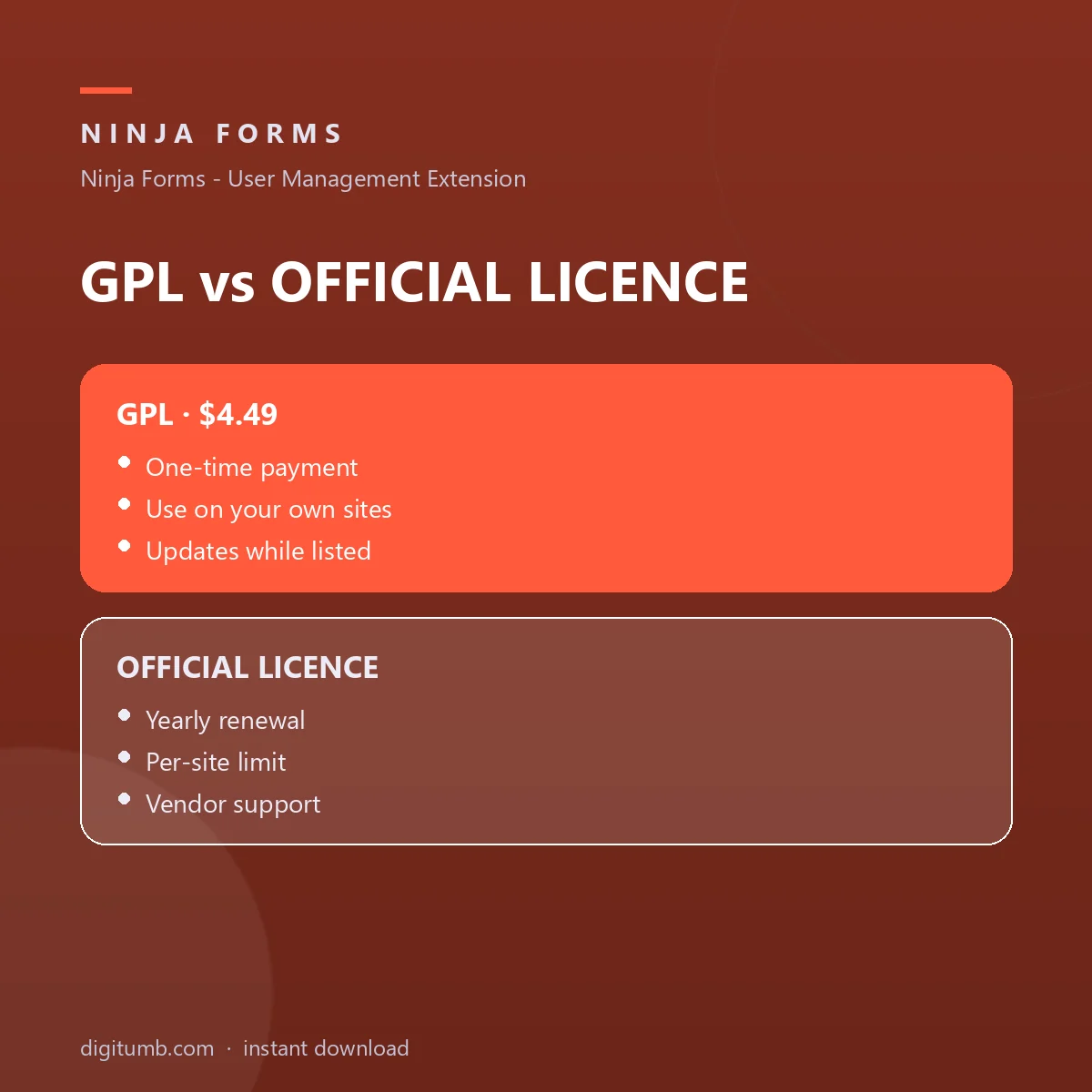
This is the same archive the developer publishes, redistributed under the GNU General Public License: you get the working files for $4.49 with no vendor update channel and no vendor support desk. If you need automatic updates or a support contract, buy the official license from the developer.
| This GPL build | Official license | |
|---|---|---|
| Price | $4.49 one time | Vendor subscription |
| Automatic updates | No | Yes |
| Developer support | No | Yes |
| Number of sites | Unlimited | Depends on plan |
Browse the rest of the WordPress plugins category or the full shop. The licence text is at GNU GPL v2, and general documentation is at WordPress.org.
You must be logged in to post a review.
You may also like…

Related products








Reviews
Clear filtersThere are no reviews yet.