


Survform Survey Form Builder – WordPress Plugin
$4.49
Survform Survey Form Builder Plugin is a WordPress plugin for creating and managing surveys and forms on your site so you can collect data and user feedback. Campaigns live under a dedicated SurvForm.
Survform Survey Form Builder Plugin is a WordPress plugin for creating and managing surveys and forms on your site so you can collect data and user feedback. Campaigns live under a dedicated SurvForm menu, with field types including text, textarea, checkbox images and password. This is a GPL build: the same files the developer ships, no vendor update channel, no vendor support desk, price $4.49.
| Product | survform-survey-form-builder-plugin |
|---|---|
| Version | 1.0.7.9 |
| Works with | WordPress 6.x+ / PHP 8.x+ |
| Tested up to | WordPress current |
| License | GPLv2 or later |
| Delivery | Instant ZIP download, 10 downloads, 365 days |
What Survform Does on a WordPress Site
Survform adds a survey and form building layer to WordPress. You create survey campaigns, define the fields each form shows, and publish the form so visitors can complete it. Responses are collected inside WordPress and managed from the plugin's own admin section rather than an outside tool.
Each campaign carries a name that is displayed on the backend, so several surveys can sit side by side in the admin without being confused for one another. Everything is reached from the SurvForm menu, which lists survey data and opens the add and edit screens. The admin also holds a SurvForm Options screen where the plugin's text and message settings live.
Field Types and Form Items You Can Build
Form items are added one at a time, and for each item you choose the field type. The builder covers text fields, textarea fields, checkbox images and a password field, and each one has a field placeholder setting where it applies.
Choice options are entered line by line, keeping longer option lists readable in the settings screen. Every field gets a unique ID written in English characters so it can be referenced consistently. Checkbox image items have an image value type setting and show a 'No image uploaded' state until an image is attached.
Submit, Success and Sign-In Screens
Two titles control the wording around a completed survey: the submit screen title and the success screen title. A Display Inline option affects how the form is rendered on the page where you place it.
Surveys can require the visitor to sign in or register before submitting. The text and message settings cover the login and register form section titles, their button labels, the create-an-account link text, and the placeholder text in the username, email and password fields. A wrong combination returns the message that the username or password is incorrect.
WooCommerce and Elementor Compatibility
Survform is compatible with WooCommerce, so you can build surveys related to customer purchases and experiences. That fits stores that want feedback tied to what a customer actually bought.
It also works with Elementor, which means surveys can be placed into pages you have built in the Elementor editor instead of being limited to standard WordPress content areas.
Managing Survey Data in the Admin
Survey entries live in their own admin section with an Add New Survey Data screen and an Edit Survey Data screen. A search box and a parent survey data field help you find and organise records as the list grows.
Deleted records move to trash rather than vanishing, and each view has its own empty state, such as 'No Survey Data found' or 'No Survey Data found in Trash', so you can tell an empty list from a filtered one. The package unpacks into a survform folder and a templates folder.
What this build includes
| Survey campaign naming | Set a survey campaign name that is displayed on the backend, so separate surveys stay distinguishable in the WordPress admin. |
|---|---|
| Four field types | Add text, textarea, checkbox image and password fields, choosing the field type for each form item as you build it. |
| Line-by-line options | Enter the options for a field one per line, keeping longer choice lists readable in the settings screen. |
| Unique field IDs | Give every item a unique field ID in English characters, so each field carries a stable identifier. |
| Checkbox images | Use image-based checkbox items with an image value type setting and a state that shows when no image is uploaded. |
| Custom screen titles | Write your own submit screen title and success screen title to control the wording shown around a finished survey. |
| Sign-in or sign-up gate | Require visitors to sign in or register before submitting, with editable section titles, button labels and field placeholders. |
| WooCommerce compatibility | Create surveys related to customer purchases and experiences on a WooCommerce store. |
| Elementor compatibility | Integrate surveys into pages built with the Elementor editor. |
| Search and trash views | Search survey data in the admin and send deleted entries to trash, with separate views for active and trashed records. |
Installing it on a WordPress site
- Upload the downloaded plugin file through your WordPress dashboard and activate the plugin.
- Open the SurvForm menu in the WordPress admin.
- Start creating your surveys by adding survey data and defining the form fields.
Frequently asked questions
What does Survform Survey Form Builder do?
It lets users create and manage surveys and forms on their WordPress sites, facilitating data collection and user feedback. You build a survey campaign, define its fields, and publish the form for visitors, with entries managed from the SurvForm admin section.
Is Survform compatible with WooCommerce?
Yes. Survform is compatible with WooCommerce, allowing you to create surveys related to customer purchases and experiences, which suits post-purchase feedback on a store.
Can I use Survform with Elementor?
Yes. Survform works well with Elementor, enabling you to integrate surveys into Elementor-built pages easily, so a form can sit inside a page you designed in the Elementor editor.
How do I set up Survform on my WordPress site?
Upload the downloaded plugin file through your WordPress dashboard, activate it, and navigate to the SurvForm menu to start creating your surveys. From there you add survey data and define the fields each form shows.
What field types can I add to a survey?
The builder includes text fields, textarea fields, checkbox images and a password field. For each item you choose the field type, set a placeholder where relevant, and give the field a unique ID in English characters.
Can a survey require visitors to log in first?
Yes. There is a Required Sign In or Sign Up option. Text settings let you edit the login and register section titles, button labels, the create-an-account link text, and the placeholders in the username, email and password fields.
What am I buying at $4.49?
A GPL build of the plugin: the same files as the developer ships, version 1.0.7.9, in a 0.6 MB zip. No vendor update channel and no vendor support desk come with this purchase.
What the GPL build means for you
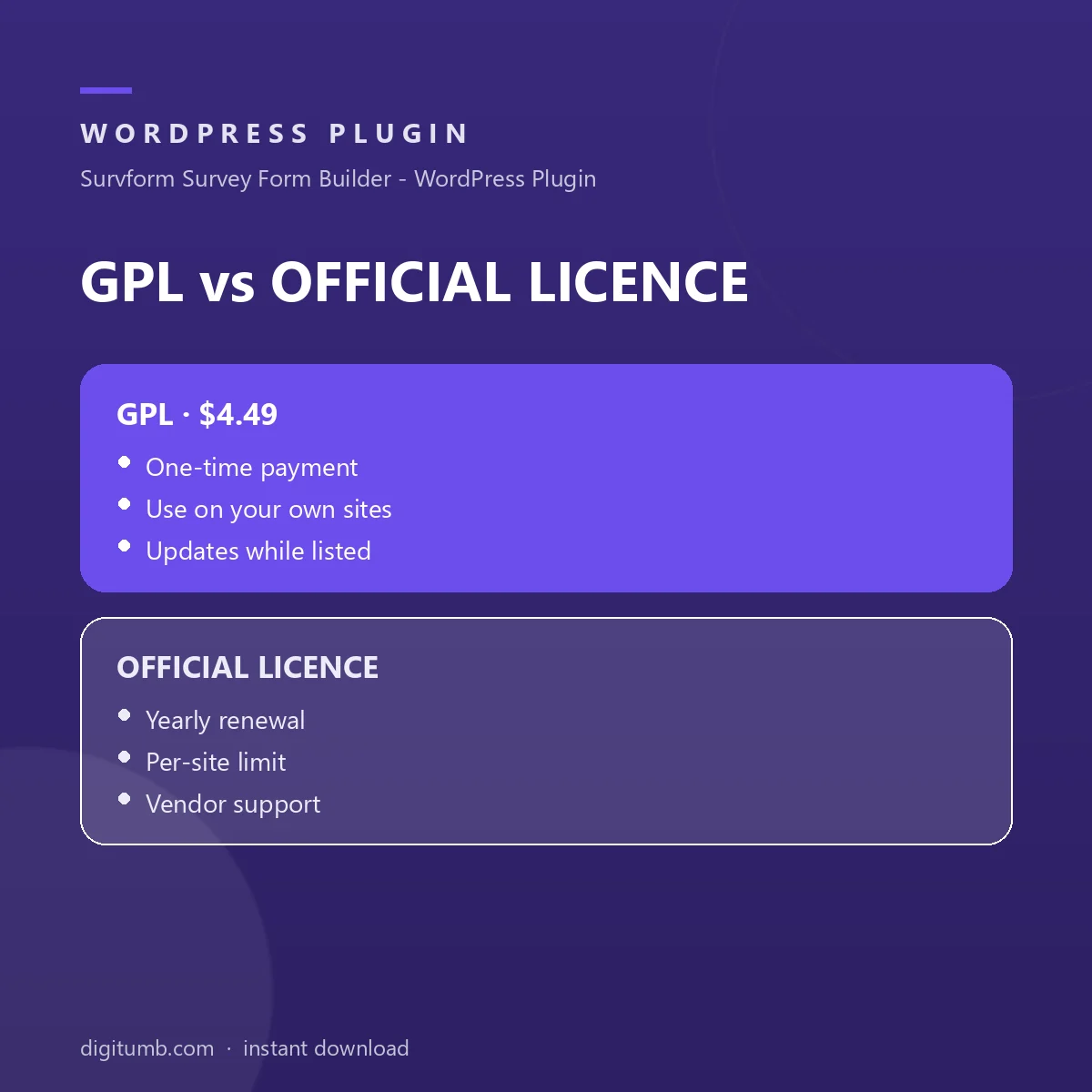
This is the same archive the developer publishes, redistributed under the GNU General Public License: you get the working files for $4.49 with no vendor update channel and no vendor support desk. If you need automatic updates or a support contract, buy the official license from the developer.
| This GPL build | Official license | |
|---|---|---|
| Price | $4.49 one time | Vendor subscription |
| Automatic updates | No | Yes |
| Developer support | No | Yes |
| Number of sites | Unlimited | Depends on plan |
Browse the rest of the WordPress plugins category or the full shop. The licence text is at GNU GPL v2, and general documentation is at WordPress.org.
You must be logged in to post a review.
You may also like…

Related products







Reviews
Clear filtersThere are no reviews yet.