




Bookly Cart Add On – WordPress Plugin
$4.49
Bookly Cart Add On is an extension for the Bookly booking system that adds cart functionality to the booking flow. Customers can select multiple services and manage their bookings in a single cart.
Bookly Cart Add On is an extension for the Bookly booking system that adds cart functionality to the booking flow. Customers can select multiple services and manage their bookings in a single cart instead of completing one appointment at a time. The checkout process for appointments and services runs through the native Bookly checkout rather than a separate e-commerce plugin. This GPL build ships the same plugin files as the developer releases, with no vendor update channel and no vendor support desk, at $4.49.
| Product | bookly-cart-add-on |
|---|---|
| Version | 3.5 |
| Works with | WordPress 6.x+ / PHP 8.x+ |
| Tested up to | WordPress current |
| License | GPLv2 or later |
| Delivery | Instant ZIP download, 10 downloads, 365 days |
How the cart changes a Bookly booking
Without a cart, a Bookly booking is tied to one service selection. The Cart Add On lets a customer gather several services before confirming, so a visit that involves more than one appointment is handled in one pass. The cart sits on top of Bookly's own checkout, which means the booking data still flows through the Bookly system.
The add-on is built for the Bookly booking system specifically. It is not a WooCommerce bridge and does not route bookings through WooCommerce checkout; it enhances the native Bookly checkout experience instead.
Multiple services in one checkout
Customers choose services one after another and keep them together in the cart until they are ready to confirm. Managing several bookings in a single cart removes the need to repeat the whole booking flow for each service.
The result is a shorter path from selecting services to finishing the appointment purchase, with the cart acting as the holding place for everything the customer has picked.
Using the add-on with the Astra theme
The Cart Add On is compatible with the Astra theme, so a site already built on Astra can run Bookly with cart functionality without changing its theme. Booking pages and the cart display are expected to look and function as part of the same site.
Compatibility here is stated for Astra; other themes are outside what the add-on confirms.
Bookly Cart Add On and WooCommerce
WooCommerce is not part of this add-on's scope. It is designed for Bookly and does not integrate directly with WooCommerce, so a store expecting bookings to appear as WooCommerce cart items or orders will not get that from this plugin.
What the add-on does instead is extend Bookly's own checkout: multiple services are collected in a Bookly cart and confirmed through the Bookly flow.
What the plugin package contains
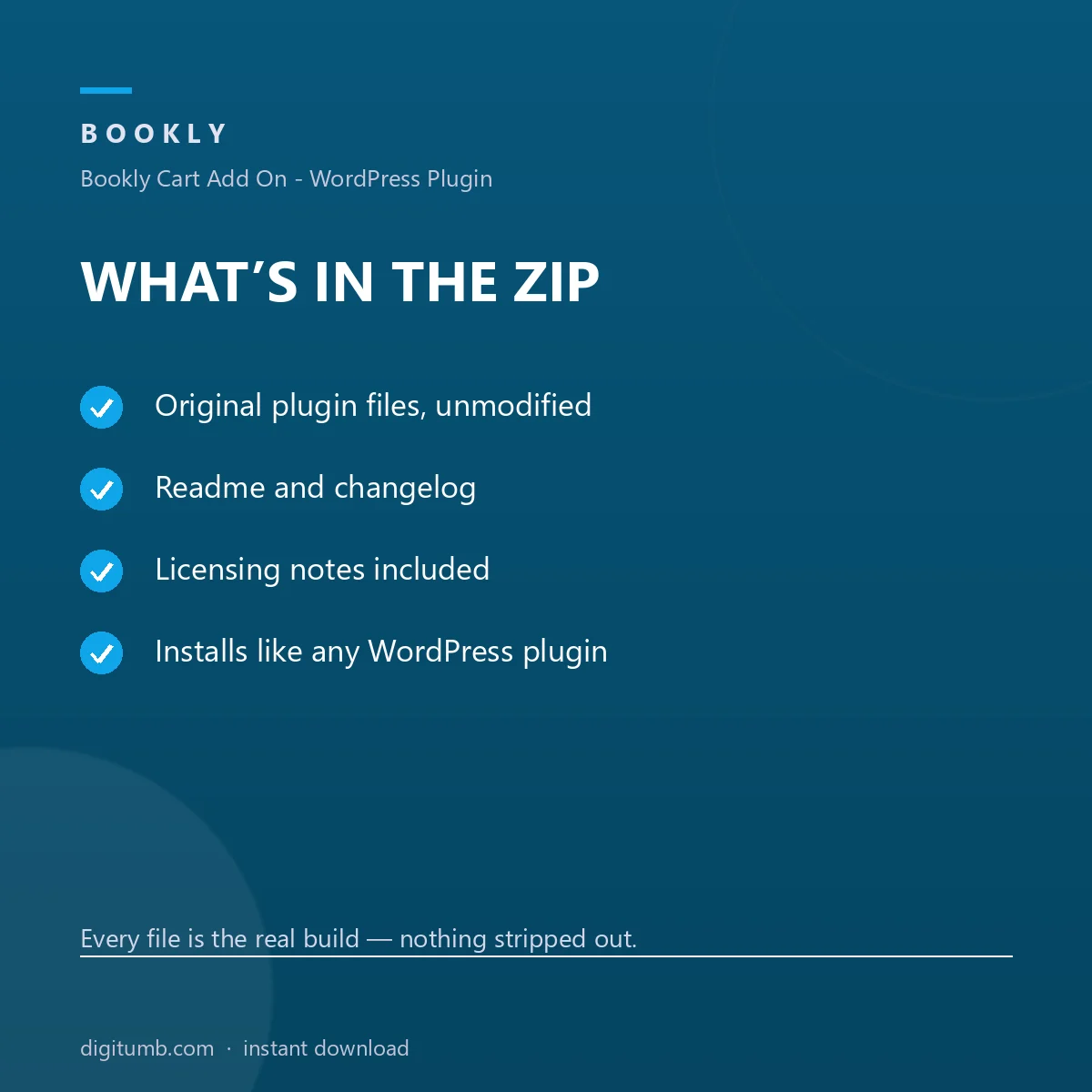
The download is a 0.0 MB zip. Inside, the plugin is organized into three top-level folders: frontend, backend and lib, which separate the customer-facing side, the administrative side and shared library code.
Version 3.5 is the build you receive. The files are the same ones the developer ships for this release.
GPL build: what you get and what you do not
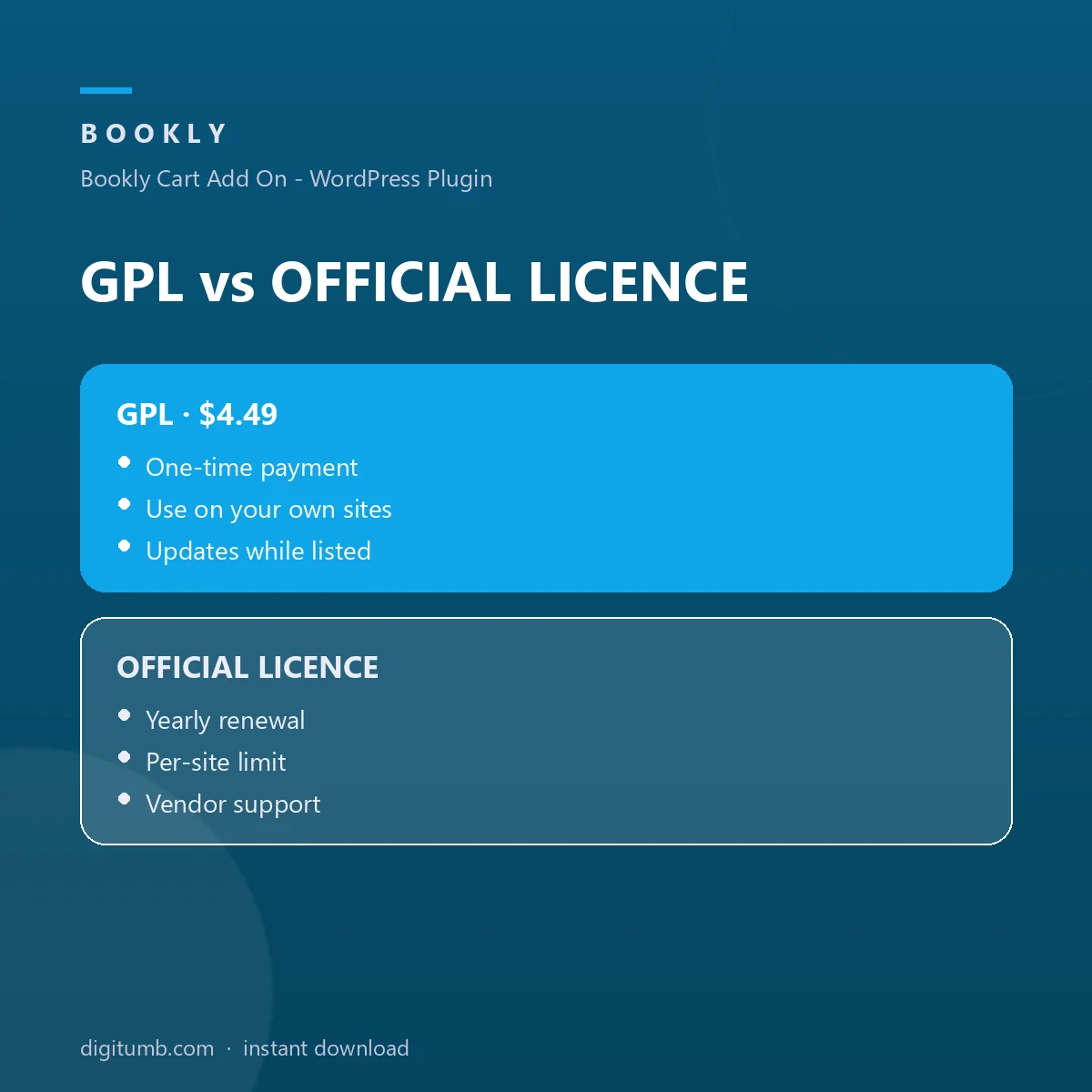
This is a GPL build sold by digitumb.com for $4.49. You get the plugin files as the developer distributes them. There is no vendor update channel attached to this purchase, and no vendor support desk is included.
Any updates, fixes or help with the plugin come from your own resources or the wider GPL community, not from the original developer through this store.
What this build includes
| Multi-service cart | Lets customers select more than one service and keep those selections together in a cart before confirming. |
|---|---|
| Single-cart booking management | Customers manage their bookings in one cart, keeping several appointments grouped in a single place. |
| Native Bookly checkout | Enhances the checkout experience built into Bookly rather than replacing it with a different checkout system. |
| Astra theme compatibility | Works with the Astra theme so the booking system and cart display function together on Astra-based sites. |
| Separated plugin structure | Ships with frontend, backend and lib folders, dividing customer-facing code, admin code and shared libraries. |
Installing it on a WordPress site
- Upload the plugin zip through the WordPress Plugins screen or extract it and place the plugin folder in wp-content/plugins.
- Activate Bookly Cart Add On, with Bookly already installed and active on the site.
- Open the Bookly settings and confirm the cart functionality is available on your booking pages, then test a multi-service booking on the frontend.
Latest changes
This package contains Bookly Cart Add On version 3.5.
Frequently asked questions
What does Bookly Cart Add On do?
It adds cart functionality to Bookly. Customers can select multiple services and manage their bookings in a single cart, which simplifies the checkout process for appointments and services. Instead of completing one booking at a time, they collect their choices and finish in one flow.
Is Bookly Cart Add On compatible with WooCommerce?
No. The add-on is not directly compatible with WooCommerce because it is designed specifically for the Bookly booking system. It does not push bookings into a WooCommerce cart or order. What it does is enhance Bookly's own native checkout experience.
Does it work with the Astra theme?
Yes. Bookly Cart Add On is compatible with the Astra theme, so the booking system and cart display function well together on an Astra site. Compatibility is stated for Astra specifically.
What is in the zip file?
The download is a 0.0 MB zip containing the plugin. Its top-level folders are frontend, backend and lib. The version in the package is 3.5, and the files match the developer's release for that version.
Do I get updates and support from the developer?
No. This GPL build is sold at $4.49 with the same files the developer ships, but there is no vendor update channel and no vendor support desk included. Updates and help are handled through your own resources or the GPL community.
What the GPL build means for you
This is the same archive the developer publishes, redistributed under the GNU General Public License: you get the working files for $4.49 with no vendor update channel and no vendor support desk. If you need automatic updates or a support contract, buy the official license from the developer.
| This GPL build | Official license | |
|---|---|---|
| Price | $4.49 one time | Vendor subscription |
| Automatic updates | No | Yes |
| Developer support | No | Yes |
| Number of sites | Unlimited | Depends on plan |
Browse the rest of the WordPress plugins category or the full shop. The licence text is at GNU GPL v2, and general documentation is at WordPress.org.
You must be logged in to post a review.
You may also like…









Reviews
Clear filtersThere are no reviews yet.