

AutomatorWP – Ultimate Member GPL
$4.49
AutomatorWP – Ultimate Member is an addon that connects the AutomatorWP plugin with the Ultimate Member plugin.
AutomatorWP – Ultimate Member is an addon that connects the AutomatorWP plugin with the Ultimate Member plugin. It adds Ultimate Member events to AutomatorWP as triggers, so automations can start when a member's account, profile or group status changes. The addon ships as a GPL build for $4.49: the same files the developer distributes, with no vendor update channel and no vendor support desk.
| Product | AutomatorWP – Ultimate Member |
|---|---|
| Version | 1.0.3 |
| Works with | WordPress 4.4+ / PHP 8.x+ |
| Tested up to | WordPress 6.9 |
| License | GPLv2 or later |
| Delivery | Instant ZIP download, 10 downloads, 365 days |
Which Ultimate Member events can start an automation in AutomatorWP
The addon registers Ultimate Member activity as AutomatorWP triggers. Account events cover a user account getting approved and a user account getting marked as inactive. Profile events cover a user changing the profile photo, changing the profile cover, removing the profile photo, removing the profile cover, updating the profile description and updating account information.
Group events round out the list: a user is added to a group, and a user's status in a group changes to a status. Each trigger appears in the AutomatorWP trigger list with a readable label, such as User is approved in a group or User's status in a group changes to a status, so you can pick the event you need without writing code.
What the trigger labels look like in the AutomatorWP settings screen
When you build an automation, the triggers are listed by the action they describe: User account gets approved, User account gets marked as inactive, User changes profile photo, User changes profile cover, User removes profile photo, User removes profile cover, User updates profile description, User updates account information, User is added to a group and User's status in a group changes to a status.
Group-related triggers reference the group in the label, for example User is approved in a group or User's status in a group changes to a status. The status change trigger also shows the review states Pending Admin Review and Pending Member Review, which you can use when defining the status condition for the automation.
How the addon fits into a WordPress community built with Ultimate Member
Ultimate Member is used to build community websites on WordPress with member profiles, activity streams, user groups and messaging. This addon does not replace any of that; it lets AutomatorWP listen to what happens in those areas and run the automations you have configured.
Because the triggers are exposed inside AutomatorWP, the rest of an automation is assembled in the AutomatorWP interface, alongside the other integrations you have installed. The addon itself only contributes the Ultimate Member triggers listed above.
Plugin compatibility reported for this addon
The addon is designed to work with a variety of popular WordPress plugins, including WooCommerce and LearnDash, and with the Elementor theme. That makes it possible to combine Ultimate Member triggers with automations that involve those tools on the same site.
Requirements are WordPress 4.4 or newer, tested up to WordPress 6.9. The addon is an integration layer, so AutomatorWP and Ultimate Member both need to be present and active for its triggers to appear and fire.
What you receive and how the GPL build is sold
You receive the plugin zip, version 1.0.3, at 0.0 MB, for $4.49 from digitumb.com. It is a GPL build: the same files the developer ships. There is no vendor update channel attached and no vendor support desk, so plan on managing updates and questions on your own side.
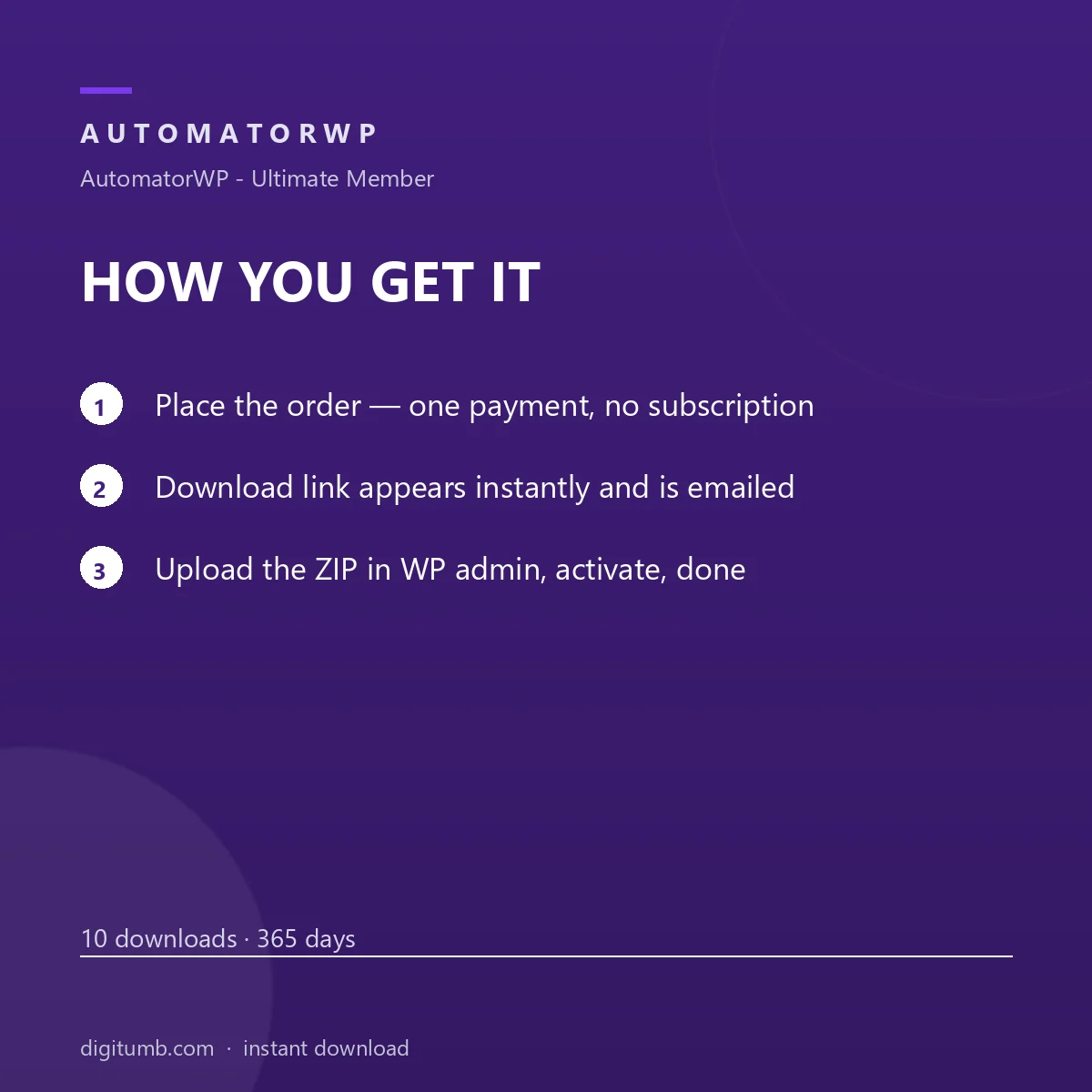
Installation is the standard WordPress plugin route, either by uploading the zip in the admin or by placing it in wp-content/plugins and activating it from the Plugins menu.
What this build includes
| Account approval trigger | Starts an automation when a user account gets approved in Ultimate Member, so onboarding steps can follow the approval. |
|---|---|
| Inactive account trigger | Fires when a user account gets marked as inactive, letting an automation react to that status change. |
| Profile photo triggers | Detects a user changing the profile photo and a user removing the profile photo, as two separate triggers. |
| Profile cover triggers | Detects a user changing the profile cover and a user removing the profile cover, as two separate triggers. |
| Profile description trigger | Runs when a user updates the profile description, giving you a hook on that profile edit. |
| Account information trigger | Runs when a user updates account information, so automations can follow account detail changes. |
| Group membership trigger | Starts an automation when a user is added to a group, and when a user is approved in a group. |
| Group status change trigger | Fires when a user's status in a group changes to a status, with Pending Admin Review and Pending Member Review among the visible states. |
Installing it on a WordPress site
- In the WordPress backend, go to Plugins -> Add new and click Upload Plugin next to the Add plugins title.
- Upload the downloaded zip file and activate the plugin.
- Alternatively, upload the zip into wp-content/plugins, unzip it there, then open the Plugins menu in the WordPress admin area and activate the plugin.
Latest changes
Version 1.0.3 adds the User is added to a group trigger and the User's status in a group changes to a status trigger, alongside bug fixes.
Frequently asked questions
What does AutomatorWP – Ultimate Member do?
It connects the AutomatorWP plugin with the Ultimate Member plugin, allowing you to automate various user actions and enhance membership management on your WordPress site. In practice it adds Ultimate Member account, profile and group events to AutomatorWP as triggers you can select when building an automation.
Do I need both AutomatorWP and Ultimate Member installed?
Yes. This is an addon that links the two plugins. The triggers it provides belong to Ultimate Member activity and are used inside AutomatorWP, so both plugins need to be present and active on the site for the integration to work.
Which triggers are included in version 1.0.3?
Account approval and inactive account, profile photo change and removal, profile cover change and removal, profile description update, account information update, user added to a group, user approved in a group, and a user's status in a group changing to a status.
Is the addon compatible with WooCommerce, LearnDash and Elementor?
Yes. It is designed to work with a variety of popular WordPress plugins, including WooCommerce and LearnDash, and it works well with the Elementor theme, so you can keep design flexibility while adding member automations.
What WordPress version does it need?
The plugin requires WordPress 4.4 and has been tested up to WordPress 6.9.
How is this GPL build sold and supported?
You get the same files the developer ships for $4.49. There is no vendor update channel and no vendor support desk included with this build, so updates and assistance are handled on your side.
What the GPL build means for you
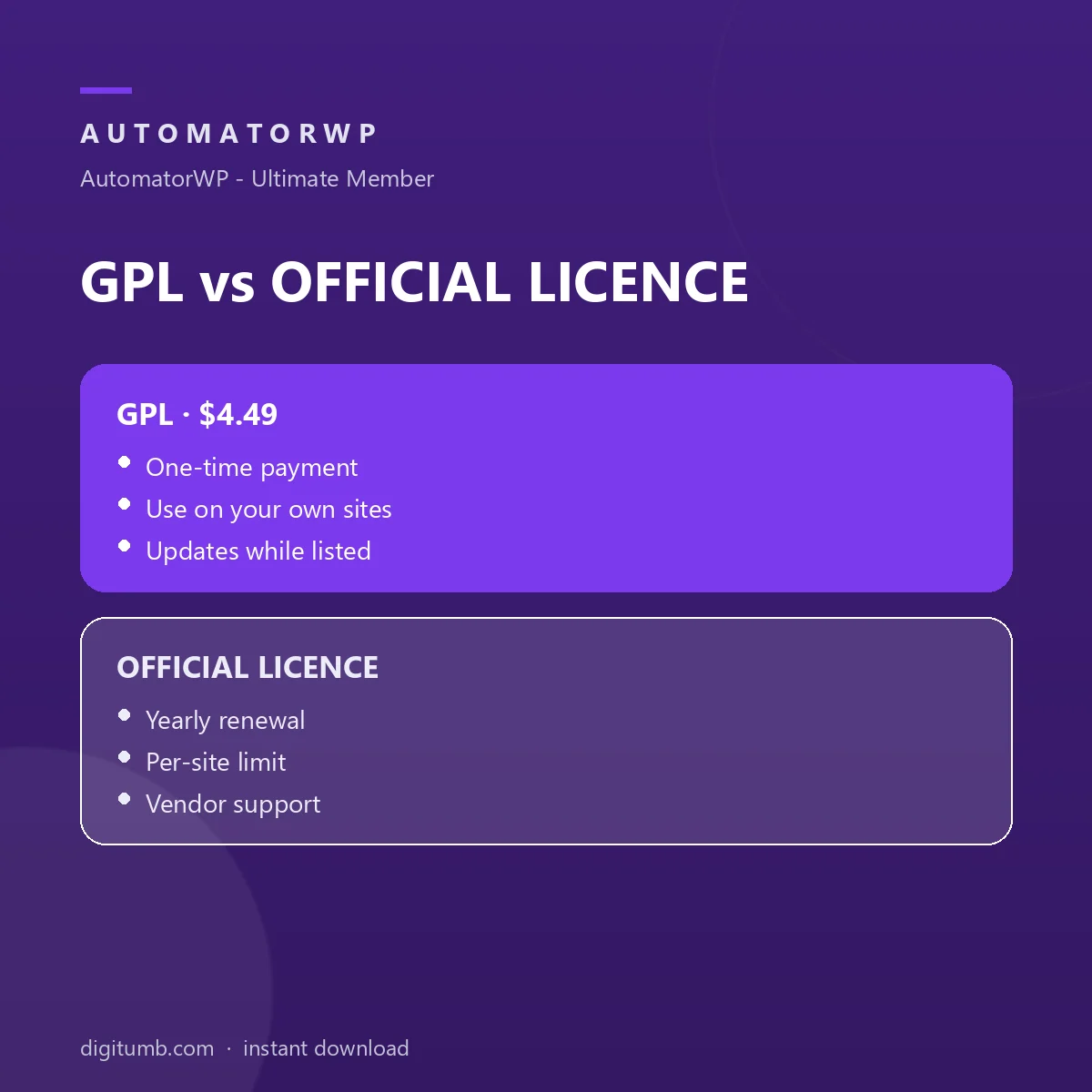
This is the same archive the developer publishes, redistributed under the GNU General Public License: you get the working files for $4.49 with no vendor update channel and no vendor support desk. If you need automatic updates or a support contract, buy the official license from the developer.
| This GPL build | Official license | |
|---|---|---|
| Price | $4.49 one time | Vendor subscription |
| Automatic updates | No | Yes |
| Developer support | No | Yes |
| Number of sites | Unlimited | Depends on plan |
Browse the rest of the WordPress plugins category or the full shop. The licence text is at GNU GPL v2, and general documentation is at WordPress.org.
You must be logged in to post a review.
You may also like…

Related products










Reviews
Clear filtersThere are no reviews yet.