



GeoDirectory WP All Import GPL
$4.49
GeoDirectory WP All Import is a WordPress add-on that connects WP All Import to GeoDirectory, letting you bring directory listings into your site from CSV or XML files.
GeoDirectory WP All Import is a WordPress add-on that connects WP All Import to GeoDirectory, letting you bring directory listings into your site from CSV or XML files. It handles large listing datasets in bulk instead of one entry at a time. The build ships as a GPL package: the same plugin files the developer distributes, at $4.49, with no vendor update channel and no vendor support desk.
| Product | GeoDirectory WP All Import |
|---|---|
| Version | 2.3.10 |
| Works with | WordPress 6.0+ / PHP 7.2+ |
| Tested up to | WordPress 7.0 |
| License | GPLv2 or later |
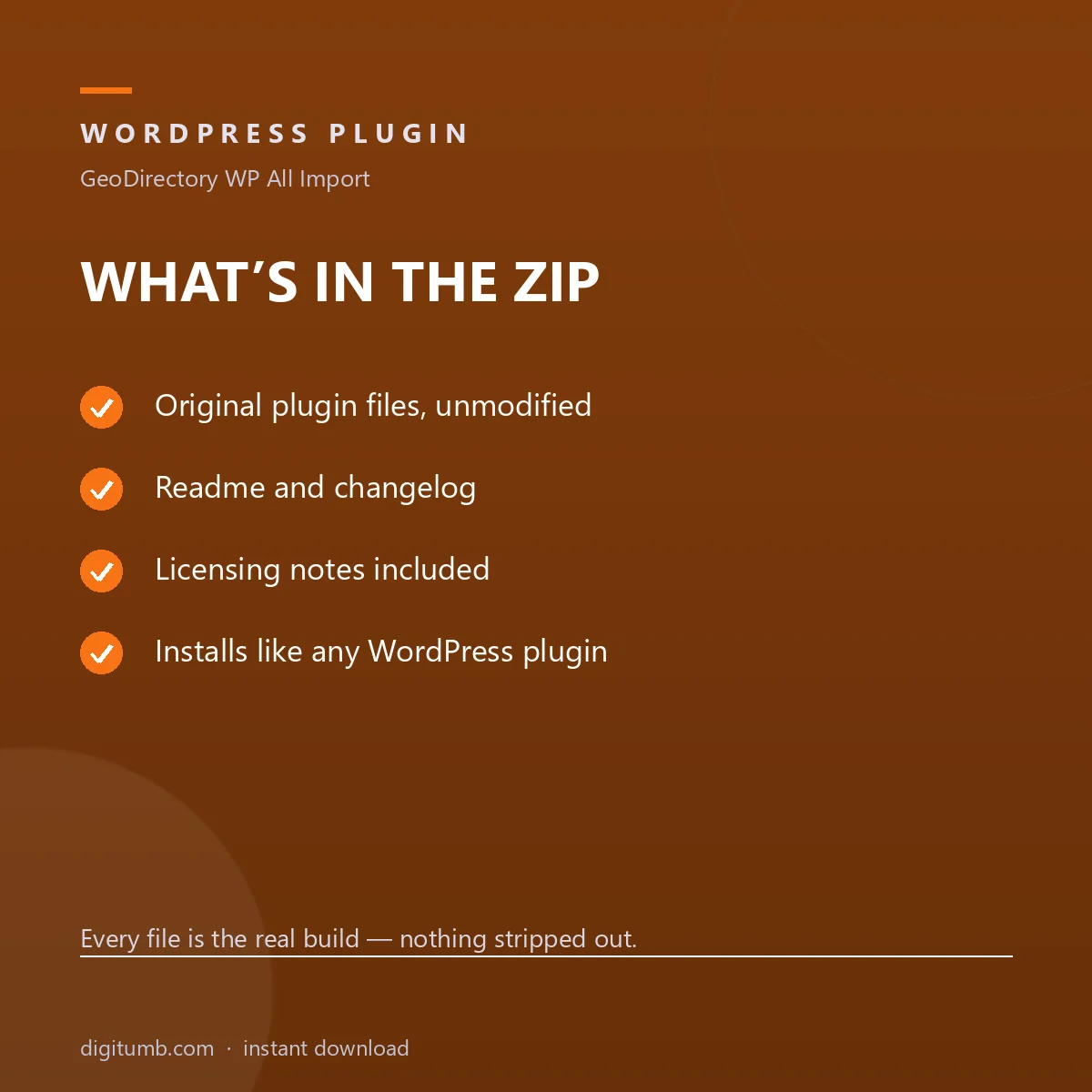
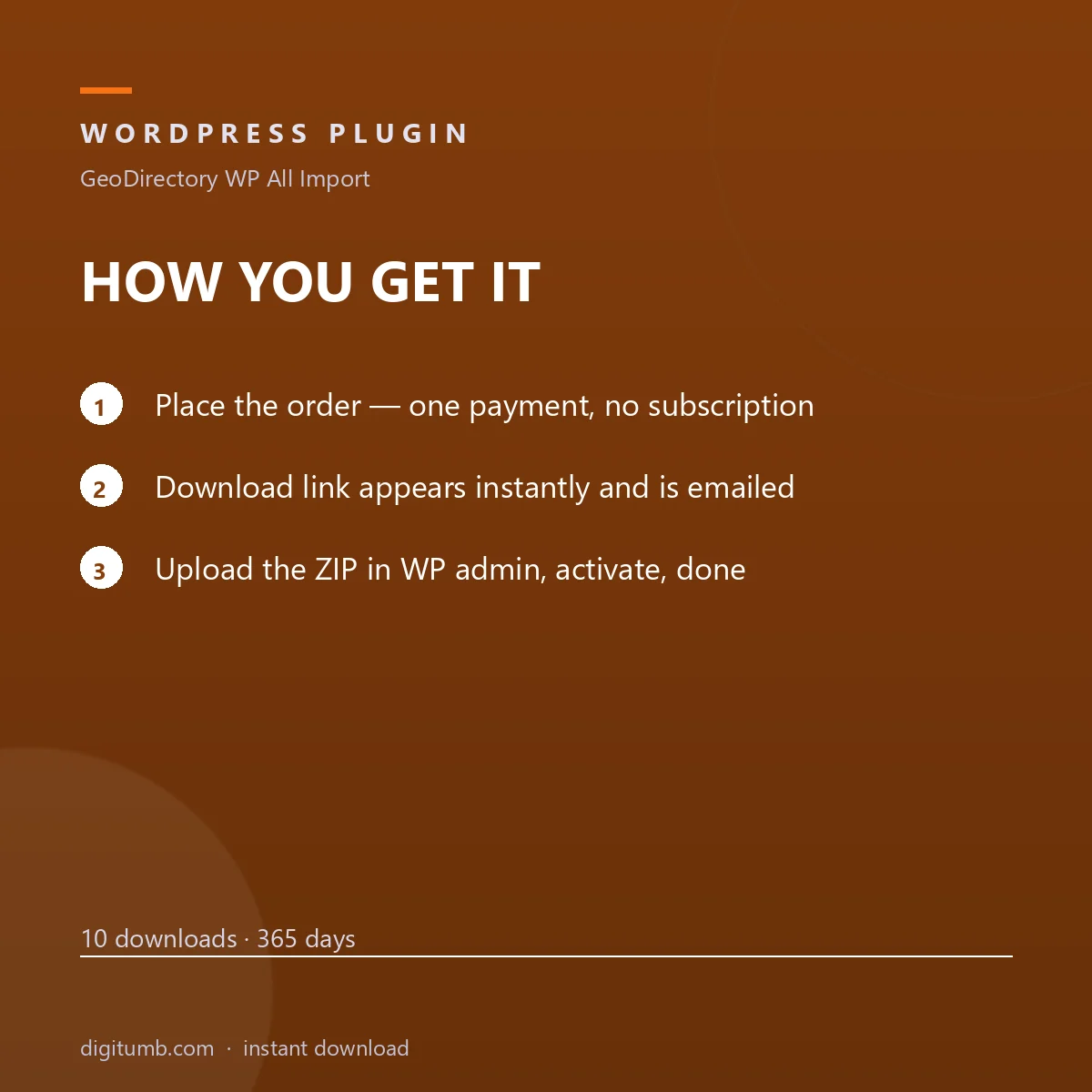
| Delivery | Instant ZIP download, 10 downloads, 365 days |
How GeoDirectory WP All Import moves listings into your directory
The add-on works inside the WP All Import workflow you already know. You point an import at a CSV or XML file, map its columns to GeoDirectory listing fields, and run it. The plugin takes care of creating listings in GeoDirectory rather than plain WordPress posts, so imported entries land as directory content with their GeoDirectory fields intact.
Because the import runs through WP All Import, you can process whole files of listings in one pass. That suits sites moving an existing directory, migrating from another platform, or loading a supplier feed of places. The plugin has been tested by the WP All Import developers and they approved it.
Which GeoDirectory fields the import covers
Recent releases show the field coverage in practice: category and country names, neighbourhood values, and address latitude and longitude are all handled during import. Version 2.3.7 added sanitizing for address latitude and longitude values, and 2.3.4 fixed neighbourhood values not being set after a listing was imported.
Version 2.3.8 fixed new WP All Import Pro imports always showing the default gd_place fields, and 2.3.9 fixed WP All Import always falling back to the default post type. If you import into more than one GeoDirectory post type, those two fixes matter.
Images, CRON runs and PHP 8
Imported listings often carry images from external URLs. Version 2.3.6 allowed importing images with URLs on .googleusercontent.com, and 2.3.2 allowed uploading external images that have no file extension. Both changes remove common reasons a picture column in your file fails to produce an image on the listing.
Scheduled imports are supported through WP All Import's CRON runs. Version 2.3.10 fixed new listings not being correctly created during CRON imports. Version 2.3.3 brought PHP 8 compatibility changes, and the package list states PHP 7.2 as the minimum and WordPress 6.0 as the required version, tested up to WordPress 7.0.
What this build includes
| Import listings from CSV or XML | Feed listing data from CSV or XML files into GeoDirectory through WP All Import, so large datasets are handled in bulk rather than entry by entry. |
|---|---|
| GeoDirectory field mapping | Map your file's columns to GeoDirectory listing fields, including category and country names, neighbourhood values, and address latitude and longitude. |
| External image import | Pull listing images from external URLs, including .googleusercontent.com addresses and image URLs that carry no file extension. |
| Scheduled CRON imports | Run imports on a schedule through WP All Import's CRON runs, with new listings created correctly during those automated runs. |
| Multiple post type support | Import into GeoDirectory post types other than the default, instead of WP All Import always using the default post type or default gd_place fields. |
| Elementor-compatible output | Use Elementor alongside the imported listings to build custom layouts for the directory content you bring in. |
Installing it on a WordPress site
- Upload the 'geodir-wp-all-import' directory to your '/wp-content/plugins/' directory.
- Activate the plugin 'GeoDirectory WP All Import' through the 'Plugins' menu in WordPress.
- Open WP All Import, choose your CSV or XML file, map the columns to GeoDirectory listing fields and run the import.
Frequently asked questions
What does GeoDirectory WP All Import actually do?
It connects WP All Import to GeoDirectory so you can import directory listings into your GeoDirectory site from CSV or XML files. Instead of adding places one at a time, you map file columns to listing fields and import the whole dataset in one run.
Can I import images that live on another server?
Yes. External image URLs are supported, including .googleusercontent.com addresses and image URLs that have no file extension. Both cases were addressed in earlier releases, so a picture column in your import file can produce images on the finished listing.
Does the import work with scheduled CRON runs?
Yes. Imports can run through WP All Import's CRON scheduling. Version 2.3.10 fixed new listings not being correctly created during CRON imports, so recurring, unattended imports create listings as expected.
Will it import into GeoDirectory post types other than the default?
Yes. Version 2.3.9 fixed WP All Import always using the default post type, and 2.3.8 fixed new WP All Import Pro imports always showing the default gd_place fields. Non-default GeoDirectory post types can be targeted.
What are the server requirements?
The package requires WordPress 6.0 and PHP 7.2, and is tested up to WordPress 7.0. PHP 8 compatibility changes were included in version 2.3.3, so the plugin runs on PHP 8 installations as well.
What do I get for $4.49 and is there vendor support?
You get the GPL build of the plugin, version 2.3.10, as a 0.0 MB zip: the same files the developer ships. There is no vendor update channel and no vendor support desk with this build. The price is $4.49.
What the GPL build means for you
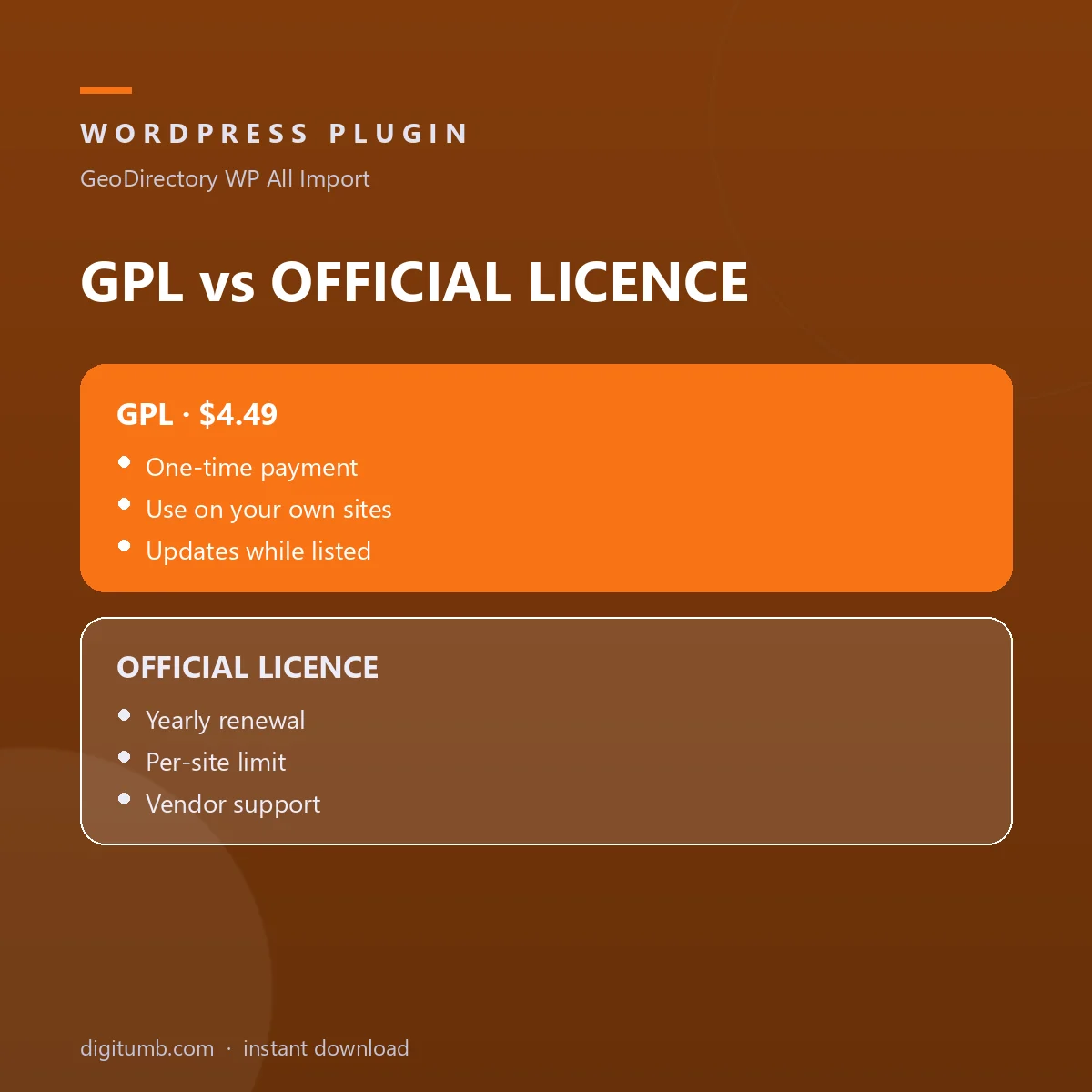
This is the same archive the developer publishes, redistributed under the GNU General Public License: you get the working files for $4.49 with no vendor update channel and no vendor support desk. If you need automatic updates or a support contract, buy the official license from the developer.
| This GPL build | Official license | |
|---|---|---|
| Price | $4.49 one time | Vendor subscription |
| Automatic updates | No | Yes |
| Developer support | No | Yes |
| Number of sites | Unlimited | Depends on plan |
Browse the rest of the WordPress plugins category or the full shop. The licence text is at GNU GPL v2, and general documentation is at WordPress.org.
You must be logged in to post a review.
You may also like…

Related products







Reviews
Clear filtersThere are no reviews yet.