




Yith Woocommerce Checkout Manager GPL
$4.49
YITH WooCommerce Checkout Manager is a WooCommerce plugin that lets you customise the checkout process of your store by adding, editing or removing checkout fields.
YITH WooCommerce Checkout Manager is a WooCommerce plugin that lets you customise the checkout process of your store by adding, editing or removing checkout fields. Fields can take the form of text inputs, checkboxes and date pickers, so the checkout can be shaped around what your store actually needs to collect. The result is a checkout you tailor to your customers rather than one fixed by WooCommerce defaults.
| Product | yith-woocommerce-checkout-manager |
|---|---|
| Version | 1.55.0 |
| Works with | WordPress 6.x+ / PHP 8.x+ |
| Tested up to | WordPress current |
| License | GPLv2 or later |
| Delivery | Instant ZIP download, 10 downloads, 365 days |
Which checkout fields can you change with this plugin?
The plugin gives you control over the fields customers see during checkout. You can add new fields, edit existing ones, or remove fields you do not need, so the form matches the information your store requires. Field types include text, checkboxes and date pickers, which covers common cases such as collecting a preferred delivery date or asking a customer to confirm a condition.
Because the changes apply to the checkout process itself, every order placed through your store follows the same field setup. That keeps the data you receive consistent across customers and orders.
Does YITH WooCommerce Checkout Manager work with Elementor?
Yes. The plugin is compatible with Elementor, so you can design your checkout pages using the Elementor page builder. If your store already uses Elementor for other pages, the checkout can be built in the same editing environment rather than a separate one.
This compatibility means the visual side of the checkout and the field configuration described above can be handled together as part of one store setup.
Can the plugin handle subscription checkouts?
The plugin works with WooCommerce Subscriptions, allowing you to manage subscription checkouts effectively. Stores that sell recurring products can keep the same customised field setup for subscription orders as for one-off purchases.
That matters when a subscription checkout needs the same extra information as a regular order, such as a date or a confirmation field, without a second checkout flow.
How is the GPL build supplied at Digitumb?
You receive the same plugin files the developer ships, distributed as a GPL build. There is no vendor update channel and no vendor support desk attached to this purchase. The price is $4.49.
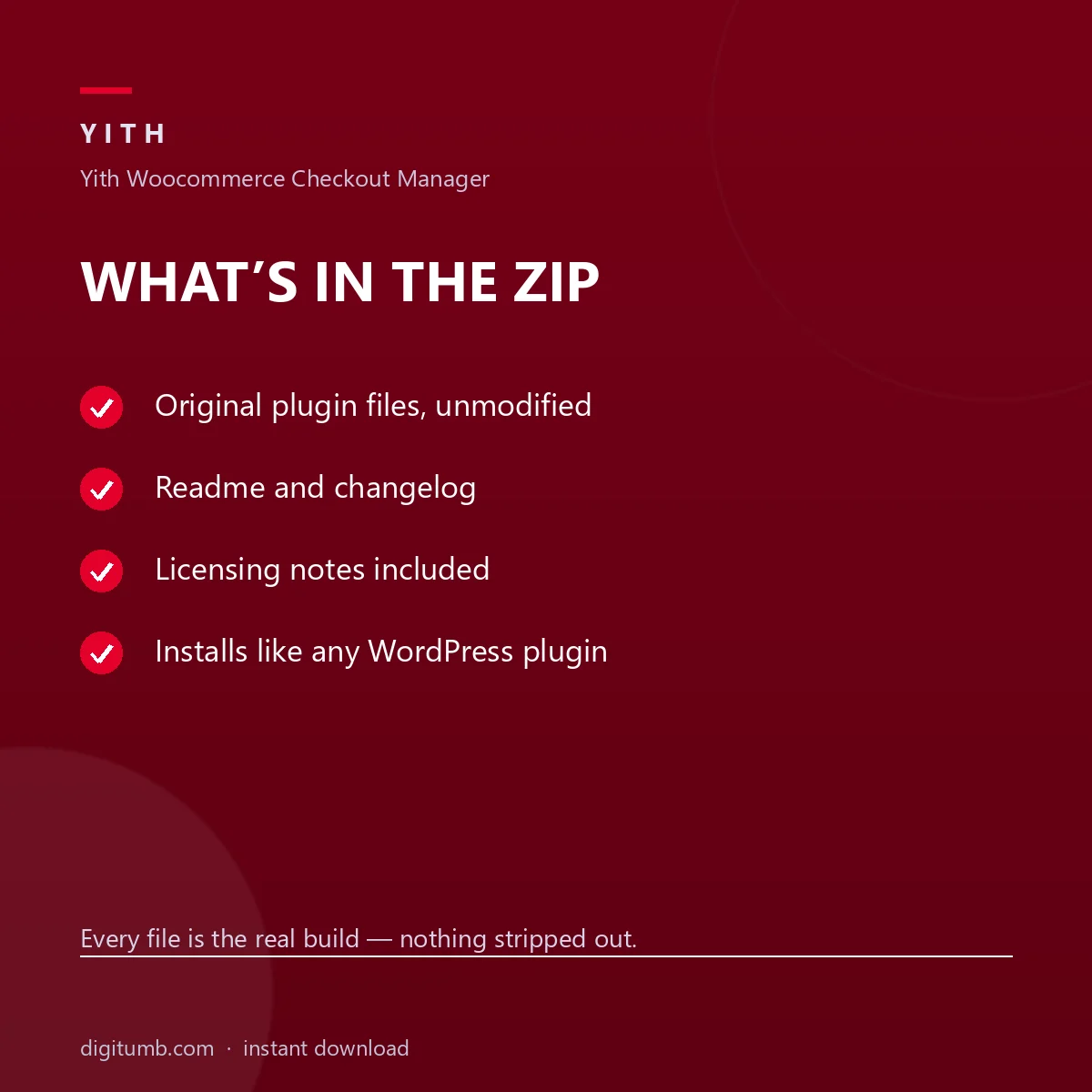
Version 1.55.0 is provided as a 2.3 MB zip archive. Download the archive from your Digitumb account and install it on your WordPress site like any other plugin.
What this build includes
| Add checkout fields | Create new fields on the WooCommerce checkout so you can collect information your store needs beyond the default form. |
|---|---|
| Edit existing checkout fields | Change the fields WooCommerce already shows at checkout to match the wording and data your store requires. |
| Remove checkout fields | Delete fields you do not need, shortening the form customers complete before placing an order. |
| Text, checkbox and date picker field types | Choose from text inputs, checkboxes and date pickers when defining the fields shown during checkout. |
| Elementor compatibility | Design checkout pages with the Elementor page builder, keeping checkout layout work inside the builder your store already uses. |
| WooCommerce Subscriptions compatibility | Manage subscription checkouts with the same customised field setup used for regular orders in the store. |
Installing it on a WordPress site
- Download the 2.3 MB zip archive from your Digitumb account.
- In WordPress, go to Plugins > Add New > Upload Plugin, select the zip file and run the installation.
- Activate the plugin, then open its settings to add, edit or remove the checkout fields your store needs.
Latest changes
Version 1.55.0 is the release supplied in this GPL build.
Frequently asked questions
What does YITH WooCommerce Checkout Manager actually do?
It customises the checkout process of a WooCommerce store by adding, editing or removing fields. You can shape the form around the information your store needs, using text, checkbox and date picker field types, rather than working only with the default WooCommerce checkout fields.
Do I need Elementor to use this plugin?
No. Elementor compatibility means you can design checkout pages with the Elementor page builder if your store uses it. Field customisation is the core function of the plugin and does not depend on having Elementor installed.
Will it work with my subscription products?
The plugin works with WooCommerce Subscriptions, so subscription checkouts can be managed with the same customised fields as other orders. That keeps the checkout consistent whether a customer buys a one-off product or a recurring one.
What do I get for $4.49?
You get the GPL build of the plugin, version 1.55.0, as a 2.3 MB zip file: the same files the developer ships. The purchase does not include a vendor update channel or vendor support desk. Installation and use follow the standard WordPress plugin process.
Can I remove fields instead of only adding them?
Yes. The plugin lets you add, edit or remove checkout fields. Removing fields you do not need shortens the form customers fill in before ordering, while adding fields lets you collect information the default checkout does not ask for.
What the GPL build means for you
This is the same archive the developer publishes, redistributed under the GNU General Public License: you get the working files for $4.49 with no vendor update channel and no vendor support desk. If you need automatic updates or a support contract, buy the official license from the developer.
| This GPL build | Official license | |
|---|---|---|
| Price | $4.49 one time | Vendor subscription |
| Automatic updates | No | Yes |
| Developer support | No | Yes |
| Number of sites | Unlimited | Depends on plan |
Browse the rest of the WordPress plugins category or the full shop. The licence text is at GNU GPL v2, and general documentation is at WordPress.org.
You must be logged in to post a review.
You may also like…

Related products







Reviews
Clear filtersThere are no reviews yet.