


YITH WooCommerce Category Accordion Premium GPL
$4.49
YITH WooCommerce Category Accordion is a WordPress plugin that displays your WooCommerce and WordPress categories as a clear toggle accordion.
YITH WooCommerce Category Accordion is a WordPress plugin that displays your WooCommerce and WordPress categories as a clear toggle accordion. Visitors open the branch they want and go straight to the category they need, instead of scanning a long flat list. It also highlights the current category, so shoppers always know where they are in your catalogue.
| Product | YITH WooCommerce Category Accordion |
|---|---|
| Version | 2.31.0 |
| Works with | WordPress 6.8+ / PHP 8.x+ |
| Tested up to | WordPress 7.0 |
| License | GPLv2 or later |
| Delivery | Instant ZIP download, 10 downloads, 365 days |
Which category types can the accordion display?
The plugin handles two category systems. You can show WooCommerce categories for your shop, and you can show WordPress categories for your blog or content sections. Both are selected in the accordion settings, so one accordion can serve product browsing and editorial browsing at the same time.
Subcategories are supported for both systems as well. A parent category expands to reveal its children, which keeps deep catalogues readable without pushing the rest of the page down.
How does the accordion help visitors find the right category?
Categories are presented as a toggle: a visitor clicks a category to open it and clicks again to close it. The option to highlight the current category marks the page the visitor is already on, which gives a clear reference point when moving between categories.
You can exclude specific categories from the accordion, so promotional or internal categories stay out of the navigation. Accordion styles are managed from their own list, where each style can be created, edited, viewed and searched.
What can you place inside an accordion entry?
Beyond the category link, an entry can show the category image, the last post and a number of posts, with -1 used to show all posts. WooCommerce tags and WordPress tags can also be shown, each with its own label.
This lets a category entry carry a visual cue and a sample of its latest content rather than a bare text link.
Where can the accordion be hidden or added?
Visibility controls let you hide the accordion on specific pages and on specific posts, which is useful when a landing page or checkout flow should stay clean. A menu can be added in the accordion, and a shortcode is available if you prefer to place the accordion manually.
The plugin is built for WordPress 6.8 and tested up to WordPress 7.0.
What this build includes
| WooCommerce categories | Display your shop's WooCommerce categories in the accordion and let visitors open and close each branch. |
|---|---|
| WordPress categories | Display WordPress categories in the same accordion format for blog and content sections. |
| Subcategory support | Show WooCommerce subcategories and WordPress subcategories under their parent categories. |
| Current category highlight | Highlight the current category so visitors can see which category page they are viewing. |
| Category exclusions | Exclude specific categories from the accordion to keep certain categories out of the navigation. |
| Category images and latest posts | Show the category image, the last post and a post count per entry, with -1 for all posts. |
| Tag display | Show WooCommerce tags and WordPress tags in the accordion, each with a configurable label. |
| Accordion styles | Create, edit, view and search accordion styles from a dedicated styles list. |
| Page and post hiding | Hide the accordion on chosen pages and posts where navigation should not appear. |
| Shortcode and menu | Add a menu in the accordion or place it with the YITH WooCommerce Category Accordion shortcode. |
Installing it on a WordPress site
- Unzip the downloaded zip file.
- Upload the plugin folder into the wp-content/plugins/ directory of your WordPress site.
- Activate YITH WooCommerce Category Accordion from the Plugins page.
Latest changes
Version 2.31.0, released on 20 July 2026, adds support for WooCommerce 11.0 and updates the YITH plugin framework.
Frequently asked questions
Does the accordion work with both WooCommerce and WordPress categories?
Yes. The settings let you show WooCommerce categories and WordPress categories, and subcategories are supported for both. You choose the category type in the accordion options, so the same plugin can serve product navigation and content navigation.
Can I keep some categories out of the accordion?
You can exclude specific categories using the exclusion option. This keeps selected categories out of the accordion while the rest remain available to visitors.
Can the accordion be hidden on certain pages?
Yes. The plugin includes options to hide the accordion in specific pages and in specific posts, so you can control where the navigation appears.
How do I place the accordion on my site?
The plugin provides a shortcode for manual placement, and you can also add a menu in the accordion. Accordion styles are created and managed from the Accordion Styles screen in the settings.
What WordPress version do I need?
The plugin requires WordPress 6.8 and is tested up to WordPress 7.0. The current release also adds support for WooCommerce 11.0.
What is included in this GPL build?
You receive the same plugin files the developer ships, as a GPL build, for $4.49. There is no vendor update channel and no vendor support desk with this purchase. The zip is 1.7 MB and the version is 2.31.0.
What the GPL build means for you
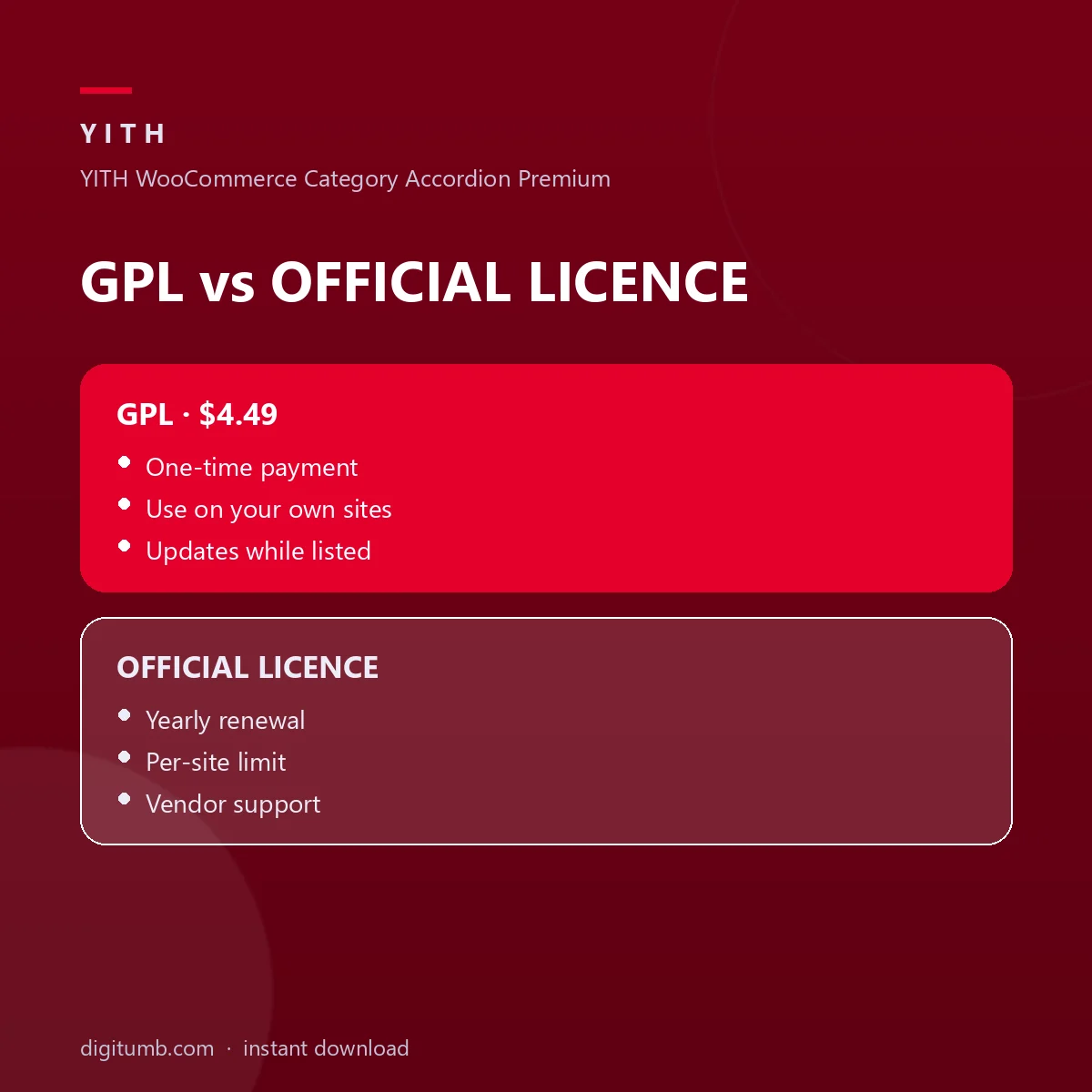
This is the same archive the developer publishes, redistributed under the GNU General Public License: you get the working files for $4.49 with no vendor update channel and no vendor support desk. If you need automatic updates or a support contract, buy the official license from the developer.
| This GPL build | Official license | |
|---|---|---|
| Price | $4.49 one time | Vendor subscription |
| Automatic updates | No | Yes |
| Developer support | No | Yes |
| Number of sites | Unlimited | Depends on plan |
Browse the rest of the WordPress plugins category or the full shop. The licence text is at GNU GPL v2, and general documentation is at WordPress.org.
You must be logged in to post a review.
You may also like…

Related products









Reviews
Clear filtersThere are no reviews yet.