



YITH WooCommerce Catalog Mode Premium GPL
$4.49
YITH WooCommerce Catalog Mode is a WooCommerce plugin that converts an online shop into a browsable product catalog.
YITH WooCommerce Catalog Mode is a WooCommerce plugin that converts an online shop into a browsable product catalog. It hides prices and the Add to Cart button, and it can place an information request form on product pages so visitors ask about items instead of buying them. Exclusion lists let you keep catalog mode off for chosen products, categories or tags.
| Product | YITH WooCommerce Catalog Mode |
|---|---|
| Version | 2.57.0 |
| Works with | WordPress 6.8+ / PHP 8.x+ |
| Tested up to | WordPress 7.0 |
| License | GPLv2 or later |
| Delivery | Instant ZIP download, 10 downloads, 365 days |
What catalog mode actually changes on a WooCommerce product page
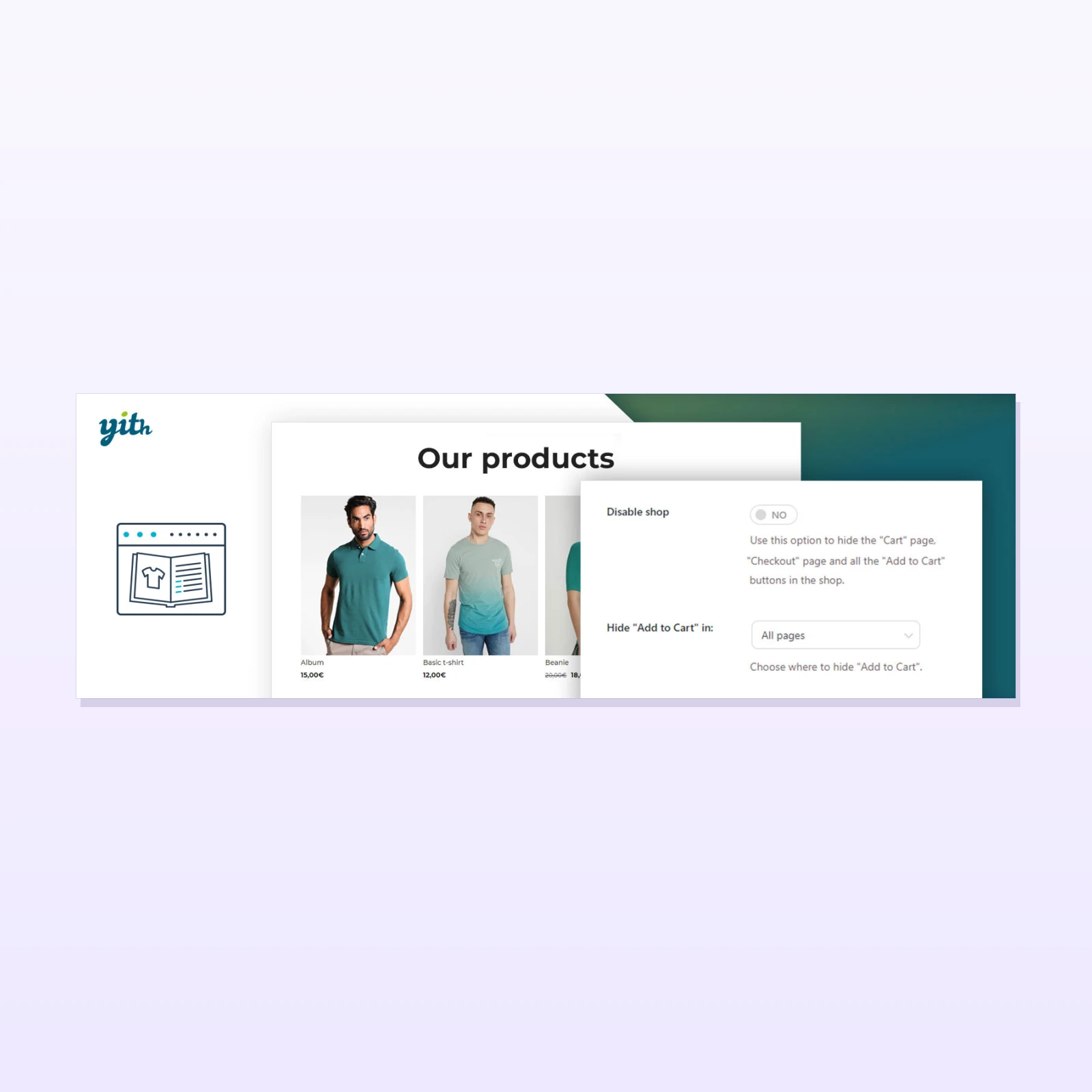
Turning catalog mode on lets you hide prices, the Add to Cart button, or both across the shop. Shoppers can still open product pages and read the catalog, but the buying step is taken out of the flow.
You are not limited to a shop-wide switch. The exclusion list takes individual products, categories and tags, so selected items can keep their normal price and purchase button while the rest of the catalog stays hidden.
How the inquiry form replaces the buy button
An information request form can be shown on product pages, giving visitors a way to ask about an item when the cart is not available. The plugin settings include a dedicated section for the inquiry form, where you configure how it behaves.
Wording around the form is yours to control. The Buttons & Labels area is a built-in builder for creating the buttons and text labels that appear on your products, so the request prompt matches the rest of your shop.
Managing the exclusion list in the plugin settings
The Exclusion List screen is where you add, edit and remove entries. The interface confirms each action, for example that an exclusion was added, updated or removed successfully.
Deleting an exclusion asks for confirmation first and warns that the action cannot be undone. From the same area you choose whether to add specific products, categories or tags, and the plugin asks you to select at least one of them before an entry is accepted.
What this build includes
| Hide prices and Add to Cart | Switch off prices, the Add to Cart button, or both, so the shop reads as a catalog rather than a checkout. |
|---|---|
| Product inquiry form | Show an information request form on product pages so visitors can ask about an item when buying is disabled. |
| Exclusion by product, category or tag | Keep catalog mode off for chosen products, categories or tags while the rest of the shop stays in catalog mode. |
| Buttons & Labels builder | Create the buttons and text labels shown on your products with a built-in builder inside the plugin settings. |
| Dedicated Catalog Mode Options panel | Configure the plugin's general settings from one options screen, separate from the exclusion list and the inquiry form settings. |
| WooCommerce 11.0 support | Version 2.57.0 adds support for WooCommerce 11.0 and ships an updated YITH plugin framework. |
Installing it on a WordPress site
- Upload the plugin ZIP through the WordPress Plugins menu and activate it.
- Open the WooCommerce settings panel and go to the Catalog Mode Options screen to set your general preferences.
- Add products, categories or tags to the Exclusion List for items that should keep normal prices and purchasing, then build your buttons and labels.
Latest changes
Version 2.57.0, released 20 July 2026, adds support for WooCommerce 11.0 and updates the YITH plugin framework.
Frequently asked questions
Yes. The Exclusion List accepts products, categories and tags, and catalog mode is not applied to those entries. You select at least one product, category or tag when adding an exclusion, and the plugin reports each addition, update or removal.
What happens to the Add to Cart button when catalog mode is active?
You choose whether to hide prices, the Add to Cart button, or both. When the button is hidden, the inquiry form can appear on the product page so visitors still have a way to ask about the item.
Which WordPress and WooCommerce versions does this build support?
The plugin requires WordPress 6.8 and has been tested up to WordPress 7.0. Release 2.57.0 adds support for WooCommerce 11.0, following earlier releases that added support for WooCommerce 10.3 through 10.9.
Is this the same plugin file the developer ships?
This is a GPL build: the same files the developer ships, distributed under the GPL. There is no vendor update channel and no vendor support desk attached. The price at digitumb.com is $4.49 for the 4.9 MB ZIP.
What the GPL build means for you
This is the same archive the developer publishes, redistributed under the GNU General Public License: you get the working files for $4.49 with no vendor update channel and no vendor support desk. If you need automatic updates or a support contract, buy the official license from the developer.
| This GPL build | Official license | |
|---|---|---|
| Price | $4.49 one time | Vendor subscription |
| Automatic updates | No | Yes |
| Developer support | No | Yes |
| Number of sites | Unlimited | Depends on plan |
Browse the rest of the WordPress plugins category or the full shop. The licence text is at GNU GPL v2, and general documentation is at WordPress.org.
You must be logged in to post a review.
You may also like…

Related products








Reviews
Clear filtersThere are no reviews yet.