


WP Vr Pro – WordPress Plugin
$4.49
WP VR Pro is a WordPress plugin for building immersive 360-degree virtual reality experiences directly on your site. It is aimed at site owners who want to give visitors an interactive, engaging way.
WP VR Pro is a WordPress plugin for building immersive 360-degree virtual reality experiences directly on your site. It is aimed at site owners who want to give visitors an interactive, engaging way to explore a space or a product instead of reading a static page. Tours are created through the plugin's interface after activation, and the result is a virtual tour embedded in your WordPress pages.
| Product | wp-vr-pro |
|---|---|
| Version | 6.3.9 + Addons |
| Works with | WordPress 6.x+ / PHP 8.x+ |
| Tested up to | WordPress current |
| License | GPLv2 or later |
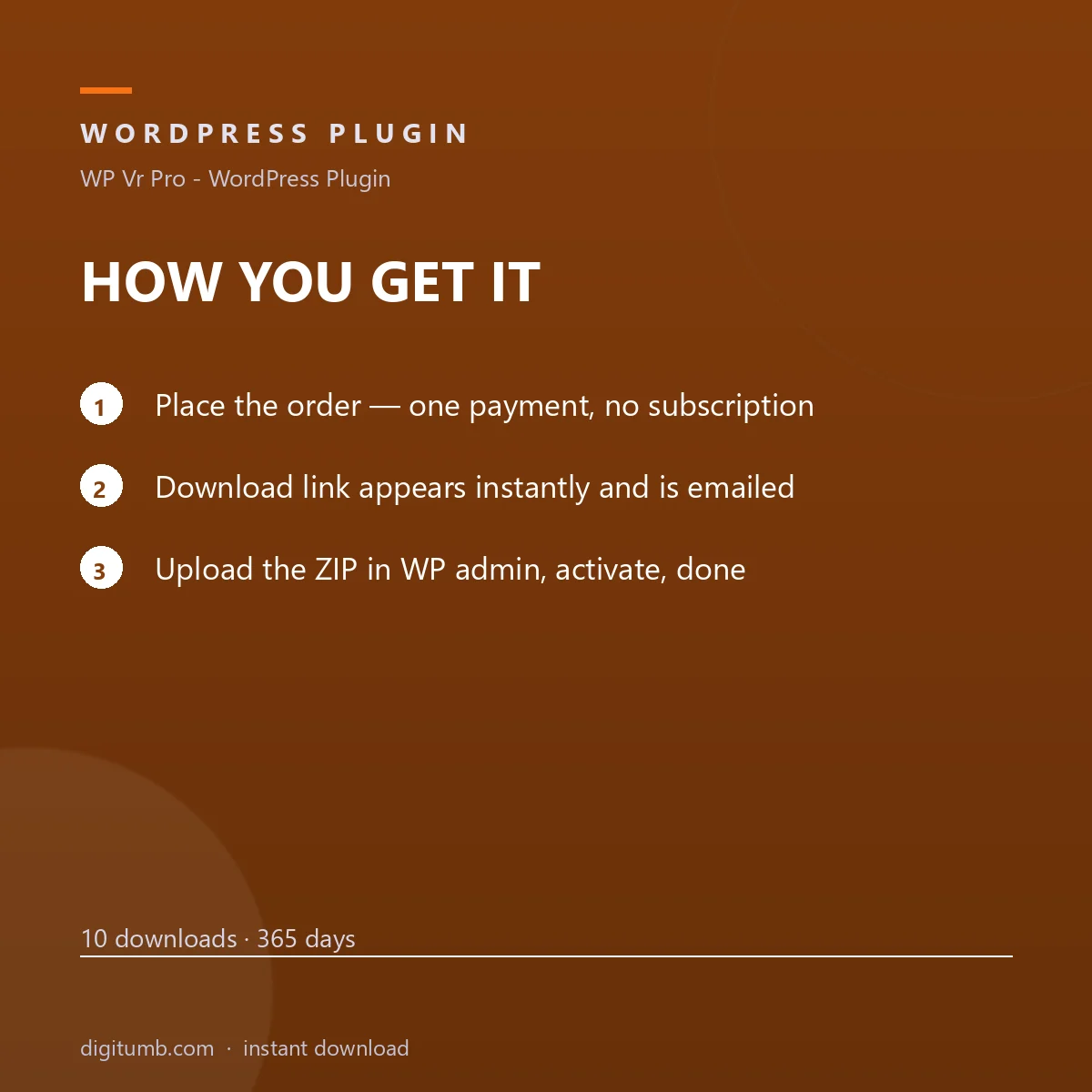
| Delivery | Instant ZIP download, 10 downloads, 365 days |
What can visitors actually do inside a WP VR Pro tour?
Visitors move through a 360-degree virtual reality experience on your WordPress site rather than viewing a flat image or a video. The plugin is built to enhance user engagement and interaction, so the tour becomes something a guest explores at their own pace instead of content they simply scroll past.
Because the tours are 360-degree, the viewing experience covers the full space around the camera position. That makes the plugin suitable for presenting a location, an interior or a product environment in a way that a standard photo gallery cannot match.
Does WP VR Pro work with WooCommerce product pages?
WP VR Pro is compatible with WooCommerce. You can create virtual tours for your products and place them in the shopping experience, so customers can look around a product environment before they decide to buy.
For stores, this adds a visual layer to the product page that goes beyond thumbnails and descriptions. The tour is built with the same plugin interface used for any other virtual tour on the site.
Will WP VR Pro display correctly on the Astra theme?
Astra is one of the themes WP VR Pro works with. Tours are displayed on the front end of the site through the theme, and the plugin is confirmed to render them properly under Astra.
If your site already runs Astra, you do not need to switch themes to use the plugin. The virtual tours appear as part of your normal page layout.
How the GPL build at digitumb.com is packaged
This is a GPL build: you receive the same plugin files the developer ships, packaged with the addons listed for version 6.3.9. The download is a 3.8 MB zip, priced at $4.49 on digitumb.com.
No vendor update channel and no vendor support desk are included with this build. Updates and help come from the GPL distribution rather than from the original developer.
What this build includes
| 360-degree virtual tours | Create immersive virtual reality experiences in 360 degrees and publish them on your WordPress site for guests to explore. |
|---|---|
| WooCommerce product tours | Build virtual tours for products inside WooCommerce and add them to the shopping experience for your customers. |
| Astra theme compatibility | Run the plugin with the Astra theme and have your virtual tours displayed as part of your site layout. |
| Guided tour creation interface | Follow the plugin's interface after activation to put together your first virtual tour without a separate build tool. |
| Addons included | The package ships with the addons listed alongside version 6.3.9, extending what the base plugin install provides. |
Installing it on a WordPress site
- Upload the WP VR Pro plugin zip through your WordPress dashboard under Plugins, then activate it.
- Open the plugin's interface and follow the steps to create your first 360-degree virtual tour.
- Place the finished tour on the page or product where you want visitors to see it, then check the front end under your active theme.
Frequently asked questions
What does WP VR Pro do?
WP VR Pro lets you create immersive 360-degree virtual reality experiences on your WordPress website. The tours are meant to enhance user engagement and interaction, giving visitors something to explore rather than a static page to read.
Can I use WP VR Pro on a WooCommerce store?
Yes. WP VR Pro is compatible with WooCommerce, so you can create virtual tours for your products and add them to the shopping experience. This gives customers a way to view a product environment before buying.
How do I set up WP VR Pro on my site?
Upload the plugin file to your WordPress dashboard under Plugins and activate it. After that, follow the plugin's interface to create your first virtual tour and publish it on the pages where you want it shown.
Does WP VR Pro work with the Astra theme?
Yes. WP VR Pro works with the Astra theme, so your virtual tours are displayed properly on the front end of a site running Astra. You do not need to change themes to use the plugin.
What do I get for $4.49 at digitumb.com?
You get a GPL build of WP VR Pro with the addons for version 6.3.9, delivered as a 3.8 MB zip. The files are the same ones the developer ships. No vendor update channel and no vendor support desk are part of this purchase.
What the GPL build means for you
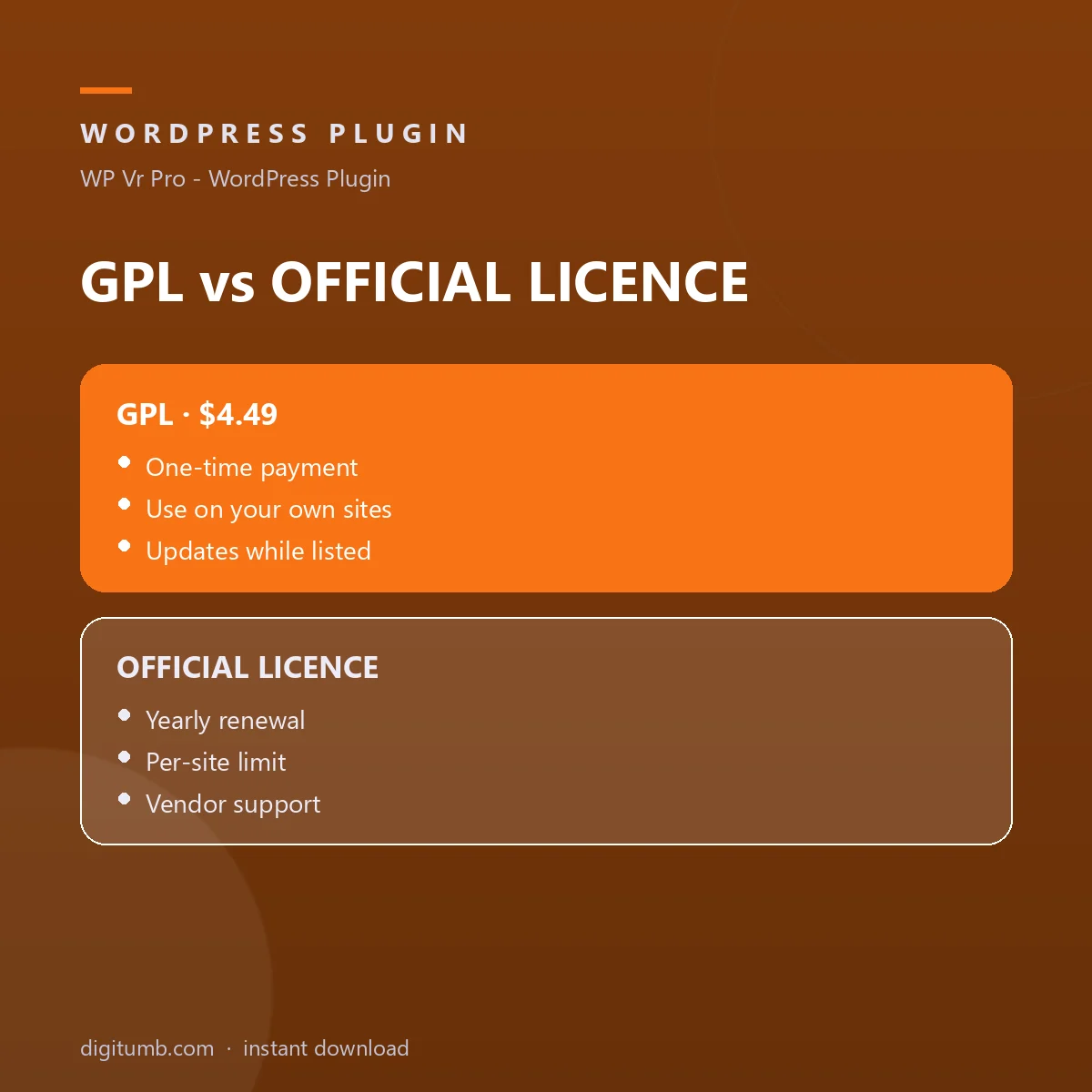
This is the same archive the developer publishes, redistributed under the GNU General Public License: you get the working files for $4.49 with no vendor update channel and no vendor support desk. If you need automatic updates or a support contract, buy the official license from the developer.
| This GPL build | Official license | |
|---|---|---|
| Price | $4.49 one time | Vendor subscription |
| Automatic updates | No | Yes |
| Developer support | No | Yes |
| Number of sites | Unlimited | Depends on plan |
Browse the rest of the WordPress plugins category or the full shop. The licence text is at GNU GPL v2, and general documentation is at WordPress.org.
You must be logged in to post a review.
You may also like…

Related products



Reviews
Clear filtersThere are no reviews yet.