



WP Fusion Personal Plan GPL
$4.49
WP Fusion is a WordPress plugin that connects what happens on your website to your CRM or marketing automation tool.
WP Fusion is a WordPress plugin that connects what happens on your website to your CRM or marketing automation tool. It creates and updates contact records from WordPress users, applies tags, restricts content by a user's CRM tags and records ecommerce transactions. Membership sites, lead capture and course access can all be driven by the contact data already stored in your CRM.
| Product | WP Fusion |
|---|---|
| Version | 3.46.2 |
| Works with | WordPress 4.6+ / PHP 7.3+ |
| Tested up to | WordPress 6.9.0 |
| License | GPLv2 or later |
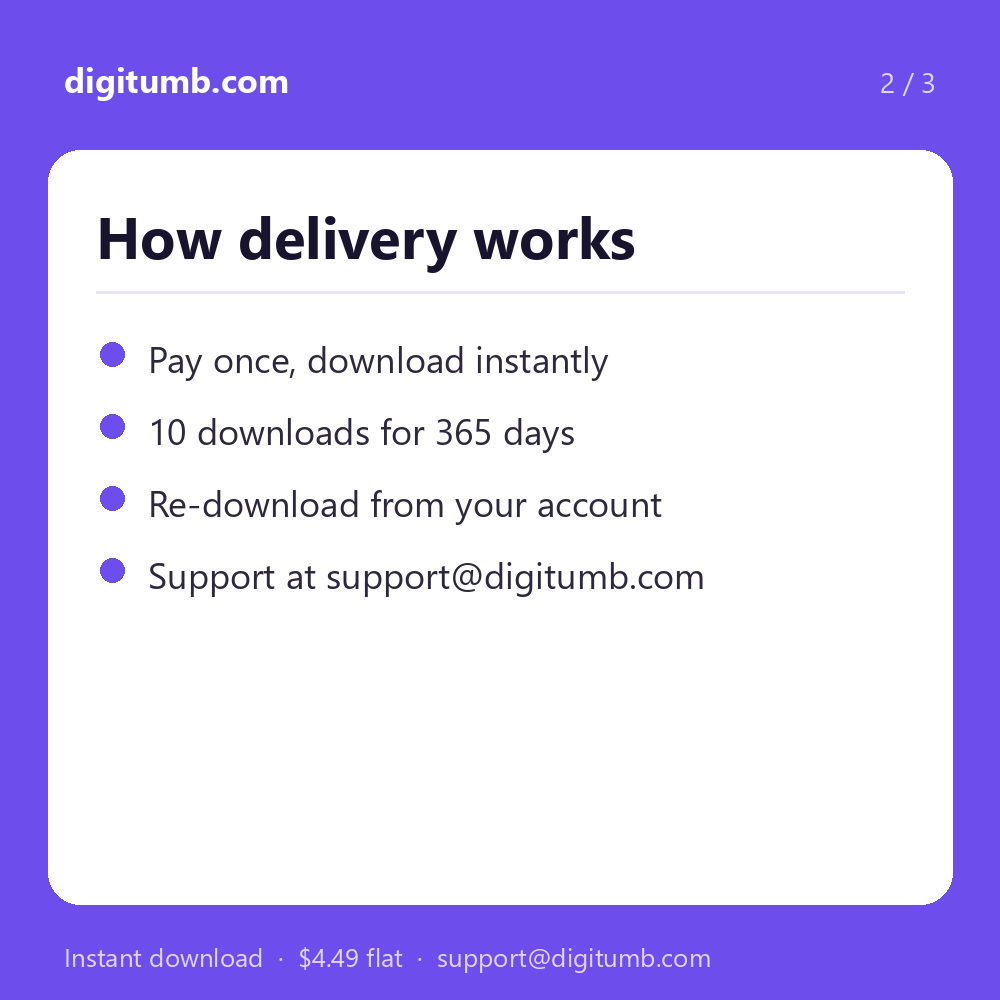
| Delivery | Instant ZIP download, 10 downloads, 365 days |
How WP Fusion keeps WordPress users and CRM contacts in step
New users added in WordPress become new contacts in your connected CRM, and tags can be assigned to those newly created users at the same time. When a user's profile is updated in WordPress, the matching contact record in the CRM is updated too.
Field mapping is configurable: you choose which WordPress user meta fields synchronize with which contact fields. The settings screens show tag and field lists loaded from your CRM, with a resynchronize option when a tag or field is not found.
Restricting content by CRM tags
Access settings let you require tags before a user can see posts or archives, with the option to require any of the listed tags, all of them, or exclude users who carry specific tags. If access is denied, you can redirect the visitor to an alternate page or URL, or show a restricted content message.
Shortcodes hide or show sections of content inside posts, so parts of a page can be tied to a visitor's tags. You can also apply tags when a user visits a certain page, with a configurable delay before the tag is applied.
Courses, memberships and ecommerce
WP Fusion includes integrations for LearnDash, Sensei and LifterLMS for managing online courses, and connects with numerous membership and ecommerce plugins. WooCommerce compatibility is part of the vendor's documented feature set.
For a membership site, the practical result is that enrollment, contact records and tags stay in one place: your CRM. The plugin's interface reports whether a transaction was processed by Enhanced Ecommerce, and tag-based access rules apply across the site.
What this build includes
| Automatic contact creation | Creates a new contact in your CRM whenever a new user is added in WordPress, without manual entry. |
|---|---|
| Tag new users on creation | Assigns tags to users as their contact records are created, so segmentation starts from the first signup. |
| Tag-based content access | Locks posts and archives until a logged-in user carries the required tags, with any, all or excluded tag rules. |
| Redirect or message on denial | Sends blocked visitors to an alternate page or URL, or displays a restricted content message instead. |
| Content shortcodes | Hides or shows selected parts of a post based on the visitor's CRM tags using shortcodes. |
| Page-visit tagging | Applies a tag when a user visits a chosen page, with a delay you configure. |
| Field synchronization | Maps WordPress user meta fields to CRM contact fields and updates the contact record when a profile changes. |
| Course plugin integrations | Manages online courses through integrations with LearnDash, Sensei and LifterLMS. |
| Membership and ecommerce integrations | Works with numerous membership and ecommerce plugins, including WooCommerce, to record transactions and manage access. |
Installing it on a WordPress site
- Upload the plugin and activate it, then open Settings >> WP Fusion.
- Select your CRM, enter your API credentials and click Test Connection to verify the connection and run the first synchronization.
- Allow the initial sync to finish; it may take some time on sites with many user accounts.
Latest changes
Version 3.46.2 adds Gravity Forms Consent field support, Zoho full-contact import and Klaviyo/Pipedrive marketplace connection validation, and fixes Zoho connection and token refresh issues.
Frequently asked questions
Do I need to write code to connect my CRM?
No. You pick your CRM from the settings screen, paste in API credentials and run Test Connection. Tag and field lists are loaded from your CRM into the plugin's settings, and field mapping is configured there.
What happens to users who lack the required tags?
Access settings let you redirect them to an alternate page or URL, or display a restricted content message. Archive protection requires you to specify a redirect below the archive option.
Can I tag someone just for visiting a page?
Yes. WP Fusion can apply tags when a user visits a certain page, and the delay before the tag is applied is configurable.
Does the first synchronization take long?
It may take some time if your site has many user accounts, because Test Connection also performs the first synchronization between WordPress users and CRM contacts.
How is this GPL build supplied?
You receive the same plugin files the developer ships, version 3.46.2, as a 3.6 MB zip for $4.49. There is no vendor update channel and no vendor support desk with this build.
What the GPL build means for you
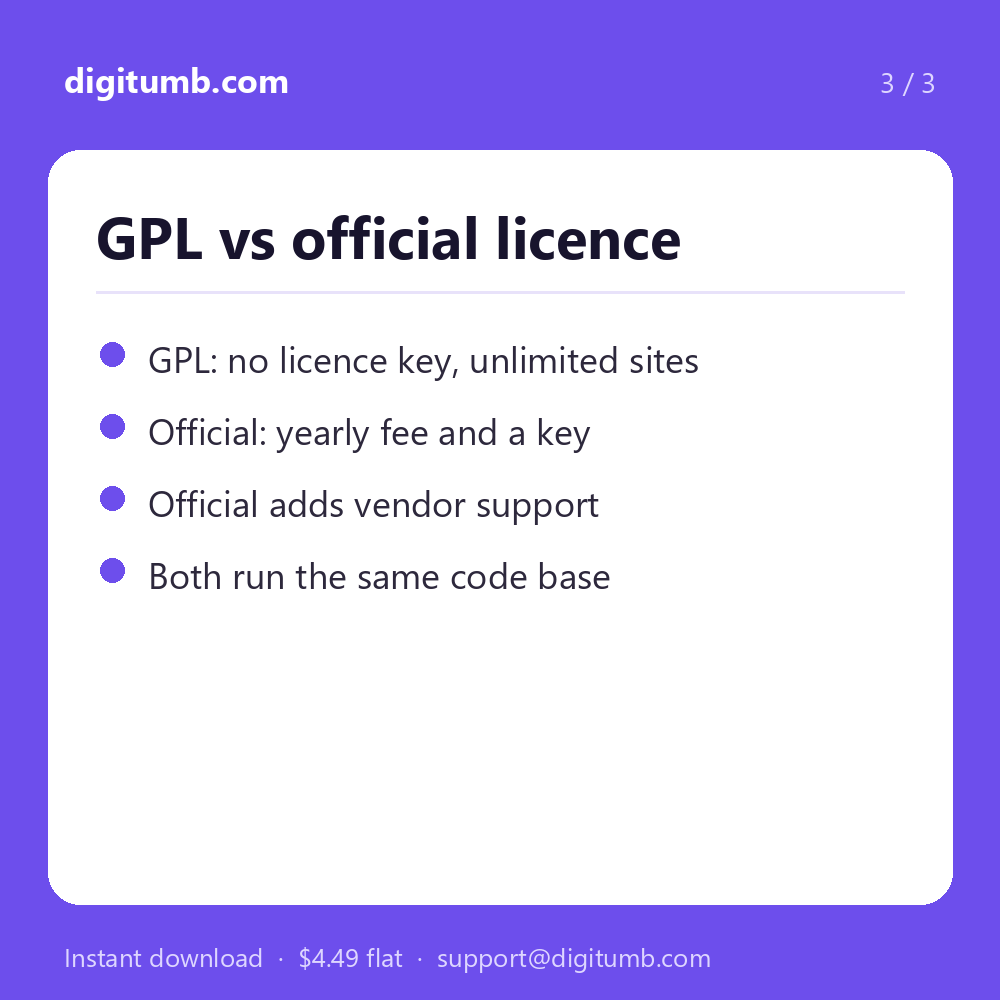
This is the same archive the developer publishes, redistributed under the GNU General Public License: you get the working files for $4.49 with no vendor update channel and no vendor support desk. If you need automatic updates or a support contract, buy the official license from the developer.
| This GPL build | Official license | |
|---|---|---|
| Price | $4.49 one time | Vendor subscription |
| Automatic updates | No | Yes |
| Developer support | No | Yes |
| Number of sites | Unlimited | Depends on plan |
Browse the rest of the WordPress plugins category or the full shop. The licence text is at GNU GPL v2, and general documentation is at WordPress.org.
You must be logged in to post a review.
You may also like…

Related products







Reviews
Clear filtersThere are no reviews yet.