




WooCommerce Tab Manager GPL
$4.49
WooCommerce Tab Manager is a WooCommerce plugin that lets you create and manage custom tabs on your product pages so product information is organized in a clear and accessible way.
WooCommerce Tab Manager is a WooCommerce plugin that lets you create and manage custom tabs on your product pages so product information is organized in a clear and accessible way. It adds global tabs you can assign to products, lets you restrict tabs to selected product categories, and gives you a default tab layout to work from. This build is 1.16.6, packaged as a 1.7 MB zip and sold at digitumb.com for $4.49.
| Product | WooCommerce Tab Manager |
|---|---|
| Version | 1.16.6 |
| Works with | WordPress 5.6+ / PHP 7.4+ |
| Tested up to | WordPress 7.1.3 |
| License | GPLv2 or later |
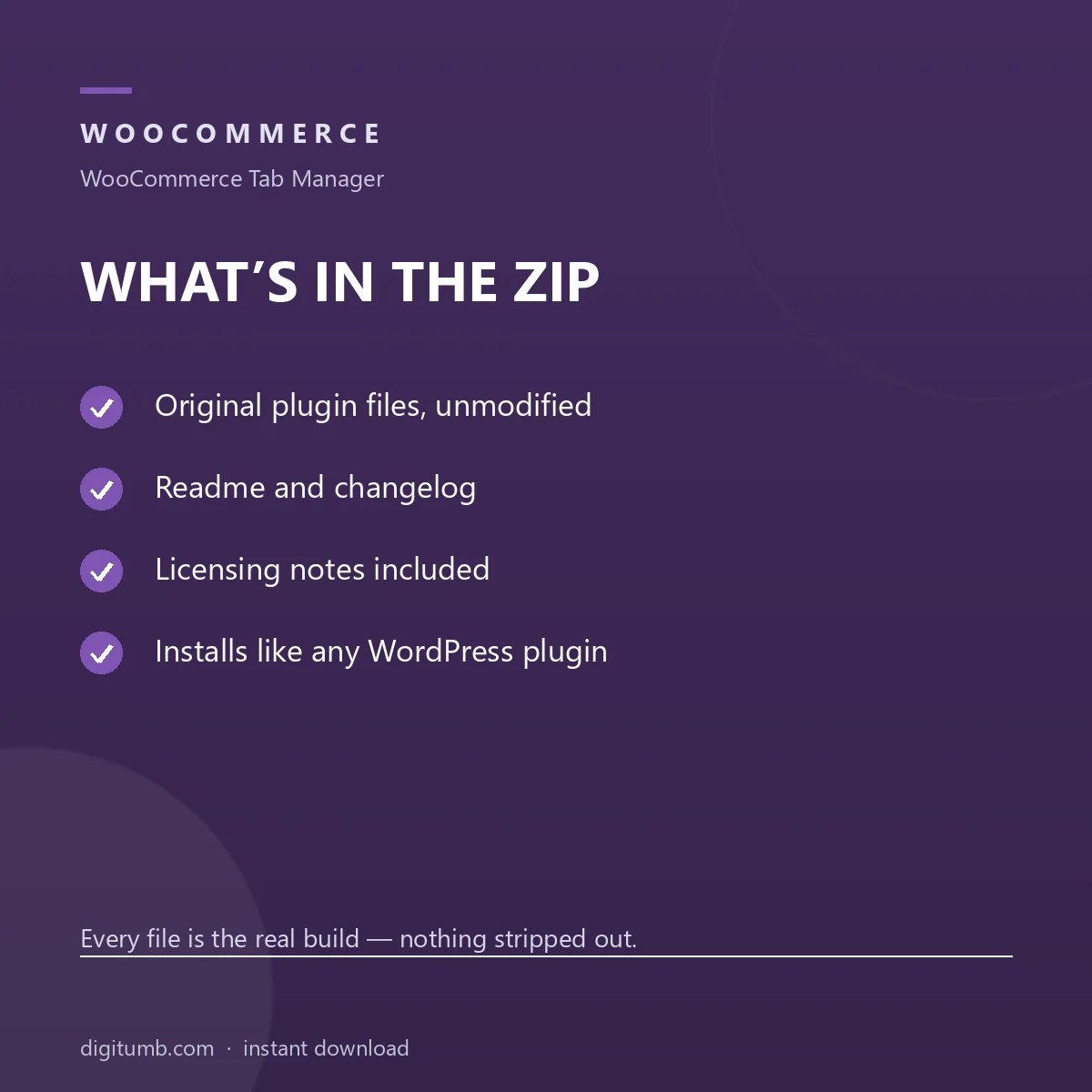
| Delivery | Instant ZIP download, 10 downloads, 365 days |
How custom product tabs are created and assigned in WooCommerce Tab Manager
The plugin adds a tab management area where you can add global tabs and then attach them to products. Each tab carries a title that appears in the tab strip and a separate heading that appears just before the tab content, so the label in the tab bar and the heading inside the panel can differ. Tabs can be saved, updated, moved to the Trash, restored from the Trash, or deleted permanently.
Assignment happens at product level through the Parent Product field, and product-level tabs are always shown on their assigned product. A Product Categories selector restricts a tab to products in chosen categories, which keeps a tab off products where it does not belong.
Global tabs versus product-level tabs
WooCommerce Tab Manager separates tabs into global tabs and product-level tabs. Global tabs are created once in the tab manager and can be applied across products; product-level tabs stay tied to the product they were created for. The Show product tabs and Show global tabs controls let you decide which of the two groups appears.
The default tab layout includes Product Description, which displays the product content set in the main content editor, and Additional Information, which displays the product attributes and properties configured on the product. You can override the default tab layout when a product needs a different arrangement.
Editing tab content and working with third-party tab content
Each tab has an Edit Global Tab Content area with a click-to-toggle control, plus fields for the tab title and the tab heading. The tab manager also supports a mode where the title and content for a tab are provided by a third-party plugin, so an existing tab source can feed the tab instead of content typed into the tab editor.
The plugin ships with admin, src, i18n and templates folders, and the i18n folder carries the translation files for the interface strings.
WordPress, PHP and multisite compatibility
The plugin requires WordPress 5.6 and PHP 7.4, and is tested up to WordPress 7.1.3. It is compatible with WordPress multisite installations, so tabs can be managed across multiple sites in a network, and it is compatible with the Astra theme without conflicts.
What this build includes
| Create and manage custom product tabs | Add global tabs from the tab manager, give each a tab title and a heading, and save or update it as you go. |
|---|---|
| Assign tabs to specific products | Set the Parent Product for a tab; product-level tabs are always shown on their assigned product. |
| Restrict tabs by product category | Use the Product Categories selector to limit a tab's display to products in the categories you choose. |
| Override the default tab layout | Switch on the override for products that need a tab arrangement different from the default layout. |
| Built-in Description and Additional Information tabs | The default layout includes a Product Description tab fed by the main content editor and an Additional Information tab fed by product attributes. |
| Third-party tab content support | A tab can take its title and content from a third-party plugin instead of content entered in the tab editor. |
| Trash and restore tabs | Move tabs to the Trash, restore them, or delete them permanently, with a separate view for tabs found in the trash. |
| Multisite and Astra theme compatibility | Works on WordPress multisite installations for tab management across multiple sites, and is compatible with the Astra theme. |
Installing it on a WordPress site
- Upload the entire 'woocommerce-tab-manager' folder to the '/wp-content/plugins/' directory.
- Activate the plugin through the 'Plugins' menu in WordPress.
- Open the WooCommerce settings to start creating your custom tabs.
Latest changes
This build is version 1.16.6.
Frequently asked questions
What does WooCommerce Tab Manager do?
It lets you create and manage custom tabs on your product pages, helping you organize product information in a clear and accessible way. You add global tabs, assign them to products, set a tab title and heading, and decide which tabs appear through the Show product tabs and Show global tabs controls.
Can I show a tab only on products in certain categories?
Yes. The Product Categories selector restricts the display of a tab to certain products, so you can keep a tab off products where it does not apply. Product-level tabs are always shown on their assigned product, so category restriction is the tool for narrowing display across a catalog.
Does WooCommerce Tab Manager work with WordPress multisite?
Yes, WooCommerce Tab Manager is fully compatible with WordPress multisite installations, allowing you to manage tabs across multiple sites. The plugin also requires WordPress 5.6 and PHP 7.4, and is tested up to WordPress 7.1.3.
Is it compatible with the Astra theme?
Yes, WooCommerce Tab Manager is compatible with the Astra theme, allowing you to enhance your product pages without any conflicts. The plugin ships with its own admin, src, i18n and templates folders, and the tab output comes from its templates.
What do I get for $4.49 and how is it licensed?
You get the GPL build of the plugin, the same files the developer ships, for $4.49 at digitumb.com. The build is 1.16.6 and the zip is 1.7 MB. There is no vendor update channel and no vendor support desk with this purchase.
How do I set up WooCommerce Tab Manager on my WordPress site?
To set up WooCommerce Tab Manager, upload the plugin file through the WordPress admin dashboard under Plugins. After activation, navigate to the WooCommerce settings to start creating your custom tabs.
What the GPL build means for you
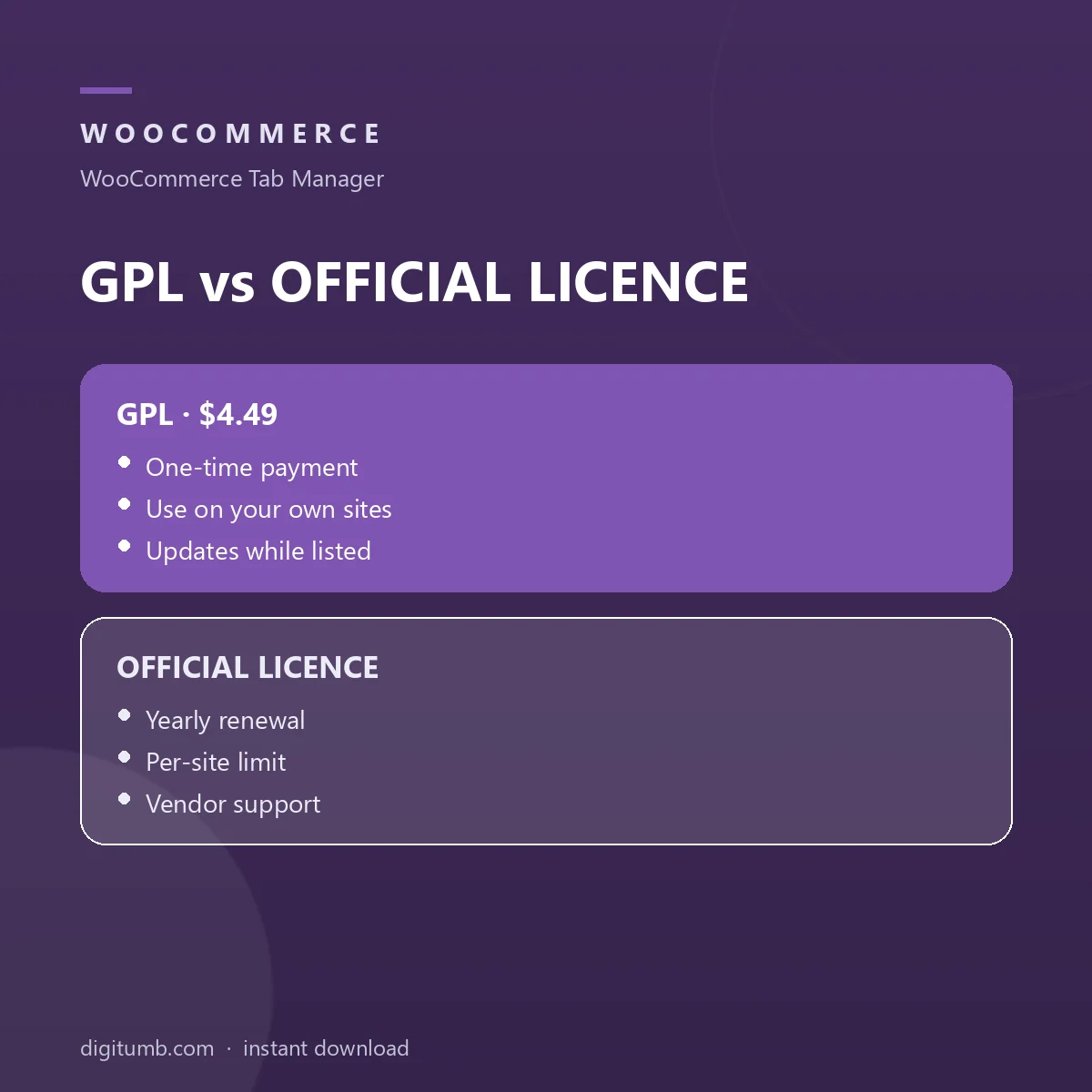
This is the same archive the developer publishes, redistributed under the GNU General Public License: you get the working files for $4.49 with no vendor update channel and no vendor support desk. If you need automatic updates or a support contract, buy the official license from the developer.
| This GPL build | Official license | |
|---|---|---|
| Price | $4.49 one time | Vendor subscription |
| Automatic updates | No | Yes |
| Developer support | No | Yes |
| Number of sites | Unlimited | Depends on plan |
Browse the rest of the WordPress plugins category or the full shop. The licence text is at GNU GPL v2, and general documentation is at WordPress.org.
You must be logged in to post a review.
You may also like…

Related products





Reviews
Clear filtersThere are no reviews yet.