



WooCommerce Social Login GPL
$4.49
WooCommerce Social Login is a WordPress plugin that lets customers register and log in to your online store using their social media accounts instead of typing new credentials.
WooCommerce Social Login is a WordPress plugin that lets customers register and log in to your online store using their social media accounts instead of typing new credentials. It adds social login buttons to your store, lets you configure which providers appear, and gives you control over where those buttons show up. The plugin also supports WordPress Multisite, so a single network can use it across multiple sites.
| Product | WooCommerce Social Login |
|---|---|
| Version | 2.18.4 |
| Works with | WordPress 5.6+ / PHP 7.4+ |
| Tested up to | WordPress 7.1.3 |
| License | GPLv2 or later |
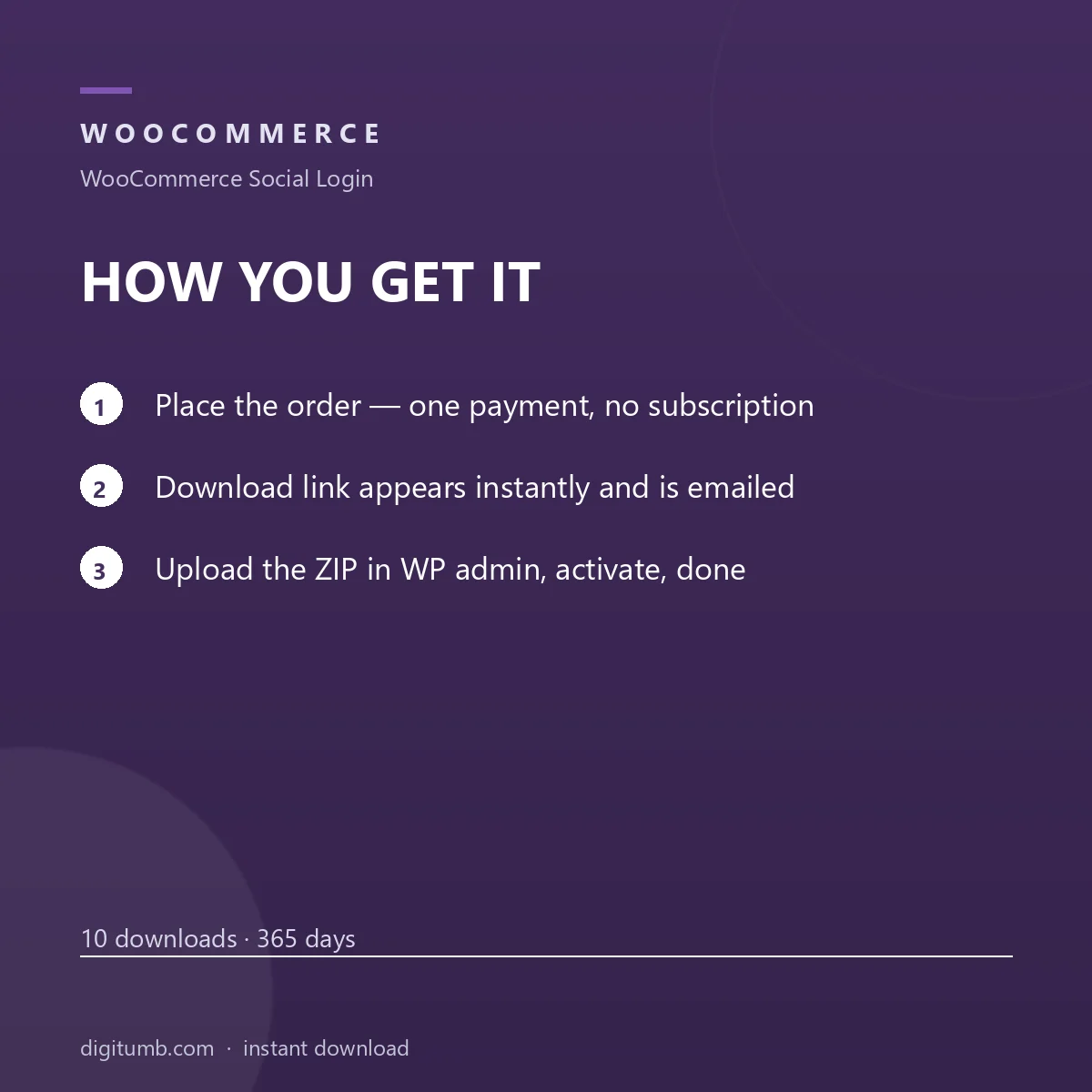
| Delivery | Instant ZIP download, 10 downloads, 365 days |
Where WooCommerce Social Login Buttons Appear in Your Store
A dedicated setting controls where social login buttons are displayed. The plugin includes short display text for checkout and separate text for non-checkout locations, so the wording can match the context a shopper is in. You can also show a "Link Your Account" button on the Thank You page, which gives customers a way to connect a social profile after an order is complete.
The Social Login Providers screen lists each provider and marks any that are not configured yet. From that screen you drag and drop providers to set their display order, so the buttons customers see first are the ones you choose.
Configuring Social Login Providers
Provider Configuration starts with a prompt asking which social login provider you would like to configure first. Each provider needs its own application ID and secure key, and the plugin reports specific errors when those values are wrong, such as an incorrect application ID, an incorrect secure key, or a user who denied access.
A Force SSL option can be applied to all providers, and the callback URL format defaults to the recommended setting. The settings screen also includes a Checkout Notice and a Product Reviews Pro Login area, alongside the provider list and the connected social profiles view.
Social Registration and Account Linking
Social Registration lets new customers create a store account through their social profile rather than a registration form. Existing customers can connect a social profile to their account, and the Connected Social Profiles view shows which profiles are attached.
Customer social login data can be removed from the plugin, giving you a way to clear stored connection data when it is no longer needed. The plugin is built to work with popular themes including Astra and Divi, so the login buttons keep a consistent look on those setups.
What this build includes
| Social account login | Customers register and log in to your store with their social media accounts, simplifying authentication and improving the login experience. |
|---|---|
| Provider display order | Drag and drop social login providers in the settings to control the order in which their buttons are displayed. |
| Button placement control | Choose where social login buttons are displayed, with separate display text for checkout and non-checkout locations. |
| Thank You page account linking | Display a "Link Your Account" button on the Thank You page so customers can connect a social profile after ordering. |
| Provider configuration screen | Configure each provider from one screen, with validation messages for incorrect application IDs, secure keys and denied access. |
| Force SSL for all providers | Apply SSL to every configured social login provider from a single setting instead of configuring each one separately. |
| WordPress Multisite compatibility | Use the plugin across multiple sites within a WordPress Multisite network installation. |
| Connected profiles view | See connected social profiles and remove stored customer social login data from the plugin. |
Installing it on a WordPress site
- Upload the entire 'woocommerce-social-login' folder to the '/wp-content/plugins/' directory.
- Activate the plugin through the 'Plugins' menu in WordPress.
- Open the plugin settings and configure the social media accounts you want to enable by following the setup instructions shown there.
Latest changes
This page covers WooCommerce Social Login version 2.18.4.
Frequently asked questions
What does WooCommerce Social Login do?
It allows users to register and log in to your online store using their social media accounts. This simplifies the authentication process and improves the user experience compared with filling in a registration form each time.
Is WooCommerce Social Login compatible with WordPress Multisite?
Yes. The plugin is compatible with WordPress Multisite installations, so you can use it across multiple sites within your network.
How do I set up WooCommerce Social Login on my site?
Install and activate the plugin from the WordPress admin dashboard, then configure the social media accounts you want to enable by following the setup instructions provided in the plugin settings.
Does it work with themes like Astra or Divi?
Yes. WooCommerce Social Login is designed to work with popular WordPress themes, including Astra and Divi, so the login buttons keep a consistent user experience across your site.
What are the WordPress and PHP requirements?
The plugin requires WordPress 5.6 and PHP 7.4, and has been tested up to WordPress 7.1.3.
What do I receive for $4.49?
You receive the GPL build of WooCommerce Social Login version 2.18.4 as a 2.0 MB zip: the same plugin files the developer ships. There is no vendor update channel and no vendor support desk at this price.
What the GPL build means for you
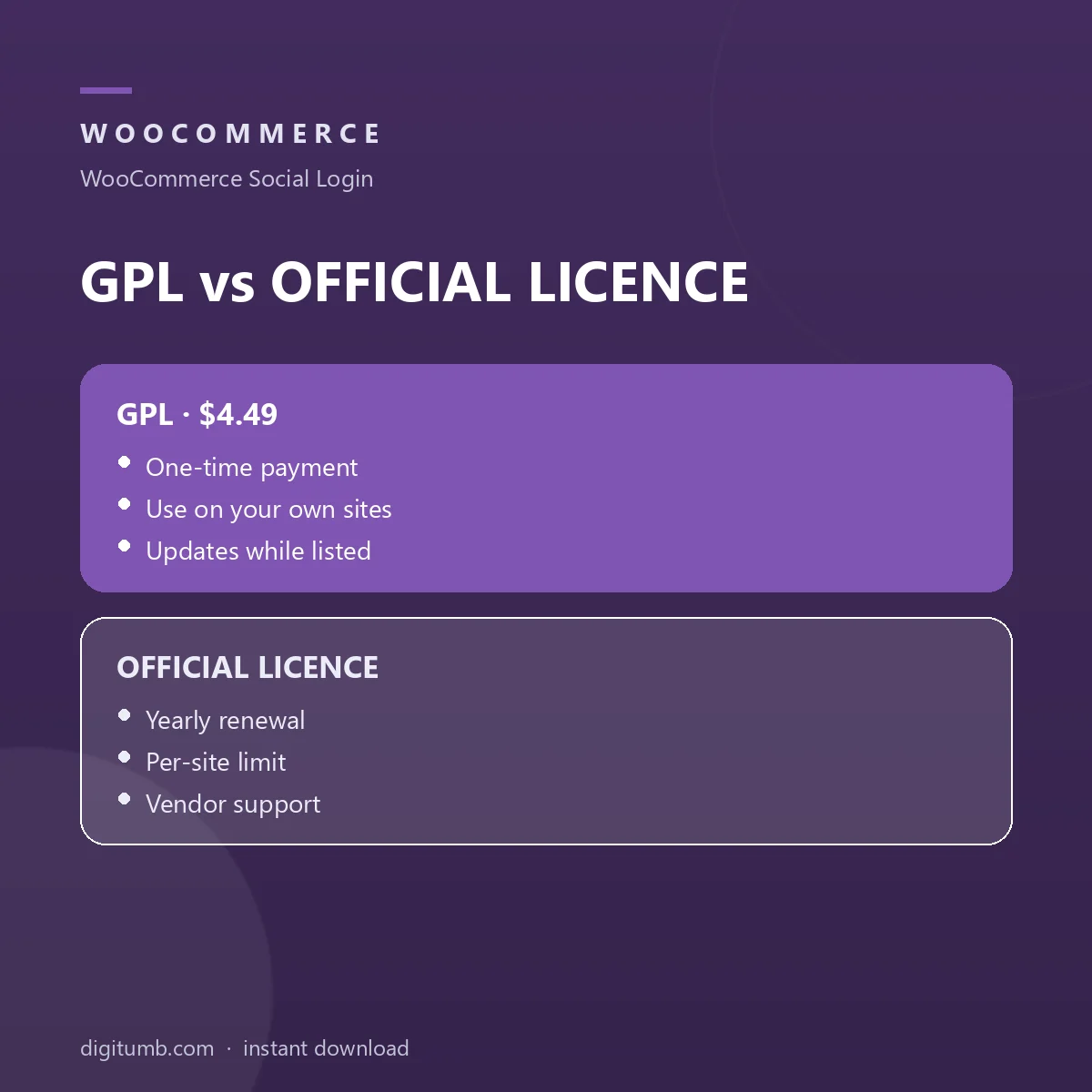
This is the same archive the developer publishes, redistributed under the GNU General Public License: you get the working files for $4.49 with no vendor update channel and no vendor support desk. If you need automatic updates or a support contract, buy the official license from the developer.
| This GPL build | Official license | |
|---|---|---|
| Price | $4.49 one time | Vendor subscription |
| Automatic updates | No | Yes |
| Developer support | No | Yes |
| Number of sites | Unlimited | Depends on plan |
Browse the rest of the WordPress plugins category or the full shop. The licence text is at GNU GPL v2, and general documentation is at WordPress.org.
You must be logged in to post a review.
You may also like…

Related products









Reviews
Clear filtersThere are no reviews yet.