




WooCommerce Product Configurator GPL – WordPress Plugin
$4.49
WooCommerce Product Configurator is a WordPress plugin that lets customers customize products directly on the product page by choosing options such as colors, sizes and additional features. The.
WooCommerce Product Configurator is a WordPress plugin that lets customers customize products directly on the product page by choosing options such as colors, sizes and additional features. The plugin builds customizable product images and manages stock levels alongside those choices. It runs on WordPress 4.7.4 and above, tested up to WordPress 6.9, and arrives here as a GPL build for $4.49.
| Product | WooCommerce Product Configurator |
|---|---|
| Version | 1.27.2 |
| Works with | WordPress 4.7.4+ / PHP 8.x+ |
| Tested up to | WordPress 6.9 |
| License | GPLv2 or later |
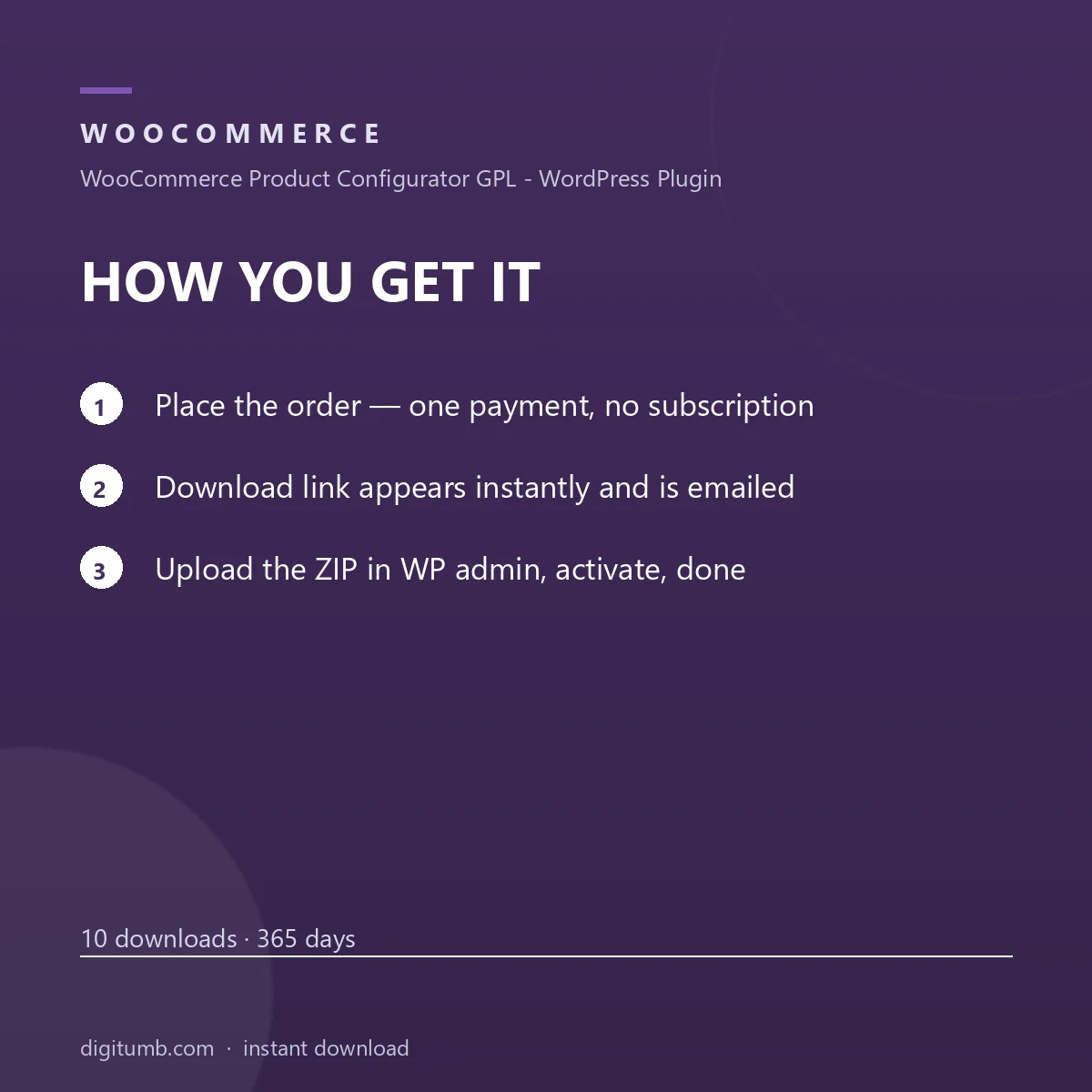
| Delivery | Instant ZIP download, 10 downloads, 365 days |
What shoppers can customize on a product page
The plugin gives customers a set of options to pick from when they configure a product. Colors, sizes and additional features are the examples its vendor names, and each selection feeds into the product image the shopper sees.
Because the store handles the stock side as well, the options a customer picks are tied to inventory rather than sitting in a separate form. The result is a product page where configuration and availability are handled in one place.
How the configurator is built from layers
Configuration is organized in layers, managed from a Product Configurator screen inside the settings. A Background Image sits underneath, and you set it by uploading a PNG or WebP file; the plugin rejects other formats and shows a message when an attachment fails.
Conditional Group settings let you define rules, including an is not equal to comparison, so groups of layers can respond to what the shopper selects. A note on the settings screen reminds you that after attributes are updated you may need to refresh the page.
Image output and cache controls
General Settings include an Output image format selector, which sets the format of the image the configurator produces. Cache Settings let you enable the image cache and set a cache duration in hours.
When you need to start over, a cleanup action removes the temporary images created by the plugin, and the screen confirms when the cache has been cleared. Database tables for the plugin can be installed from the same settings area, with a confirmation when they are successfully installed.
License, account and support screens
The plugin includes a License & Account Settings area where you can activate a license to receive the latest updates and support, and a Manage Your Account link for plugins, subscriptions and renewals. Documentation is linked from the Getting Started section.
A Priority Support panel points to help when you run into issues, and a 30 Day Money-Back Guarantee is displayed alongside the documentation link. These are the vendor's own terms; this GPL build carries no vendor update channel and no vendor support desk.
What this build includes
| Option-based product customization | Customers choose colors, sizes and additional features on the product page, and the configurator reflects those choices in the product image. |
|---|---|
| Stock management for configured products | Stock levels are managed alongside the customization options, so availability stays connected to what the shopper selects. |
| Layer management | A Product Configurator screen lets you manage the layers that make up a configurable product image. |
| Background image upload | Set a background image by uploading a PNG or WebP file; the plugin checks the format and reports attachment problems. |
| Conditional groups | Define conditional groups with comparison rules, including is not equal to, to control when groups of layers apply. |
| Output image format setting | Choose the format of the output image the configurator generates from the General Settings screen. |
| Image cache with duration | Enable the image cache and set a cache duration in hours, with a cleanup action for temporary images and a cache clear confirmation. |
| Database table installer | Install the plugin's database tables from the settings screen, with a message confirming when tables are successfully installed. |
Installing it on a WordPress site
- Upload the plugin zip to WordPress and activate it; the package requires WordPress 4.7.4 or newer.
- Open the plugin settings and install the database tables, then set the output image format and cache options.
- Create your layers in the Product Configurator screen, upload a PNG or WebP background image, and add conditional groups where needed.
Latest changes
This package is version 1.27.2 of the plugin, distributed as a 0.5 MB zip.
Frequently asked questions
What does WooCommerce Product Configurator actually do?
It lets customers customize products by selecting options such as colors, sizes and additional features, which the vendor says enhances the shopping experience and increases conversion rates. It also creates customizable product images and manages stock levels.
Will it work with my existing WooCommerce extensions?
The plugin is designed to work with most WooCommerce extensions, including payment gateways and shipping modules, so it fits into an existing store setup. Compatibility with your particular combination of extensions is worth testing on a staging copy first.
Does it work with popular WordPress themes?
It is compatible with most popular WordPress themes that support WooCommerce, so you can keep your site's design while adding customization features. Themes without WooCommerce support are outside that scope.
What image formats does the configurator accept?
Background images must be PNG or WebP. If you select another file type the plugin asks for a PNG or WebP image, and it shows a message if attaching the image you selected fails.
How is this GPL build different from buying from the developer?
You get the same files the developer ships, at $4.49, with no vendor update channel and no vendor support desk. Updates and help come from this store's GPL package, not from the original vendor's license and support system.
What the GPL build means for you
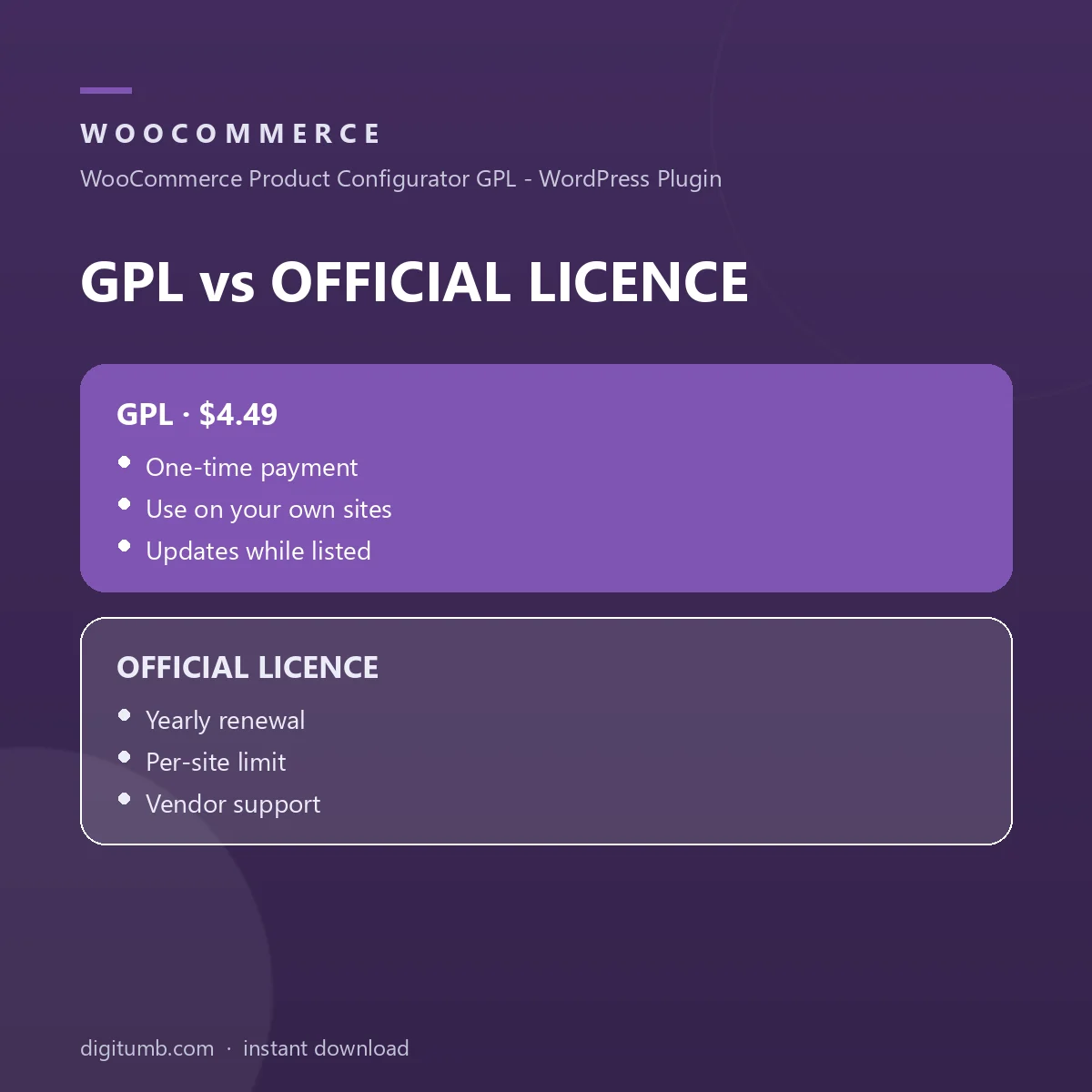
This is the same archive the developer publishes, redistributed under the GNU General Public License: you get the working files for $4.49 with no vendor update channel and no vendor support desk. If you need automatic updates or a support contract, buy the official license from the developer.
| This GPL build | Official license | |
|---|---|---|
| Price | $4.49 one time | Vendor subscription |
| Automatic updates | No | Yes |
| Developer support | No | Yes |
| Number of sites | Unlimited | Depends on plan |
Browse the rest of the WordPress plugins category or the full shop. The licence text is at GNU GPL v2, and general documentation is at WordPress.org.
You must be logged in to post a review.
You may also like…

Related products







Reviews
Clear filtersThere are no reviews yet.