





Point of Sale for WooCommerce Pos GPL
$4.49
Point of Sale for WooCommerce is a web-based POS plugin that lets you manage in-person sales directly from your WordPress site.
Point of Sale for WooCommerce is a web-based POS plugin that lets you manage in-person sales directly from your WordPress site. It connects to your online WooCommerce store so physical and online sales share one inventory and one order flow. Cashiers work from a browser-based register with product selection, payment method choice, order notes and receipt-style order saving.
| Product | Point of Sale for WooCommerce |
|---|---|
| Version | 6.4.0 |
| Works with | WordPress 6.0+ / PHP 7.4+ |
| Tested up to | WordPress 6.4.3 |
| License | GPLv2 or later |
| Delivery | Instant ZIP download, 10 downloads, 365 days |
How the POS register handles a sale from product to payment
A cashier picks products in the register, chooses a payment method and confirms the order. The screen guides the flow with plain prompts such as "Please add products.", "Please select payment method." and "Please enter correct amount.", and confirms with "Order successful." or "Order successfully saved." when the sale goes through.
Orders can carry extra detail beyond the line items. The register accepts shipping details and additional order information, and it validates them: "Shipping title is required." and "Shipping price is required." appear when those fields are left empty. Free shipping can be applied to an order as a coupon.
Custom products, custom fields and fees at the counter
Items that are not in the catalogue can still be sold. The register asks for "Product title is required.", "Product price is required." and "Quantity is required.", so a one-off item is added with its own title, price and quantity. Custom fields are supported too, with a prompt to fill them when they are missing.
Fees can be attached to an order by name, and order notes can be added or edited after the fact, confirmed by "Note successfully added." and "Note successfully updated." A barcode scan that does not match a product returns "Invalid Barcode Scan."
Offline selling and register sessions
When the connection drops, offline function can be enabled; products are downloaded in the background and a completed sale returns "Offline order successful."
Registers can be closed at the end of a shift. The confirmation reads "You are about to close this register. All sales will be logged for this session." Cashiers sign in with a password, and mismatched or wrong entries are caught with "Incorrect password." and "Passwords don't match".
Running the POS alongside your WooCommerce stack
The plugin is built for stores that already sell online. It works with WooCommerce Subscriptions and WooCommerce Bookings, so subscription and booking business models can be handled at the counter as well as online.
Storefront is a supported theme, which keeps the register and the shop visually consistent. The plugin requires WordPress 6.0 and PHP 7.4, and is tested up to WordPress 6.4.3.
What this build includes
| In-person sales from WordPress | Ring up physical sales in a browser-based register on your own WordPress site instead of a separate POS system. |
|---|---|
| Shared inventory with your online store | In-person and online orders run through the same WooCommerce store, keeping inventory and sales management in one place. |
| Payment method selection | The register requires a payment method to be chosen and checks the entered amount before the order is accepted. |
| Custom product entry | Add an item that is not in the catalogue by supplying its title, price and quantity at the register. |
| Order notes and custom fields | Attach notes to an order, update them later, and fill custom fields that the register validates before saving. |
| Shipping details and fees | Enter shipping title and price for an order, apply a free shipping coupon, and add named fees. |
| Offline order mode | Enable offline function so products download in the background and sales can still be completed when the connection is down. |
| Register sessions | Log cashiers in with a password and close the register at the end of a session, logging all sales for it. |
| Barcode scanning | Scan products into an order, with an invalid scan reported back to the cashier. |
Installing it on a WordPress site
- Upload the 'woocommerce-point-of-sale' folder to the '/wp-content/plugins/' directory.
- Activate the plugin through the 'Plugins' menu in WordPress.
- Open the register and start adding products to an order.
Frequently asked questions
Does Point of Sale for WooCommerce work with my online store's inventory?
Yes. The plugin integrates with your WooCommerce store so in-person sales and online sales are managed together, with unified inventory and sales management rather than two separate systems.
Can I take orders when the internet connection fails?
Offline function can be enabled. Products are downloaded in the background while it is on, and a sale completed in that state is confirmed with "Offline order successful." This keeps the register usable during a connection problem.
Is it compatible with WooCommerce Subscriptions and Bookings?
The plugin is compatible with many popular WordPress plugins, including WooCommerce Subscriptions and WooCommerce Bookings. That extends it to business models built on recurring payments or bookable products.
Will it match the look of my Storefront shop?
Storefront is a supported theme. The plugin works well with it, which keeps a cohesive look and feel between your online store and your physical store.
What are the server requirements?
The plugin requires WordPress 6.0 and PHP 7.4, and it is tested up to WordPress 6.4.3. Confirm your host meets those versions before activating it on a live store.
What am I buying at $4.49?
You get the GPL build of version 6.4.0, a 6.9 MB zip containing the same files the developer ships. There is no vendor update channel and no vendor support desk with this build; the price is $4.49.
What the GPL build means for you
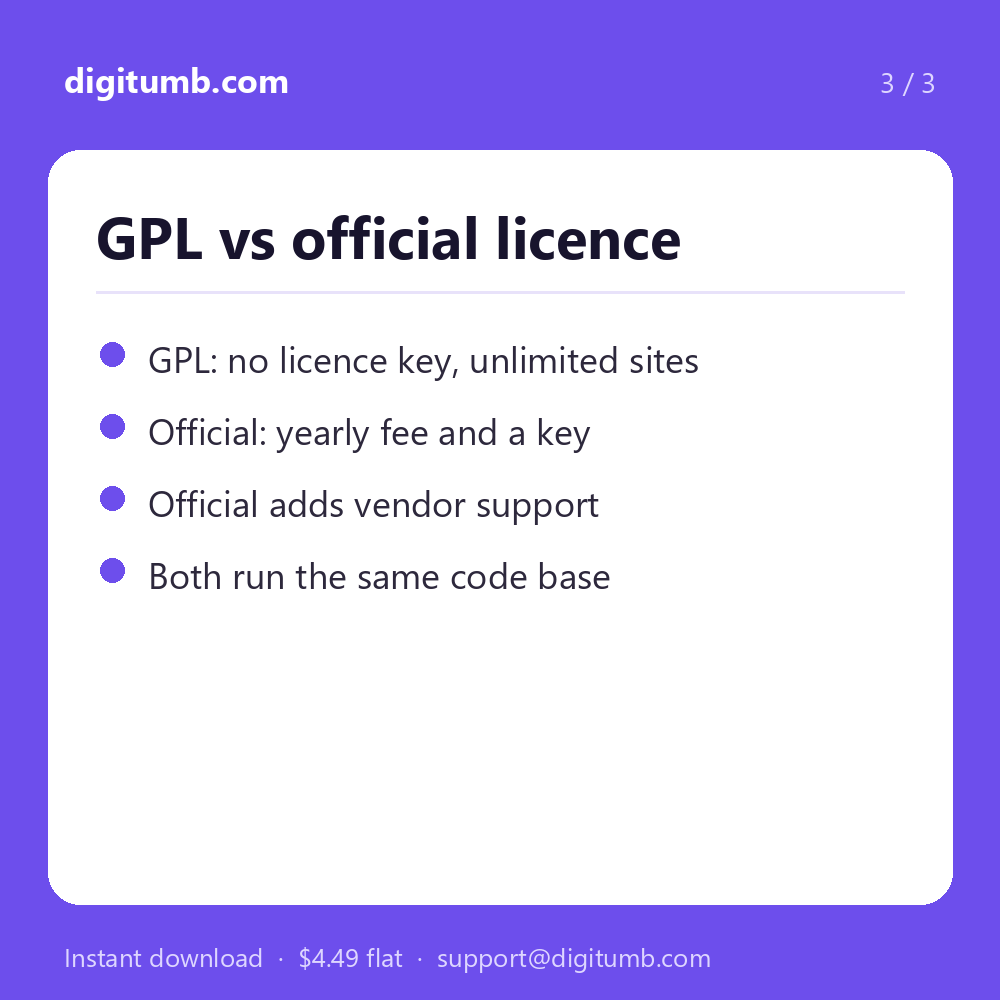
This is the same archive the developer publishes, redistributed under the GNU General Public License: you get the working files for $4.49 with no vendor update channel and no vendor support desk. If you need automatic updates or a support contract, buy the official license from the developer.
| This GPL build | Official license | |
|---|---|---|
| Price | $4.49 one time | Vendor subscription |
| Automatic updates | No | Yes |
| Developer support | No | Yes |
| Number of sites | Unlimited | Depends on plan |
Browse the rest of the WordPress plugins category or the full shop. The licence text is at GNU GPL v2, and general documentation is at WordPress.org.
You must be logged in to post a review.
You may also like…

Related products







Reviews
Clear filtersThere are no reviews yet.