




Woocommerce Follow Up Emails GPL
$4.49
WooCommerce Follow-Up Emails is a WooCommerce plugin that automates personalized follow-up emails to customers based on their interactions with your online store.
WooCommerce Follow-Up Emails is a WooCommerce plugin that automates personalized follow-up emails to customers based on their interactions with your online store. You configure email templates and the triggers that decide when each message goes out, so engagement and retention work runs without manual sending. This build is version 4.9.51, delivered as a 1.1 MB zip.
| Product | woocommerce-follow-up-emails |
|---|---|
| Version | 4.9.51 |
| Works with | WordPress 6.x+ / PHP 8.x+ |
| Tested up to | WordPress current |
| License | GPLv2 or later |
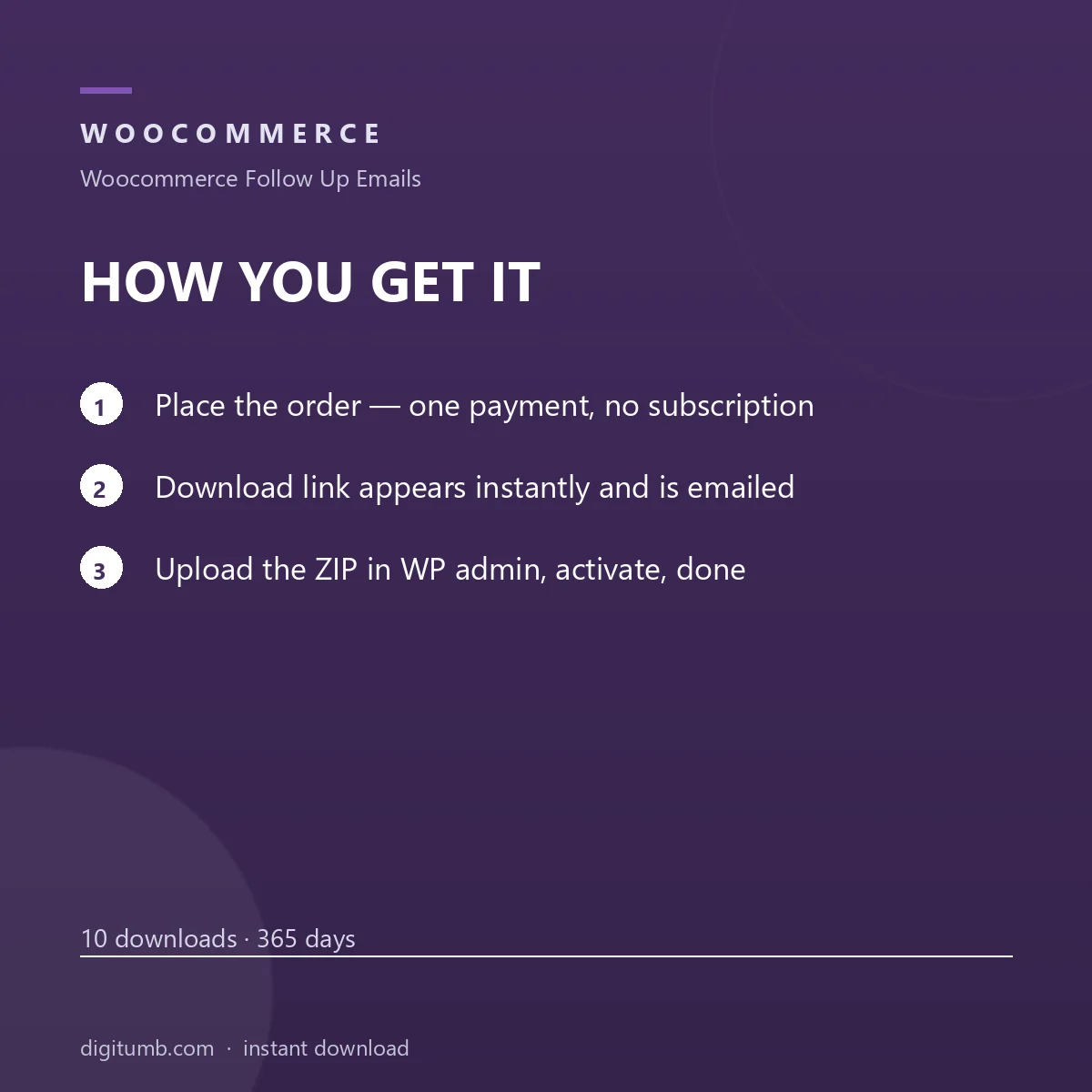
| Delivery | Instant ZIP download, 10 downloads, 365 days |
Which customer actions can trigger a follow-up email?
Triggers are built around what a customer does in the store. The plugin includes event-driven emails such as After Booking is Created, Before Booked Date and After Booked Date, and it can send messages before an event starts or after an event ends.
For events and tickets, you can create emails based upon the event or ticket status for The Events Calendar, including a New Event Booking email. Points-based triggers are also present: emails can fire when earned points per order are greater than a value, when total earned points are greater than a value, or for customers who have over or under a set number of points.
What can you put inside a follow-up email?
The email body supports dynamic content pulled from the order and the customer. Available fields include the name of the purchased item, the list of categories the purchased item falls under, and the quantity of the purchased item.
Booking-specific fields cover the start date, end date, duration, date and time of the booked product or service, the amount or cost, the resource booked, and the list of persons with counts for the booking, including a No. of persons value. Points fields show the current user's number of points, the number of points earned, and the description of the action behind those points.
Which plugins does it work with?
WooCommerce Follow-Up Emails is designed to work with other popular plugins, including WooCommerce Subscriptions and WooCommerce Memberships. Booking-related triggers and fields line up with WooCommerce Bookings.
Elementor is supported as well, so you can design custom email templates with the Elementor page builder. The settings screens also cover Coming Soon Pro Subscribers, giving you a subscriber-based audience for follow-up mail.
What this build includes
| Action-based sending | Automate personalized follow-up emails to customers based on their interactions with your store, instead of sending each message by hand. |
|---|---|
| Booking date triggers | Send before the booked date, after the booked date, or after a booking is created, tied to WooCommerce Bookings. |
| Event and ticket emails | Create emails based on event or ticket status for The Events Calendar, including a New Event Booking message. |
| Points and Rewards emails | Target customers by points: over N points, under N points, points earned per order above a value, or total earned points above a value. |
| Order content fields | Insert the purchased item name, its category list and its quantity into the email content. |
| Booking detail fields | Show start and end dates, duration, date, time, cost, resource booked and the persons list with counts for a booking. |
| Elementor template design | Design custom email templates using the Elementor page builder, which the plugin is compatible with. |
| Subscription and membership fit | Works with WooCommerce Subscriptions and WooCommerce Memberships alongside the rest of your plugin stack. |
Installing it on a WordPress site
- Upload the plugin zip to your WordPress site and activate it.
- Open the plugin settings page to configure your email templates.
- Set the triggers that decide which customer actions send each email.
Latest changes
Current build is version 4.9.51, delivered as a 1.1 MB zip.
Frequently asked questions
What does WooCommerce Follow-Up Emails do?
It automates the process of sending personalized follow-up emails to customers based on their interactions with your online store. You set up templates and triggers once, and the plugin handles the sending side of customer engagement and repeat sales.
How do I set it up on my WordPress site?
Upload the plugin to your WordPress site, activate it, and navigate to the settings page. There you configure your email templates and the triggers based on customer actions. The zip is 1.1 MB, so the upload step is quick.
Does it work with WooCommerce Subscriptions and Memberships?
Yes. WooCommerce Follow-Up Emails is designed to work with other popular plugins, including WooCommerce Subscriptions and WooCommerce Memberships, so follow-up mail can sit alongside those setups.
Can I design email templates in Elementor?
Yes. The plugin is compatible with Elementor, which lets you design custom email templates using the Elementor page builder rather than plain text.
What is the GPL position and the price?
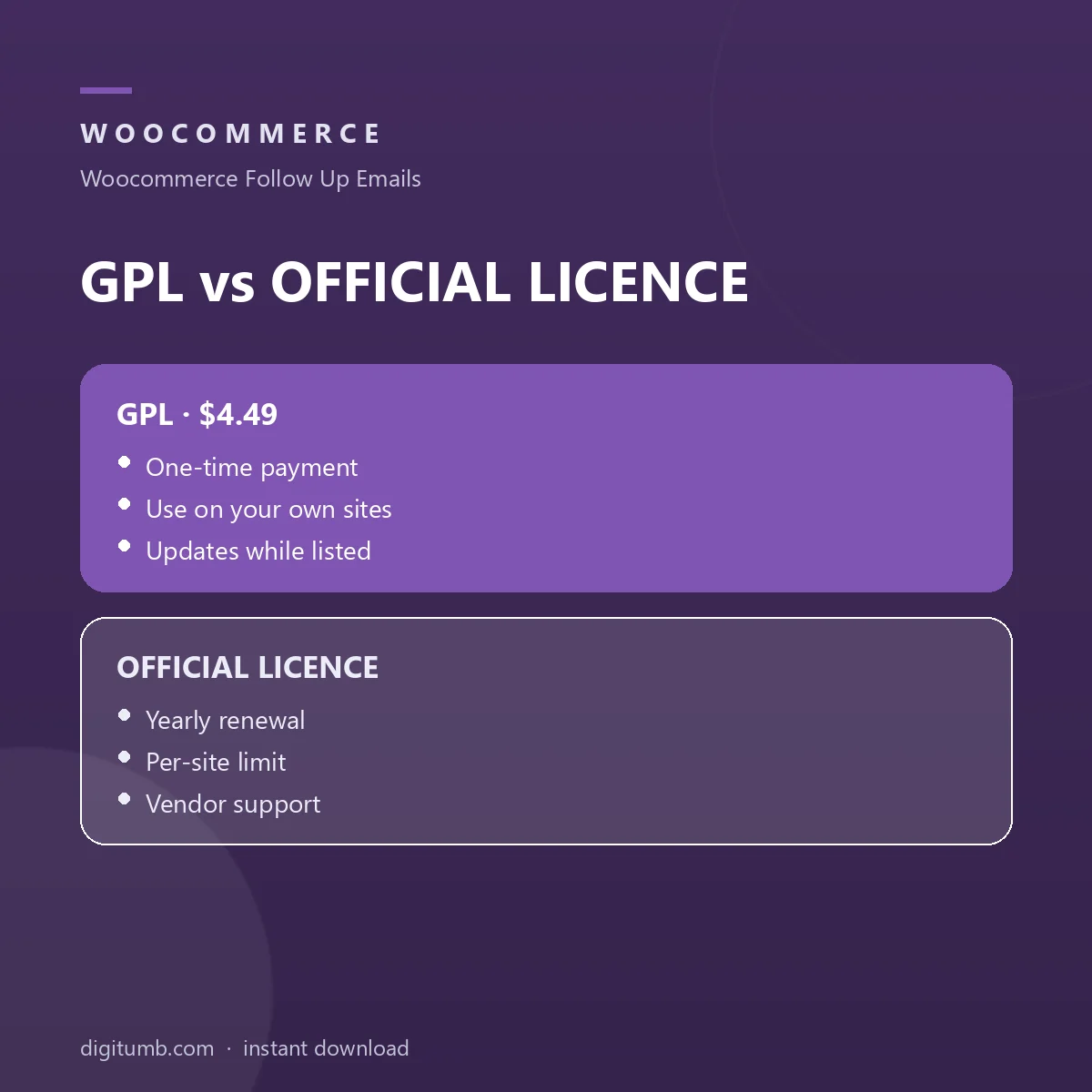
This is a GPL build: the same files the developer ships, at $4.49. There is no vendor update channel and no vendor support desk attached to this purchase.
What the GPL build means for you
This is the same archive the developer publishes, redistributed under the GNU General Public License: you get the working files for $4.49 with no vendor update channel and no vendor support desk. If you need automatic updates or a support contract, buy the official license from the developer.
| This GPL build | Official license | |
|---|---|---|
| Price | $4.49 one time | Vendor subscription |
| Automatic updates | No | Yes |
| Developer support | No | Yes |
| Number of sites | Unlimited | Depends on plan |
Browse the rest of the WordPress plugins category or the full shop. The licence text is at GNU GPL v2, and general documentation is at WordPress.org.
You must be logged in to post a review.
You may also like…

Related products




Reviews
Clear filtersThere are no reviews yet.