




Woocommerce Deposits GPL
$4.49
WooCommerce Deposits is a WooCommerce plugin that lets store owners offer customers the option to pay a deposit instead of the full price, making purchases more accessible and manageable.
WooCommerce Deposits is a WooCommerce plugin that lets store owners offer customers the option to pay a deposit instead of the full price, making purchases more accessible and manageable. Each deposit item can carry a payment plan with defined intervals, and the remaining balance is collected through scheduled payments. The plugin also sends email reminders to customers for upcoming payment plan invoices.
| Product | woocommerce-deposits |
|---|---|
| Version | 2.4.8 |
| Works with | WordPress 6.x+ / PHP 8.x+ |
| Tested up to | WordPress current |
| License | GPLv2 or later |
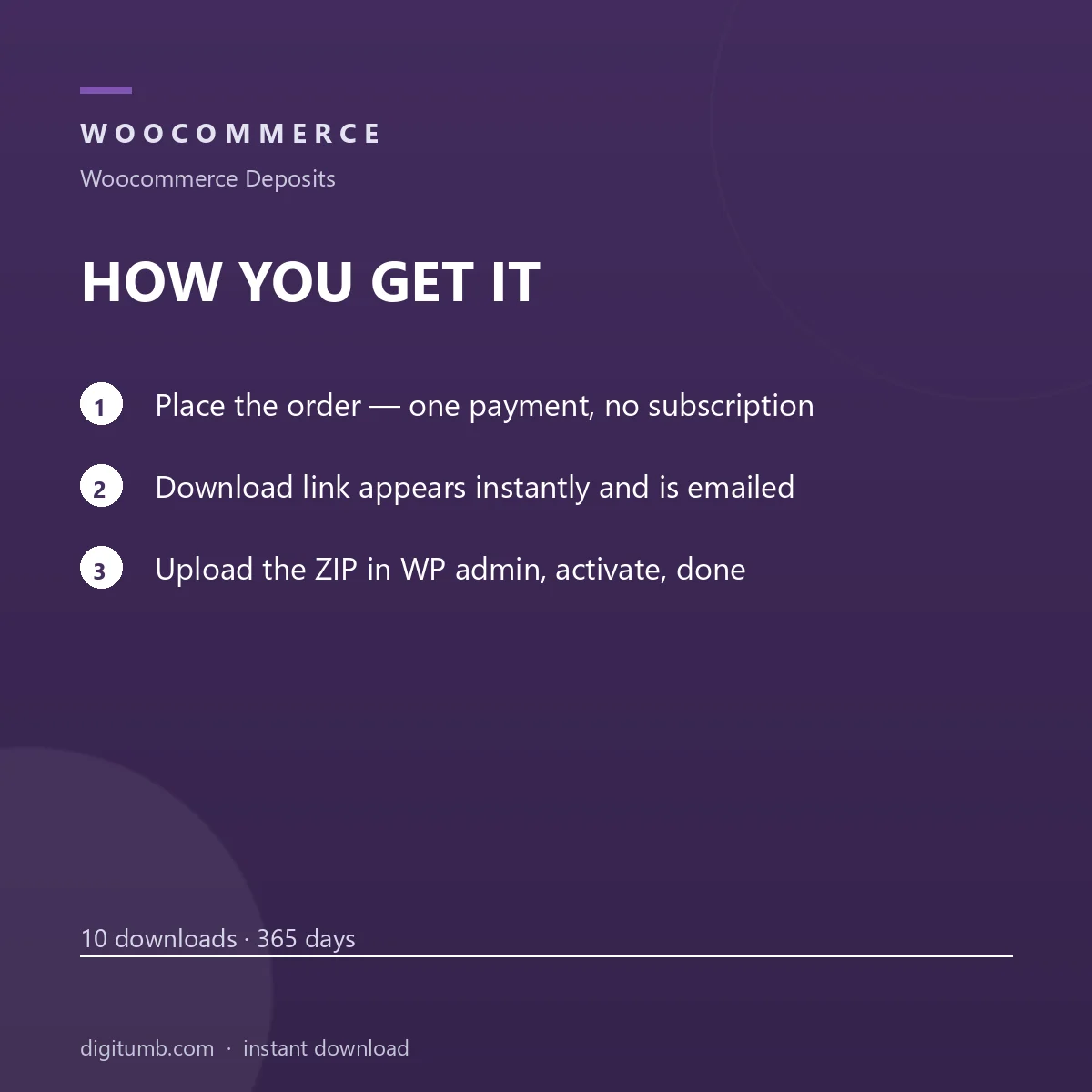
| Delivery | Instant ZIP download, 10 downloads, 365 days |
How a deposit changes the checkout for your customer
When a cart item is purchased with a deposit, the customer pays only the deposit amount at checkout and the rest is recorded as an amount to be paid in the future, after the deposit is paid. The cart keeps track of whether it contains an item with a deposit, so the order and its balance stay connected.
Store owners can also configure a cart item to be purchased with a payment plan rather than a single deposit. Each plan carries its own payment schedule, and the schedule index marks whether a given entry is the deposit or a later installment.
Payment intervals and scheduled orders
A payment plan is built from interval amounts expressed as a number of days, weeks, months or years, together with the interval unit. Scheduled orders appear on their own screen, and each one links back to the original order with a View Original Order action.
From the scheduled payments view, a store owner can invoice the remaining balance, unmark an item as paid, or open the full list of orders. Order statuses such as Partially Paid and Pending Deposit Payment show where a deposit purchase currently stands.
Email reminders and customer notifications
Customer Notifications can send email reminders for upcoming payment plan invoices. Reminder Timing sets how long before the event the notification should be sent, so the schedule matches how far ahead you want customers to hear from you.
Discounts stay visible across the payment lifecycle. A coupon applied to a deposit purchase can be recorded as a future discount, and the order screens distinguish a discount applied toward future payments from a deferred discount, with tax-inclusive and tax-exclusive amounts shown separately.
Compatibility with your existing WooCommerce setup
WooCommerce Deposits is designed to work well with other popular WooCommerce extensions, enhancing functionality without conflicts. It is compatible with most WordPress themes that support WooCommerce, so it integrates into your existing design.
The package ships with build and templates folders, and the settings screens expose the deposit and payment plan fields described above for configuration.
What this build includes
| Deposit instead of full price | Offer customers the option to pay a deposit at checkout rather than the full product price, with the balance tracked as a future amount. |
|---|---|
| Custom payment plans | Attach a payment plan with its own schedule to a cart item, including a deposit entry and later installments. |
| Flexible interval units | Set each interval as a number of days, weeks, months or years, so the plan rhythm matches the product. |
| Scheduled orders screen | Review scheduled orders in one place and jump to the original order from each entry. |
| Invoice remaining balance | Issue an invoice for the remaining balance of an order from the scheduled payments view. |
| Email reminders | Send customers email reminders for upcoming payment plan invoices, with reminder timing set relative to the event. |
| Discount handling across payments | Record future discounts when a coupon is used, and separate discount applied toward future payments from deferred discount amounts. |
| Tax-aware order figures | Order and payment screens show amounts with tax included and excluded, including deposit amount and deferred discount. |
| Partial payment statuses | Track orders through statuses such as Partially Paid and Pending Deposit Payment, and see when all deposit items are fully paid. |
Installing it on a WordPress site
- Upload the plugin zip through the WordPress plugins screen and activate WooCommerce Deposits.
- Open the plugin settings and confirm the deposit and payment plan fields you want to use for your products.
- Create a payment plan with interval amount and interval unit, then attach it to a product so customers can select it at checkout.
- Place a test order to confirm the deposit amount, scheduled payments and reminder timing behave as configured.
Latest changes
This package is version 2.4.8 of WooCommerce Deposits.
Frequently asked questions
What does WooCommerce Deposits do?
It allows store owners to offer customers the option to pay a deposit instead of the full price for products, making purchases more accessible and manageable. The remaining amount is recorded as a future payment, and payment plans can define when later installments fall due.
Can I set different payment intervals for a plan?
Yes. A plan uses interval amounts expressed as a number of days, weeks, months or years, with an interval unit. The schedule index marks the deposit entry, and later entries carry the following installments.
Are customers reminded before a payment is due?
Customer Notifications include email reminders for upcoming payment plan invoices. Reminder Timing controls how long before the event the notification is sent, so you decide how far ahead customers are contacted.
How are coupons handled on a deposit order?
Future discounts are recorded when a coupon is used. The order screens distinguish a discount applied toward future payments from a deferred discount, and each figure is available with tax included and excluded.
Is it compatible with other WooCommerce extensions and my theme?
WooCommerce Deposits is designed to work well with other popular WooCommerce extensions, enhancing functionality without conflicts. It is compatible with most WordPress themes that support WooCommerce, so it fits your existing design.
What am I buying at $4.49?
A GPL build of the plugin, version 2.4.8, delivered as a 0.1 MB zip. The files are the same ones the developer ships. There is no vendor update channel and no vendor support desk included at this price.
What the GPL build means for you
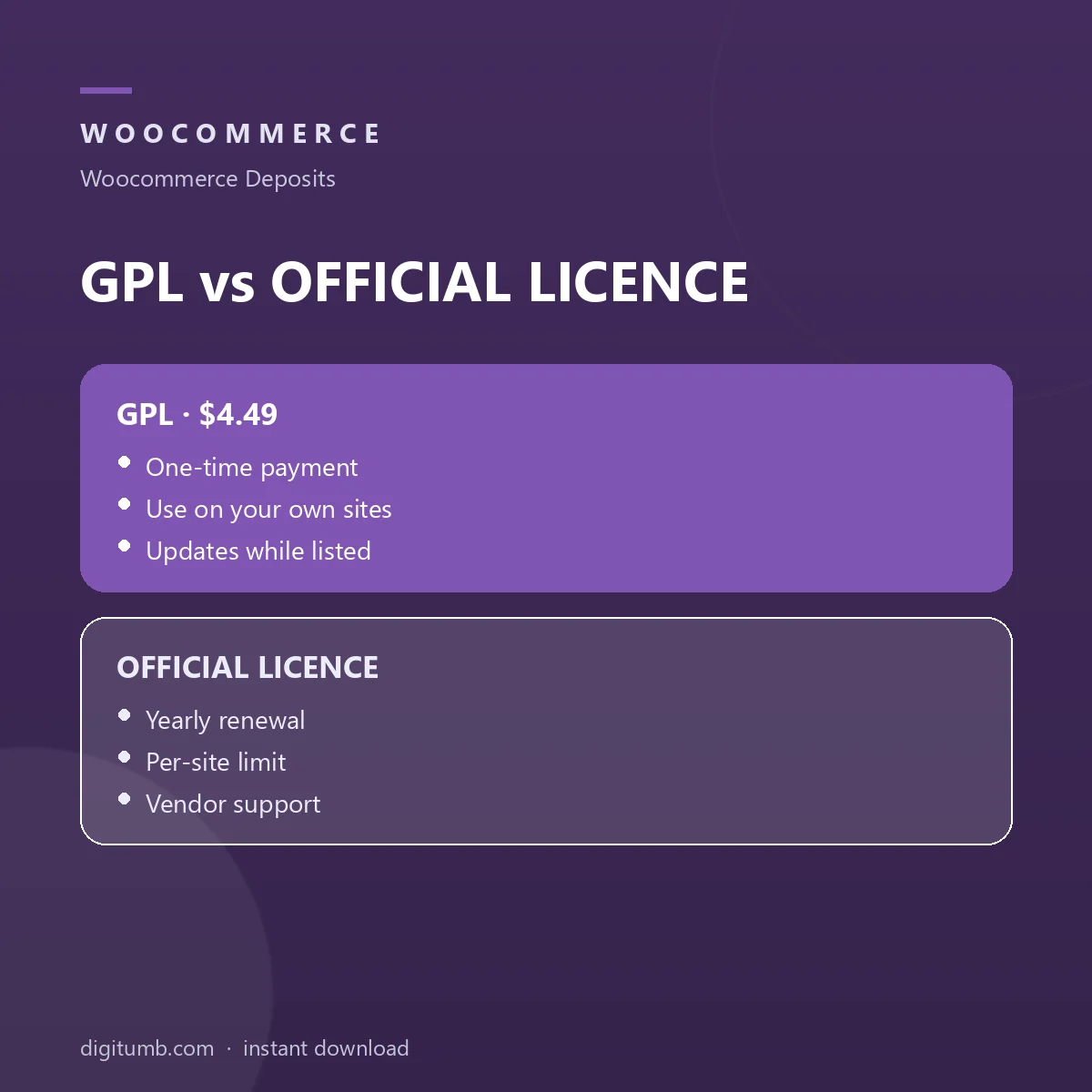
This is the same archive the developer publishes, redistributed under the GNU General Public License: you get the working files for $4.49 with no vendor update channel and no vendor support desk. If you need automatic updates or a support contract, buy the official license from the developer.
| This GPL build | Official license | |
|---|---|---|
| Price | $4.49 one time | Vendor subscription |
| Automatic updates | No | Yes |
| Developer support | No | Yes |
| Number of sites | Unlimited | Depends on plan |
Browse the rest of the WordPress plugins category or the full shop. The licence text is at GNU GPL v2, and general documentation is at WordPress.org.
You must be logged in to post a review.
You may also like…

Related products









Reviews
Clear filtersThere are no reviews yet.