



WooCommerce Advanced Notifications GPL
$4.49
WooCommerce Advanced Notifications is a WooCommerce plugin that sends order and stock emails to recipients other than the store admin, such as suppliers, dropshippers or staff.
WooCommerce Advanced Notifications is a WooCommerce plugin that sends order and stock emails to recipients other than the store admin, such as suppliers, dropshippers or staff. You create named recipients with one or more email addresses and decide which events each one hears about: purchases, low stock, out of stock, backorders and refunds. Notifications can cover every purchase or only chosen product categories, shipping classes or individual products.
| Product | WooCommerce Advanced Notifications |
|---|---|
| Version | 1.7.5 |
| Works with | WordPress 7.0+ / PHP 7.4+ |
| Tested up to | WordPress 7.1 |
| License | GPLv2 or later |
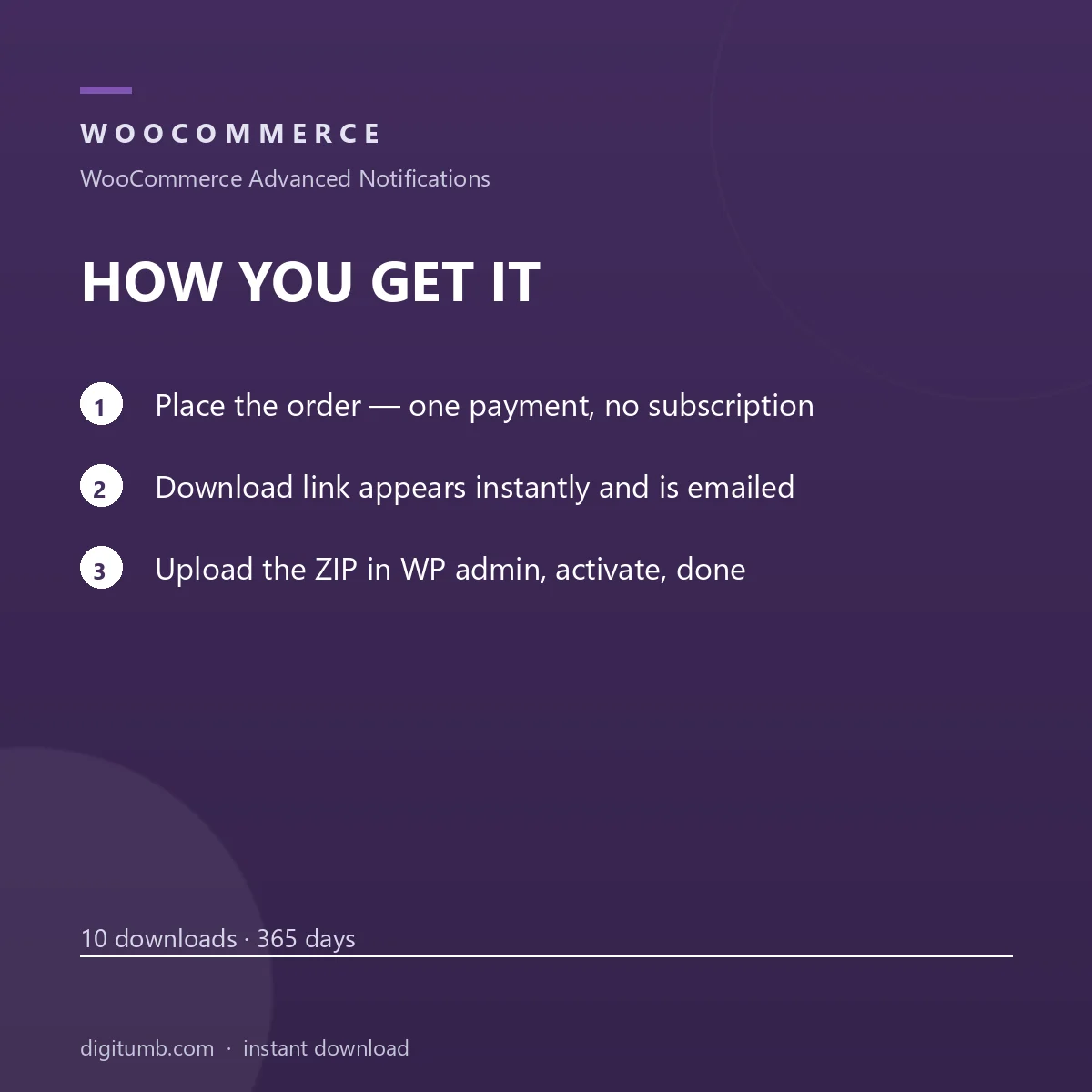
| Delivery | Instant ZIP download, 10 downloads, 365 days |
Who receives the notification emails instead of the store admin
Each notification is built around a recipient you define by name and by one or more email addresses. That recipient can be a supplier, a dropshipper or a member of staff, so the person who actually needs the alert gets it directly rather than the store admin forwarding messages by hand.
Recipients are managed from WooCommerce > Notifications, where you add a notification, enter the recipient name and email address, choose the notification types and triggers, then save. The settings screen keeps the recipient details together with the triggers that apply to them, so a single entry describes both who is contacted and when.
Which events a recipient can be notified about
Notification types cover purchases, low stock, out of stock, backorders and refunds. You pick the types per recipient with a choose-types field, so a supplier can be set up for stock alerts while a colleague receives purchase and refund messages.
Triggers work alongside the notification types. You can fire notifications for all purchases, or narrow them to chosen product categories, shipping classes or individual products. The trigger fields are what decide which orders or stock events reach a given recipient.
Formatting purchase and refund emails for the people who read them
Purchase and refund emails can be sent as HTML or as plain text. Plain text suits recipients who read mail in a basic client or process it automatically; HTML keeps the email readable with formatting.
Content controls let you decide what the email contains. You can include product prices, order totals and all order items, or leave any of those out. A supplier who only needs to know what to ship can receive the item list without prices, while a finance contact can get the totals.
Assigning a recipient to one product from the product editor
Single products can carry their own recipient through the Notifications field in the General tab of the product data panel. The field appears once at least one notification exists, so you build the recipient first and then attach it to the product.
This keeps product-level routing inside the normal product editing screen rather than in a separate settings area. Combined with category and shipping class triggers, it gives you three ways to decide which products a notification covers.
What this build includes
| Named notification recipients | Create recipients with a name and one or more email addresses, so each alert goes to a specific supplier, dropshipper or staff member. |
|---|---|
| Multiple addresses per recipient | Enter several email addresses in the recipient email field separated by commas to send one notification to more than one inbox. |
| Five notification types | Choose which notifications each recipient gets: purchases, low stock, out of stock, backorders and refunds. |
| Category and shipping class triggers | Trigger notifications for all purchases or only for chosen product categories, shipping classes or individual products. |
| HTML or plain text emails | Send purchase and refund emails as HTML or plain text, depending on how the recipient reads mail. |
| Content controls for order emails | Decide whether emails include product prices, order totals and all order items. |
| Per-product recipient field | Attach a recipient to a single product using the Notifications field in the General tab of the product data panel. |
Installing it on a WordPress site
- Install WooCommerce and make sure it is active.
- Upload the plugin folder to /wp-content/plugins/ or install the plugin ZIP through the WordPress plugins screen, then activate it under Plugins.
- Go to WooCommerce > Notifications, add a notification, enter the recipient name and email address, choose the notification types and triggers, then save.
Latest changes
This product page covers version 1.7.5 of WooCommerce Advanced Notifications.
Frequently asked questions
Can one notification go to more than one email address?
Yes. Enter the addresses in the recipient email field separated by commas, and the notification reaches every address listed. The settings screen validates the addresses and reports an invalid one by name, so you can correct a typo before saving.
Do I need WooCommerce installed before activating this plugin?
Yes. WooCommerce must be installed and active. The plugin adds its settings under WooCommerce > Notifications, so the WooCommerce admin menu needs to exist before you can add recipients and triggers.
How do I send stock alerts to a supplier for one product only?
Create a notification with the recipient name and email address, choose the notification types, then open the product and use the Notifications field in the General tab of the product data panel. That field appears once at least one notification exists.
Can recipients get the order items without the prices?
Yes. The email content controls let you include or leave out product prices, order totals and all order items. A recipient can receive the full item list while prices and totals stay out of the message.
What happens if I delete a notification?
The plugin reports that the notification was deleted successfully. Recipient data can also be erased, with a confirmation that the Advanced Notifications data has been erased, so you can remove recipient details when they are no longer needed.
Is this a GPL build and what does that mean for updates and support?
This is a GPL build of the plugin, version 1.7.5, sold at digitumb.com for $4.49. You receive the same files as the developer ships. There is no vendor update channel and no vendor support desk with this purchase.
What the GPL build means for you
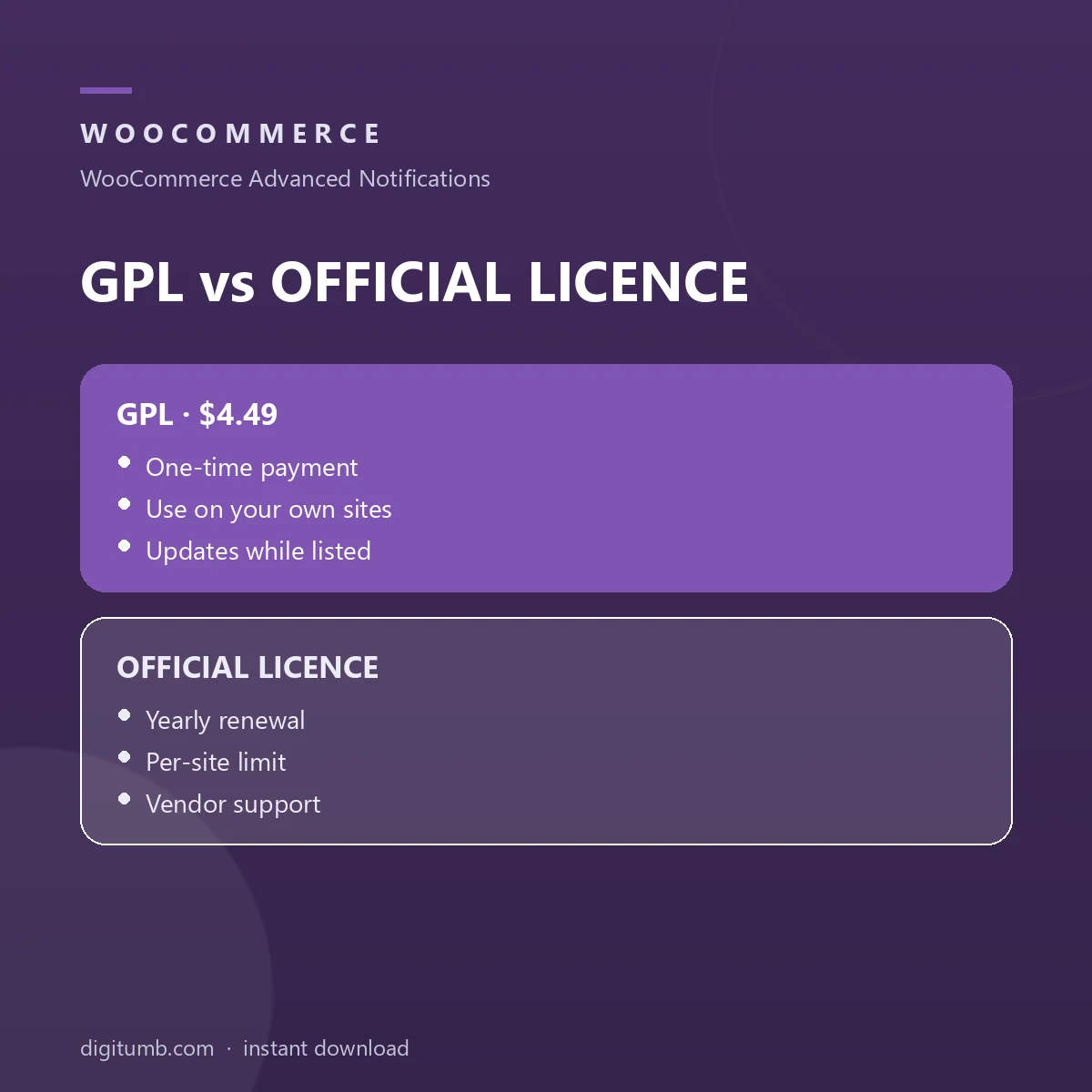
This is the same archive the developer publishes, redistributed under the GNU General Public License: you get the working files for $4.49 with no vendor update channel and no vendor support desk. If you need automatic updates or a support contract, buy the official license from the developer.
| This GPL build | Official license | |
|---|---|---|
| Price | $4.49 one time | Vendor subscription |
| Automatic updates | No | Yes |
| Developer support | No | Yes |
| Number of sites | Unlimited | Depends on plan |
Browse the rest of the WordPress plugins category or the full shop. The licence text is at GNU GPL v2, and general documentation is at WordPress.org.
You must be logged in to post a review.
You may also like…

Related products









Reviews
Clear filtersThere are no reviews yet.