



Touchy WordPress Mobile Menu – WordPress Plugin
$4.49
Touchy is a WordPress mobile menu plugin that replaces the desktop navigation on smartphones with a menu bar and button system built for small screens. It gives you control over the logo area, the.
Touchy is a WordPress mobile menu plugin that replaces the desktop navigation on smartphones with a menu bar and button system built for small screens. It gives you control over the logo area, the menubar and the menu buttons from its own settings screens, and it works with Elementor and with a range of WordPress themes. This GPL build ships the same plugin files the developer releases, without a vendor update channel or vendor support desk, for $4.49.
| Product | touchy-wordpress-mobile-menu-plugin |
|---|---|
| Version | 5.0 |
| Works with | WordPress 6.x+ / PHP 8.x+ |
| Tested up to | WordPress current |
| License | GPLv2 or later |
| Delivery | Instant ZIP download, 10 downloads, 365 days |
How Touchy controls the logo area on mobile
The logo area has its own set of switches. You can hide the entire logo area on all pages, make its background transparent, or remove the background shadow. Logo alignment and logo height in pixels are both adjustable, and the height field defaults to 40 when left empty.
A background image can be assigned to the logo area, with a full background option and an opacity value such as 0.5 or 0.75. When the opacity field is empty it defaults to 0.1, so the image sits behind the logo at a light level until you change it.
Menubar height, transparency and corner roundness
The menubar is sized and shaped from the plugin settings. Menubar height is entered in pixels, for example 75, and defaults to 50 when the field is empty. Transparency is set on a 0 to 1 scale, top corner roundness takes a pixel value such as 5 or 50, and a menubar margin can be added around the bar.
Shadow behaviour is separate from the bar itself. You can hide the menubar shadow, show menubar borders at the top, or increase the menubar shadow on scroll. The scroll option can still be applied when the standard shadow is hidden.
Menu buttons, dividers and bottom placement
Menu buttons carry dividers between them, and the divider margin is set in pixels. Dividers can be hidden completely. Selecting the bottom positioning option places the menu buttons at the bottom of the screen instead of the default position.
Button labels and icons are sized independently. Font Awesome icon size and text label font size are both entered in pixels, and the text label size defaults to 10 when left empty.
Touchy with Elementor and your current theme
Touchy is compatible with popular page builders, including Elementor, so the mobile menu can sit inside designs you have already built. It is also designed to work with a variety of WordPress themes and to integrate without conflicts.
The download contains the plugin folder touchy-by-bonfire together with documentation and a Licensing folder, so the setup reference travels with the files.
What this build includes
| Hide the logo area | Remove the entire logo area from every page of the mobile menu with a single option. |
|---|---|
| Transparent logo background | Make the logo area background transparent and drop its shadow when you want the logo to float. |
| Logo background image | Assign a background image to the logo area with a full background option and an opacity value. |
| Logo sizing and alignment | Set logo height in pixels, defaulting to 40, and choose how the logo is aligned. |
| Menubar sizing | Enter a menubar height in pixels, defaulting to 50, plus a margin and top corner roundness. |
| Menubar transparency | Set menubar transparency on a 0 to 1 scale to blend the bar with the page behind it. |
| Shadow on scroll | Increase the menubar shadow as the visitor scrolls, or hide the shadow and top borders. |
| Bottom-positioned buttons | Place the menu buttons at the bottom of the screen for thumb-friendly placement. |
| Button dividers | Show dividers between menu buttons with a pixel margin, or hide the dividers entirely. |
| Icon and label sizes | Size Font Awesome icons and text labels separately in pixels, with labels defaulting to 10. |
| Elementor compatibility | Integrate the mobile menu into existing Elementor designs and other popular page builders. |
| Theme compatibility | Run the mobile menu alongside a variety of WordPress themes without conflicts. |
Installing it on a WordPress site
- Upload the touchy-by-bonfire folder from the zip to your WordPress plugins directory, or install the plugin zip through the WordPress admin.
- Activate the plugin, then open its settings screens and configure the logo area, menubar and menu buttons.
- Check the result on a smartphone viewport and adjust logo height, menubar height and button sizes in pixels until the menu fits your design.
Latest changes
This build is version 5.0 of Touchy WordPress Mobile Menu Plugin.
Frequently asked questions
Does Touchy work with Elementor?
Yes. Touchy is compatible with popular page builders, including Elementor, so you can integrate the mobile menu into designs you have already built in Elementor. It is also designed to work with a variety of WordPress themes and to integrate smoothly without conflicts.
Can I keep my current WordPress theme?
Yes. The plugin is designed to work with a variety of WordPress themes. You do not need to switch themes to use it; the mobile menu is configured from its own settings screens and runs alongside your existing theme.
What happens if I leave the logo height field empty?
Logo height defaults to 40 pixels when the field is empty. You can enter another pixel value to fine-tune the logo size, and the same pattern applies to the menubar height, which defaults to 50, and the text label font size, which defaults to 10.
Can the menu buttons sit at the bottom of the screen?
Yes. Selecting the bottom positioning option places the menu buttons at the bottom of the screen. Dividers between buttons can be shown with a pixel margin or hidden, and their margin is set in pixels.
What is included in the GPL build and what does it cost?
You receive the same plugin files the developer ships, in a 4.4 MB zip containing the touchy-by-bonfire plugin folder, documentation and a Licensing folder. Version 5.0 is the current release. The price is $4.49. There is no vendor update channel and no vendor support desk with this build.
What the GPL build means for you
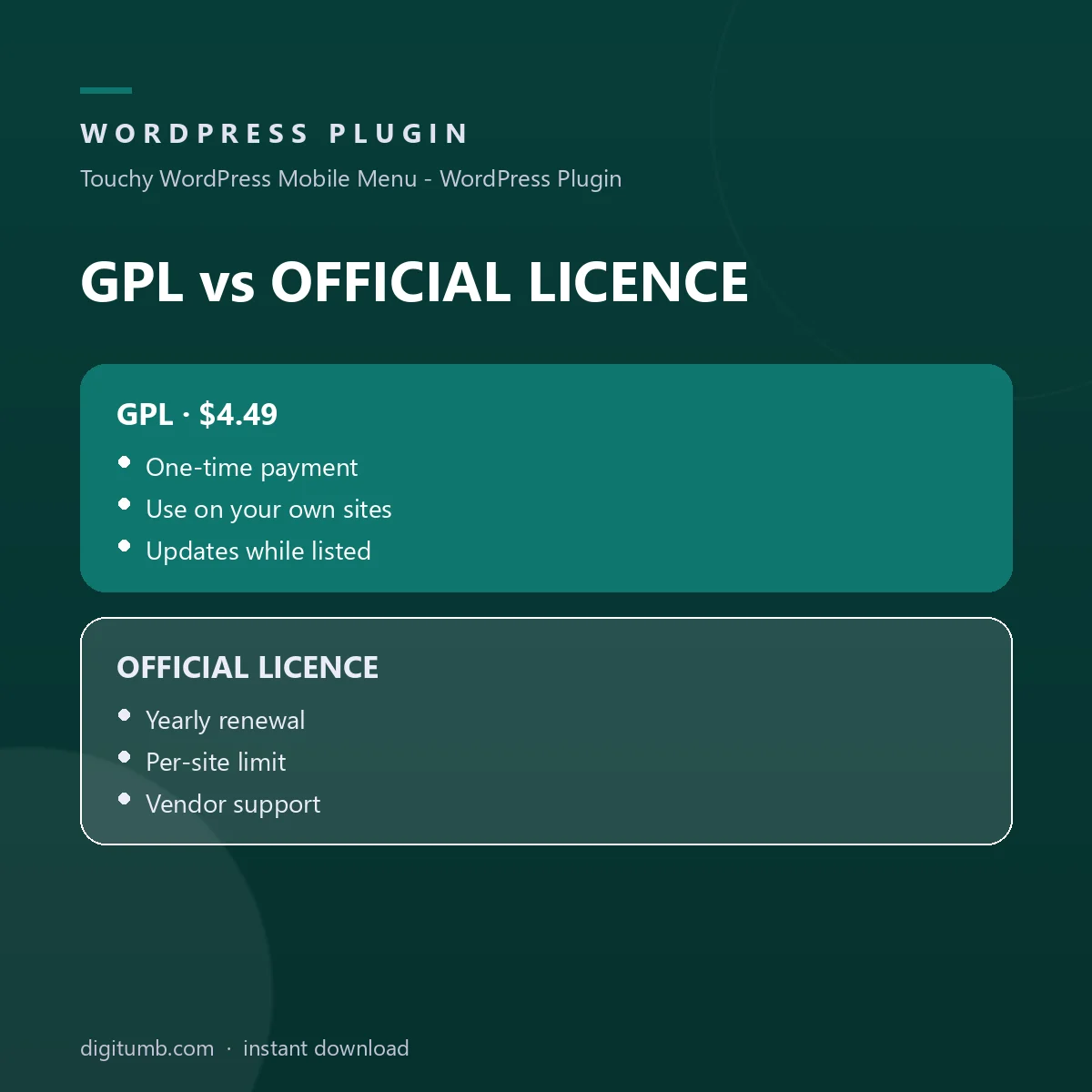
This is the same archive the developer publishes, redistributed under the GNU General Public License: you get the working files for $4.49 with no vendor update channel and no vendor support desk. If you need automatic updates or a support contract, buy the official license from the developer.
| This GPL build | Official license | |
|---|---|---|
| Price | $4.49 one time | Vendor subscription |
| Automatic updates | No | Yes |
| Developer support | No | Yes |
| Number of sites | Unlimited | Depends on plan |
Browse the rest of the WordPress plugins category or the full shop. The licence text is at GNU GPL v2, and general documentation is at WordPress.org.
You must be logged in to post a review.
You may also like…

Related products









Reviews
Clear filtersThere are no reviews yet.