





Thrive Themes Clever Widgets GPL
$4.49
Thrive Themes Clever Widgets is a WordPress plugin that lets you build dynamic widgets whose content changes according to specific conditions.
Thrive Themes Clever Widgets is a WordPress plugin that lets you build dynamic widgets whose content changes according to specific conditions. Instead of showing the same sidebar or widget area to every visitor, you decide which content appears and when, which improves relevance and engagement on your site. This GPL build ships the same files as the developer's release, with no vendor update channel and no vendor support desk, for $4.49.
| Product | thrive-themes-clever-widgets |
|---|---|
| Version | 2.9.1 |
| Works with | WordPress 6.x+ / PHP 8.x+ |
| Tested up to | WordPress current |
| License | GPLv2 or later |
| Delivery | Instant ZIP download, 10 downloads, 365 days |
What Clever Widgets changes about your widget areas
Standard WordPress widgets appear in the same place for every visitor. Clever Widgets adds a condition layer on top of that behaviour, so a widget can display different content depending on the conditions you set. You keep using the widget areas you already have and gain control over what each visitor sees there.
The result is content relevance rather than one-size-fits-all sidebars. The plugin is aimed at sites where the same widget slot needs to serve more than one audience or context, and it handles that decision inside WordPress itself.
Does Clever Widgets work with WooCommerce product pages?
Clever Widgets is compatible with WooCommerce. You can display tailored content in your widget areas on product pages and across your online store, so the widgets around a product can differ from the widgets shown elsewhere on the site.
That compatibility matters if your shop and your blog or content pages share a theme. The widget areas stay the same; what fills them can be shaped for the store context.
Can you use Clever Widgets on Elementor-designed pages?
Yes. Clever Widgets works well with Elementor, so pages you build in Elementor can carry dynamic widget content as well. You do not have to abandon your Elementor layouts to use conditional widgets.
Between WooCommerce and Elementor, the plugin covers two of the most common ways WordPress sites are assembled today, and it applies its widget conditions in both settings.
How the GPL build is supplied at digitumb.com
You receive the same files as the developer ships, packaged as a 2.7 MB zip. The build is version 2.9.1 and the price is $4.49. There is no vendor update channel and no vendor support desk attached to this copy.
Inside the zip you will find the thrive-dashboard, admin and database folders, which is how the plugin is organised at the top level. Installation follows the normal WordPress plugin route described below.
What this build includes
| Condition-based widget content | Create dynamic widgets that display different content based on specific conditions, so a single widget area can serve more than one visitor context. |
|---|---|
| WooCommerce widget areas | Display tailored content in widget areas on product pages and throughout your online store, using the plugin's WooCommerce compatibility. |
| Elementor page support | Enhance Elementor-designed pages with dynamic widget content, since the plugin works well with Elementor. |
| Relevance control inside WordPress | Decide what each widget shows instead of accepting one fixed output for every visitor, improving content relevance on your site. |
Installing it on a WordPress site
- Download the 2.7 MB zip from your digitumb.com order and keep it on hand.
- In WordPress, go to Plugins, choose Add New, then Upload Plugin, select the zip and start the upload.
- Activate Thrive Themes Clever Widgets, then open your widget areas and set the conditions for the widgets you want to vary.
Latest changes
This package is version 2.9.1 of Thrive Themes Clever Widgets.
Frequently asked questions
What does Thrive Themes Clever Widgets actually do?
It lets you create dynamic widgets that display different content based on specific conditions. Rather than every visitor seeing the same widget output, you set the conditions and the plugin handles which content is shown, which improves user engagement and content relevance on your WordPress site.
Is it compatible with WooCommerce?
Yes. Clever Widgets is compatible with WooCommerce, so you can display tailored content in your widget areas on product pages and throughout your online store. The conditional behaviour applies in the store context as well as on other parts of the site.
Will it work on pages I built with Elementor?
Yes. The plugin works well with Elementor, allowing you to enhance Elementor-designed pages with dynamic widget content. You keep your existing Elementor layouts and add conditional widget behaviour on top.
What do I get for $4.49 and what is not included?
You get the GPL build of version 2.9.1 as a 2.7 MB zip containing the same files the developer ships. There is no vendor update channel and no vendor support desk with this copy, so updates and help come from your own WordPress setup rather than the plugin vendor.
Which folders are in the zip?
The zip contains the thrive-dashboard, admin and database folders at the top level. Uploading the zip through the WordPress plugin installer is the standard way to place these files where WordPress expects them.
What the GPL build means for you
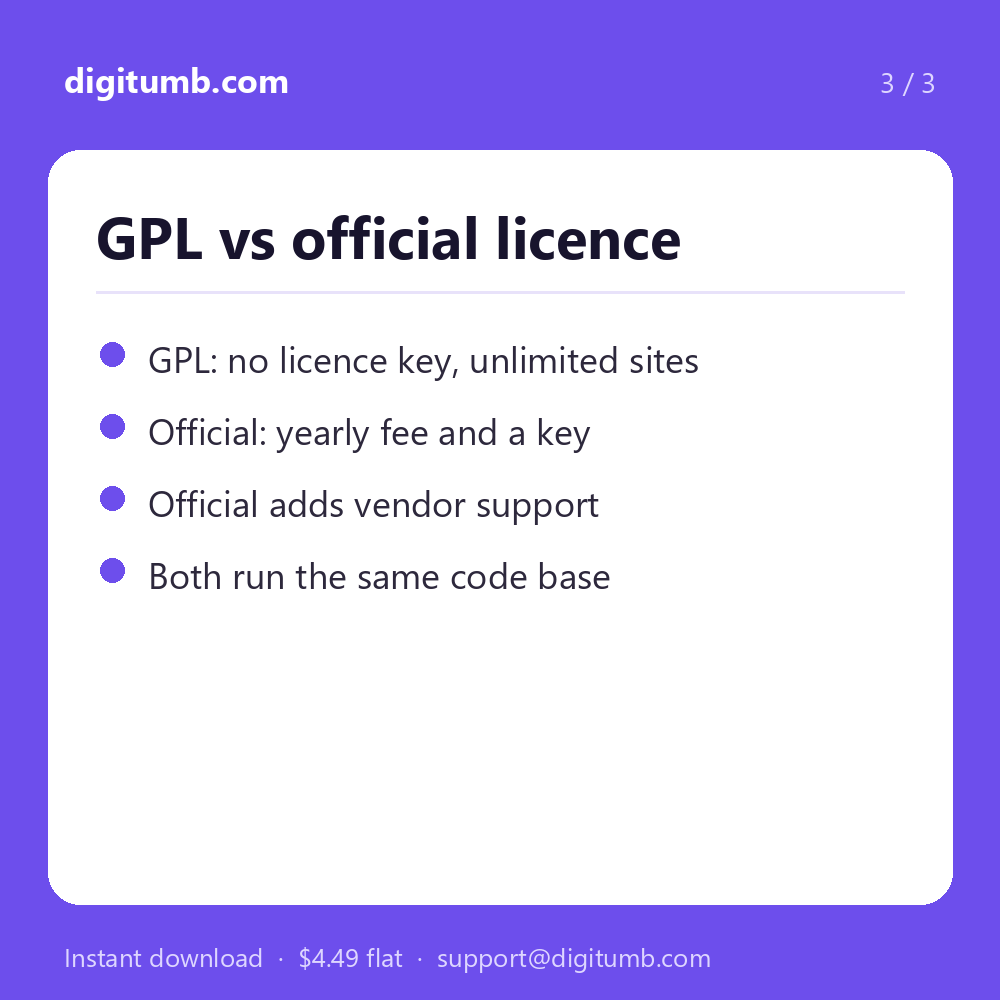
This is the same archive the developer publishes, redistributed under the GNU General Public License: you get the working files for $4.49 with no vendor update channel and no vendor support desk. If you need automatic updates or a support contract, buy the official license from the developer.
| This GPL build | Official license | |
|---|---|---|
| Price | $4.49 one time | Vendor subscription |
| Automatic updates | No | Yes |
| Developer support | No | Yes |
| Number of sites | Unlimited | Depends on plan |
Browse the rest of the WordPress plugins category or the full shop. The licence text is at GNU GPL v2, and general documentation is at WordPress.org.
You must be logged in to post a review.
You may also like…








Reviews
Clear filtersThere are no reviews yet.