


Tabbed Gallery For Elementor Galerie GPL
$4.49
Tabbed Gallery for Elementor – Galerie is an Elementor addon plugin that lets you build organized, interactive image galleries on a WordPress site.
Tabbed Gallery for Elementor – Galerie is an Elementor addon plugin that lets you build organized, interactive image galleries on a WordPress site. Galleries are arranged with filter tabs, so visitors can move between image groups inside one gallery block. This store sells a GPL build of the plugin for $4.49, with all premium features included, as the same files the developer ships.
| Product | tabbed-gallery-for-elementor-galerie |
|---|---|
| Version | 1.0.8 |
| Works with | WordPress 6.x+ / PHP 8.x+ |
| Tested up to | WordPress current |
| License | GPLv2 or later |
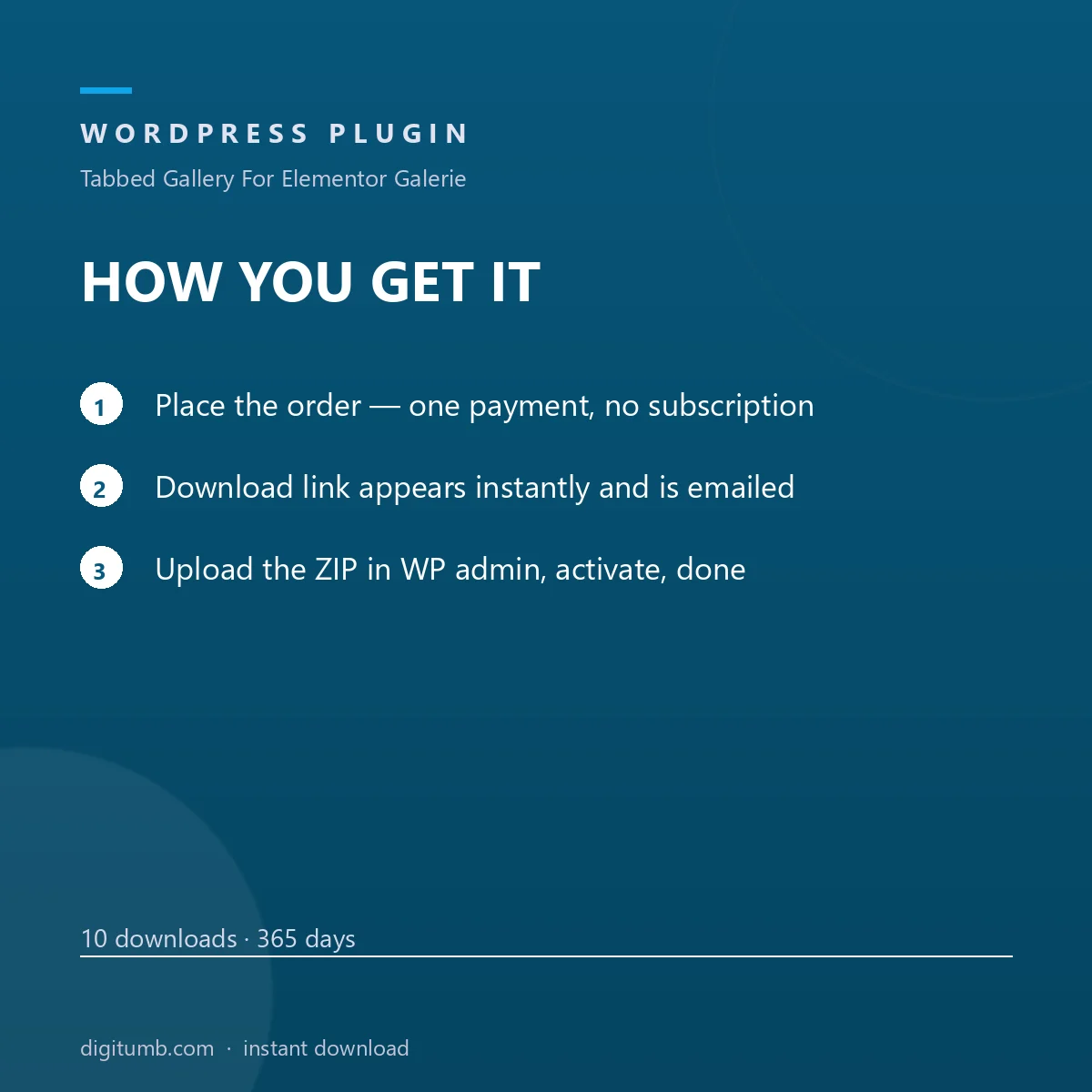
| Delivery | Instant ZIP download, 10 downloads, 365 days |
How filter tabs organize a gallery on the page
The plugin adds a gallery element to Elementor in which images sit behind filter tabs. Instead of one long stream of thumbnails, a visitor sees a tab row and the images assigned to the selected tab. That keeps a large image collection compact and lets visitors jump straight to the group they want to see.
Because the gallery is built inside Elementor, you place it like any other widget and style it with the rest of the page. The result is an interactive image presentation that responds to the visitor's tab choice rather than showing everything at once.
Responsive galleries and how they fit your theme
Galleries created with the plugin are responsive, so the tabbed layout adapts to the screen the visitor is using. The plugin is compatible with most popular WordPress themes, which means the gallery integrates with your site's overall design rather than fighting it.
It is also designed to work with other Elementor addons, so you can combine it with the widgets you already use for extended functionality and customization.
Settings screens you will meet inside the plugin
The plugin ships with a General Settings area that includes a field for custom CSS, so you can add your own styling rules on top of the gallery. An Assignments Settings screen and a Migration Settings screen are also part of the plugin's admin side.
A Plugins Manager screen lists active plugins and lets you explore more plugins, with links that open in a new window. A plugin licence status panel shows whether a purchase code has been entered and whether re-validation is scheduled.
What the GPL build means for this purchase
You receive the same plugin files the developer ships, priced at $4.49. The build carries no vendor update channel and no vendor support desk, so updates and help come from your own WordPress maintenance arrangements rather than from the plugin author.
The plugin's own screens include a purchase code field, a re-validation schedule, and a troubleshooting section with a Check Site Health link and a Contact Support link. Those screens belong to the plugin and remain part of the files you install.
What this build includes
| Filter-tab galleries | Create image galleries where visitors switch between filter tabs to view different groups of images inside a single gallery block. |
|---|---|
| Responsive gallery layout | Galleries are responsive, so the tabbed presentation adapts to the visitor's screen instead of breaking the page layout. |
| Elementor addon integration | The gallery is added through Elementor and is designed to work with other Elementor addons for extended functionality and customization. |
| Theme compatibility | Compatible with most popular WordPress themes, letting the gallery integrate with your site's overall design. |
| Custom CSS field | General Settings includes a field for adding custom CSS, so you can apply your own styling to the gallery. |
| Plugins Manager screen | A Plugins Manager panel lists active plugins and offers an Explore more plugins link that opens in a new window. |
Installing it on a WordPress site
- Upload the plugin zip file through the WordPress Plugins screen, or place the extracted folders in your wp-content/plugins directory.
- Activate the plugin, then open its General Settings to review the custom CSS field and the plugin activation screen.
- Edit a page with Elementor and add the tabbed gallery element, then assign images to the filter tabs.
Latest changes
Version 1.0.8 is the build supplied here, packaged as a 0.5 MB zip.
Frequently asked questions
What does Tabbed Gallery for Elementor – Galerie do?
It allows users to create organized and interactive image galleries within WordPress sites, enhancing visual presentation and user engagement. Images are grouped behind filter tabs, so a visitor selects a tab to see the matching set instead of scrolling through every image at once.
Is it compatible with other Elementor addons?
Yes. The plugin is designed to work with other Elementor addons, allowing for extended functionality and customization options alongside the widgets you already use.
Will the gallery match my theme?
The plugin is compatible with most popular WordPress themes, so galleries integrate well with your site's overall design. A custom CSS field in General Settings lets you add your own styling where you need it.
Do I get vendor updates or vendor support with this build?
No. This is a GPL build sold for $4.49: it contains the same files the developer ships, with no vendor update channel and no vendor support desk. The plugin's screens include a purchase code field and links to Check Site Health and Contact Support, which remain part of the installed files.
What appears in the plugin's admin settings?
The plugin includes General Settings with a custom CSS field, Assignments Settings, Migration Settings, a Plugins Manager that lists active plugins, and a plugin licence status panel showing whether a purchase code is entered and when re-validation is scheduled.
What the GPL build means for you
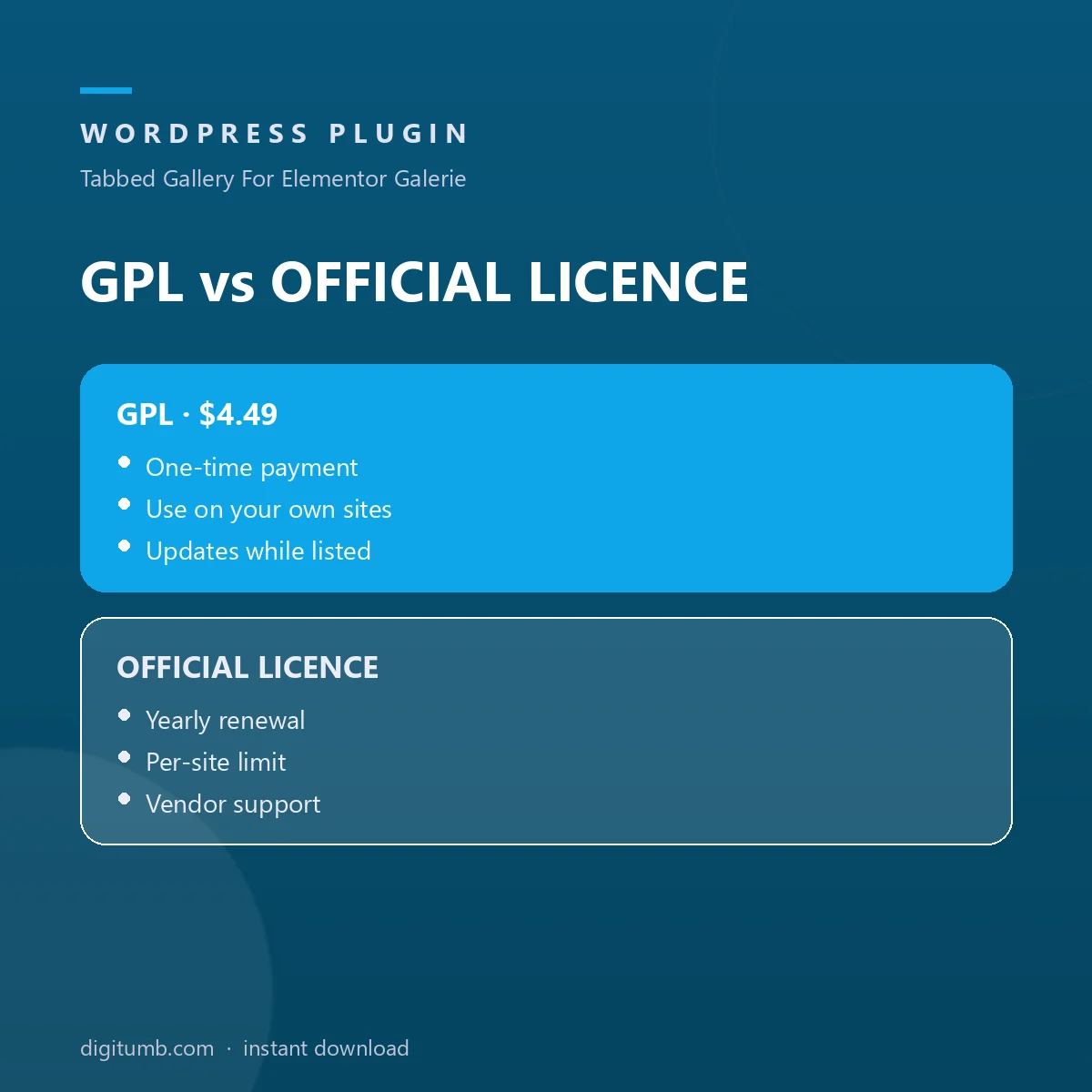
This is the same archive the developer publishes, redistributed under the GNU General Public License: you get the working files for $4.49 with no vendor update channel and no vendor support desk. If you need automatic updates or a support contract, buy the official license from the developer.
| This GPL build | Official license | |
|---|---|---|
| Price | $4.49 one time | Vendor subscription |
| Automatic updates | No | Yes |
| Developer support | No | Yes |
| Number of sites | Unlimited | Depends on plan |
Browse the rest of the WordPress plugins category or the full shop. The licence text is at GNU GPL v2, and general documentation is at WordPress.org.
You must be logged in to post a review.
You may also like…

Related products









Reviews
Clear filtersThere are no reviews yet.