


Super Forms Register Login GPL
$4.49
Super Forms Register Login is a WordPress plugin for building custom registration and login forms on your own site.
Super Forms Register Login is a WordPress plugin for building custom registration and login forms on your own site. It adds user role restrictions to those forms, sends activation and approval emails, and handles the account status changes that follow. The plugin is built for sites that need controlled user management rather than the default WordPress sign-up screen.
| Product | super-forms-register-login |
|---|---|
| Version | 1.9.1 |
| Works with | WordPress 6.x+ / PHP 8.x+ |
| Tested up to | WordPress current |
| License | GPLv2 or later |
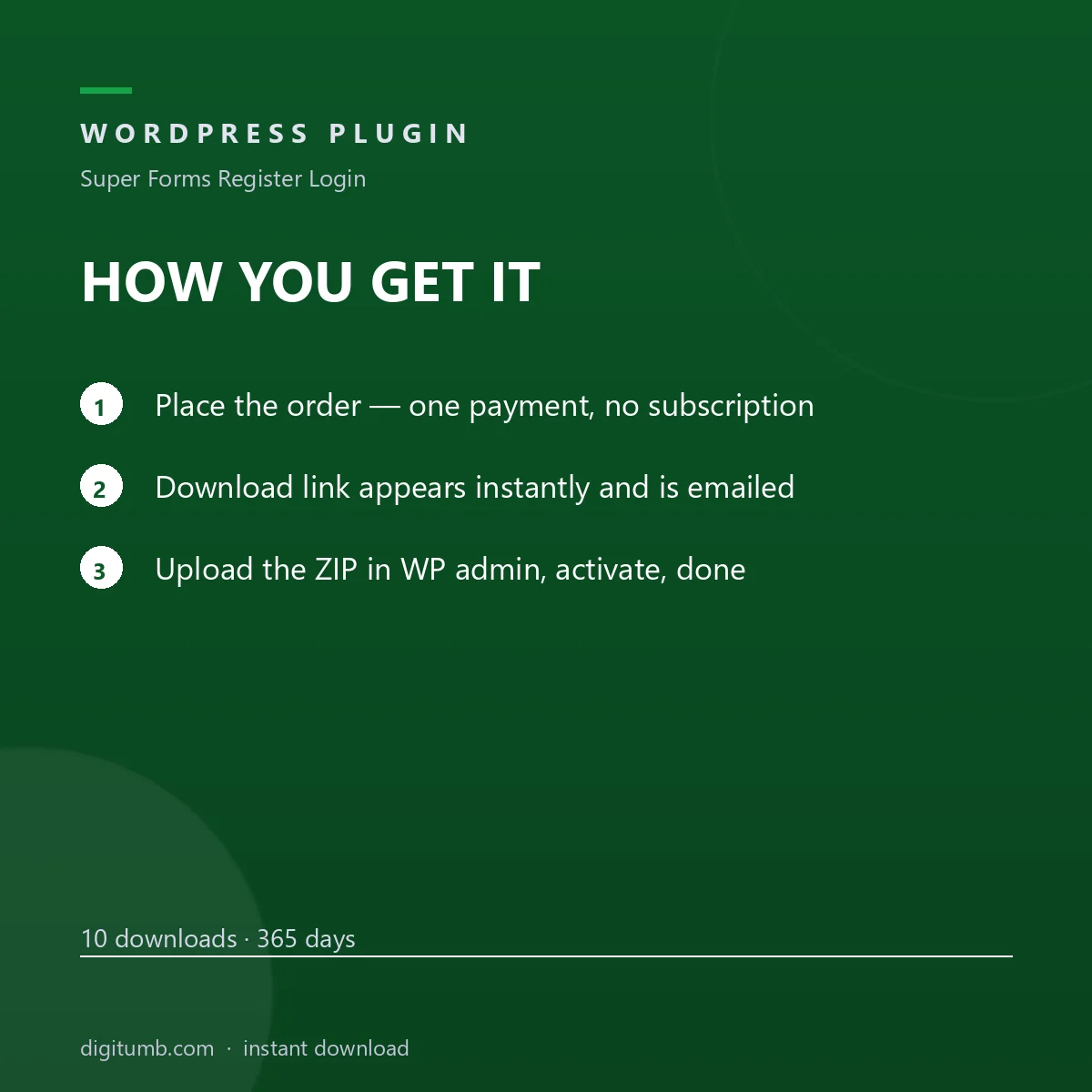
| Delivery | Instant ZIP download, 10 downloads, 365 days |
How Super Forms Register Login handles new accounts
Registration forms built with the plugin can activate a new account in several ways. You choose auto activate and login, so the login status is also updated to active; auto activate without an automatic login; or do nothing, which sends no email and leaves the account inactive. Accounts that need a manual check can be approved instead, with the approved state recorded as active.
Activation and approval each have their own email. The settings include an Activation E-mail Subject and Body plus an Approved E-mail Subject and Body, and the activation message can include a shortcode such as {user_login}. A separate option generates a new password on the fly when the approve email is sent.
User role restrictions on registration and login forms
Each form carries an Allowed user role(s) setting, with all user roles available to pick from. This limits who the form serves and keeps the registration and login flow tied to the roles your site already uses.
When access fails, the form returns the messages you configure: a notice when no user is logged in, a notice when no user was found, and a dedicated message for an incorrect activation code. The login error text, You are not allowed to login, displays inside an ERROR block so the reason is clear on the page.
Account activation codes and email messages
Activation runs through a code the user receives by email. The settings hold an Activation Code field, an activation subject and body, and a message shown when the account has been activated. If the code does not match, the incorrect activation code message appears instead. The activation prompt itself reads Activate your account.
Messages are editable text, not fixed strings. You control the wording of the activation notice, the approved notice and the no-user notice, and the activation email body accepts the user login placeholder.
WooCommerce and theme compatibility
Super Forms Register Login integrates with WooCommerce so user accounts can be managed within an online store. It is also designed to work with most popular WordPress themes, so the forms follow the look of the site they sit on.
For sites running WordPress Multisite, the plugin includes a Create new Multi-site after registration option and a Domain name for blog field to set the new site's address.
What this build includes
| Custom registration forms | Build registration forms in the Super Forms menu and publish them on your site instead of using the default WordPress sign-up page. |
|---|---|
| Custom login forms | Create login forms with your own fields and error messages, including the not-allowed-to-login error block. |
| User role restrictions | Set Allowed user role(s) per form, choosing from all user roles registered on the site. |
| Activation by email code | Send an activation code by email with editable subject and body, and show a message when the account is activated. |
| Manual approval flow | Approve accounts by hand with an approved email subject and body, and optionally generate a new password when the approve email goes out. |
| Automatic activation choices | Pick auto activate and login, auto activate without login, or no email and no activation at all. |
| Multisite registration | Create a new Multi-site after registration and set the domain name for the new blog. |
| WooCommerce account handling | Manage user accounts inside a WooCommerce store through the plugin's registration and login forms. |
Installing it on a WordPress site
- Upload the plugin zip through the WordPress admin dashboard and activate it.
- Open the Super Forms menu and create a registration or login form.
- Set the allowed user roles, activation or approval emails, and the messages shown to users.
Frequently asked questions
What does Super Forms Register Login do?
It lets you create custom registration and login forms for a WordPress site, with user role restrictions and configurable activation or approval emails. The result is managed user sign-up and sign-in rather than the stock WordPress forms.
Can I choose which user roles may use a form?
Yes. Each form has an Allowed user role(s) setting, and the plugin lists all user roles for selection. Users outside the allowed roles reach the login error message instead of signing in.
Does it work with WooCommerce?
The plugin integrates with WooCommerce, so you can manage user accounts within an online store using its registration and login forms.
Will the forms match my theme?
Super Forms Register Login is designed to work with most popular WordPress themes, so the forms blend with the site's existing design.
How is this build licensed and priced?
This is a GPL build sold at $4.49. You get the same files the developer ships, with no vendor update channel and no vendor support desk.
What the GPL build means for you
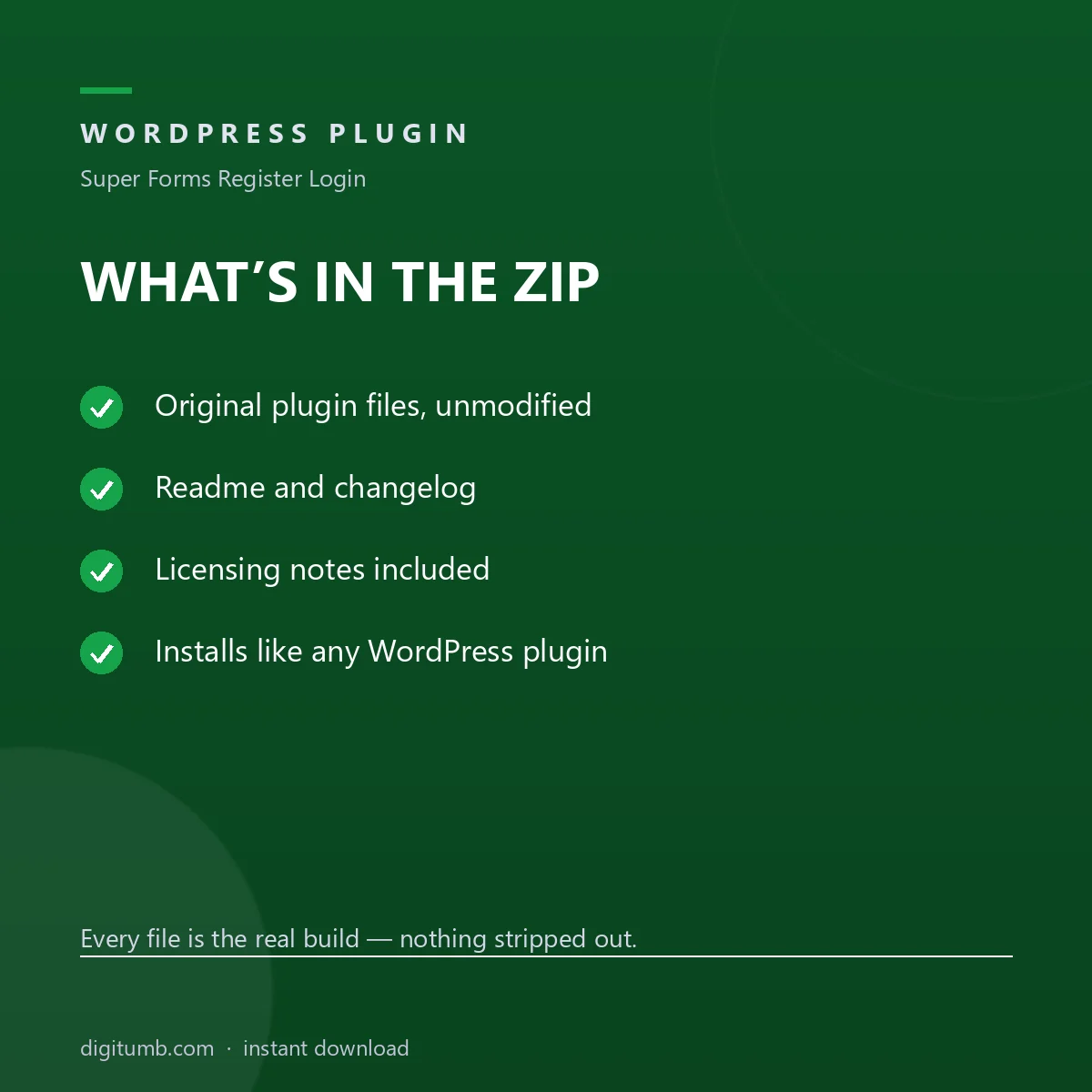
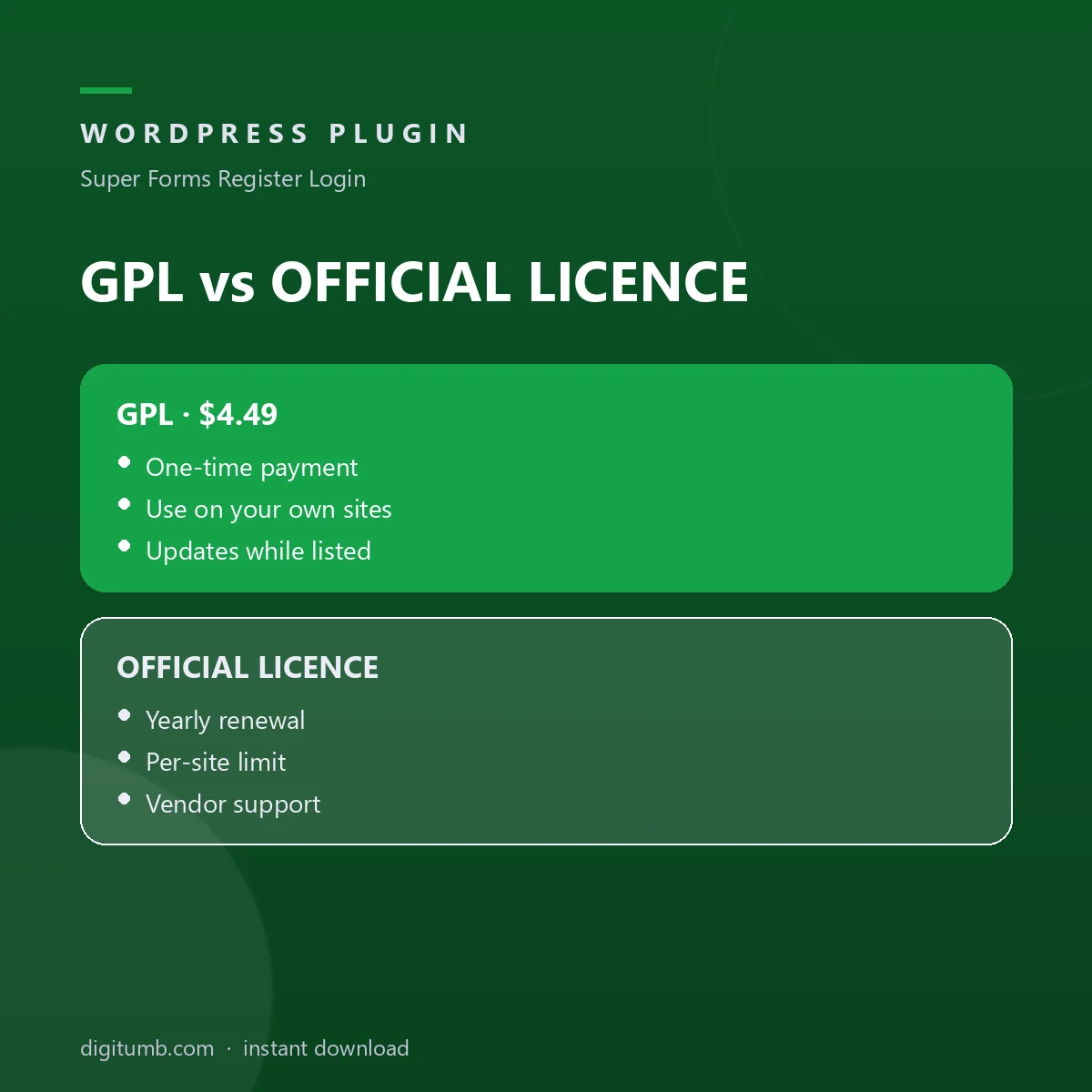
This is the same archive the developer publishes, redistributed under the GNU General Public License: you get the working files for $4.49 with no vendor update channel and no vendor support desk. If you need automatic updates or a support contract, buy the official license from the developer.
| This GPL build | Official license | |
|---|---|---|
| Price | $4.49 one time | Vendor subscription |
| Automatic updates | No | Yes |
| Developer support | No | Yes |
| Number of sites | Unlimited | Depends on plan |
Browse the rest of the WordPress plugins category or the full shop. The licence text is at GNU GPL v2, and general documentation is at WordPress.org.
You must be logged in to post a review.
You may also like…









Reviews
Clear filtersThere are no reviews yet.