

Storefront Powerpack GPL
$4.49
Storefront Powerpack is a plugin that adds design and functionality controls to the Storefront theme, so you can customize a WooCommerce store without editing template files.
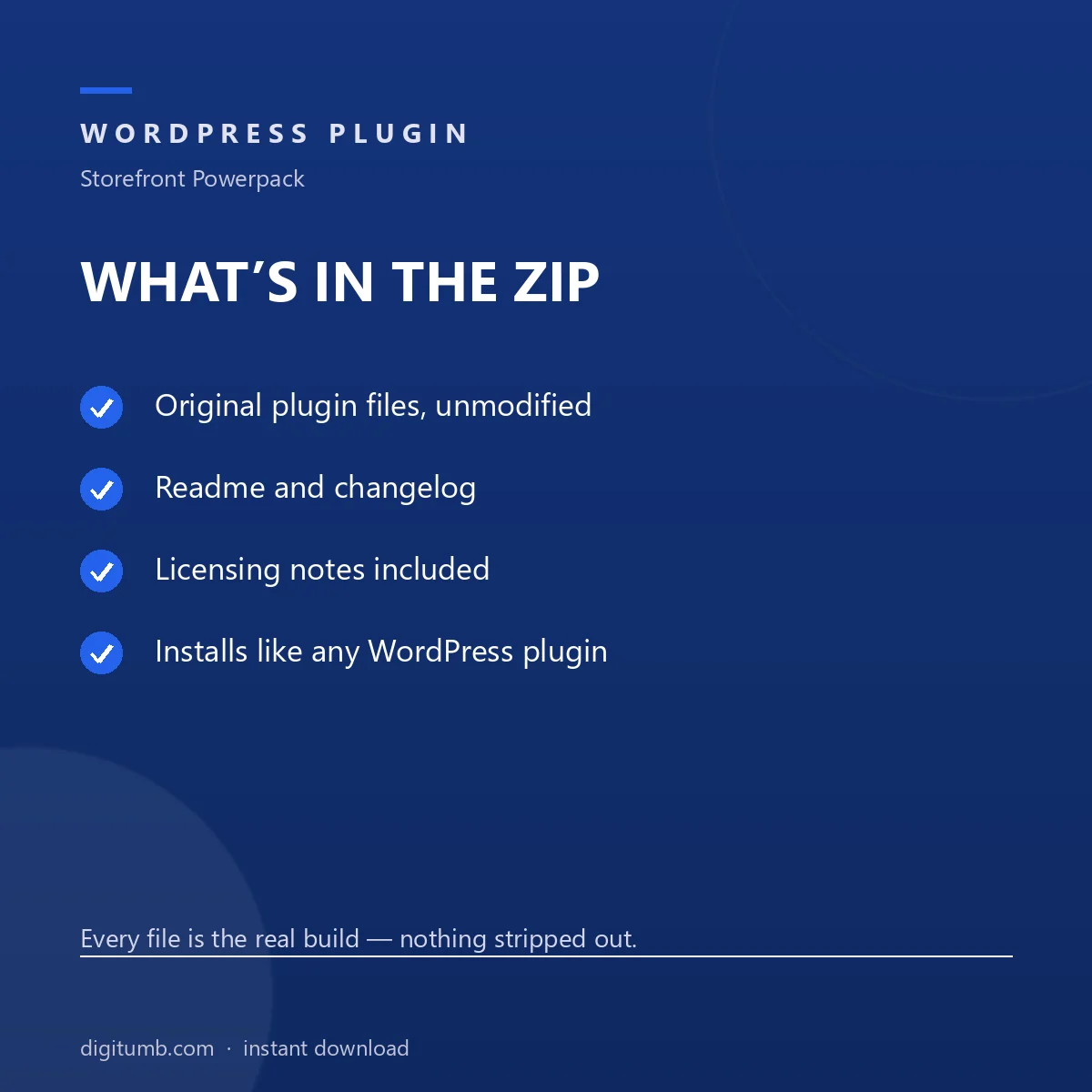
Storefront Powerpack is a plugin that adds design and functionality controls to the Storefront theme, so you can customize a WooCommerce store without editing template files. It gathers layout options, product detail settings, checkout layouts and typography controls into one settings area. This is the GPL build of version 1.6.3, sold at digitumb.com for $4.49, delivered as a 0.2 MB zip.
| Product | storefront-powerpack |
|---|---|
| Version | 1.6.3 |
| Works with | WordPress 6.x+ / PHP 8.x+ |
| Tested up to | WordPress current |
| License | GPLv2 or later |
| Delivery | Instant ZIP download, 10 downloads, 365 days |
Which parts of the Storefront layout can you override?
The Storefront Layout Options screen lets you override layout and override visibility on the elements that make up a Storefront page. The elements listed in the settings include the site title / logo, site description, navigation wrapper, main navigation and main navigation link, secondary navigation and breadcrumb link.
Deeper in the page you can work with the content / sidebar wrapper, sidebar widgets, footer widgets, post / page container and comment / review content. Loop-level elements have their own entries too: loop container, loop product image, loop product title and loop sale marker, so the product grid can be adjusted separately from single product pages.
How do Product Details and related products settings work?
Product Details is the section where you control what appears on a single product page. The settings cover related products and the product description, alongside the single product containers: single product container, single image container, single featured image, single thumbnails container, single thumbnails, single product summary and WooCommerce tabs.
Because these are listed as separate elements, you can adjust the product summary area, the image and thumbnail areas and the tabs independently of the rest of the theme.
What checkout layouts does Storefront Powerpack offer?
Checkout layout has its own settings group. Two Step Checkout is available, with the interface strings Back to my details and Proceed to payment, so the checkout is split into two steps the shopper moves through.
Distraction Free Checkout is offered as a second checkout layout option. You can choose which layout fits the store rather than being limited to the default Storefront checkout.
Can you change fonts and backgrounds from the plugin?
Typography controls include Web Safe Fonts and Google Web Fonts, plus a Letter Spacing setting. Backgrounds are handled with Set as background and Choose background.
An Alternate Button element is also listed among the interface strings, giving the store a second button style to apply within the theme.
What this build includes
| Layout overrides | Override layout and visibility for Storefront elements such as the site title / logo, site description, navigation wrapper, sidebar widgets and footer widgets. |
|---|---|
| Loop product controls | Adjust the loop container, loop product image, loop product title and loop sale marker so the product grid looks the way you want. |
| Single product page controls | Control the single product container, featured image, thumbnails, product summary and WooCommerce tabs on individual product pages. |
| Two Step Checkout | Split checkout into two steps with a Back to my details link and a Proceed to payment action. |
| Distraction Free Checkout | Offer a checkout layout that removes distractions from the purchase flow. |
| Font selection | Choose from Web Safe Fonts or Google Web Fonts, and adjust letter spacing. |
| Background control | Use Set as background and Choose background to apply a background to the theme. |
| Elementor compatibility | Works with Elementor, so you can use its drag-and-drop builder alongside the Storefront theme. |
| Yoast SEO compatibility | Compatible with Yoast SEO for optimizing product pages for search engines. |
Installing it on a WordPress site
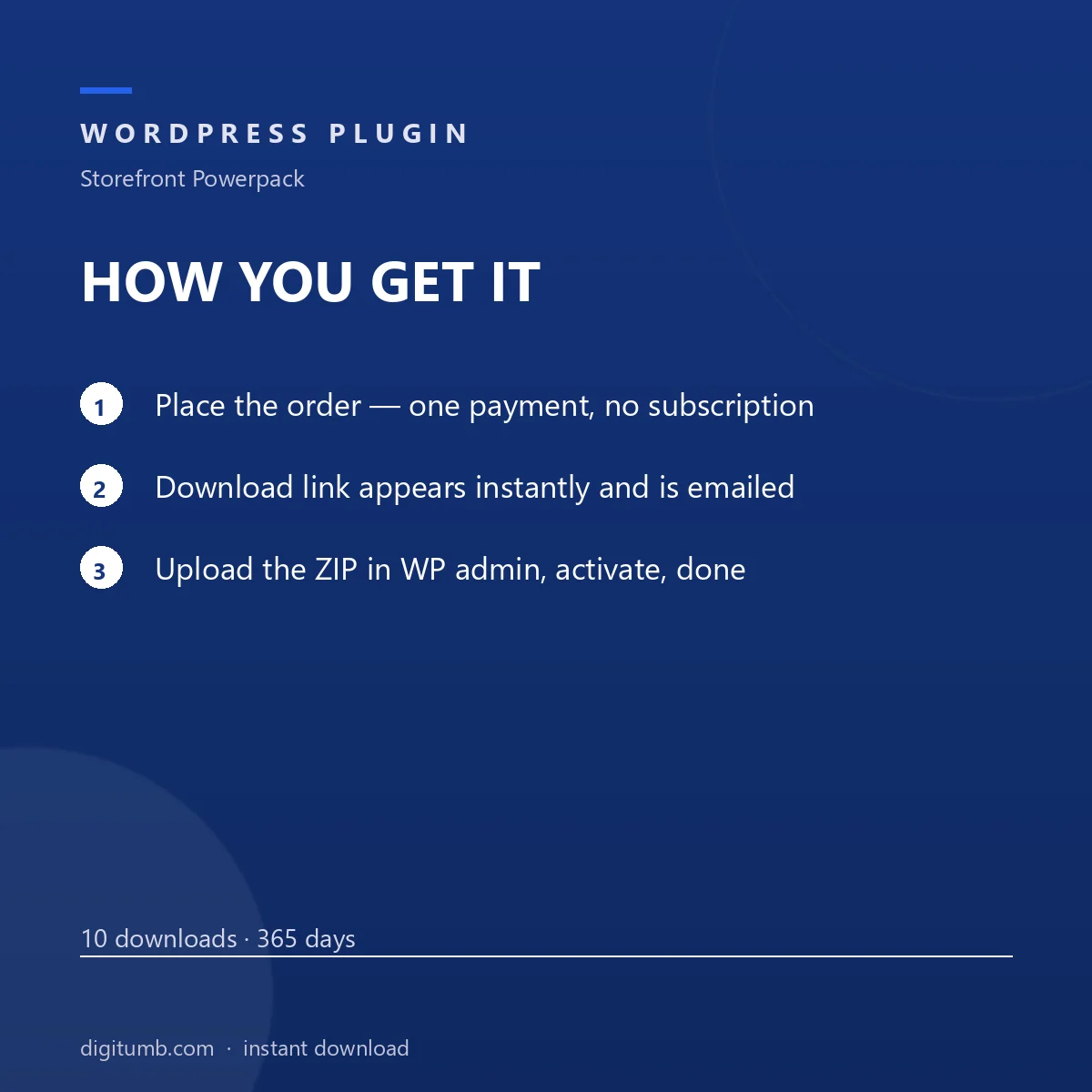
- Download the Storefront Powerpack zip file from your digitumb.com account.
- In your WordPress dashboard, go to Plugins, click Add New, and upload the downloaded zip file.
- Activate the plugin, then open its settings to customize the Storefront layout, product details, checkout and typography.
Latest changes
This build is version 1.6.3 of Storefront Powerpack.
Frequently asked questions
What does Storefront Powerpack actually do?
It enhances a WooCommerce store by adding features and customization options that improve user experience and increase sales potential. In practice you get layout overrides, product detail controls, checkout layout choices, font and background settings, all applied to the Storefront theme.
Is Storefront Powerpack compatible with Elementor?
Yes. Storefront Powerpack works with Elementor, so you can use Elementor's drag-and-drop capabilities for designing your online store alongside the Storefront theme.
Does it work with Yoast SEO?
Yes, Storefront Powerpack is compatible with Yoast SEO, which lets you optimize your product pages for search engines.
How do I install and set it up?
Download the plugin file, go to your WordPress dashboard, navigate to Plugins, click Add New, upload the downloaded file and activate it. Once activated, you can open the plugin settings to customize your store.
What is the GPL position and price?
This is the GPL build: the same files the developer ships, with no vendor update channel and no vendor support desk. It costs $4.49 at digitumb.com and arrives as a 0.2 MB zip.
What the GPL build means for you
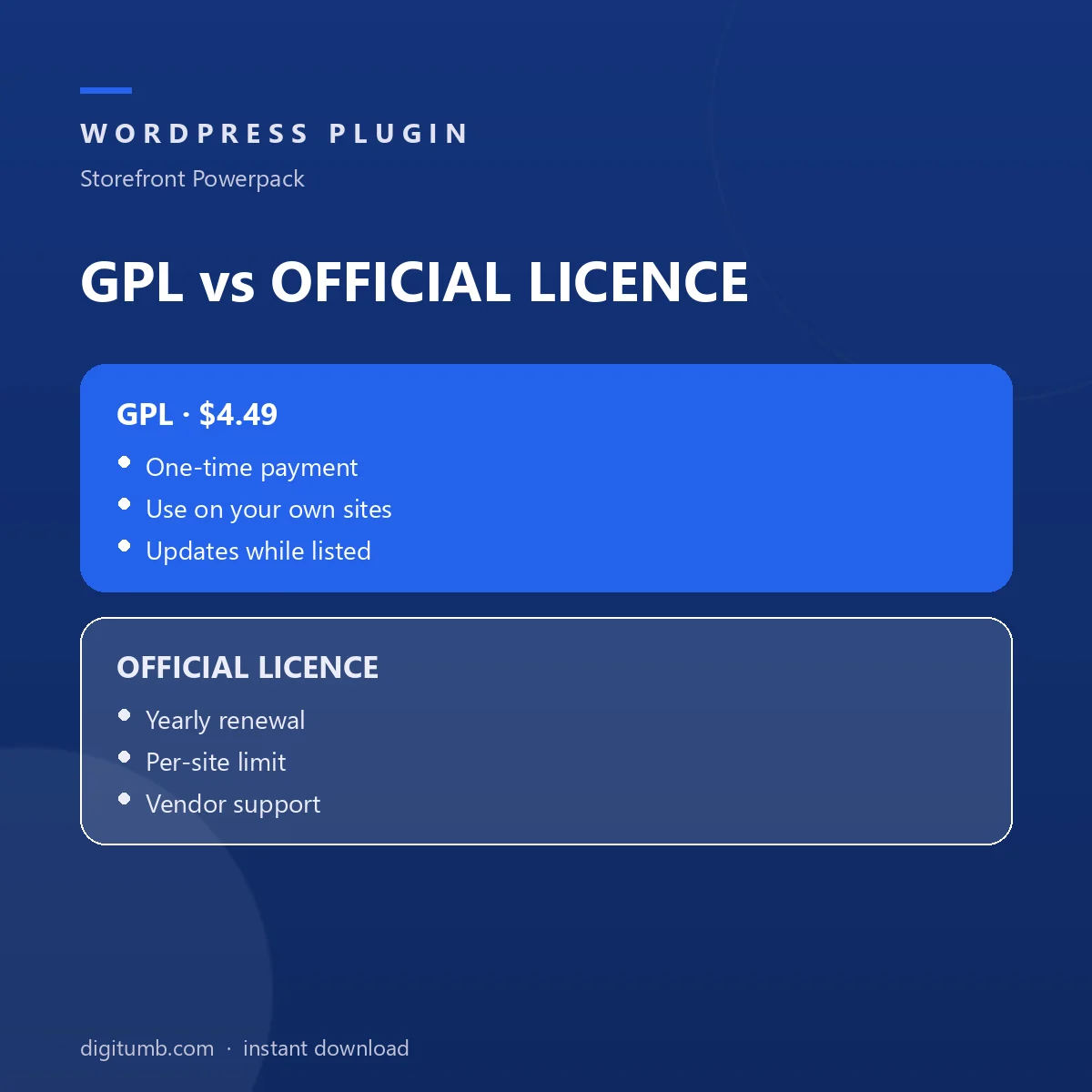
This is the same archive the developer publishes, redistributed under the GNU General Public License: you get the working files for $4.49 with no vendor update channel and no vendor support desk. If you need automatic updates or a support contract, buy the official license from the developer.
| This GPL build | Official license | |
|---|---|---|
| Price | $4.49 one time | Vendor subscription |
| Automatic updates | No | Yes |
| Developer support | No | Yes |
| Number of sites | Unlimited | Depends on plan |
Browse the rest of the WordPress plugins category or the full shop. The licence text is at GNU GPL v2, and general documentation is at WordPress.org.
You must be logged in to post a review.
You may also like…









Reviews
Clear filtersThere are no reviews yet.