



Share Print And PDF Products For Woocommerce GPL
$4.49
Share, Print and PDF Products for WooCommerce is a WooCommerce plugin that adds sharing, printing and PDF download options to your product pages.
Share, Print and PDF Products for WooCommerce is a WooCommerce plugin that adds sharing, printing and PDF download options to your product pages. Customers can post a product to Facebook, X, Pinterest, LinkedIn, WhatsApp or Viber, send it by email to a friend, print the product details or download a PDF version. The settings screens cover icon style, print and PDF page format, a logo, custom content blocks and an include/exclude manager.
| Product | share-print-and-pdf-products-for-woocommerce |
|---|---|
| Version | 3.1.1 |
| Works with | WordPress 6.x+ / PHP 8.x+ |
| Tested up to | WordPress current |
| License | GPLv2 or later |
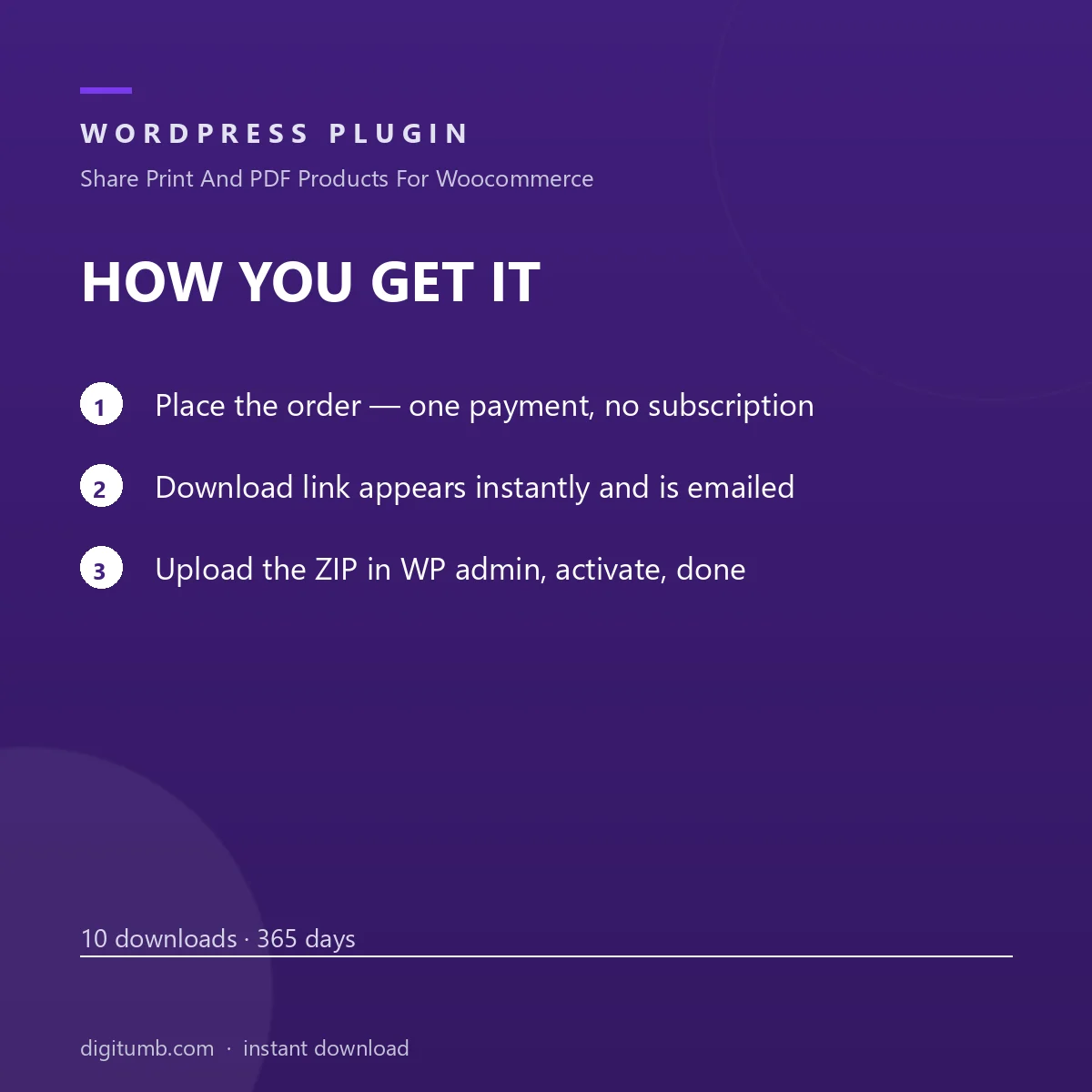
| Delivery | Instant ZIP download, 10 downloads, 365 days |
Which social networks and channels can customers share a product to?
The share row covers five social networks and one messaging app: Facebook, X (formerly Twitter), Pinterest, LinkedIn, WhatsApp and Viber. Each network appears as its own share icon on the product page, so a shopper can pick the channel they actually use instead of copying a link.
Email sharing is part of the same set. The customer enters an address in the email field and the message goes out with the subject line 'Thought you might be interested in this' and the line 'Check this link link for more info', labelled Email to a friend. The text is fixed by the plugin, so every share looks the same.
How do the print and PDF versions of a product page look?
Print/PDF Setup gives you control over the output rather than leaving it to the browser. You select the page format for print and PDF mode, set a page logo, and replace the page title if you want a different heading on the printed sheet.
Content blocks let you shape the document further. Custom content can be placed after the header, before the product content and after the product content, so the printed or exported page can carry an intro line, a note or a closing block around the product details. A Product Description and Product Information area are part of the same setup.
Where do the share icons and print buttons appear on the store?
The plugin adds its controls to WooCommerce product pages. An Include/Exclude Manager decides which products carry the share, print and PDF options, which matters on a catalogue where some items should stay off social media.
Icon style is a setting, not a fixed design: you choose the share icons style and select icons to hide on your website, so the row can be trimmed to the networks you want to expose. Installation Options include an Override WooCommerce Template switch for stores that need the plugin to take over the template output.
Does the plugin work with Elementor and WooCommerce Subscriptions?
Yes on both counts. The plugin is compatible with Elementor and works with its page builder capabilities, so sharing and PDF options can sit inside custom layouts. It is also compatible with WooCommerce Subscriptions, which means subscription-based products can offer the same sharing and PDF options as one-off products.
The settings area is organised into a Dashboard Overview, General Options, Print/PDF Setup, Print/PDF Setup Options, Installation Options and Plugin Options. A Quick export/import panel handles backup and restore, or a reset of the options.
What this build includes
| Six share destinations | Adds share icons for Facebook, X (formerly Twitter), Pinterest, LinkedIn, WhatsApp and Viber to WooCommerce product pages. |
|---|---|
| Email to a friend | Lets a customer enter an email address and send the product link with a preset subject and message. |
| Print product details | Prints the product page with a chosen page format, an optional logo and a replacement page title. |
| PDF download | Produces a PDF version of the product using the same print/PDF setup and content blocks. |
| Content blocks around the product | Places custom content after the header, before the product content and after the product content in print and PDF mode. |
| Include/Exclude Manager | Decides which products show the share, print and PDF controls. |
| Icon style and hiding | Choose the share icons style and select which icons to hide on the website. |
| Options export and reset | Quick export/import for backup and restore, plus a reset of the plugin options. |
Installing it on a WordPress site
- Upload the plugin zip through the WordPress admin panel and activate it.
- Open the plugin settings and work through General Options and Print/PDF Setup to choose icon style, page format, logo and custom content.
- Use the Include/Exclude Manager and Installation Options to decide which products show the controls and whether the WooCommerce template is overridden.
Frequently asked questions
Is this the same build the developer ships?
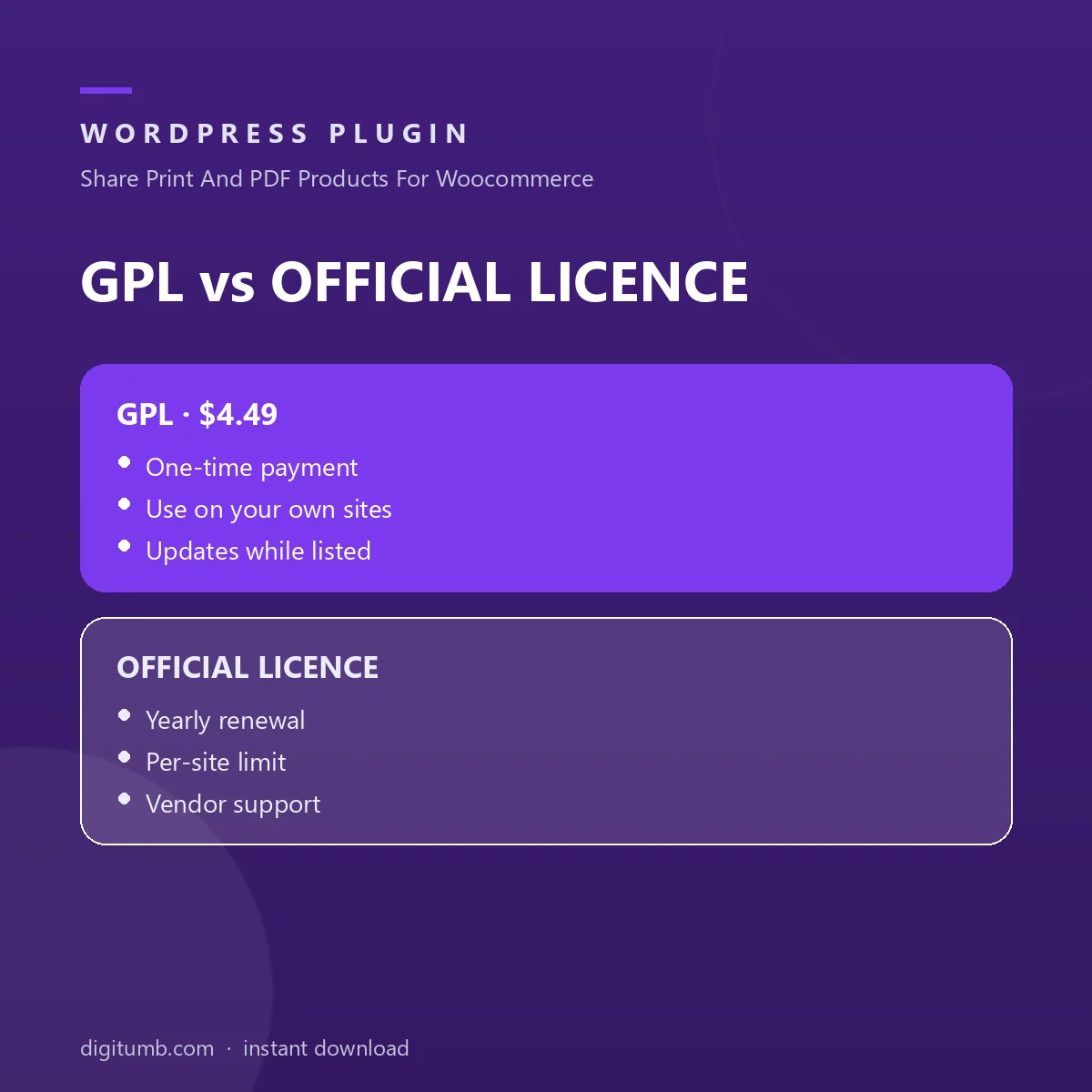
It is the GPL build of the plugin, with the same files as the developer ships, sold here for $4.49. There is no vendor update channel and no vendor support desk attached to this purchase; the plugin's own Help Center and knowledge base links remain in the settings screens.
Can I stop the share buttons appearing on some products?
Yes. The Include/Exclude Manager controls where the share, print and PDF options appear, and the icon settings let you hide individual networks from the website. Both are configured from the plugin settings.
What can I put on the printed and PDF page?
You set the page format, a page logo and a replacement page title, and you can add custom content after the header, before the product content and after the product content. The Product Description and Product Information blocks are part of the same Print/PDF Setup.
How big is the download?
The zip is 1.3 MB at version 3.1.1. It contains the lang and woocommerce folders alongside the plugin files, and installation is a standard upload through the WordPress admin panel.
What the GPL build means for you
This is the same archive the developer publishes, redistributed under the GNU General Public License: you get the working files for $4.49 with no vendor update channel and no vendor support desk. If you need automatic updates or a support contract, buy the official license from the developer.
| This GPL build | Official license | |
|---|---|---|
| Price | $4.49 one time | Vendor subscription |
| Automatic updates | No | Yes |
| Developer support | No | Yes |
| Number of sites | Unlimited | Depends on plan |
Browse the rest of the WordPress plugins category or the full shop. The licence text is at GNU GPL v2, and general documentation is at WordPress.org.
You must be logged in to post a review.
You may also like…

Related products






Reviews
Clear filtersThere are no reviews yet.