




Medicpress Medical Theme For Doctors And Clinics GPL
$4.49
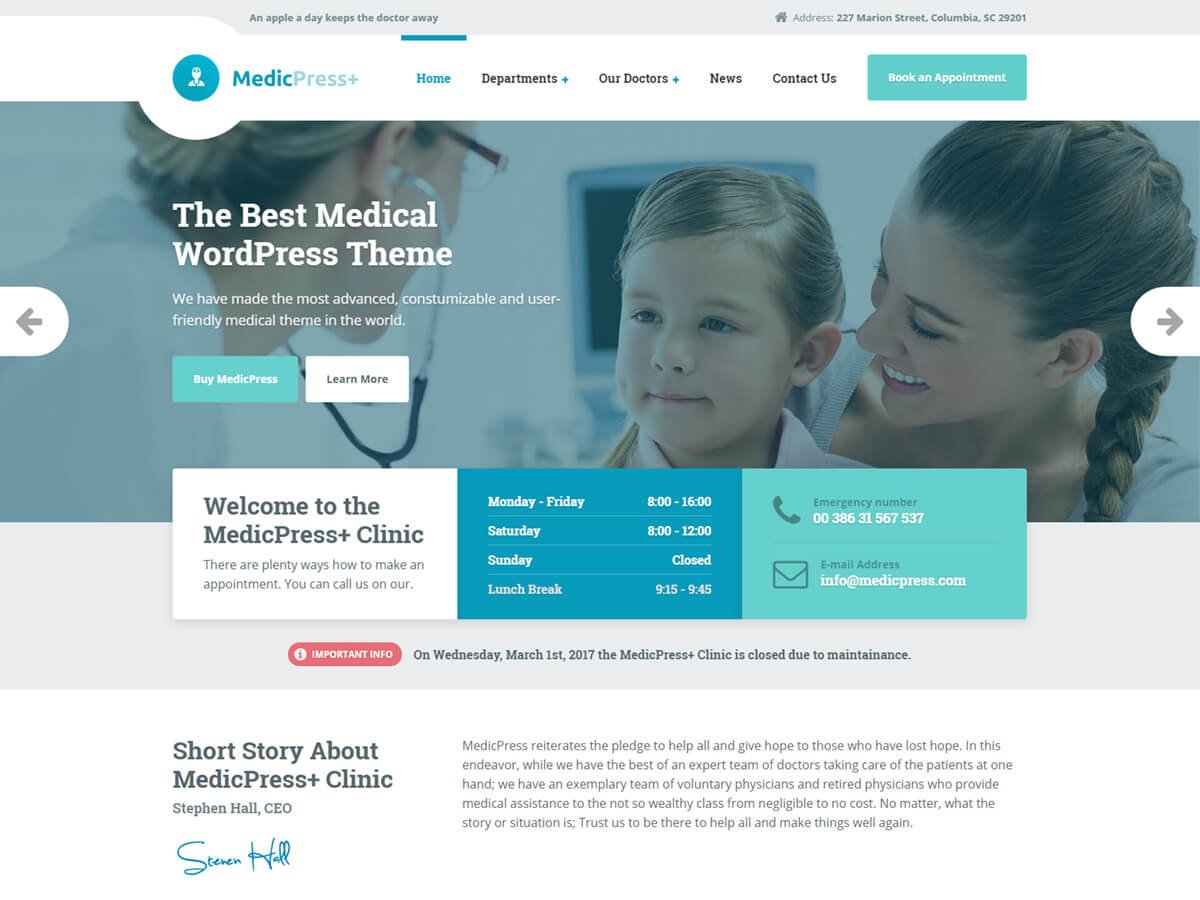
MedicPress PT is a WordPress theme built for doctors and clinics that want a professional medical website.
MedicPress PT is a WordPress theme built for doctors and clinics that want a professional medical website. It gives you a platform to present your services, manage appointments and encourage patient engagement, with an emphasis on local SEO so patients can find your site. The theme works with Elementor and WPBakery for page building and with WooCommerce if you sell services or products online.
| Product | MedicPress PT |
|---|---|
| Version | 1.9.0 |
| Works with | WordPress 6.x+ / PHP 8.x+ |
| Tested up to | WordPress current |
| License | GPLv2 or later |
| Delivery | Instant ZIP download, 10 downloads, 365 days |
How does MedicPress PT help patients find a clinic online?
The theme places emphasis on local SEO, so a practice website is built to be found by patients searching in its area. That focus sits alongside the usual medical site content: services, appointment handling and patient engagement.
Trust matters to patients, including when they first meet a doctor through a website. MedicPress PT is written for that moment, giving a practice a secure-feeling online presence that presents its services clearly.
Which page builders and shop tools work with MedicPress PT?
Elementor and WPBakery are both supported, so you can design pages with the builder you already know instead of being tied to one editor. The theme's own options cover layout and appearance separately from page content.
WooCommerce compatibility means a clinic can sell services or products directly through the same site. A practice that offers paid consultations, products or packages can keep that commerce in one WordPress install.
What can you control from the MedicPress PT theme options?
A single theme options panel holds the MedicPress-specific settings. In it you set the logo and a separate retina logo for high-DPI screens, with a maximum recommended logo height of 95px.
Header controls include header background color, top bar visibility with a hide-on-mobile switch, and top bar background and text colors. Navigation colors are set separately for main links, hover and current states, plus submenu background and link colors, with mobile-specific link and hover colors.
The page header area for regular pages has its own layout and appearance settings, and a Featured Page button can be pointed at a chosen page with custom button text and an option to open the link in a new window or tab.
What this build includes
| Local SEO emphasis | The theme is built with a focus on local SEO so patients searching for a doctor or clinic nearby can find the website. |
|---|---|
| Elementor and WPBakery support | Design pages with either of these popular page builders and keep flexibility over how the site is laid out. |
| WooCommerce compatibility | Sell services or products directly through the website using WooCommerce, alongside the medical content. |
| Logo and retina logo fields | Upload a standard logo and a 2x retina version for high-DPI screens, with a recommended maximum logo height of 95px. |
| Top bar controls | Show or hide the top bar, hide it on mobile, and set its background and text colors from the theme options. |
| Navigation color settings | Set main navigation link, hover and current colors, submenu background and link colors, and separate mobile link and hover colors. |
| Featured Page button | Point a button at a chosen page, write custom button text and choose whether the link opens in a new window or tab. |
| Page header settings | Adjust layout and appearance for the page header area used on regular pages, independent of the main site header. |
Installing it on a WordPress site
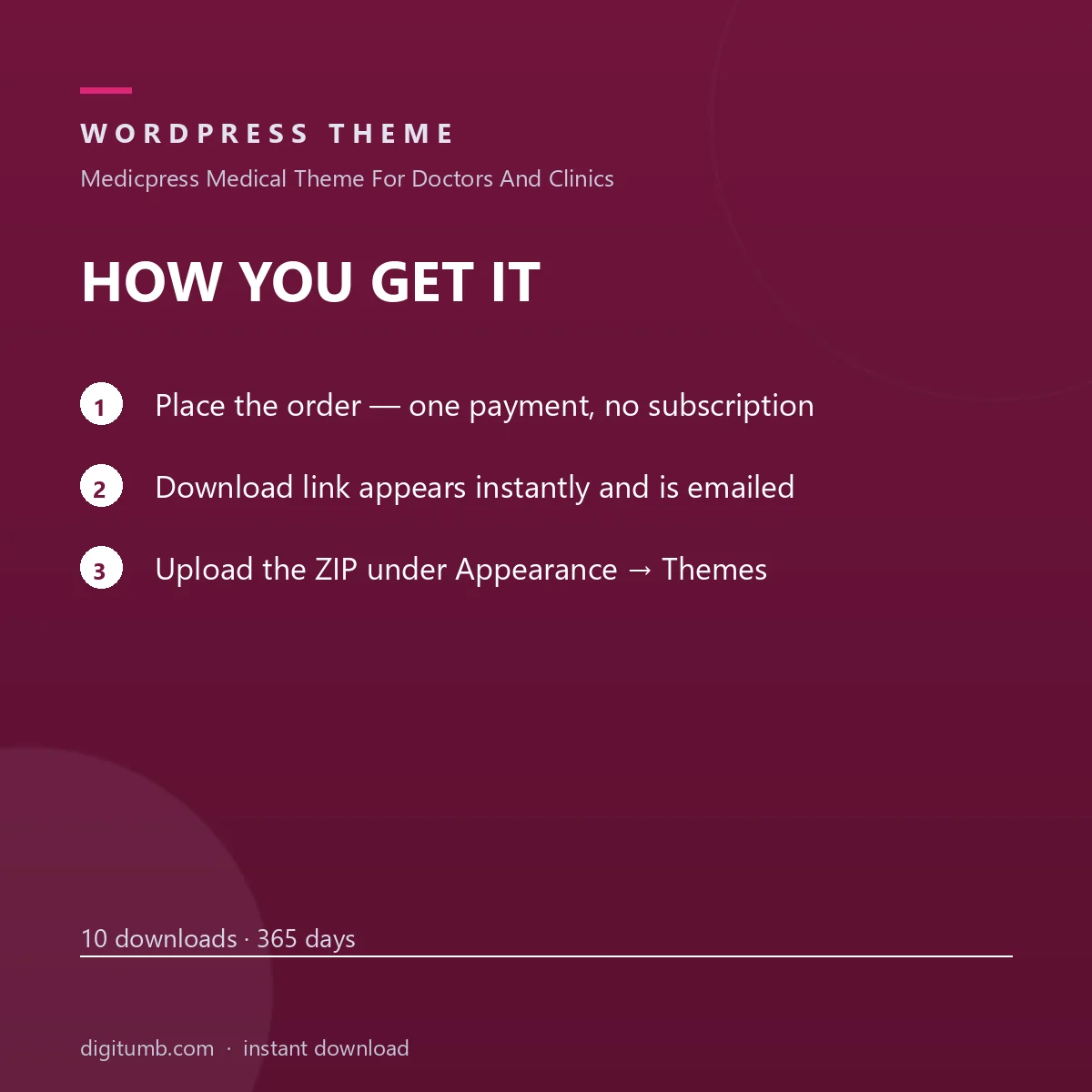
- Upload the medicpress-pt theme folder from the zip to your WordPress installation and activate the theme.
- Open the [PT] Theme Options panel and set your logo, retina logo, header and top bar colors, and navigation colors.
- Configure the page header area and the Featured Page button, then build your service and appointment pages with Elementor or WPBakery.
Latest changes
This page covers MedicPress PT version 1.9.0.
Frequently asked questions
What does MedicPress PT do?
It is a WordPress theme that provides a professional online platform for doctors and clinics, letting a practice showcase its services, manage appointments and enhance patient engagement, with an emphasis on local SEO.
Can I build pages with Elementor or WPBakery?
Yes. MedicPress PT is compatible with popular page builders such as Elementor and WPBakery, so you can design the site with either one and keep flexibility over the layout.
Can I sell services or products with this theme?
WooCommerce is fully supported, so you can sell services or products directly through your website. That covers paid consultations, products or packages kept on the same WordPress install as the medical content.
Is this the same build the developer ships?
Yes. The $4.49 price is for a GPL build containing the same files the developer ships. There is no vendor update channel and no vendor support desk included.
How large is the download?
The zip is 2.1 MB and contains the medicpress-pt theme folder along with inc, template-parts, bundled-plugins, bower_components and bin folders.
What the GPL build means for you
This is the same archive the developer publishes, redistributed under the GNU General Public License: you get the working files for $4.49 with no vendor update channel and no vendor support desk. If you need automatic updates or a support contract, buy the official license from the developer.
| This GPL build | Official license | |
|---|---|---|
| Price | $4.49 one time | Vendor subscription |
| Automatic updates | No | Yes |
| Developer support | No | Yes |
| Number of sites | Unlimited | Depends on plan |
Browse the rest of the WordPress themes category or the full shop. The licence text is at GNU GPL v2, and general documentation is at WordPress.org.
You must be logged in to post a review.
You may also like…

Related products





Reviews
Clear filtersThere are no reviews yet.