




Rocket Premium GPL
$4.49
Rocket Premium is a performance optimization plugin for WordPress that improves load times, optimizes images and streamlines database management.
Rocket Premium is a performance optimization plugin for WordPress that improves load times, optimizes images and streamlines database management. It runs as a caching layer on your site and adds settings screens for Cloudflare and Sucuri, JavaScript deferral, CSS and JavaScript exclusions, and WebP cache handling. This build is version 3.24.2, shipped as a 5.8 MB zip from digitumb.com for $4.49.
| Product | rocket-premium |
|---|---|
| Version | 3.24.2 |
| Works with | WordPress 6.x+ / PHP 8.x+ |
| Tested up to | WordPress current |
| License | GPLv2 or later |
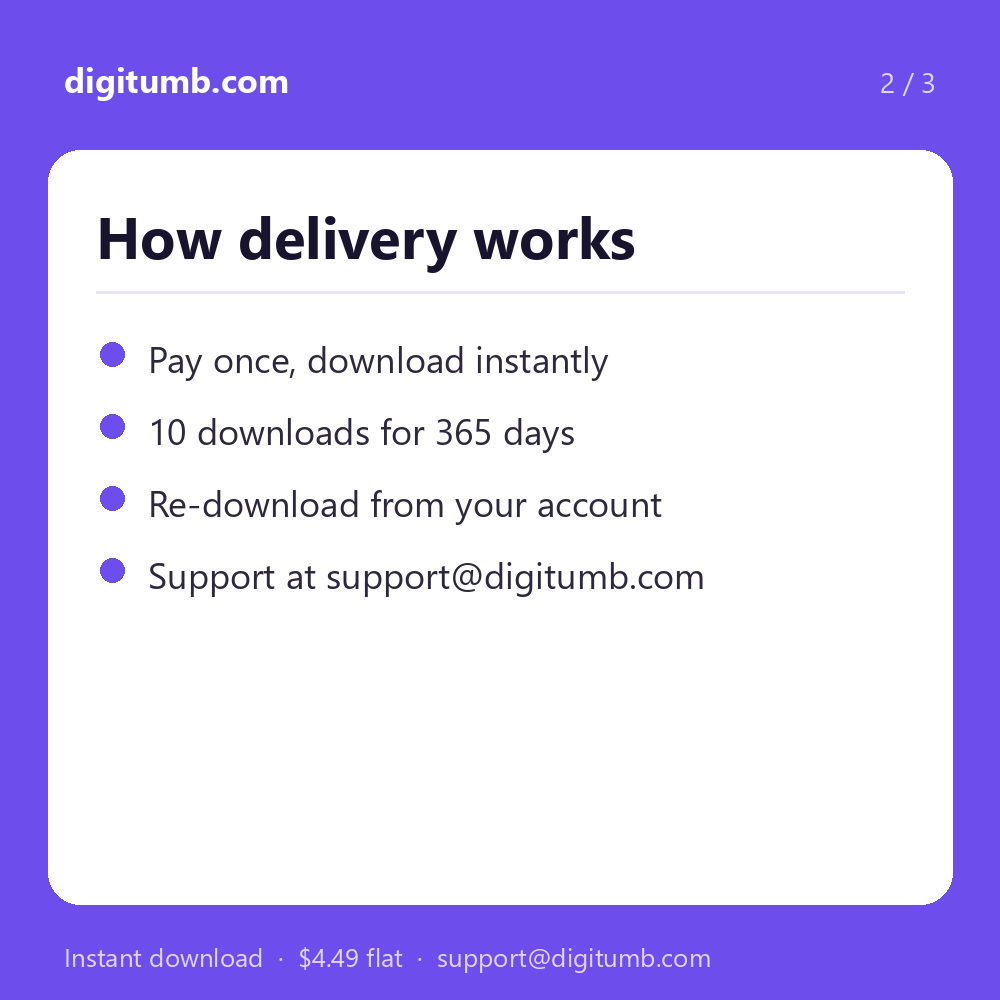
| Delivery | Instant ZIP download, 10 downloads, 365 days |
What Rocket Premium does for page load times
Rocket Premium targets the three areas that slow a WordPress site down most often: caching, images and the database. The plugin's own settings screens describe it as a WordPress performance plugin, and the work it exposes is caching, image optimization and database management. Page caching stores generated pages so repeat visits are served faster; image handling and database cleanup reduce the weight your server carries on each request.
The plugin also gives you control over which assets load on a page. You can exclude specific CSS files, exclude inline JavaScript and exclude JavaScript files, and you can defer JavaScript files so they do not block rendering. These controls are listed by name in the settings, so you can tune them per site rather than accept a single default.
Cloudflare and Sucuri integration inside the plugin
Cloudflare settings are handled from inside Rocket Premium. You enter your Cloudflare email address and API key plus your Zone ID, and the plugin reports back on the connection. Its messages cover an incorrect email or API key, an incorrect Zone ID, a missing Zone ID, a domain that is not set up on Cloudflare, and cases where Cloudflare did not reply or returned an unexpected response.
Sucuri firewall settings also live in the plugin. You supply a Sucuri firewall API key, and the plugin reports whether the key was not found, is invalid, or whether the Sucuri firewall API returned no response, an invalid response or an unknown error. These messages tell you which part of the connection failed instead of leaving you with a silent failure.
WebP cache and importing settings between sites
For WebP images, Rocket Premium creates separate cache files to serve your WebP versions, and the settings note when the WebP cache is disabled by a filter. A clear-this-cache control sits alongside it so you can empty that cache when you change image handling.
Settings can be exported and imported as JSON, which helps when you run the same configuration on more than one site. The import screen validates the file before applying it: it rejects a missing file, an incorrect filename, non-JSON content, unexpected file content and imports attempted without the required permissions. On success it confirms that settings were imported and saved.
Rocket Premium with WooCommerce and Elementor
Rocket Premium is fully compatible with WooCommerce, so an online store can run behind the caching and optimization layer while keeping its storefront working. It also works with Elementor, so pages built in that page builder can be optimized without conflicts between the builder and the plugin.
The zip contains the inc, views and docs folders. The docs folder ships with the plugin, which gives you reference material on the same install you are configuring.
What this build includes
| Page caching | Serves cached pages to speed up load times on your WordPress site, as part of the plugin's performance optimization work. |
|---|---|
| Image optimization | Optimizes images on your site as one of the three performance areas the plugin covers, alongside caching and database management. |
| Database management | Streamlines database management so the database side of your site is handled from the same plugin as caching and images. |
| Cloudflare connection | Connect Cloudflare from the plugin using your email address, API key and Zone ID, with error messages for each failure case. |
| Sucuri firewall connection | Enter a Sucuri firewall API key in the plugin and read specific messages when the key or the API call fails. |
| JavaScript deferral | Defer JavaScript files so they load without blocking the rest of the page, and exclude inline JavaScript or whole files where needed. |
| CSS exclusions | Exclude individual CSS files from optimization so specific stylesheets load as you intend. |
| WebP cache | Creates separate cache files to serve WebP images, with a clear-this-cache control for that cache. |
| JSON settings import | Export and import settings as JSON, with validation for filename, format and file content before anything is applied. |
Installing it on a WordPress site
- Install the Rocket Premium zip (version 3.24.2, 5.8 MB) through the WordPress plugins screen and activate it.
- Open the plugin settings and switch on the caching, image and database options you want for the site.
- If you use Cloudflare or Sucuri, enter the API credentials and Zone ID in their settings panels and check the connection messages.
Latest changes
This build is Rocket Premium 3.24.2, packaged as a 5.8 MB zip.
Frequently asked questions
Does Rocket Premium work with WooCommerce stores?
Yes. Rocket Premium is fully compatible with WooCommerce, so an online store can run with the plugin's caching and optimization active. The store keeps working while the plugin improves load times, optimizes images and handles database management.
Can I use Rocket Premium on Elementor pages?
Yes. Rocket Premium works with Elementor, so pages built in that page builder can be optimized without conflicts. You can apply the caching and asset settings to Elementor pages the same way as to other content on the site.
How do I connect Cloudflare in Rocket Premium?
Enter your Cloudflare email address, API key and Zone ID in the plugin's Cloudflare settings. The plugin reports specific problems, such as an incorrect email or API key, an incorrect or missing Zone ID, a domain not set up on Cloudflare, or no reply from Cloudflare.
What happens if my Sucuri API key is wrong?
The plugin tells you the key was not found or is invalid. If the key is accepted but the call fails, it reports that it could not get a response from the Sucuri firewall API, got an invalid response, or received an unknown error from the API.
Can I move my Rocket Premium settings to another site?
Yes. Settings import and export use JSON. The import screen rejects a missing file, an incorrect filename, non-JSON content and unexpected file content, and it blocks imports from users without the required permissions. A successful import is confirmed in the settings screen.
What am I buying at $4.49?
You get the GPL build of Rocket Premium: the same files the developer ships, with no vendor update channel and no vendor support desk. The price is $4.49 at digitumb.com. The download is a 5.8 MB zip containing the inc, views and docs folders.
What the GPL build means for you
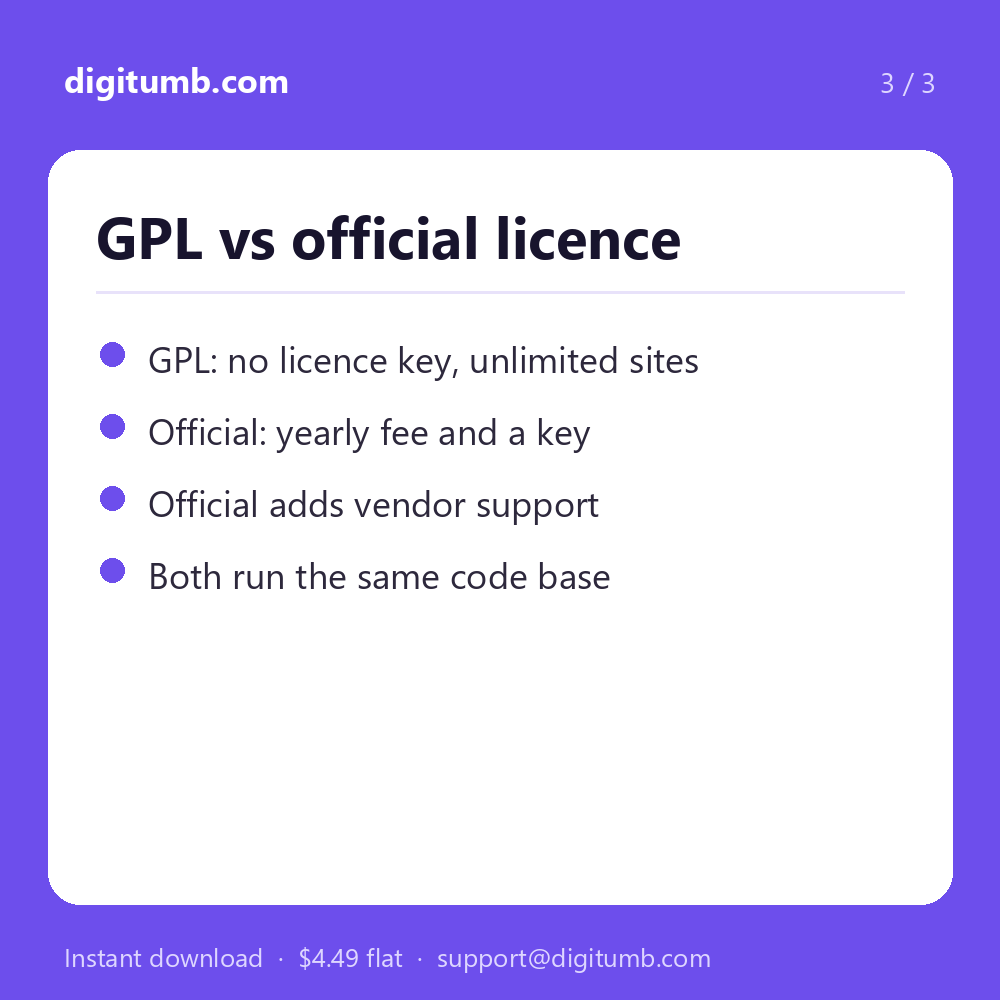
This is the same archive the developer publishes, redistributed under the GNU General Public License: you get the working files for $4.49 with no vendor update channel and no vendor support desk. If you need automatic updates or a support contract, buy the official license from the developer.
| This GPL build | Official license | |
|---|---|---|
| Price | $4.49 one time | Vendor subscription |
| Automatic updates | No | Yes |
| Developer support | No | Yes |
| Number of sites | Unlimited | Depends on plan |
Browse the rest of the WordPress plugins category or the full shop. The licence text is at GNU GPL v2, and general documentation is at WordPress.org.
You must be logged in to post a review.
You may also like…

Related products







Reviews
Clear filtersThere are no reviews yet.