

Popup Builder Advanced Targeting GPL
$4.49
Popup Builder Advanced Targeting is a WordPress addon that adds eight advanced targeting options to the popups you build on your site.
Popup Builder Advanced Targeting is a WordPress addon that adds eight advanced targeting options to the popups you build on your site. It lets you decide which visitors see which popup and use that control to improve user engagement and conversion rates. The addon is compatible with WooCommerce for targeted store popups and with Elementor for designing and customizing the popup layout. You get the same plugin files the developer ships as a GPL build for $4.49.
| Product | popup-builder-advanced-targeting |
|---|---|
| Version | 3.1 |
| Works with | WordPress 6.x+ / PHP 8.x+ |
| Tested up to | WordPress current |
| License | GPLv2 or later |
| Delivery | Instant ZIP download, 10 downloads, 365 days |
Which targeting options does Popup Builder Advanced Targeting add?
The addon offers eight advanced targeting options for popups. Instead of showing the same popup to every visitor, you use these options to narrow who a popup is shown to, so the message matches the audience that sees it. That control is the core of the product: create and manage popups with advanced targeting conditions rather than a single all-visitor display rule.
Because the targeting sits inside your WordPress popup setup, you manage popups and their targeting from the same place you already build them. The addon is built to raise engagement and conversion rates by making popups more relevant to the visitor who receives them.
Does Popup Builder Advanced Targeting work with WooCommerce?
Yes. Popup Builder Advanced Targeting is compatible with WooCommerce, so you can create targeted popups for your online store. Store owners can use the advanced targeting options to decide which shoppers see a given popup, which is useful when an offer or message applies to only part of your audience.
The WooCommerce compatibility means the popups live in the same WordPress site that runs your shop. You do not need a separate popup tool for store pages; the addon is configured through your WordPress admin alongside the rest of your site.
Can I design popups with Elementor using this addon?
Popup Builder Advanced Targeting works well with Elementor. You can design and customize popups using the Elementor page builder, then apply the addon's advanced targeting options to control who sees them. This keeps popup design in a builder you already know while the targeting decides the audience.
Combining Elementor design with the addon's targeting gives you two separate jobs: the layout is handled in Elementor, and the audience rules are handled by the addon. Each can be changed without rebuilding the other.
How is the GPL build of Popup Builder Advanced Targeting delivered?
You receive the same plugin files the developer ships, packaged as a GPL build for $4.49. There is no vendor update channel and no vendor support desk with this purchase. Updates included for life are part of the product offer as described by the vendor summary.
The download is a zip file of 0.0 MB that you install through your WordPress admin. Because the package is the developer's plugin files, setup follows the plugin's own installation and setup wizard rather than a separate store-specific process.
What this build includes
| Eight advanced targeting options | Choose from eight advanced targeting options to decide which visitors see a given popup on your WordPress site. |
|---|---|
| Popup creation and management | Create and manage popups on your WordPress site with advanced targeting applied to improve user engagement and conversion rates. |
| WooCommerce compatibility | Build targeted popups for your online store because the addon is compatible with WooCommerce. |
| Elementor compatibility | Design and customize popups with the Elementor page builder, then apply the addon's targeting options. |
| Guided setup wizard | Follow the setup wizard after activation to configure your first popup with the addon's targeting. |
Installing it on a WordPress site
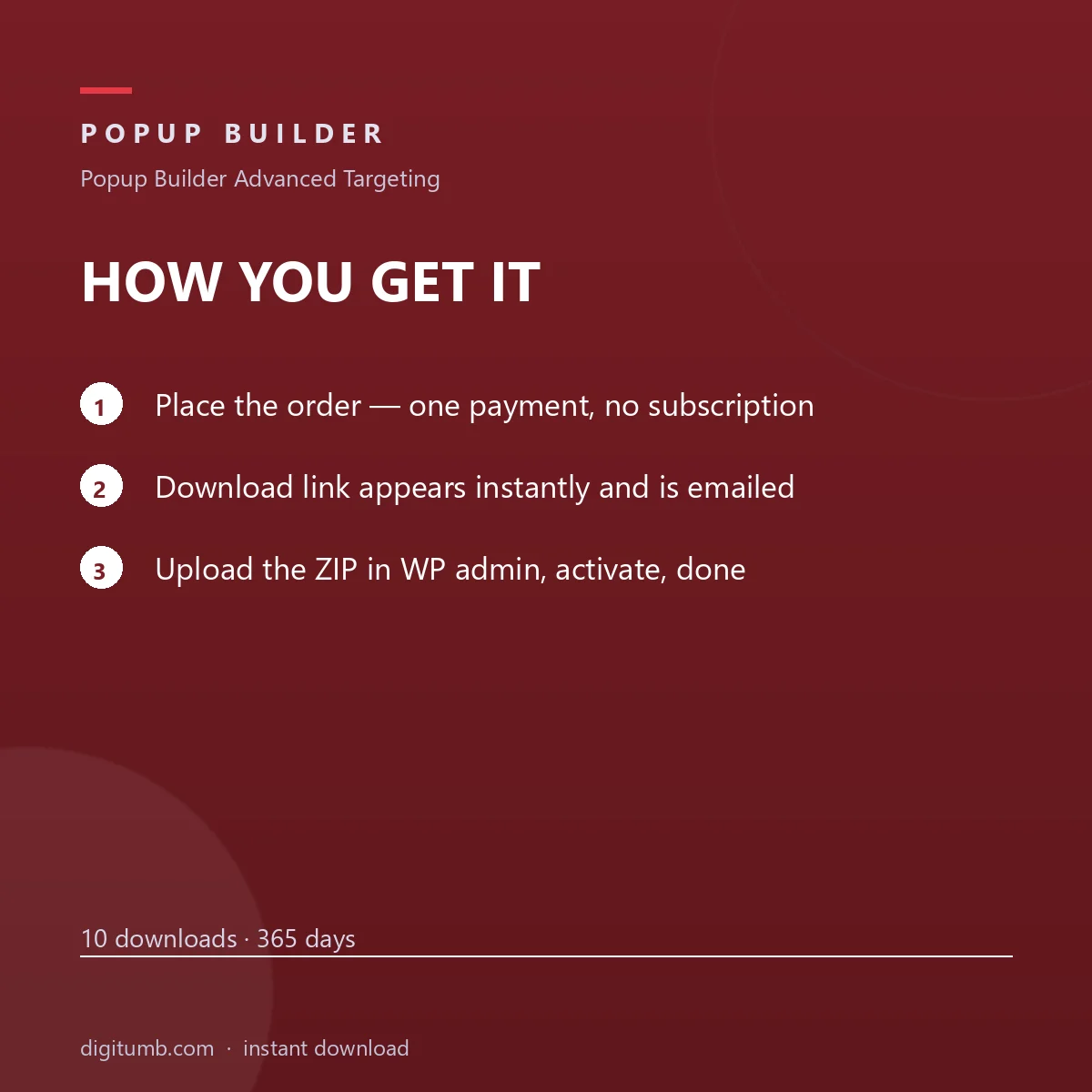
- Download the Popup Builder Advanced Targeting zip file from your order.
- In your WordPress admin, go to Plugins, upload the zip file, and activate the plugin.
- Follow the setup wizard to configure your first popup and its targeting options.
Frequently asked questions
What does Popup Builder Advanced Targeting do?
It lets you create and manage popups on your WordPress site with advanced targeting options. The goal is to improve user engagement and conversion rates by controlling which visitors see which popup. The addon offers eight advanced targeting options and works alongside WooCommerce and Elementor on the same WordPress installation.
Is Popup Builder Advanced Targeting compatible with WooCommerce?
Yes. The addon is compatible with WooCommerce, which means you can create targeted popups for your online store. You manage those popups from your WordPress admin, the same place you run the rest of the site, and apply the advanced targeting options to decide which shoppers see a given popup.
Can I use it with Elementor?
Yes. Popup Builder Advanced Targeting works well with Elementor, so you can design and customize popups using the Elementor page builder. The design work happens in Elementor, and the addon supplies the advanced targeting options that decide who sees the finished popup.
How do I set up the plugin on my WordPress site?
Download the plugin, upload it through your WordPress admin panel under Plugins, and activate it. Then follow the setup wizard to configure your first popup. The wizard is the guided path from activation to a working popup with targeting applied.
What do I receive for $4.49?
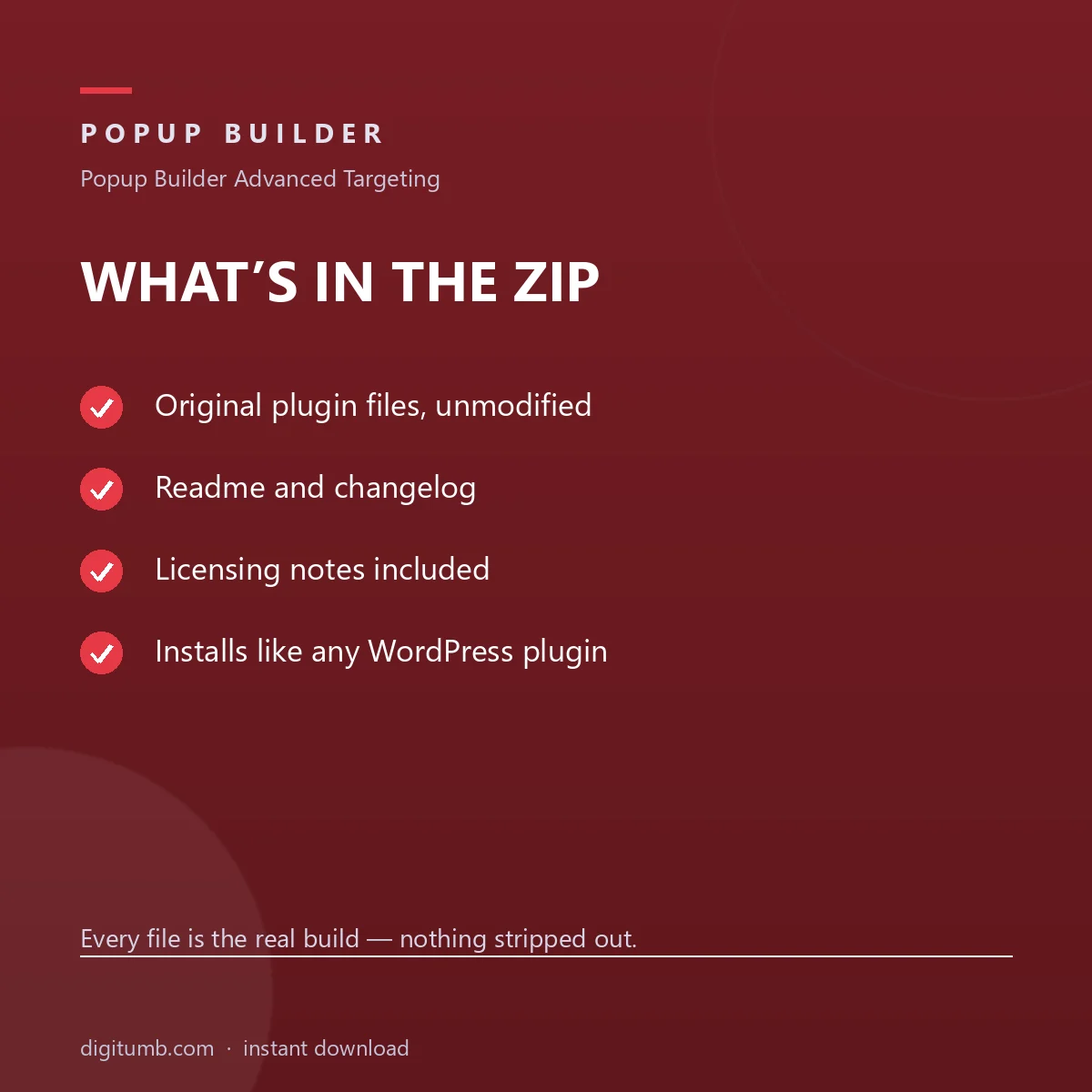
You receive the same plugin files the developer ships, as a GPL build, for $4.49. The download is a zip file of 0.0 MB containing the plugin folders com and public. There is no vendor update channel and no vendor support desk attached to this purchase.
What the GPL build means for you
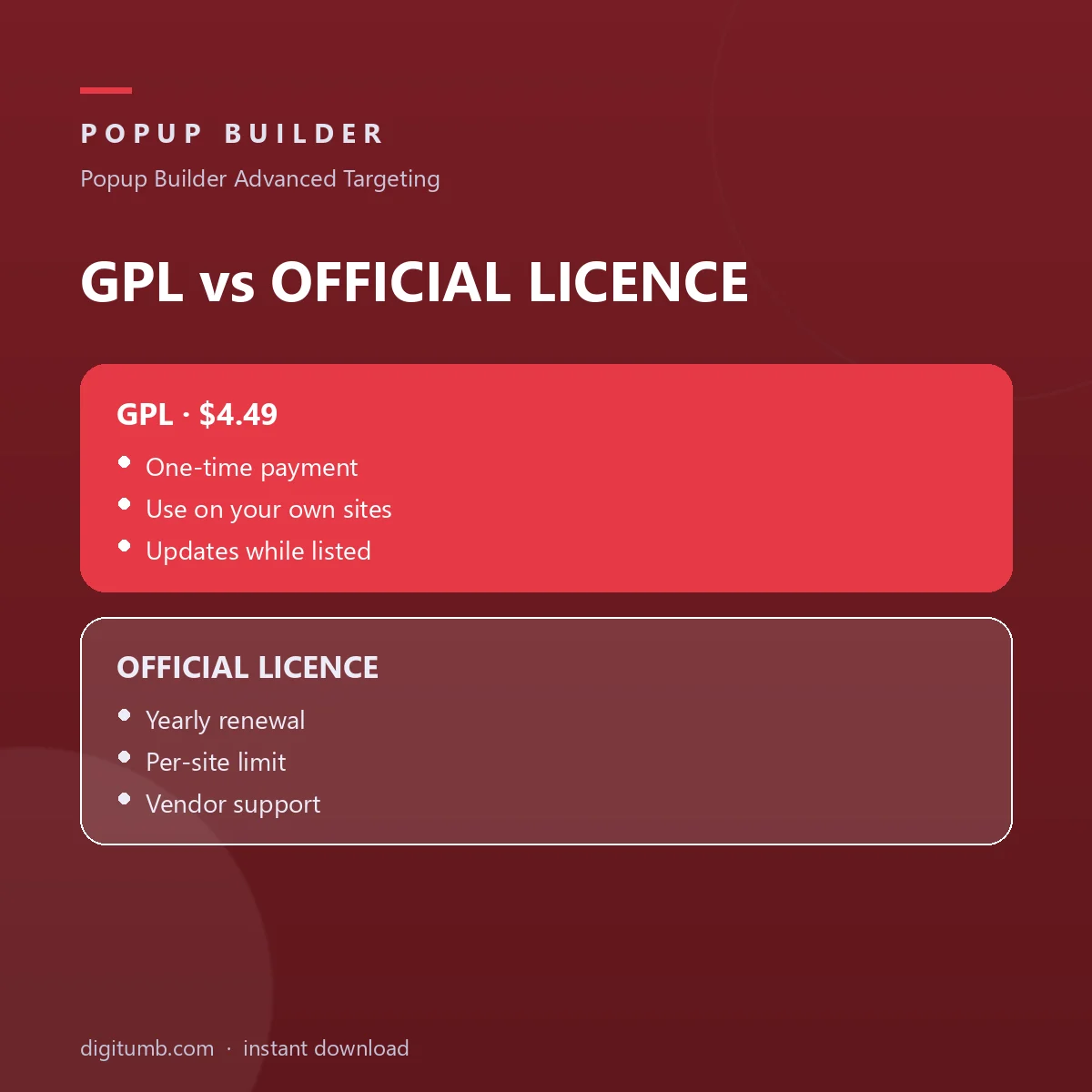
This is the same archive the developer publishes, redistributed under the GNU General Public License: you get the working files for $4.49 with no vendor update channel and no vendor support desk. If you need automatic updates or a support contract, buy the official license from the developer.
| This GPL build | Official license | |
|---|---|---|
| Price | $4.49 one time | Vendor subscription |
| Automatic updates | No | Yes |
| Developer support | No | Yes |
| Number of sites | Unlimited | Depends on plan |
Browse the rest of the WordPress plugins category or the full shop. The licence text is at GNU GPL v2, and general documentation is at WordPress.org.
You must be logged in to post a review.
You may also like…

Related products







Reviews
Clear filtersThere are no reviews yet.