



Popup Builder Adblock Extension GPL
$4.49
Popup Builder Adblock Extension is a WordPress plugin that detects when a visitor has ad-blocking software enabled and lets you display a customized message in response.
Popup Builder Adblock Extension is a WordPress plugin that detects when a visitor has ad-blocking software enabled and lets you display a customized message in response. Instead of losing that visitor silently, you can ask them to disable the blocker or support your site in another way. This is the GPL build sold at digitumb.com for $4.49: the same files the developer ships, with no vendor update channel and no vendor support desk.
| Product | popup-builder-adblock-extension |
|---|---|
| Version | 3.1 |
| Works with | WordPress 6.x+ / PHP 8.x+ |
| Tested up to | WordPress current |
| License | GPLv2 or later |
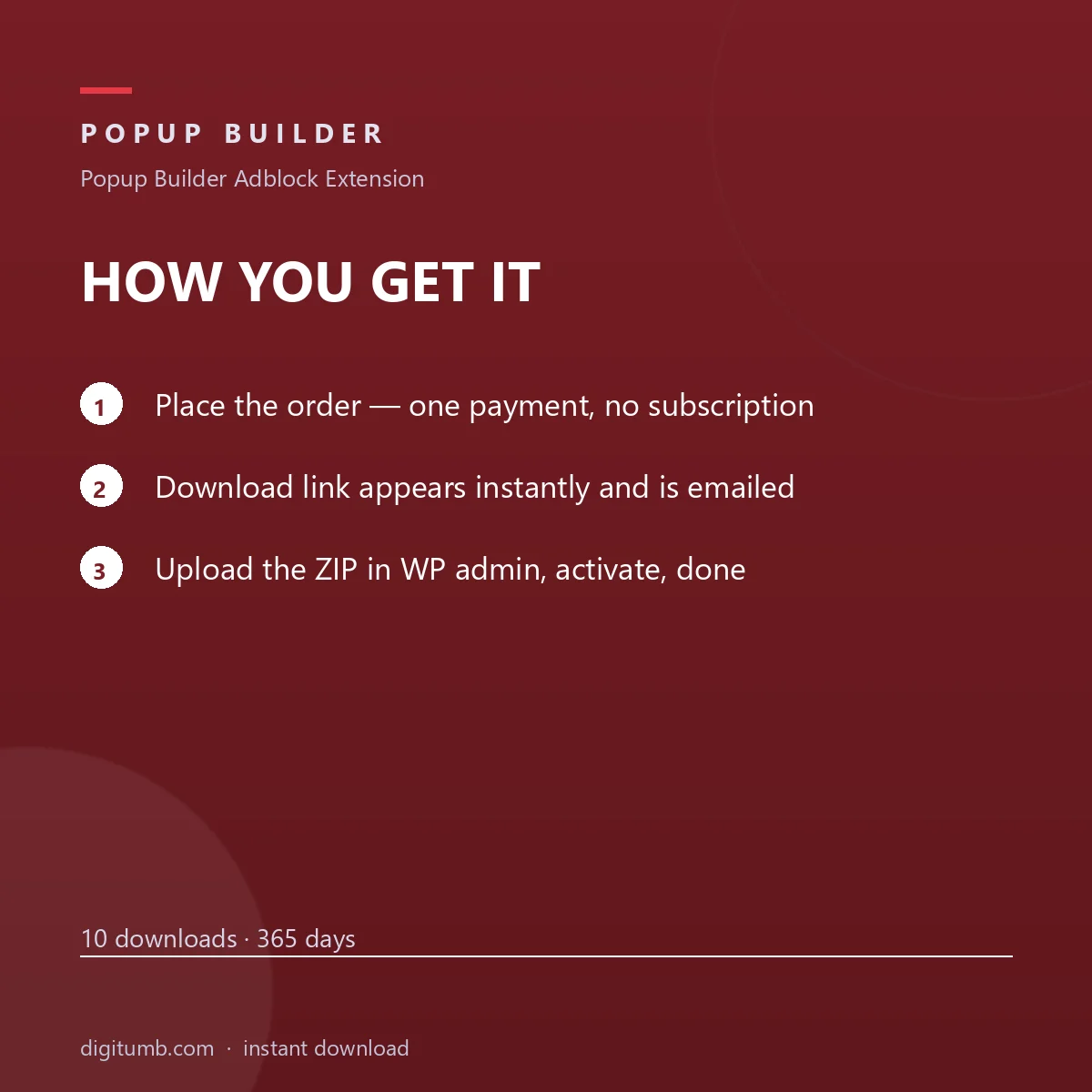
| Delivery | Instant ZIP download, 10 downloads, 365 days |
What Popup Builder Adblock Extension does on your site
The extension watches for ad-blocking software on the visitor's side and reacts when it finds it. You decide what the visitor sees at that moment: a popup message that explains the situation and asks them to turn the blocker off, or a message that points them toward supporting the site in other ways.
Because the message is a popup you configure yourself, the wording and the display options are under your control. You build the message you want visitors to read, then set how and when it appears through the plugin settings. Nothing about the popup is fixed by the extension.
Compatibility with your theme and other plugins
The extension is built to adapt to your theme's styling, so the popup message keeps a consistent look and feel across the site rather than standing apart from the rest of the design. It is listed as compatible with most WordPress themes.
It is also designed to work with other popular WordPress plugins, including SEO and caching plugins. That matters on a live site, where a popup layer and a cache layer often run on the same pages.
How the GPL build at digitumb.com is sold
You receive the same plugin files the developer ships, packaged as a GPL build, for $4.49. There is no vendor update channel attached to this copy and no vendor support desk behind it, so plan on managing updates and questions on your own side.
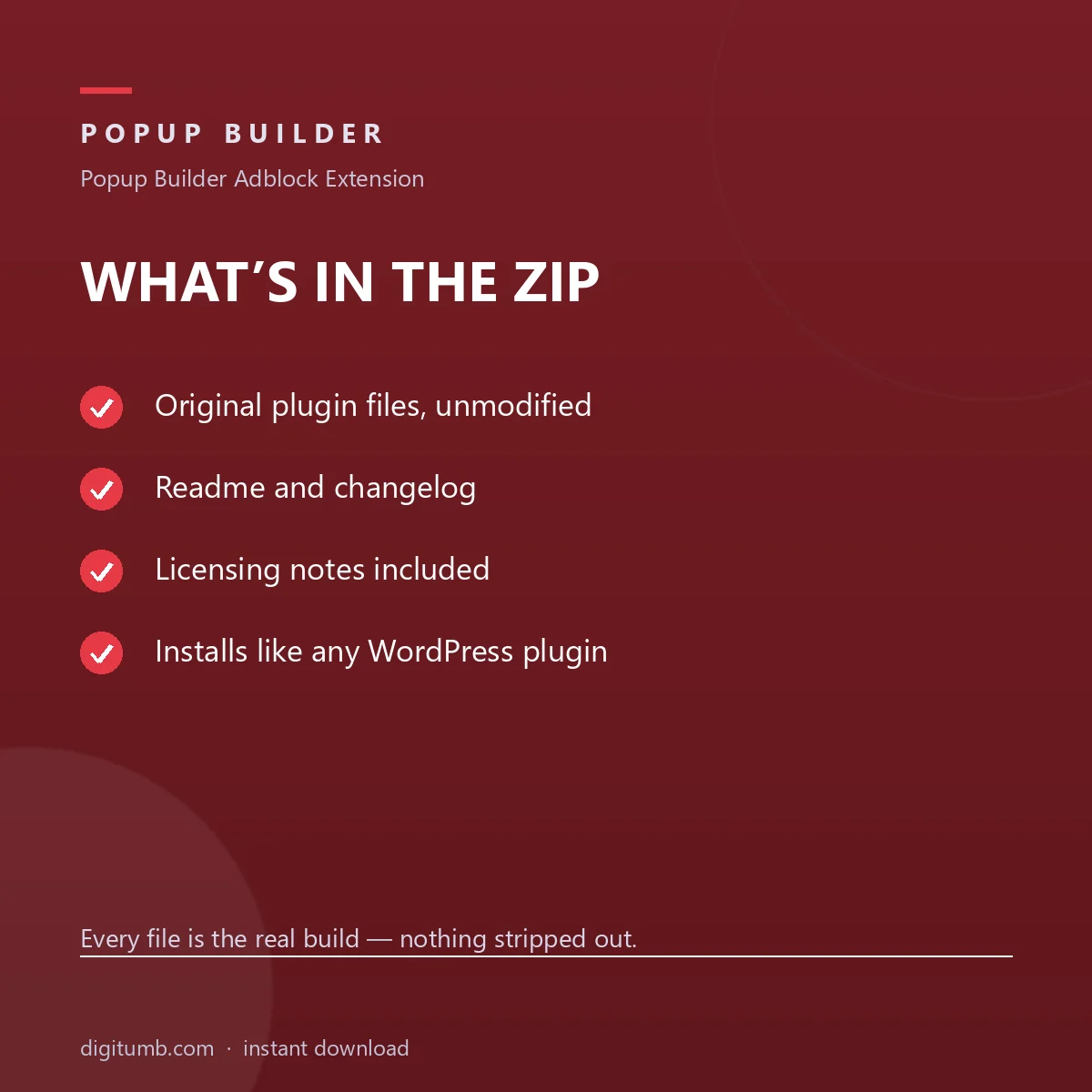
The download is a zip you install through the WordPress dashboard like any other plugin. The package contains the com and public folders.
What this build includes
| Ad-block detection | Detects when visitors have ad-blocking software enabled, so you can respond to that state instead of serving the page without any message. |
|---|---|
| Custom popup messages | Display customized messages to visitors with a blocker active, encouraging them to disable it or to support your site in other ways. |
| Configurable display options | Configure how and when the popup message appears from the plugin settings, according to your own preferences. |
| Theme-adaptive styling | Adapts to your theme's styling so the popup keeps a consistent look and feel across your website. |
| Works alongside SEO and caching plugins | Designed to work with other popular WordPress plugins, including SEO and caching plugins, so your site keeps functioning as expected. |
| Fits most WordPress themes | Compatible with most WordPress themes, which keeps the extension usable on a wide range of existing sites. |
Installing it on a WordPress site
- Install and activate the plugin from the WordPress dashboard.
- Open the plugin settings and customize your popup messages.
- Configure the display options to match your preferences.
Latest changes
This product page covers version 3.1 of the plugin.
Frequently asked questions
What does Popup Builder Adblock Extension actually do?
It detects when users have ad-blocking software enabled and lets you display customized messages that encourage them to disable their ad blocker or support your site in other ways. The message and its display options are configured by you in the plugin settings.
Will it work with my current WordPress theme?
The extension is compatible with most WordPress themes and is designed to adapt to your theme's styling, so the popup keeps a consistent look and feel across your website. It is built to sit inside your existing design rather than replace it.
Does it conflict with SEO or caching plugins?
It is designed to work with other popular WordPress plugins, including SEO and caching plugins, so your site functions optimally. If you run a cache layer, check the popup behavior on a cached page after you configure the display options.
How do I set it up?
Install and activate the plugin from the WordPress dashboard, then go to the plugin settings to customize your popup messages and configure display options according to your preferences. There is no separate build step outside WordPress.
What do I get for $4.49, and is support included?
You get the GPL build of the plugin, version 3.1, as a zip file, containing the same files the developer ships. This copy carries no vendor update channel and no vendor support desk, so updates and assistance are handled on your side.
What the GPL build means for you
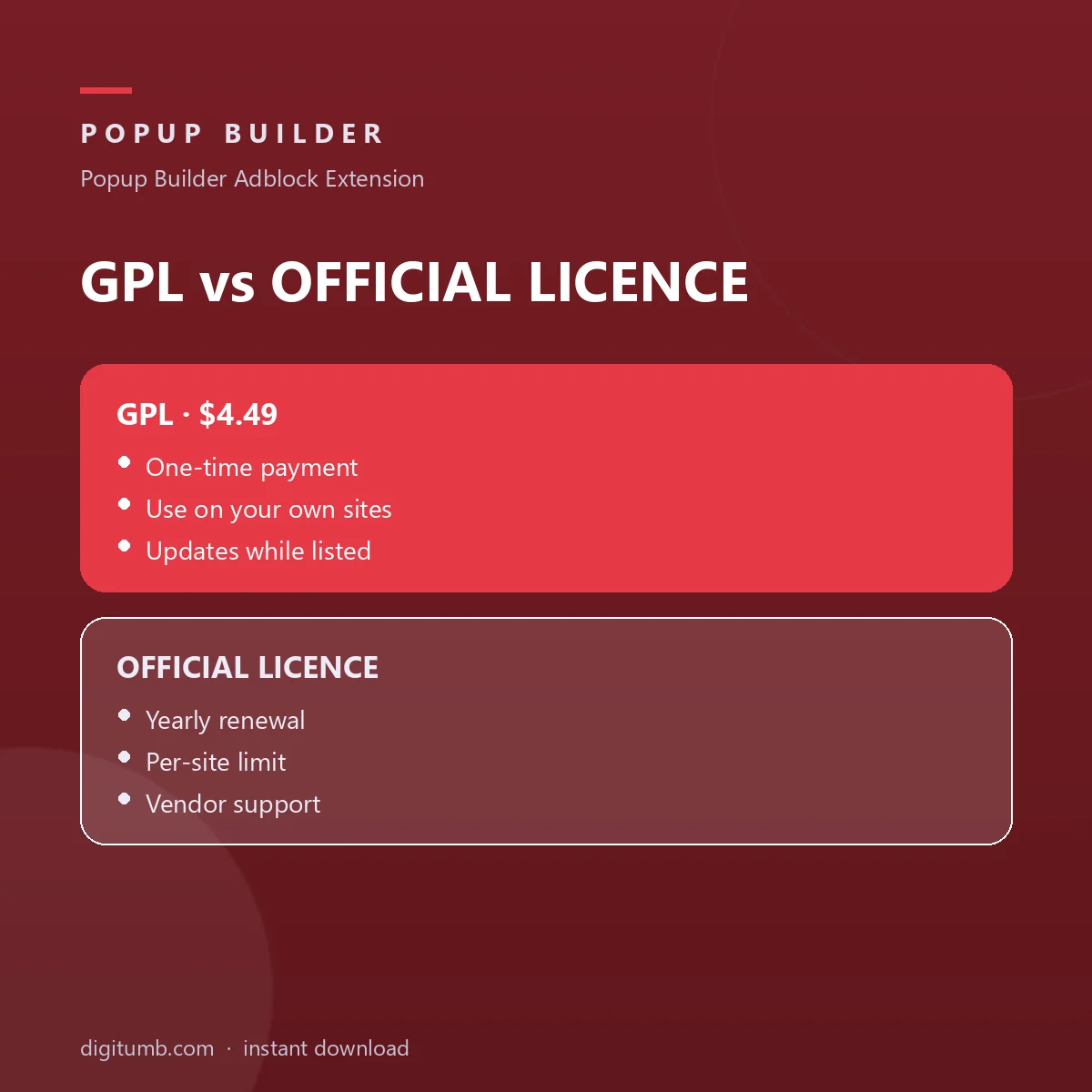
This is the same archive the developer publishes, redistributed under the GNU General Public License: you get the working files for $4.49 with no vendor update channel and no vendor support desk. If you need automatic updates or a support contract, buy the official license from the developer.
| This GPL build | Official license | |
|---|---|---|
| Price | $4.49 one time | Vendor subscription |
| Automatic updates | No | Yes |
| Developer support | No | Yes |
| Number of sites | Unlimited | Depends on plan |
Browse the rest of the WordPress plugins category or the full shop. The licence text is at GNU GPL v2, and general documentation is at WordPress.org.
You must be logged in to post a review.
You may also like…

Related products







Reviews
Clear filtersThere are no reviews yet.