




Popup Builder Advanced Closing Extension GPL
$4.49
Popup Builder Advanced Closing Extension is a WordPress addon plugin that manages and customizes the closing options of popups built with the Popup Builder plugin.
Popup Builder Advanced Closing Extension is a WordPress addon plugin that manages and customizes the closing options of popups built with the Popup Builder plugin. It gives site owners control over how visitors dismiss a popup, with the aim of improving user engagement and overall site functionality. The extension also works inside Elementor, so popups can be styled and customized in the Elementor interface.
| Product | popup-builder-advanced-closing-extension |
|---|---|
| Version | 2.2 |
| Works with | WordPress 6.x+ / PHP 8.x+ |
| Tested up to | WordPress current |
| License | GPLv2 or later |
| Delivery | Instant ZIP download, 10 downloads, 365 days |
What closing options does this addon add to Popup Builder popups?
The extension is built around closing behaviour. It lets you manage and customize the closing options for popups on your WordPress site, so the way a visitor dismisses a popup is a setting you control rather than a fixed default. That is the core job of the addon: closing options for popups created with Popup Builder.
Because the addon extends Popup Builder rather than replacing it, your existing popups stay in place and the closing controls sit on top of them. The vendor describes the result as better user engagement and improved overall site functionality.
Does the extension work with Elementor?
Yes. The Advanced Closing Extension works well with Elementor, which means popups that use these closing options can be created and customized within the Elementor interface. If your site is built in Elementor, you do not have to leave that editor to adjust how a popup closes.
The extension is designed to work with Elementor for visually appealing popups, so the closing behaviour and the design of the popup are handled in the same place.
How does it fit with the Popup Builder plugin and other plugins?
This is an extension for the Popup Builder plugin, not a standalone popup tool. It is designed to work with Popup Builder, so Popup Builder needs to be part of your setup for the addon to do its job.
Beyond that pairing, the vendor states the extension is generally compatible with most other popular WordPress plugins. That makes it practical to add closing options to a site that already runs a normal mix of plugins.
What you get in the GPL build at digitumb.com
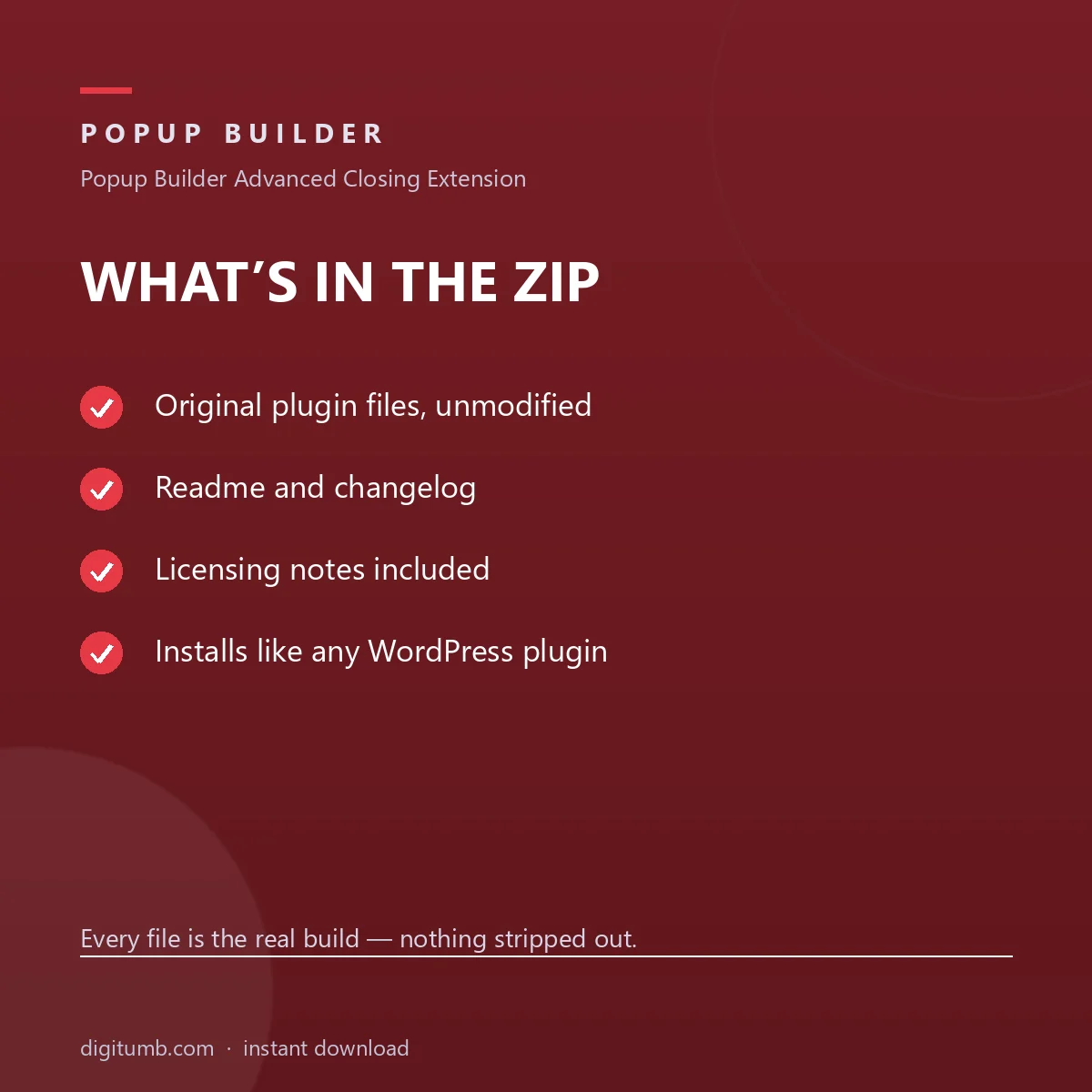
You receive the same files the developer ships for Popup Builder Advanced Closing Extension, version 2.2, as a GPL build for $4.49. The download is a zip of 0.0 MB containing the com and public folders.
This build has no vendor update channel and no vendor support desk. The files are the developer's own; what is not included is a connection to the developer for updates or help. Plan to handle updates and troubleshooting on your own side.
What this build includes
| Custom closing options | Manage and customize how popups close on your WordPress site, giving you control over the closing behaviour of each popup. |
|---|---|
| Works with Popup Builder | Extends the Popup Builder plugin, so the closing options apply to popups you already build with that plugin. |
| Elementor editing | Create and customize popups with these closing options inside the Elementor interface, without switching editors. |
| Broad plugin compatibility | Designed to work with Popup Builder and generally compatible with most other popular WordPress plugins on the same site. |
Installing it on a WordPress site
- Install and activate the Popup Builder plugin, since this addon extends it.
- Upload the extension zip through the WordPress plugins screen and activate Popup Builder Advanced Closing Extension.
- Open a popup in Popup Builder, or in Elementor if you build there, and set its closing options.
Latest changes
Version 2.2 is the release packaged in this GPL build.
Frequently asked questions
What does Popup Builder Advanced Closing Extension do?
It lets you manage and customize the closing options for popups on your WordPress site. Instead of a fixed way to dismiss a popup, you set the closing behaviour yourself. The vendor presents this as a way to improve user engagement and overall site functionality.
Do I need the Popup Builder plugin for this to work?
Yes. The extension is designed to work with the Popup Builder plugin, so it needs Popup Builder on the site to provide closing options for your popups. It is an addon, not a replacement for the popup plugin itself.
Can I use it with Elementor?
Yes. The extension works well with Elementor, so you can create visually appealing popups and customize them within the Elementor interface. The closing options are available in the same editor you use for the popup design.
Is it compatible with my other WordPress plugins?
The vendor states the extension is generally compatible with most other popular WordPress plugins, in addition to being designed for Popup Builder. As with any addon, check it against the specific plugins your site depends on before you rely on it in production.
What is included in the $4.49 GPL build?
You get the same files the developer ships for version 2.2, packaged as a 0.0 MB zip with the com and public folders. The GPL build comes with no vendor update channel and no vendor support desk, so updates and help are handled outside the developer.
What the GPL build means for you
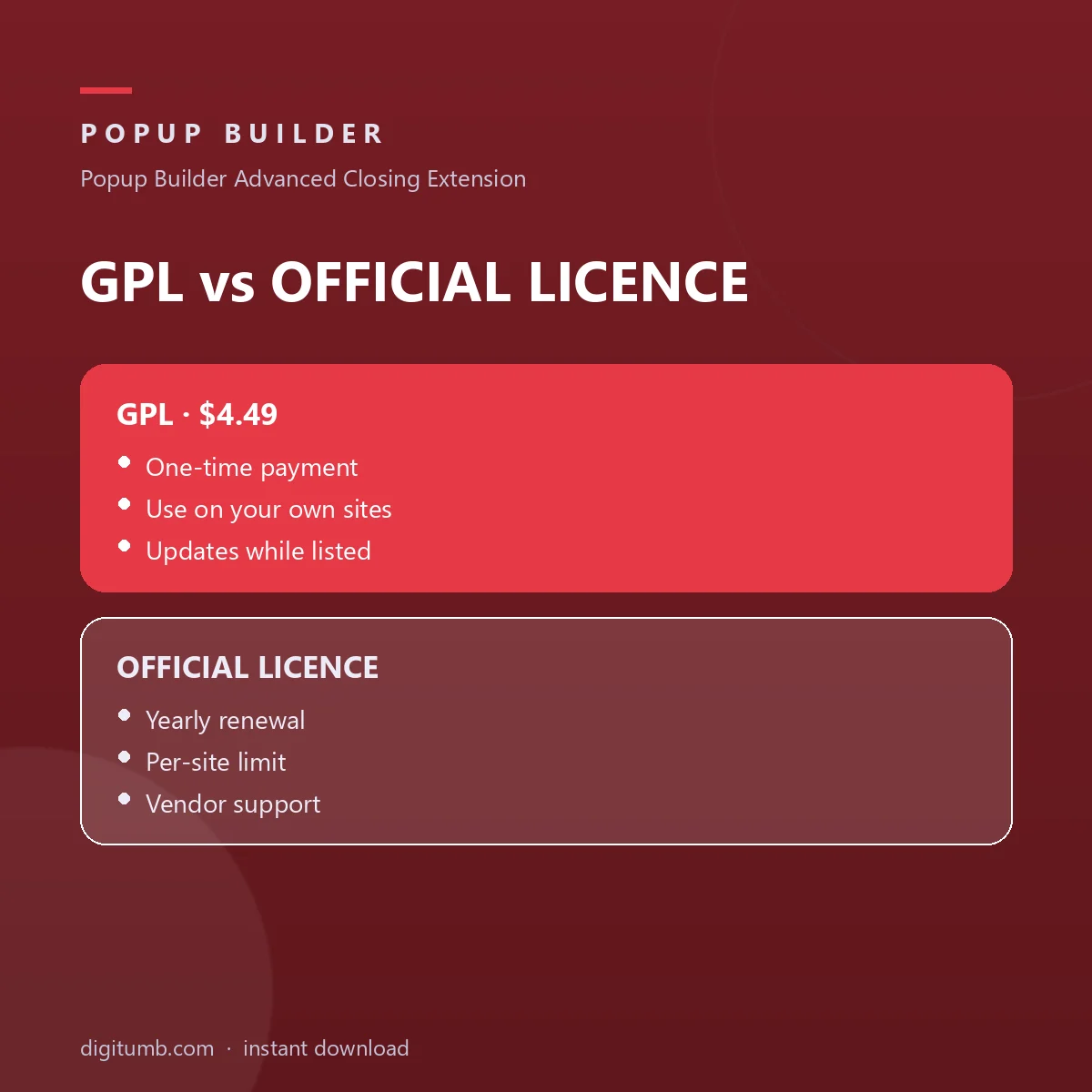
This is the same archive the developer publishes, redistributed under the GNU General Public License: you get the working files for $4.49 with no vendor update channel and no vendor support desk. If you need automatic updates or a support contract, buy the official license from the developer.
| This GPL build | Official license | |
|---|---|---|
| Price | $4.49 one time | Vendor subscription |
| Automatic updates | No | Yes |
| Developer support | No | Yes |
| Number of sites | Unlimited | Depends on plan |
Browse the rest of the WordPress plugins category or the full shop. The licence text is at GNU GPL v2, and general documentation is at WordPress.org.
You must be logged in to post a review.
You may also like…

Related products








Reviews
Clear filtersThere are no reviews yet.