


Ninja Forms – ConvertKit GPL
$4.49
Ninja Forms ConvertKit is a WordPress plugin that connects your Ninja Forms to your ConvertKit account so form submissions can add subscribers to your email lists automatically.
Ninja Forms ConvertKit is a WordPress plugin that connects your Ninja Forms to your ConvertKit account so form submissions can add subscribers to your email lists automatically. It is a GPL build of the developer's plugin, sold here for $4.49 with the same files the developer ships, without a vendor update channel or vendor support desk. This listing covers version 3.1.1, a 0.3 MB zip.
| Product | Ninja Forms – ConvertKit |
|---|---|
| Version | 3.1.1 |
| Works with | WordPress 4.7+ / PHP 8.x+ |
| Tested up to | WordPress 45.7 |
| License | GPLv2 or later |
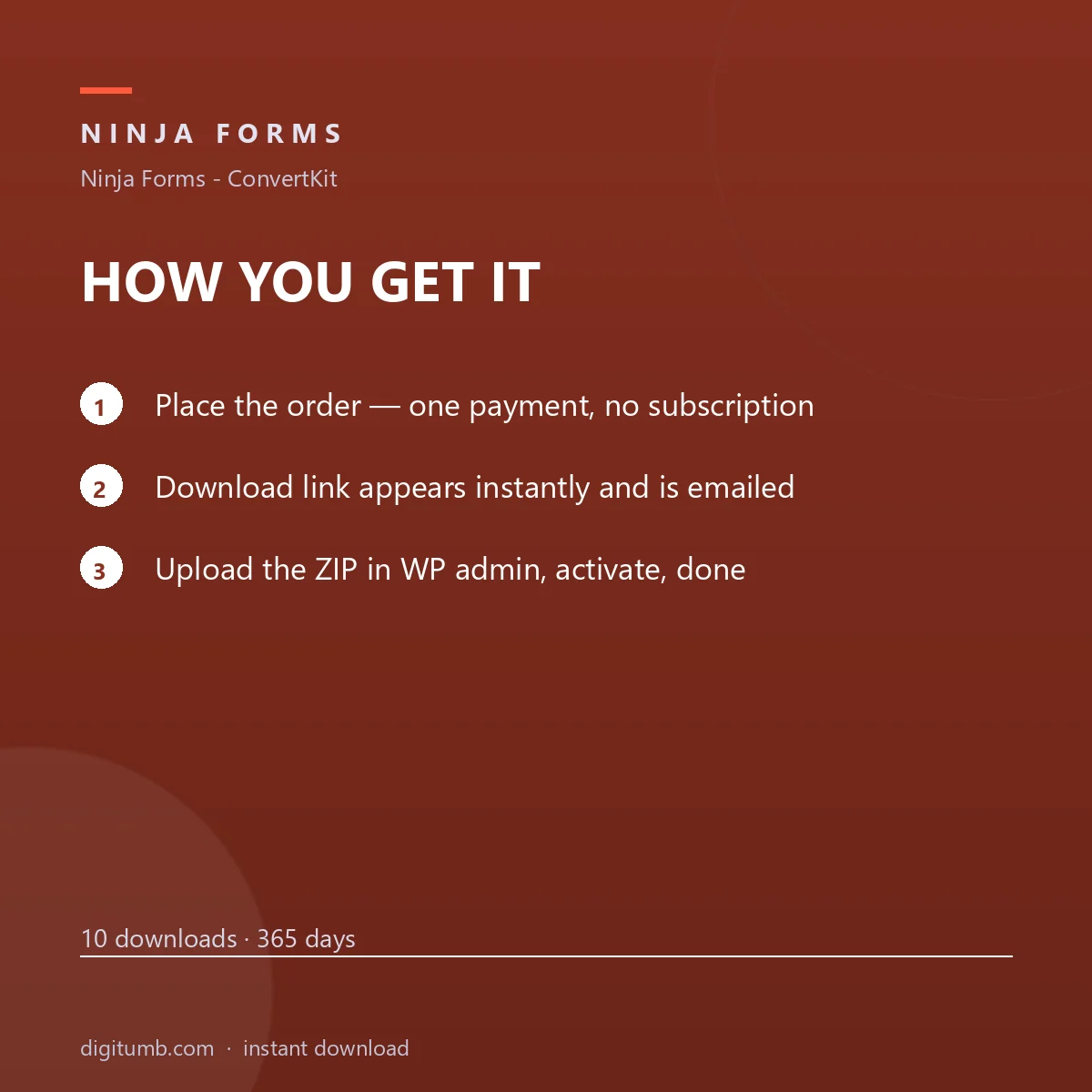
| Delivery | Instant ZIP download, 10 downloads, 365 days |
How Ninja Forms ConvertKit puts form submissions into ConvertKit
The plugin links your Ninja Forms to your ConvertKit account from the Ninja Forms settings. Once linked, you choose which forms connect to ConvertKit and let submissions add subscribers to your email lists, so email marketing work happens at the point of entry rather than in a separate step.
Setup is handled inside the WordPress dashboard. Install and activate the plugin, open the Ninja Forms settings, link your ConvertKit account, and configure the forms you want to connect. From there, the integration adds subscribers to your ConvertKit lists as your forms are submitted.
Per-action ConvertKit credentials in version 3.1.1
Version 3.1.1 adds action level credentials, which means you can use a different ConvertKit account per action. If one form needs to feed one ConvertKit account and another form needs a different one, the action settings carry their own credentials instead of relying on a single site-wide connection.
This change is the newest item in the changelog, dated 16 August 2021. The earlier 3.0.1 release, dated 12 April 2018, marked the beginning of official releases for the plugin, so the action-level credential option sits on top of a line that has been shipping for years.
API cache handling and key entry fixes
The 3.0.2 release, dated 16 August 2018, fixed the Clear API Cache button in the admin settings so it properly removes ConvertKit API items. That same release added a check to make sure some API items are set before iterating over them.
A prior release, 3.0.1 from 12 April 2018, removed a warning that could appear when entering API keys and marked the start of official releases. Together these changes keep the admin side of the integration cleaner when you connect a ConvertKit account.
Where Ninja Forms ConvertKit fits in a WordPress stack
The plugin requires WordPress 4.7 and is tested up to WordPress 4.5.7. It is built to work alongside other popular WordPress plugins, including WooCommerce and Yoast SEO, and it is compatible with Elementor, so Ninja Forms placed inside Elementor layouts still carry the ConvertKit integration.
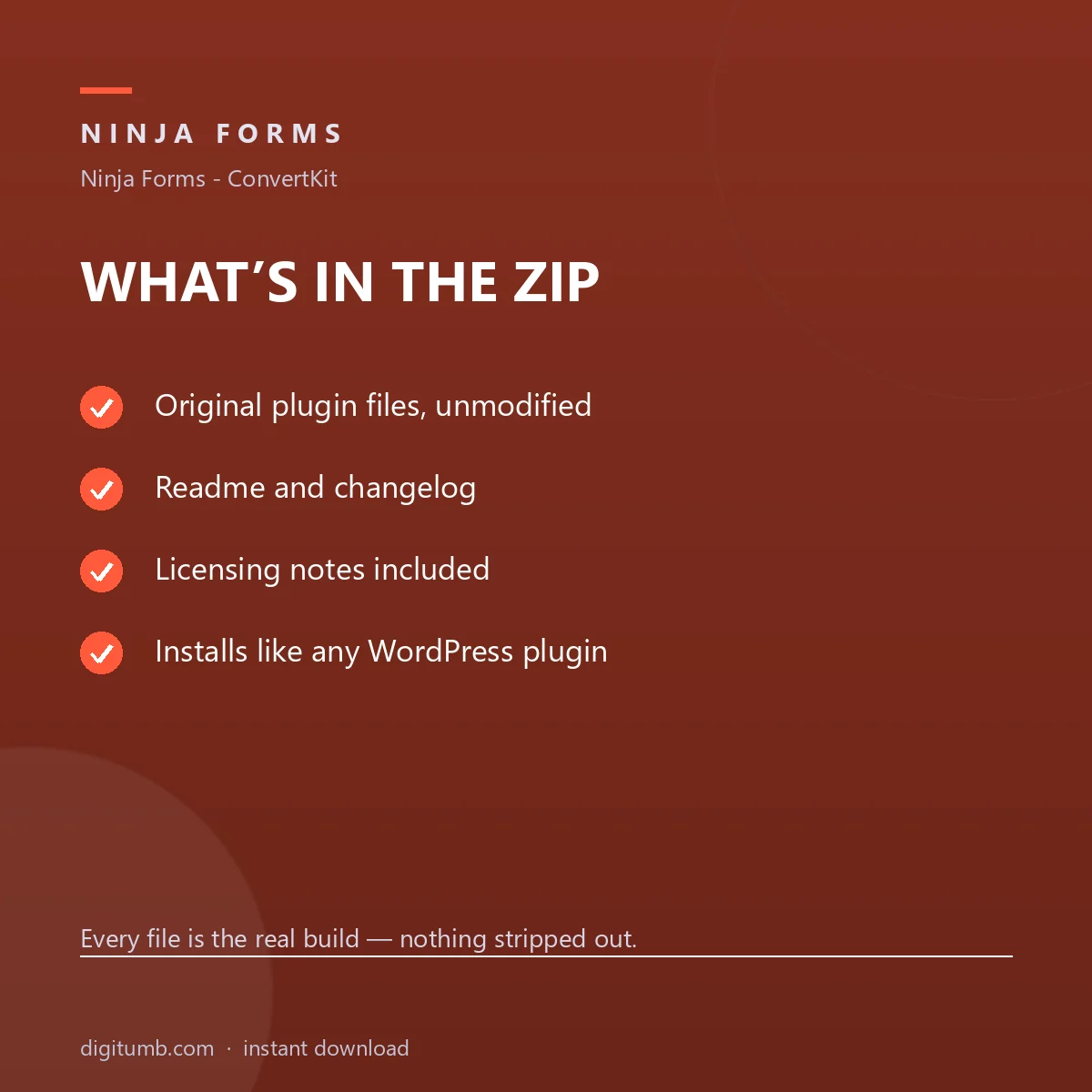
The zip is 0.3 MB and contains the ninja-forms-convertkit folder along with cypress, templates and client folders. This is the GPL build: the same files the developer ships, priced at $4.49, with no vendor update channel and no vendor support desk.
What this build includes
| ConvertKit list subscription on submit | Adds form submitters to your ConvertKit email lists when a connected Ninja Form is submitted, keeping subscriber capture inside your existing forms. |
|---|---|
| Action level credentials | Lets each action carry its own ConvertKit credentials, so different forms can use different ConvertKit accounts instead of one shared connection. |
| Clear API Cache control | The admin settings include a Clear API Cache button that removes ConvertKit API items when you need to refresh the stored connection data. |
| Elementor layout compatibility | Works with Elementor, so Ninja Forms placed inside Elementor layouts keep the ConvertKit integration active. |
| WooCommerce and Yoast SEO coexistence | Designed to work with other popular WordPress plugins, including WooCommerce and Yoast SEO, alongside your existing tools. |
Installing it on a WordPress site
- Install and activate the Ninja Forms ConvertKit plugin from your WordPress dashboard.
- Open the Ninja Forms settings and link your ConvertKit account, entering the API keys where required.
- Configure the forms you want to connect, then set credentials per action if you use more than one ConvertKit account.
Latest changes
Version 3.1.1, dated 16 August 2021, adds action level credentials so each action can use a different ConvertKit account.
Frequently asked questions
What does Ninja Forms ConvertKit do?
It connects your Ninja Forms to your ConvertKit account so that submissions automatically add subscribers to your email lists. You link the account in the Ninja Forms settings, choose the forms to connect, and the integration handles list subscription on submission.
Can I use a different ConvertKit account for different forms?
Yes. Version 3.1.1 adds action level credentials, which enables using different ConvertKit accounts per action. Each action can carry its own credentials rather than sharing one site-wide connection.
Is the plugin compatible with Elementor and WooCommerce?
Ninja Forms ConvertKit is compatible with Elementor, so forms inside Elementor layouts keep the ConvertKit integration. It is also designed to work well with other popular WordPress plugins, including WooCommerce and Yoast SEO, alongside your existing tools.
How do I set up the plugin on my site?
Install and activate the plugin from your WordPress dashboard, then go to the Ninja Forms settings. There you link your ConvertKit account and configure the forms you wish to connect. After that, submissions from connected forms add subscribers to your ConvertKit lists.
What WordPress version does it require?
The plugin requires WordPress 4.7 and is tested up to WordPress 4.5.7. The zip is 0.3 MB and contains the ninja-forms-convertkit folder plus cypress, templates and client folders.
What do I get for $4.49?
You get the GPL build of Ninja Forms ConvertKit, version 3.1.1: the same files the developer ships. There is no vendor update channel and no vendor support desk with this build; the price is $4.49.
What the GPL build means for you
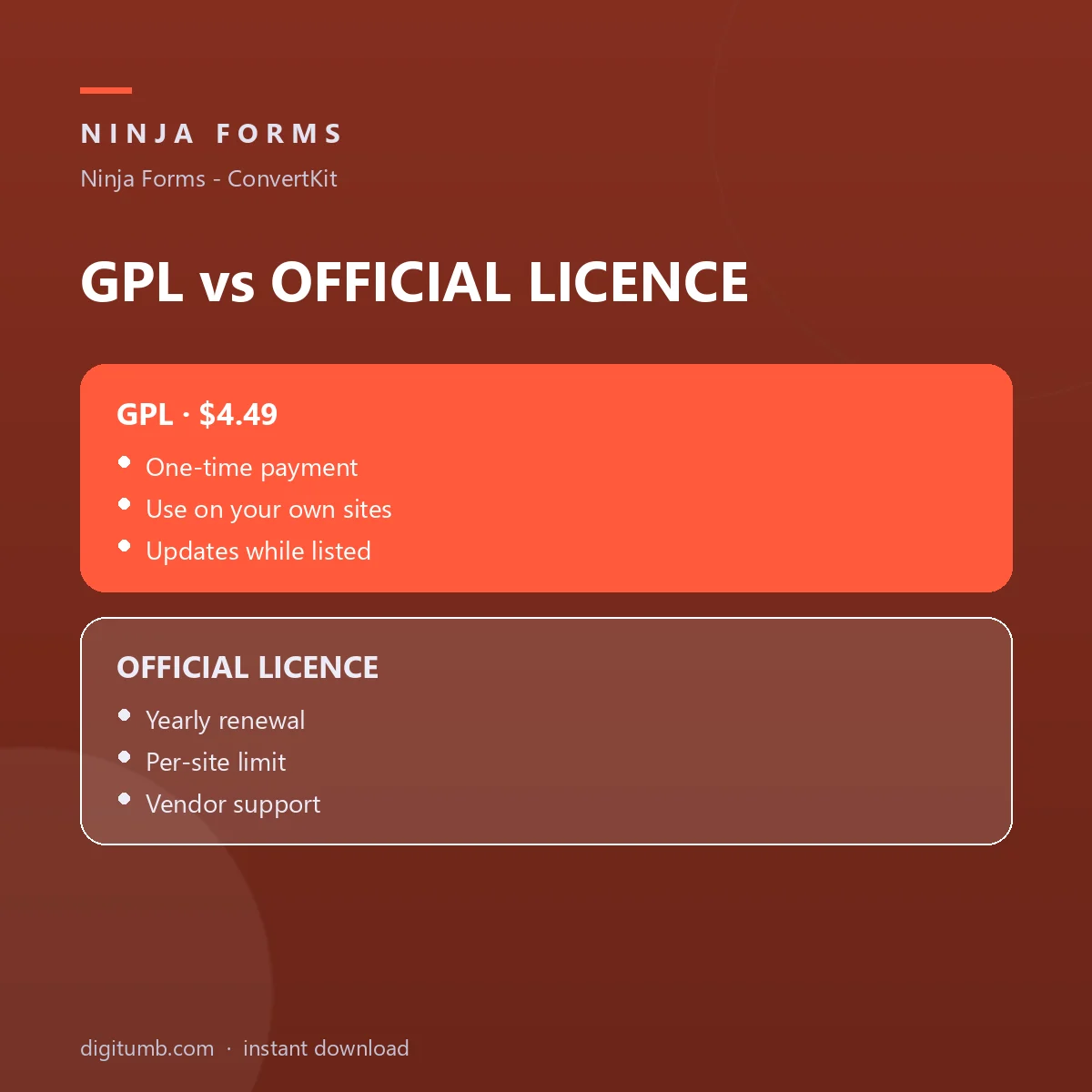
This is the same archive the developer publishes, redistributed under the GNU General Public License: you get the working files for $4.49 with no vendor update channel and no vendor support desk. If you need automatic updates or a support contract, buy the official license from the developer.
| This GPL build | Official license | |
|---|---|---|
| Price | $4.49 one time | Vendor subscription |
| Automatic updates | No | Yes |
| Developer support | No | Yes |
| Number of sites | Unlimited | Depends on plan |
Browse the rest of the WordPress plugins category or the full shop. The licence text is at GNU GPL v2, and general documentation is at WordPress.org.
You must be logged in to post a review.
You may also like…

Related products







Reviews
Clear filtersThere are no reviews yet.