


Memberpress Elementor Content Protection GPL
$4.49
MemberPress Elementor Content Protection is a MemberPress addon plugin that ties Elementor content to your membership rules.
MemberPress Elementor Content Protection is a MemberPress addon plugin that ties Elementor content to your membership rules. You choose a MemberPress rule to decide who gets access, and the plugin shows a message to everyone else. It gives you a direct way to gate Elementor-built pages and sections by membership level instead of leaving them open to all visitors.
| Product | memberpress-elementor-content-protection |
|---|---|
| Version | 1.0.12 |
| Works with | WordPress 6.x+ / PHP 8.x+ |
| Tested up to | WordPress current |
| License | GPLv2 or later |
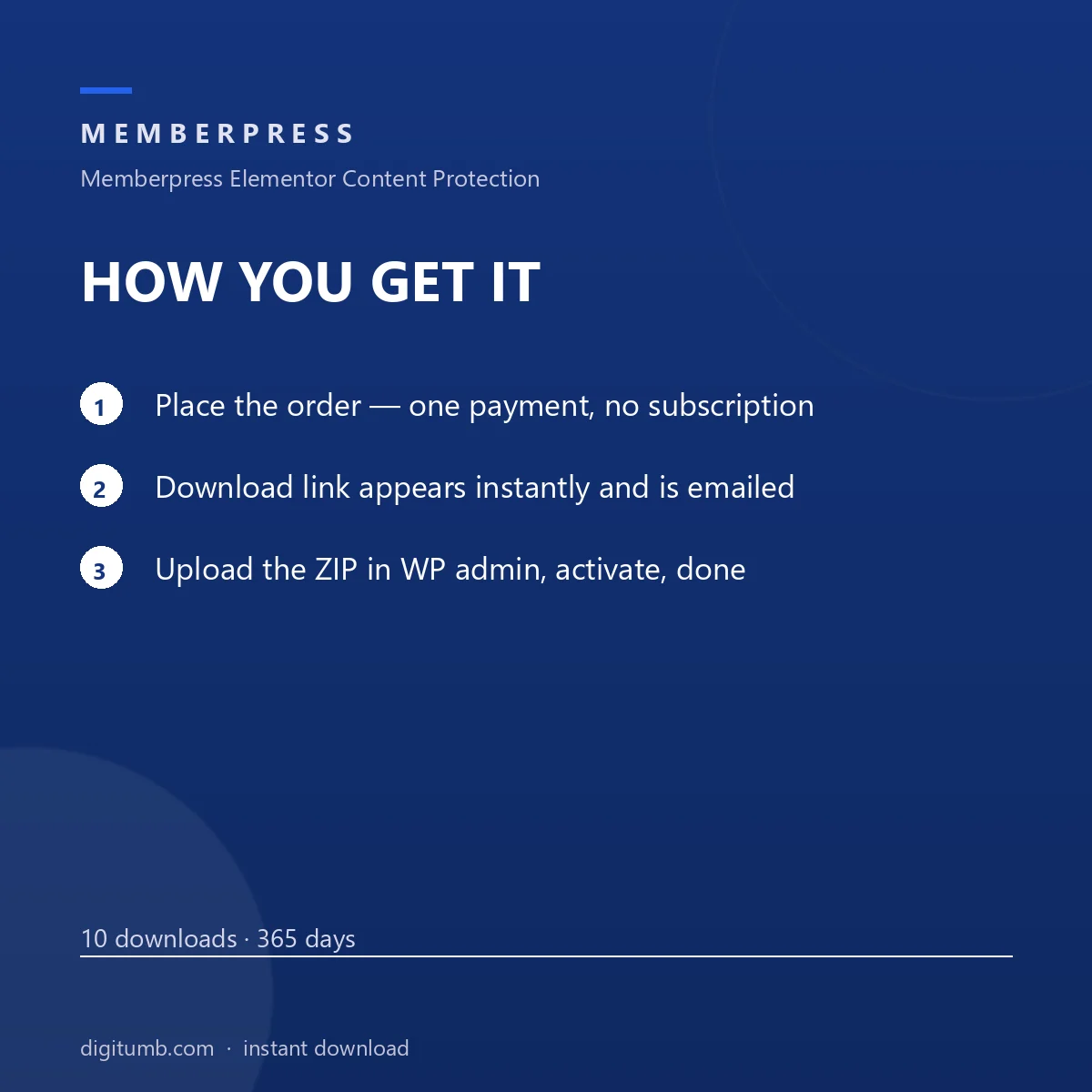
| Delivery | Instant ZIP download, 10 downloads, 365 days |
How the MemberPress rule controls Elementor content access
Access is decided by a MemberPress rule you select in the plugin settings. The setting is labelled MemberPress Rule, with the prompt 'Select a Rule to determine member access.' Once a rule is attached, only members who satisfy it can view or interact with the protected Elementor content.
This keeps the decision in MemberPress, where your membership levels already live. You are not maintaining a second list of who may see what. The plugin's own description states it restricts access to specific content based on membership levels so that only authorized users can view or interact with it.
What unauthorized visitors see instead of protected content
The settings include an Unauthorized Content area with the prompt 'What should be shown to unauthorized users.' You can supply a Custom Message, described as a custom message for unauthorized users. The default text shown in the interface is 'You do not have permission to view this content.'
That message replaces the gated content for anyone who does not pass the MemberPress rule. You can keep the default wording or write your own, so the notice fits the rest of the site.
Using the addon with WooCommerce and the Astra theme
MemberPress Elementor Content Protection is compatible with WooCommerce, so content connected to your WooCommerce products and memberships can be protected through the same rule-based setup. If your store and your membership site share a WordPress install, the protection applies to both sides.
The plugin also works with the Astra theme. Protected content displays correctly and keeps the theme's design integrity, so the restriction does not break the layout of an Astra-built page.
What you receive in this GPL build
This is a GPL build of MemberPress Elementor Content Protection, version 1.0.12, sold for $4.49. The files are the same files the developer ships. There is no vendor update channel and no vendor support desk attached to this purchase.
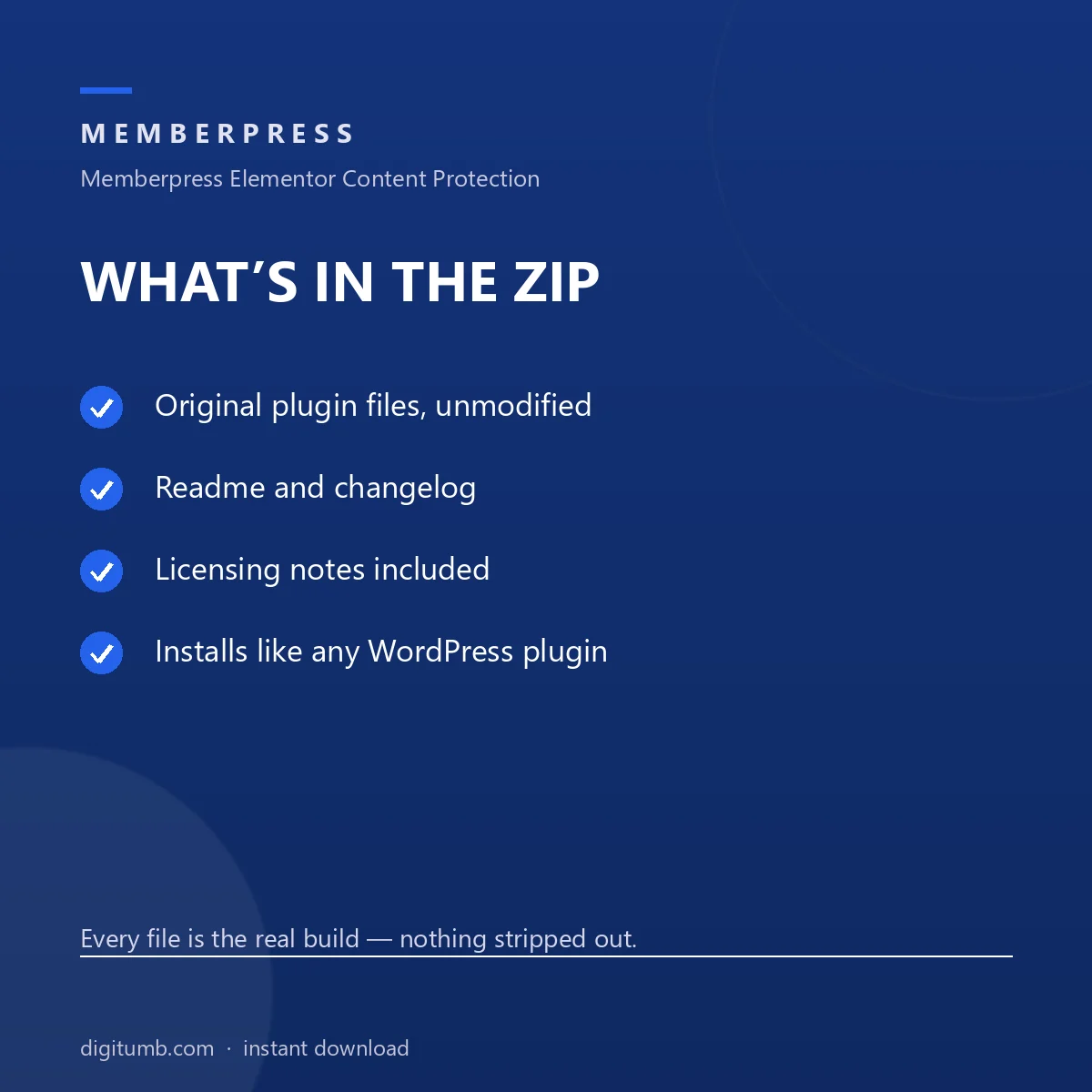
The package is small: the zip is 0.0 MB. Its top-level folders are brand and i18n, which is where the branding assets and translation files sit.
What this build includes
| Rule-based content restriction | Pick a MemberPress rule in the settings and the plugin uses it to determine member access to your Elementor content. |
|---|---|
| Custom message for unauthorized users | Write your own notice for visitors who fail the rule, or keep the default 'You do not have permission to view this content.' |
| Membership-level gating | Restrict specific content based on membership levels so only authorized users can view or interact with it. |
| WooCommerce compatibility | Protect content related to your WooCommerce products and memberships using the same rule-based setup. |
| Astra theme compatibility | Protected content displays correctly on Astra and maintains the theme's design integrity. |
Installing it on a WordPress site
- Upload the plugin file through the WordPress admin dashboard.
- Activate MemberPress Elementor Content Protection.
- Open the settings, choose a MemberPress rule for member access, and set the unauthorized content message.
Latest changes
The current build is version 1.0.12.
Frequently asked questions
What does MemberPress Elementor Content Protection actually do?
It restricts access to specific content on your WordPress site based on membership levels. Only authorized users can view or interact with the protected content. Access is determined by a MemberPress rule you select in the plugin settings, and unauthorized visitors see either the default notice or a custom message you write.
Does it work with WooCommerce?
Yes. MemberPress Elementor Content Protection is compatible with WooCommerce, which lets you protect content related to your WooCommerce products and memberships. The protection follows the same MemberPress rule you configure for the rest of the site.
Can I use it on a site built with the Astra theme?
Yes. The plugin works well with Astra, and protected content displays correctly while maintaining the theme's design integrity. The restriction does not alter how the theme renders the page around the gated content.
How do I set it up?
Upload the plugin file through the WordPress admin dashboard, activate it, then go to the settings to configure your content protection rules and membership levels. You select a MemberPress rule for access and decide what unauthorized users should see, including a custom message if you want one.
What is included in this purchase?
You get the GPL build of the plugin, version 1.0.12, for $4.49. The files are the same files the developer ships. There is no vendor update channel and no vendor support desk with this build.
What the GPL build means for you
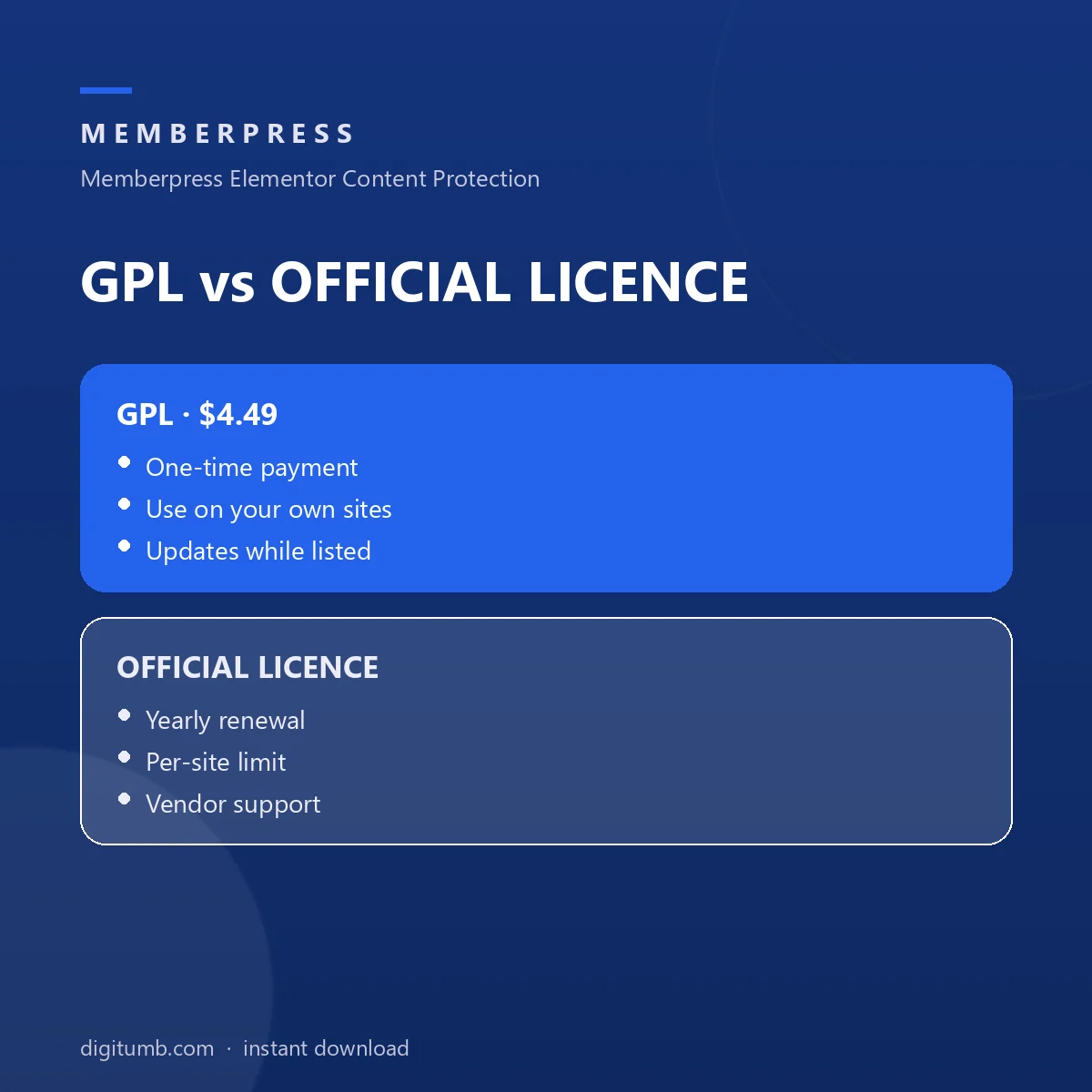
This is the same archive the developer publishes, redistributed under the GNU General Public License: you get the working files for $4.49 with no vendor update channel and no vendor support desk. If you need automatic updates or a support contract, buy the official license from the developer.
| This GPL build | Official license | |
|---|---|---|
| Price | $4.49 one time | Vendor subscription |
| Automatic updates | No | Yes |
| Developer support | No | Yes |
| Number of sites | Unlimited | Depends on plan |
Browse the rest of the WordPress plugins category or the full shop. The licence text is at GNU GPL v2, and general documentation is at WordPress.org.
You must be logged in to post a review.
You may also like…

Related products










Reviews
Clear filtersThere are no reviews yet.