



LearnPress – Stripe GPL
$4.49
LearnPress – Stripe is a payment gateway addon that lets a LearnPress site accept credit card payments through Stripe.
LearnPress – Stripe is a payment gateway addon that lets a LearnPress site accept credit card payments through Stripe. Buyers can pay on the checkout page or be redirected to a Stripe page to finish the payment. The plugin also handles Stripe subscriptions for LearnPress subscription orders, with separate live and test keys and a webhook signing secret.
| Product | LearnPress – Stripe |
|---|---|
| Version | 4.0.9 |
| Works with | WordPress 6.3+ / PHP 8.x+ |
| Tested up to | WordPress 7.1 |
| License | GPLv2 or later |
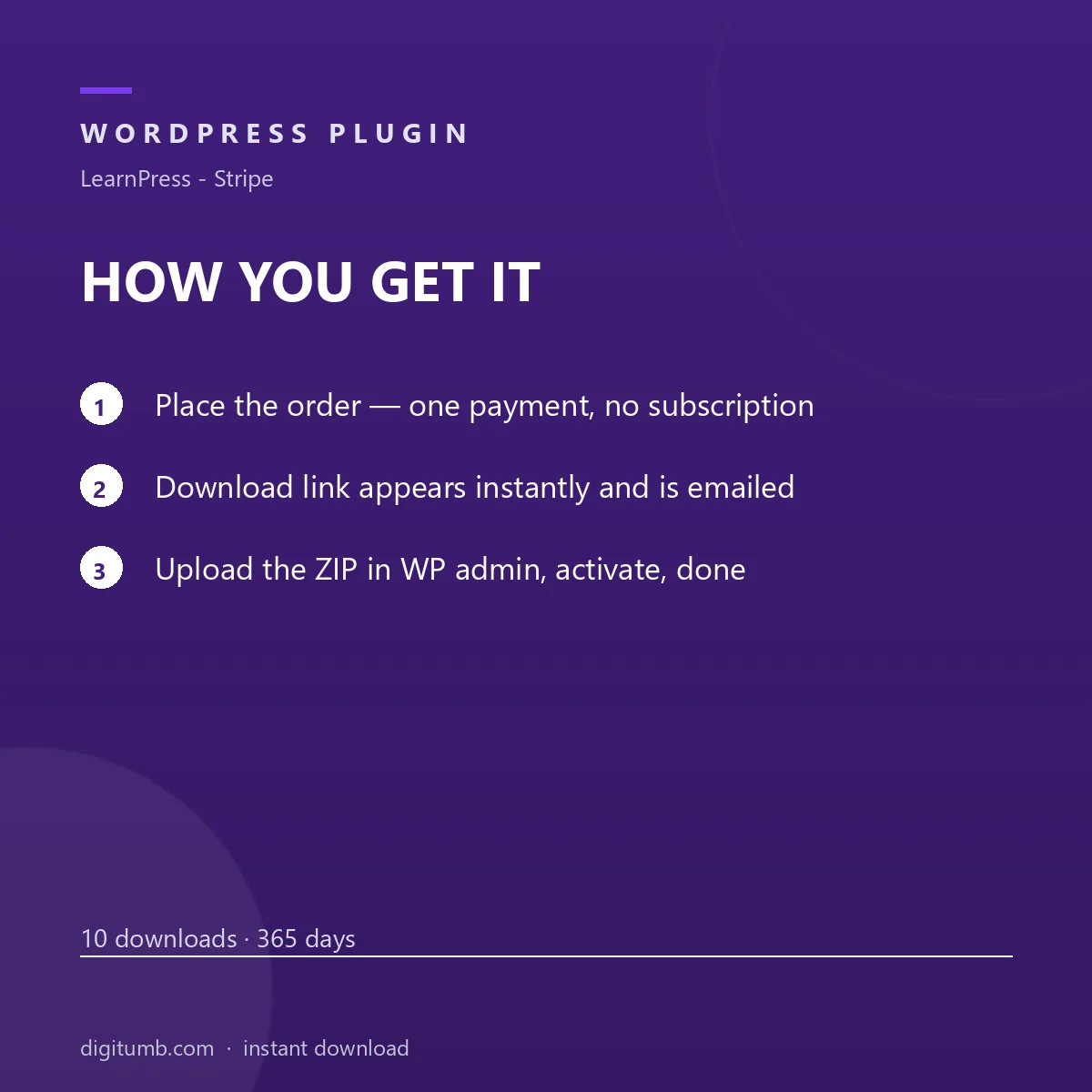
| Delivery | Instant ZIP download, 10 downloads, 365 days |
How Stripe checkout works inside LearnPress
Once enabled, the gateway appears at LearnPress checkout as a Pay with Stripe option. The buyer is shown a note that the payment will be completed on Stripe, and the order is then sent to Stripe for payment. Amounts are calculated for the Stripe payment by currency rule, so the charge follows the currency configured for the order.
The Redirect Payment to Stripe Page setting decides whether the buyer leaves your site for the Stripe page. When the payment intent cannot be created, the plugin shows an error message instead of failing silently, and a payment session that has expired asks the buyer to refresh the page and try again.
Stripe subscriptions for LearnPress orders
Enable subscriptions turns on Stripe Checkout subscriptions for LearnPress subscription orders. The plugin creates, fetches, replaces, updates and archives the Stripe subscription price tied to the order, and it reports each of those steps in its own messages, including missing price or product IDs and an invalid price status.
Recurring billing needs a working webhook. The plugin validates incoming Stripe webhook requests and rejects invalid ones. When a Stripe invoice payment succeeds after an earlier failed payment, the membership is re-activated, and cancelling a subscription is handled through the plugin's link manager.
Live and test keys in one settings screen
The settings screen keeps two separate key sets: live publish key, live secret key and live webhook signing secret, plus the test equivalents. Enable test mode switches the gateway to the test set, so a checkout can be run before real cards are charged.
If a key or webhook secret is missing, the plugin says so plainly. Stripe subscriptions are disabled returns its own message when subscription checkout is requested but the option is off.
Where this Stripe addon fits
The gateway is built for LearnPress and does not integrate with WooCommerce. It works alongside other LearnPress addons, and it runs on most WordPress themes that support LearnPress. It requires WordPress 6.3 and is tested up to WordPress 7.1.
The zip contains the config and inc folders and is 1.2 MB. No Stripe account setup, merchant onboarding or card storage is handled by this plugin; it connects a LearnPress store to the Stripe account you already operate.
What this build includes
| Pay with Stripe at checkout | Adds a Stripe payment method to LearnPress checkout so buyers can pay for a course order by card. |
|---|---|
| Redirect to Stripe page | A setting that sends the buyer to the Stripe page to complete the payment instead of paying on your site. |
| Stripe subscription checkout | Enables Stripe Checkout subscriptions for LearnPress subscription orders, including creation and management of the Stripe price. |
| Membership re-activation | Re-activates a membership after a Stripe invoice payment succeeds following a failed payment. |
| Live and test key sets | Stores live and test publish, secret and webhook signing keys, with a test mode switch for trial checkouts. |
| Webhook request validation | Checks incoming Stripe webhook requests and rejects invalid ones before acting on the event. |
| Currency rule amounts | Calculates the amount sent to Stripe for the payment by currency rule. |
| Payment error messages | Shows an error message when creating the payment intent fails, and when a payment session has expired. |
Installing it on a WordPress site
- Upload the plugin zip through Plugins > Add New > Upload Plugin, then activate LearnPress – Stripe.
- Open the Stripe payment settings, paste your live or test publish key, secret key and webhook signing secret, and enable test mode if you want to try a checkout first.
- Turn on Redirect Payment to Stripe Page if buyers should finish on Stripe, and enable subscriptions if you sell LearnPress subscription orders.
Latest changes
Version 4.0.9 fixes minor bugs and updates the Stripe library to the latest version.
Frequently asked questions
Does this plugin work with WooCommerce?
No. LearnPress – Stripe is designed for LearnPress and does not integrate with WooCommerce. It works with other LearnPress addons, and it runs on most WordPress themes that support LearnPress.
Can I test payments before going live?
Yes. The settings screen has a test mode switch and separate test publish key, test secret key and test webhook signing secret fields, alongside the live keys. You can run a checkout in test mode before switching to live keys.
How are recurring LearnPress orders billed?
When Enable subscriptions is on, the plugin uses Stripe Checkout subscriptions for LearnPress subscription orders. It creates and maintains the Stripe subscription price and relies on the webhook signing secret to validate Stripe events.
What happens if a recurring payment fails?
If a Stripe invoice payment fails and a later payment succeeds, the plugin re-activates the membership. Cancelling a subscription is handled through the plugin's link manager for the LearnPress Membership addon.
What are the WordPress requirements?
The plugin requires WordPress 6.3 and is tested up to WordPress 7.1. Checkout amounts are calculated for Stripe by currency rule, and a total of zero is rejected with a message.
What do I get for $4.49?
You get the GPL build of the plugin, the same files the developer ships, for $4.49. There is no vendor update channel and no vendor support desk with this build.
What the GPL build means for you
This is the same archive the developer publishes, redistributed under the GNU General Public License: you get the working files for $4.49 with no vendor update channel and no vendor support desk. If you need automatic updates or a support contract, buy the official license from the developer.
| This GPL build | Official license | |
|---|---|---|
| Price | $4.49 one time | Vendor subscription |
| Automatic updates | No | Yes |
| Developer support | No | Yes |
| Number of sites | Unlimited | Depends on plan |
Browse the rest of the WordPress plugins category or the full shop. The licence text is at GNU GPL v2, and general documentation is at WordPress.org.
You must be logged in to post a review.
You may also like…

Related products










Reviews
Clear filtersThere are no reviews yet.