



Gravity Forms Mailchimp Addon GPL
$4.49
Gravity Forms Mailchimp Addon is a Gravity Forms add-on that connects your forms with Mailchimp and automatically adds form submissions to your Mailchimp email lists.
Gravity Forms Mailchimp Addon is a Gravity Forms add-on that connects your forms with Mailchimp and automatically adds form submissions to your Mailchimp email lists. From the feed settings you pick a Mailchimp audience, map the form fields and control when a subscriber is added, including only after a payment is received. This build ships the same files as the developer releases, without a vendor update channel or vendor support desk, for $4.49.
| Product | gravity-forms-mailchimp-addon |
|---|---|
| Version | 5.7.2 |
| Works with | WordPress 6.x+ / PHP 8.x+ |
| Tested up to | WordPress current |
| License | GPLv2 or later |
| Delivery | Instant ZIP download, 10 downloads, 365 days |
Connecting Gravity Forms to Your Mailchimp Account
The add-on has its own connection screen. You press Connect to Mailchimp and follow the prompts until the settings show Connected to Mailchimp as: followed by your account name. If the credentials fail, the screen reports Could not authenticate with Mailchimp, and you can remove the connection later with Disconnect from Mailchimp.
Once the account is connected, the add-on reads your Mailchimp audiences. The Mailchimp Audience dropdown lists them, and where none are available it shows No audiences found. with a Select a Mailchimp Audience prompt.
Building a Mailchimp Feed on a Gravity Forms Form
Each form gets its own Mailchimp Feed Settings. You enter a feed name to uniquely identify the setup, choose the audience you would like to add your contacts to, and assign the submission to a group with Assign to group:. The form's email field must hold a valid address, otherwise the entry cannot be processed and the add-on returns A valid Email address must be provided.
Two conditions govern when the feed runs. Conditional Logic lets you restrict the feed to submissions that match rules you define, and the payment switch subscribes the user to Mailchimp only when payment is received. A separate Mark subscriber as VIP setting flags the contact as VIP in Mailchimp.
Marketing Permissions and Consent in the Feed
The Marketing Permissions section controls the consent recorded with each subscriber. You enable permission if: a condition you set is met, so the subscriber is only added with permission when the form submission satisfies that rule. Mailchimp requires at least one audience subscriber before this section can be configured, and the add-on states that you must have at least one audience subscriber to configure Marketing Permissions.
The same screen carries a warning that abusing this may cause your Mailchimp account to be suspended. Treat the permission rule as a real consent record rather than a formality. If the API cannot be initialized, the feed does not run and the add-on reports Unable to process feed because API could not be initialized.
How the Add-On Sits Next to WooCommerce
The add-on does not integrate directly with WooCommerce. It works through Gravity Forms, so you can build custom forms with Gravity Forms and run them alongside a WooCommerce store, sending those submissions to Mailchimp on their own feed rules.
The plugin is compatible with the latest version of Gravity Forms. This package is version 5.7.2, a 0.1 MB zip whose top-level folders are css and the plugin files.
What this build includes
| Mailchimp account connection | Connect and disconnect a Mailchimp account from the add-on settings, with the connected account name shown on screen. |
|---|---|
| Audience selection per feed | Choose which Mailchimp audience receives the contacts from a given Gravity Forms form. |
| Named feeds per form | Create feeds with a unique name so each form can send to its own audience and group. |
| Payment-gated subscription | Subscribe the user to Mailchimp only when payment is received, so unpaid submissions stay out of the list. |
| Conditional Logic on feeds | Limit a feed to submissions that match conditions you define in the feed settings. |
| Group assignment | Assign the new contact to a Mailchimp group as part of the feed configuration. |
| VIP marking | Mark the subscriber as VIP in Mailchimp from the feed settings. |
| Marketing Permissions control | Enable permission if a condition is met, recording consent for the subscriber in the Mailchimp audience. |
| Email validation | Reject submissions without a valid email address instead of sending a broken contact to Mailchimp. |
Installing it on a WordPress site
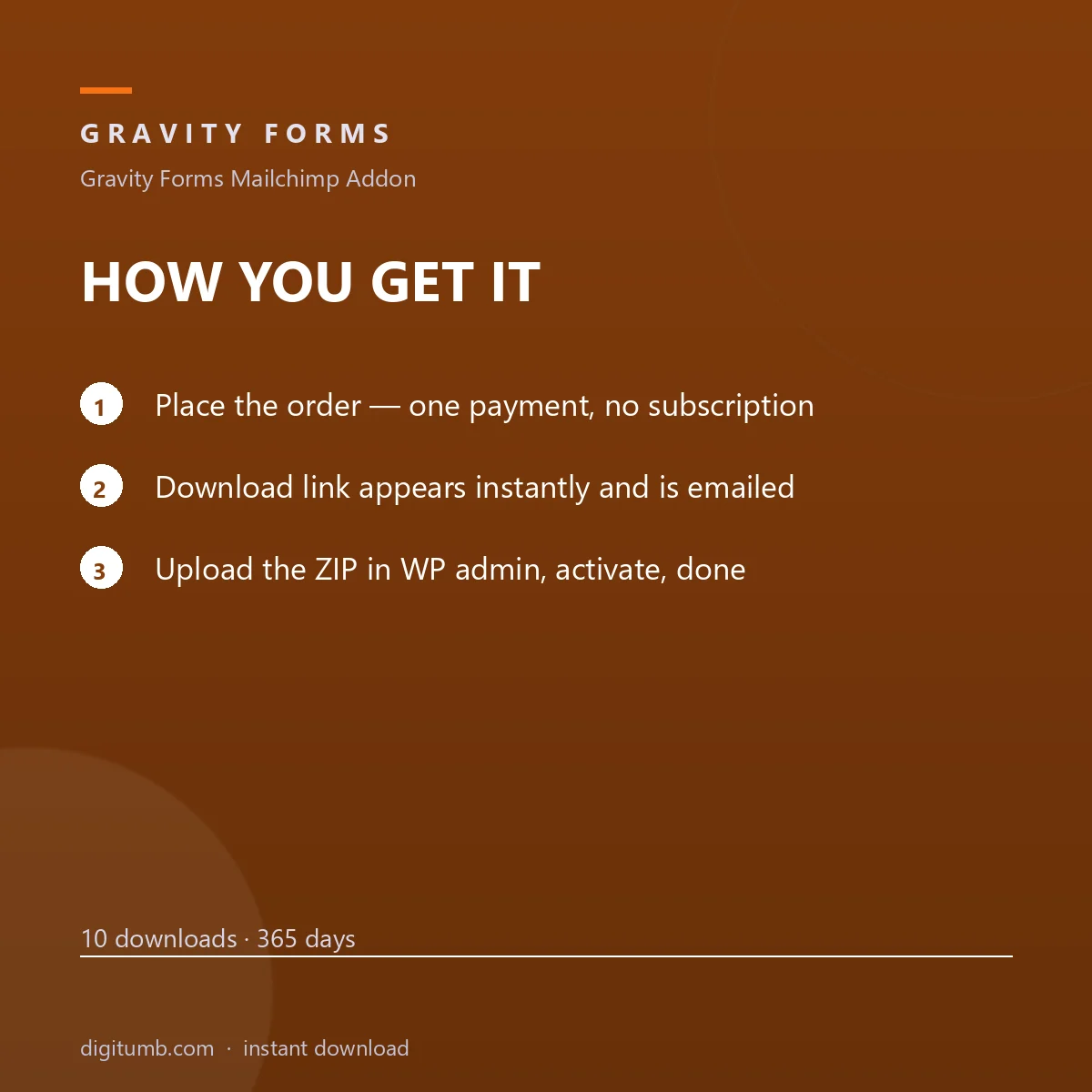
- Upload the plugin file through the WordPress admin area and activate it.
- Open the add-on settings and press Connect to Mailchimp, then follow the prompts to authorize your Mailchimp account.
- Create a feed on the Gravity Forms form, name it, select the audience, map fields and set conditional logic or payment gating as needed.
Latest changes
This package is version 5.7.2 of the add-on.
Frequently asked questions
What does Gravity Forms Mailchimp Addon do?
It connects your Gravity Forms with Mailchimp and automatically adds form submissions to your Mailchimp email lists. You configure a feed per form, choose the audience, and decide when the contact is added, including only after payment is received.
Is it compatible with the latest version of Gravity Forms?
Yes. The add-on is fully compatible with the latest version of Gravity Forms, so the integration runs against a current Gravity Forms install.
How do I set up the add-on on my WordPress site?
Upload the plugin file through the WordPress admin area, activate it, then go to the settings to connect your Mailchimp account. Follow the prompts to configure your form fields and lists, and save a feed on the form you want to use.
Does it work with WooCommerce?
Not directly. The add-on does not integrate with WooCommerce, but you can use Gravity Forms to create custom forms that work alongside your WooCommerce store and send those submissions to Mailchimp.
Why does the feed show that the API could not be initialized?
That message appears when the feed cannot run because the API could not be initialized. Recheck the Mailchimp connection in the add-on settings and confirm the account shows as connected before saving the feed again.
What do I get for $4.49?
A GPL build of Gravity Forms Mailchimp Addon 5.7.2, a 0.1 MB zip containing the same files as the developer ships. There is no vendor update channel and no vendor support desk with this build.
What the GPL build means for you
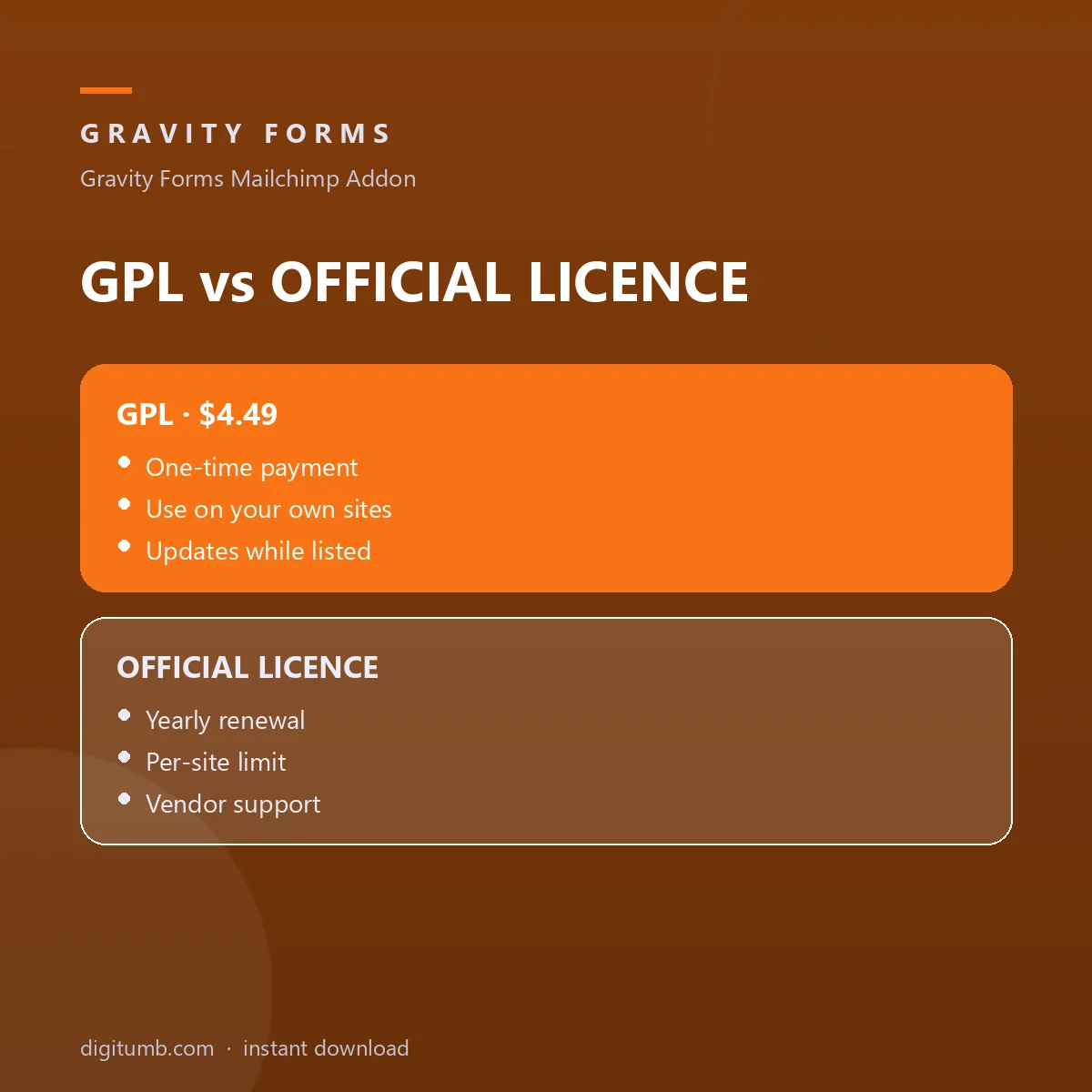
This is the same archive the developer publishes, redistributed under the GNU General Public License: you get the working files for $4.49 with no vendor update channel and no vendor support desk. If you need automatic updates or a support contract, buy the official license from the developer.
| This GPL build | Official license | |
|---|---|---|
| Price | $4.49 one time | Vendor subscription |
| Automatic updates | No | Yes |
| Developer support | No | Yes |
| Number of sites | Unlimited | Depends on plan |
Browse the rest of the WordPress plugins category or the full shop. The licence text is at GNU GPL v2, and general documentation is at WordPress.org.
You must be logged in to post a review.
You may also like…

Related products







Reviews
Clear filtersThere are no reviews yet.