



Envira Gallery Instagram Addon GPL
$4.49
Envira Gallery Instagram Addon is a WordPress plugin that imports photos from an Instagram account and displays them inside Envira galleries.
Envira Gallery Instagram Addon is a WordPress plugin that imports photos from an Instagram account and displays them inside Envira galleries. You authenticate the site with Instagram, then build galleries from the images in your feed, choosing how many photos to pull, which resolution to use and whether captions appear on slides. It is a GPL build of the developer's files, priced at $4.49 on this store.
| Product | envira-gallery-instagram-addon |
|---|---|
| Version | 1.7.0 |
| Works with | WordPress 6.x+ / PHP 8.x+ |
| Tested up to | WordPress current |
| License | GPLv2 or later |
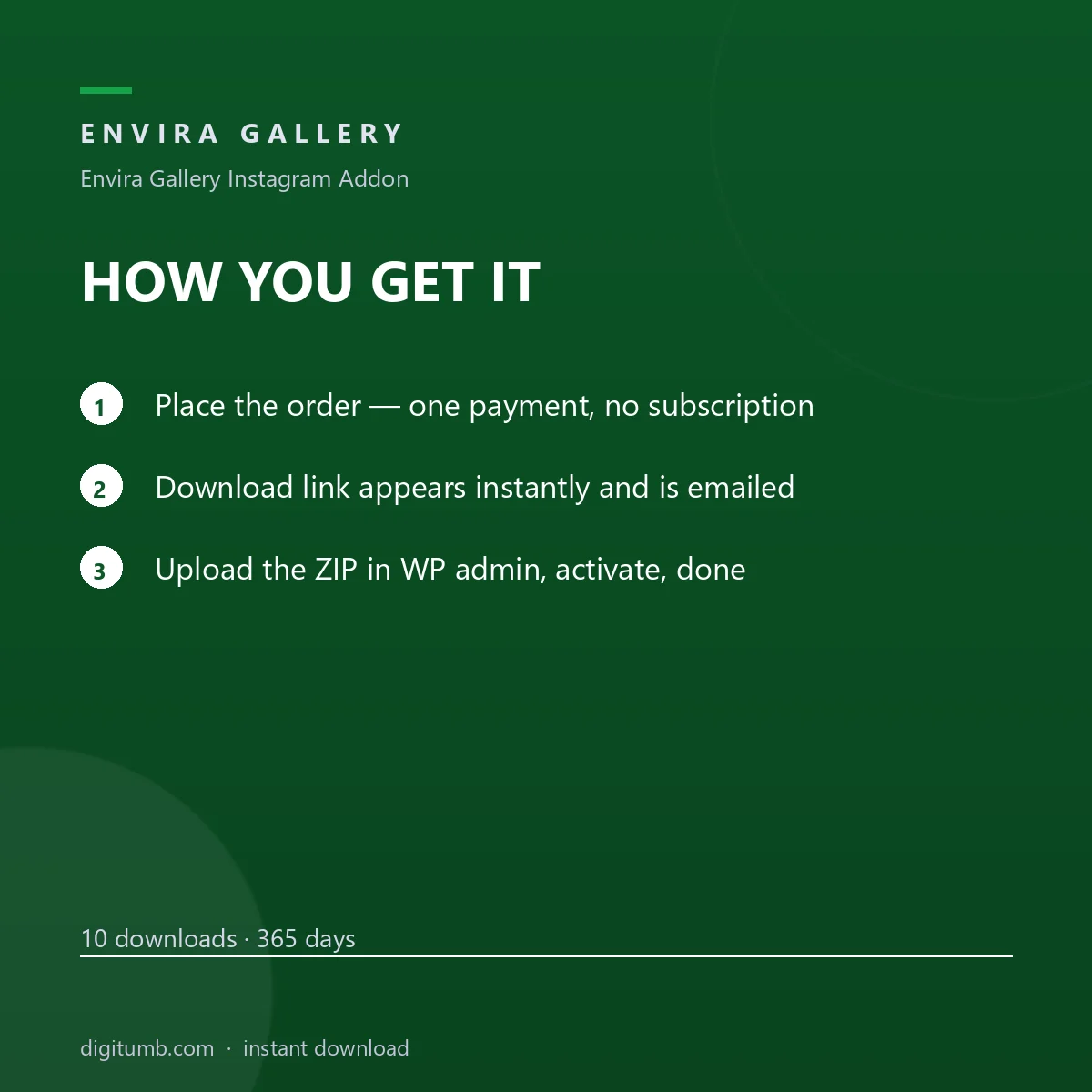
| Delivery | Instant ZIP download, 10 downloads, 365 days |
How the Instagram connection works in Envira Gallery
The addon adds an Instagram Authorization Setup screen to Envira. A single button, Click Here to Authenticate Envira with Instagram, links the site to your Instagram account. Once the account is connected, the Instagram Settings panel becomes the place where you control what is pulled from the feed.
Galleries are then created by selecting Instagram photos. The plugin shows an Instagram Gallery Preview, and a gallery can hold the images you choose from your account rather than files you upload by hand.
Choosing photo count, resolution and caption options
Number of Instagram Photos sets how many images are pulled from your feed. Image Resolution decides the size used in the gallery, with Thumbnail (150×150), Low Resolution (306×306) and Standard Resolution (640×640) among the choices shown in the settings.
Caption behaviour is configurable too. Use Photo Caption displays the Instagram caption on the slide, and Limit Caption Length caps how many words each caption shows. Link to Photo adds a link, and Open In New Tab sends that link to a new browser tab. The link can point to the Original Page at Instagram or the Direct Image On Instagram.
Caching and compatibility with themes and plugins
Cache Data from Instagram stores feed data to improve performance, and the setting is marked as recommended in the plugin. That keeps repeated gallery loads from depending on a fresh request each time.
The addon is built to work with other popular WordPress plugins, including SEO plugins and caching solutions, and it is compatible with most popular WordPress themes so galleries fit the existing site design.
What this build includes
| Authenticate with Instagram | Connect your Instagram account from the Envira settings screen using the authentication button, then pull images from that feed. |
|---|---|
| Set the number of photos | Choose how many Instagram images are pulled into a gallery with the Number of Instagram Photos option. |
| Pick image resolution | Select Thumbnail (150×150), Low Resolution (306×306) or Standard Resolution (640×640) for the images used in the gallery. |
| Show and limit captions | Display the Instagram caption on each slide and cap the caption to a set number of words. |
| Link photos to Instagram | Link each photo to the original Instagram page or the direct image, and optionally open it in a new browser tab. |
| Cache Instagram data | Store feed data locally to improve performance, a recommended setting in the plugin's Instagram options. |
| Preview before publishing | Use the Instagram Gallery Preview to see the selected feed images inside the gallery settings. |
Installing it on a WordPress site
- Install and activate the Envira Gallery Instagram Addon plugin on your WordPress site.
- Open the Instagram Authorization Setup screen and click the button to authenticate Envira with your Instagram account.
- Create a gallery, select Instagram photos, and adjust photo count, resolution, captions, links and caching in Instagram Settings.
Latest changes
This is version 1.7.0 of the addon.
Frequently asked questions
What does Envira Gallery Instagram Addon do?
It displays your Instagram photos directly on your WordPress site inside Envira galleries. After connecting your account, you select Instagram images for a gallery, set how many photos to pull, choose the resolution and decide whether captions and links to Instagram appear on the slides.
How do I set up the Instagram connection?
Install and activate the plugin, then connect your Instagram account through the plugin settings using the authentication button. Once connected, you create galleries by selecting your Instagram photos and adjusting the Instagram Settings for that gallery.
Can I control how many Instagram photos appear and at what size?
Yes. Number of Instagram Photos sets how many images are pulled from your feed, and Image Resolution lets you choose Thumbnail (150×150), Low Resolution (306×306) or Standard Resolution (640×640) for the gallery.
Does the addon work with my theme and other plugins?
The addon is designed to work with other popular WordPress plugins, including SEO plugins and caching solutions, and it is compatible with most popular WordPress themes so galleries integrate with your site design.
What am I buying at $4.49?
You receive a GPL build of version 1.7.0, a 0.1 MB zip with the plugin files, the same files the developer ships. There is no vendor update channel and no vendor support desk with this build; the price is $4.49.
What the GPL build means for you
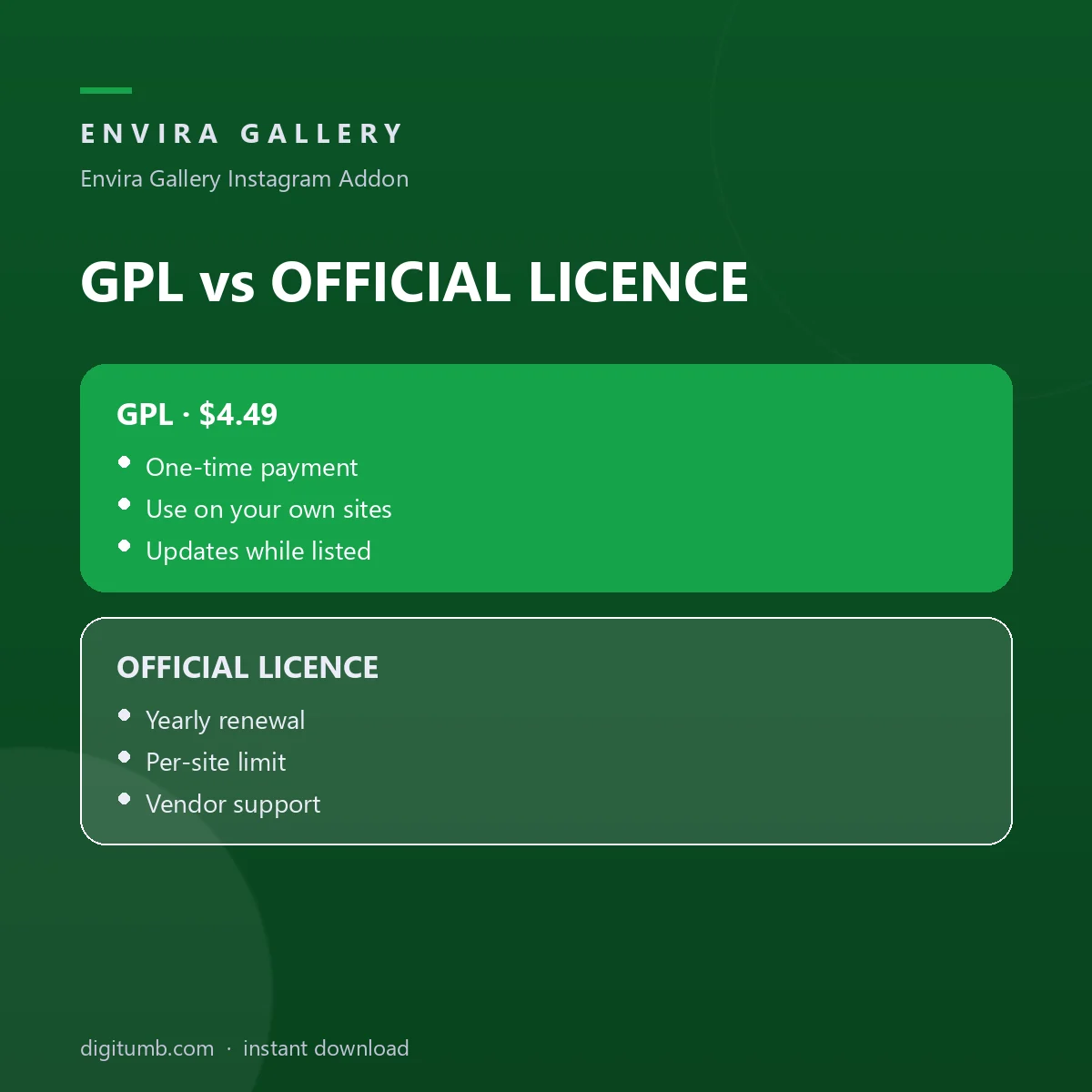
This is the same archive the developer publishes, redistributed under the GNU General Public License: you get the working files for $4.49 with no vendor update channel and no vendor support desk. If you need automatic updates or a support contract, buy the official license from the developer.
| This GPL build | Official license | |
|---|---|---|
| Price | $4.49 one time | Vendor subscription |
| Automatic updates | No | Yes |
| Developer support | No | Yes |
| Number of sites | Unlimited | Depends on plan |
Browse the rest of the WordPress plugins category or the full shop. The licence text is at GNU GPL v2, and general documentation is at WordPress.org.
You must be logged in to post a review.
You may also like…

Related products






Reviews
Clear filtersThere are no reviews yet.