





Bookly Service Schedule Add On GPL
$4.49
Bookly Service Schedule Add On is a plugin that adds flexible service scheduling to a WordPress booking system built on Bookly.
Bookly Service Schedule Add On is a plugin that adds flexible service scheduling to a WordPress booking system built on Bookly. It lets you create and manage customized service schedules so each service follows the timetable you define, which improves the client booking experience. This GPL build ships the same files as the developer, with no vendor update channel and no vendor support desk, for $4.49 at digitumb.com.
| Product | bookly-service-schedule-add-on |
|---|---|
| Version | 3.7 |
| Works with | WordPress 6.x+ / PHP 8.x+ |
| Tested up to | WordPress current |
| License | GPLv2 or later |
| Delivery | Instant ZIP download, 10 downloads, 365 days |
What custom service schedules let you control in Bookly
The add-on gives you a place to build customized service schedules and manage them from the Bookly settings. Instead of one timetable for the whole booking system, you define schedules per service and adjust them as your working hours or service availability change.
That flexibility is the point of the add-on: the schedule attached to a service shapes how that service is offered in the booking flow. Managing those schedules is done inside Bookly, so the work stays in the same admin area you already use.
How the add-on fits with Bookly and WooCommerce
This add-on is designed to work with the Bookly plugin, and it is compatible with various other popular WordPress plugins. If you sell appointments through WooCommerce, the add-on can be integrated with WooCommerce for payment processing when you have the necessary Bookly add-ons in place.
Nothing about the schedule management changes the Bookly setup you already run. You install the add-on alongside Bookly, activate it, and configure your service schedules in the Bookly settings.
What is in the Bookly Service Schedule Add On package
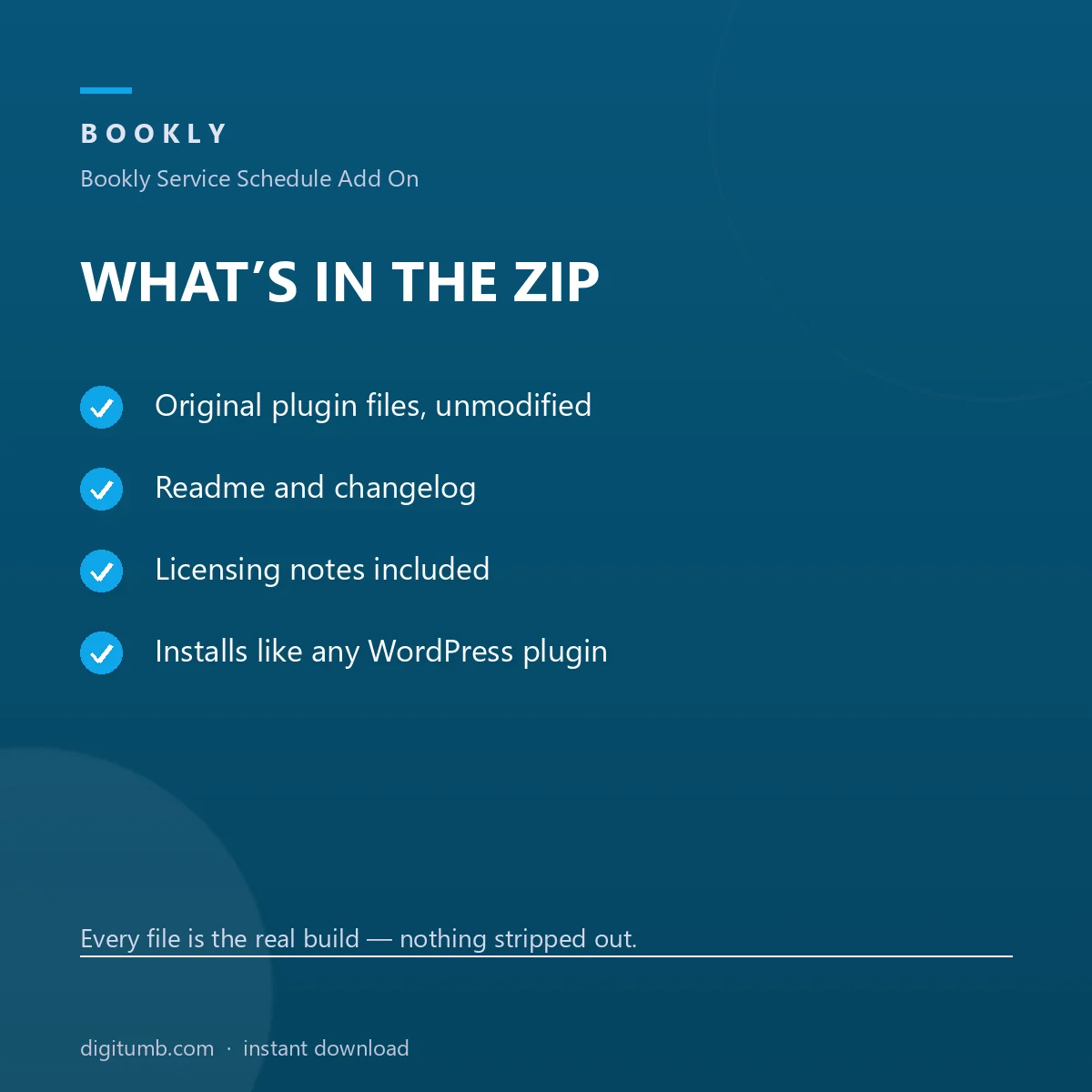
The download is a GPL build of the add-on, version 3.7, delivered as a ZIP file. The archive contains the backend and lib folders, which hold the plugin code that connects to Bookly.
All premium features of the add-on are included in this build. The price is $4.49. The files are the same ones the developer ships; there is no vendor update channel and no vendor support desk attached to this purchase.
What this build includes
| Create custom service schedules | Build customized service schedules for the services in your Bookly booking system and keep each one organized in the Bookly settings. |
|---|---|
| Manage schedules from Bookly settings | Configure and adjust your service schedules inside the Bookly settings area of the WordPress admin, without a separate scheduling tool. |
| Works with the Bookly plugin | The add-on is designed to work with Bookly, so service scheduling sits inside the booking system you already run. |
| Compatible with other WordPress plugins | The add-on is compatible with various other popular WordPress plugins alongside Bookly. |
| WooCommerce payment integration | Integrate the add-on with WooCommerce for payment processing when the necessary Bookly add-ons are installed. |
| All premium features included | This GPL build includes all premium features of the Bookly Service Schedule Add-on, delivered as a ZIP with the backend and lib folders. |
Installing it on a WordPress site
- Download the Bookly Service Schedule Add On ZIP file from your digitumb.com order.
- In the WordPress admin area, open Plugins and upload the downloaded plugin file, then activate it.
- Open the Bookly settings and configure your service schedules.
Latest changes
Version 3.7 is the current build offered here as a GPL package.
Frequently asked questions
What does Bookly Service Schedule Add On do?
It allows you to create and manage customized service schedules within your WordPress booking system, which enhances the overall client booking experience. The schedules are configured in the Bookly settings, so the add-on extends the scheduling you already handle in Bookly.
Do I need Bookly installed to use this add-on?
Yes. The add-on is designed to work with the Bookly plugin and adds service schedule management to it. Install and activate Bookly first, then add this plugin and configure your service schedules in the Bookly settings.
Can I use it with WooCommerce for payments?
Yes, it can be integrated with WooCommerce for payment processing if you have the necessary Bookly add-ons. The add-on itself is primarily designed for use with the Bookly plugin, so WooCommerce works alongside that setup rather than replacing it.
How do I install the Bookly Service Schedule Add On?
Upload the downloaded plugin file through the WordPress admin area under Plugins, activate it, and configure your service schedules in the Bookly settings. The download is a ZIP archive containing the backend and lib folders.
What version and file size do I get?
The download is version 3.7 of the add-on, packaged as a ZIP file of 0.0 MB. It is a GPL build containing the same files the developer ships, priced at $4.49, with no vendor update channel and no vendor support desk.
Is the add-on compatible with other WordPress plugins?
It is designed to work with the Bookly plugin and is compatible with various other popular WordPress plugins. That means you can keep the rest of your WordPress stack in place while adding service schedule management to Bookly.
What the GPL build means for you
This is the same archive the developer publishes, redistributed under the GNU General Public License: you get the working files for $4.49 with no vendor update channel and no vendor support desk. If you need automatic updates or a support contract, buy the official license from the developer.
| This GPL build | Official license | |
|---|---|---|
| Price | $4.49 one time | Vendor subscription |
| Automatic updates | No | Yes |
| Developer support | No | Yes |
| Number of sites | Unlimited | Depends on plan |
Browse the rest of the WordPress plugins category or the full shop. The licence text is at GNU GPL v2, and general documentation is at WordPress.org.
You must be logged in to post a review.
You may also like…

Related products









Reviews
Clear filtersThere are no reviews yet.