


AutomatorWP – WP Fusion GPL
$4.49
AutomatorWP – WP Fusion is an addon that links AutomatorWP automation workflows to WP Fusion, the plugin that syncs WordPress user registrations and profiles with CRMs and marketing automation.
AutomatorWP – WP Fusion is an addon that links AutomatorWP automation workflows to WP Fusion, the plugin that syncs WordPress user registrations and profiles with CRMs and marketing automation systems. It adds WP Fusion tag and event triggers, actions and a filter to the AutomatorWP recipe builder. You build the workflow in AutomatorWP; this addon supplies the WP Fusion steps it runs.
| Product | AutomatorWP – WP Fusion |
|---|---|
| Version | 1.0.9 |
| Works with | WordPress 4.4+ / PHP 8.x+ |
| Tested up to | WordPress 7.1 |
| License | GPLv2 or later |
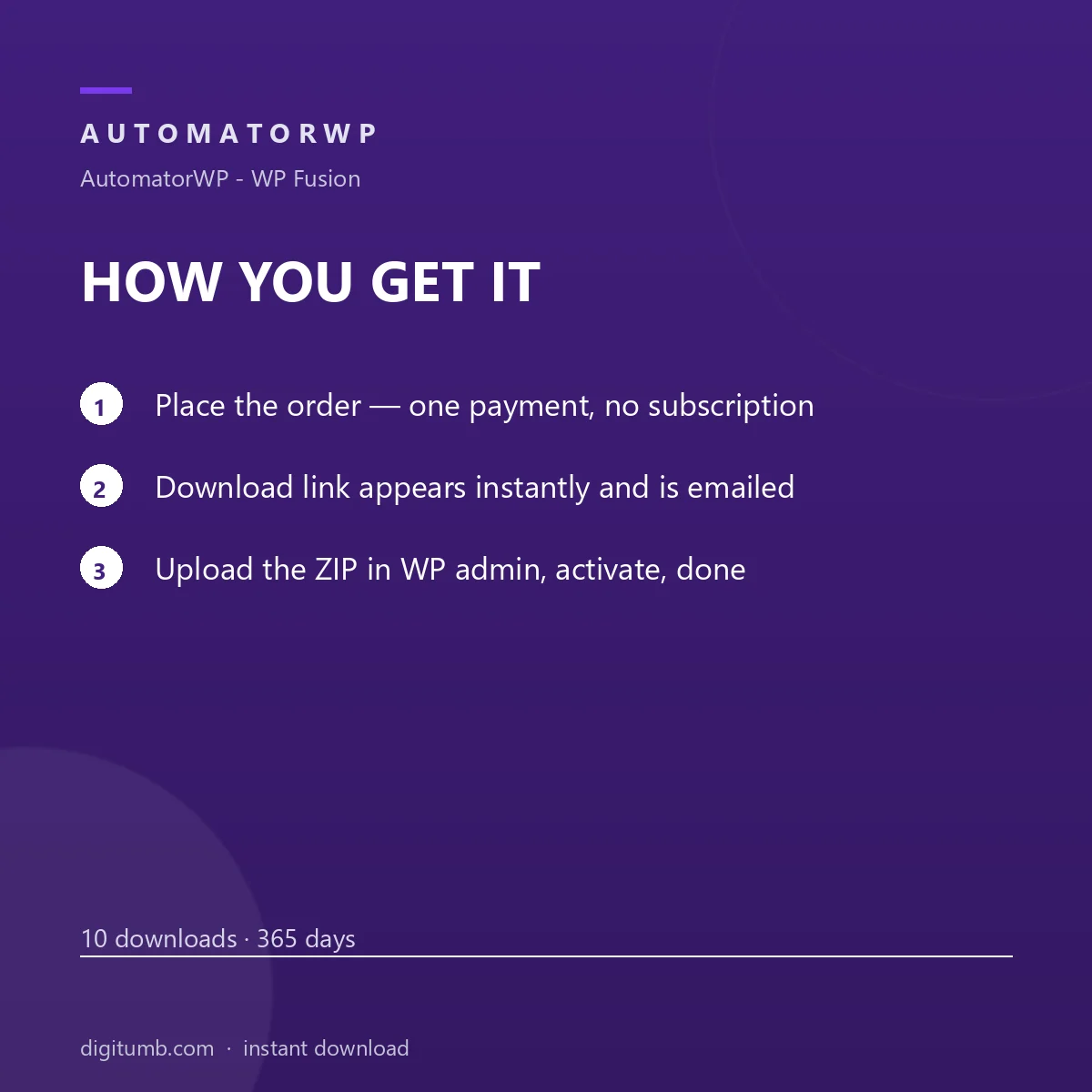
| Delivery | Instant ZIP download, 10 downloads, 365 days |
Which WP Fusion triggers can start an AutomatorWP recipe?
Two triggers are available: any or a specific tag added to a user, and any or a specific tag removed from a user. Both fire from the tag state of a WordPress user, which is what WP Fusion keeps in sync with the CRM contact.
Because each trigger accepts either the "Any" option or one named tag, you can write one broad recipe that reacts to every tag change, or a narrow recipe that only runs when a particular tag is applied or removed.
What can a recipe do to a user's WP Fusion tags?
The addon provides an Add or remove tag to user action. A recipe can apply a tag to the user who completes the automation, or take one away, which then flows through WP Fusion to the connected CRM.
A second action, Track an event, records an event name together with a description and an account where the event is tracked. Leave the account field empty and the event uses the ID of the user who completes the automation.
How does the user tag filter restrict a recipe?
One filter is included: user tag matches with a specific tag, with an is not equal to comparison. It lets a recipe proceed only when the user's tag state meets the condition you set.
The filter needs a tag option configured. If no tag option is set, or the chosen tag has not been registered in WP Fusion, the filter does not pass and the recipe stops at that point.
Does this addon work alongside WooCommerce and other plugins?
AutomatorWP – WP Fusion is built to work with other plugins in an AutomatorWP setup, including WooCommerce, LearnDash and BuddyPress. That means tag and event steps can sit in the same recipe as steps from those plugins.
The practical result is a workflow that reacts to activity such as a customer purchase or a user registration and then updates WP Fusion tags or records an event.
What this build includes
| Tag added trigger | Starts a recipe when any tag, or one specific tag, is added to a user in WP Fusion. |
|---|---|
| Tag removed trigger | Starts a recipe when any tag, or one specific tag, is removed from a user. |
| Add or remove tag action | Applies a tag to the user who completes the automation, or removes one, through WP Fusion. |
| Track an event action | Records an event with a name and description, tracked in the chosen account or the completing user's ID. |
| User tag filter | Gates a recipe on whether the user's tag matches a specific tag, with an is not equal to comparison. |
| WooCommerce compatibility | Lets WP Fusion tag and event steps run in recipes that also use WooCommerce activities such as purchases and registrations. |
Installing it on a WordPress site
- In your WordPress backend, go to Plugins -> Add new and click Upload Plugin next to the Add plugins title.
- Upload the downloaded zip file and activate the plugin.
- Alternatively, upload the zip into wp-content/plugins/, unzip it there, then open the Plugins menu and activate AutomatorWP – WP Fusion.
Latest changes
Version 1.0.9 fixes the selector so ID tags are handled correctly.
Frequently asked questions
Do I need WP Fusion installed for this addon to work?
Yes. The addon supplies WP Fusion triggers, actions and a filter to AutomatorWP, so the tag and event steps depend on WP Fusion being present on the site. AutomatorWP is the recipe builder that runs the workflow.
Can a recipe react to every tag change instead of one tag?
Yes. Both the tag added and tag removed triggers accept an "Any" option as well as a specific tag, so a single recipe can respond to any tag change on a user rather than one named tag.
What happens if the filter's tag is not set up?
The filter does not pass. That happens when no tag option has been configured, or when the selected tag has not been registered in WP Fusion. The recipe stops at the filter instead of continuing.
Which account is used when tracking an event?
The Track an event action has an account field. Leave it empty and the event is tracked using the ID of the user who completes the automation. Fill it in to name a different account for the event.
Is this the same plugin file the developer ships?
Yes. This is the GPL build: the same plugin files the developer ships, sold at $4.49. There is no vendor update channel and no vendor support desk attached to this purchase. Version 1.0.9 is a 0.0 MB zip.
Which WordPress version does it require?
The plugin requires WordPress 4.4 and has been tested up to WordPress 7.1.
What the GPL build means for you
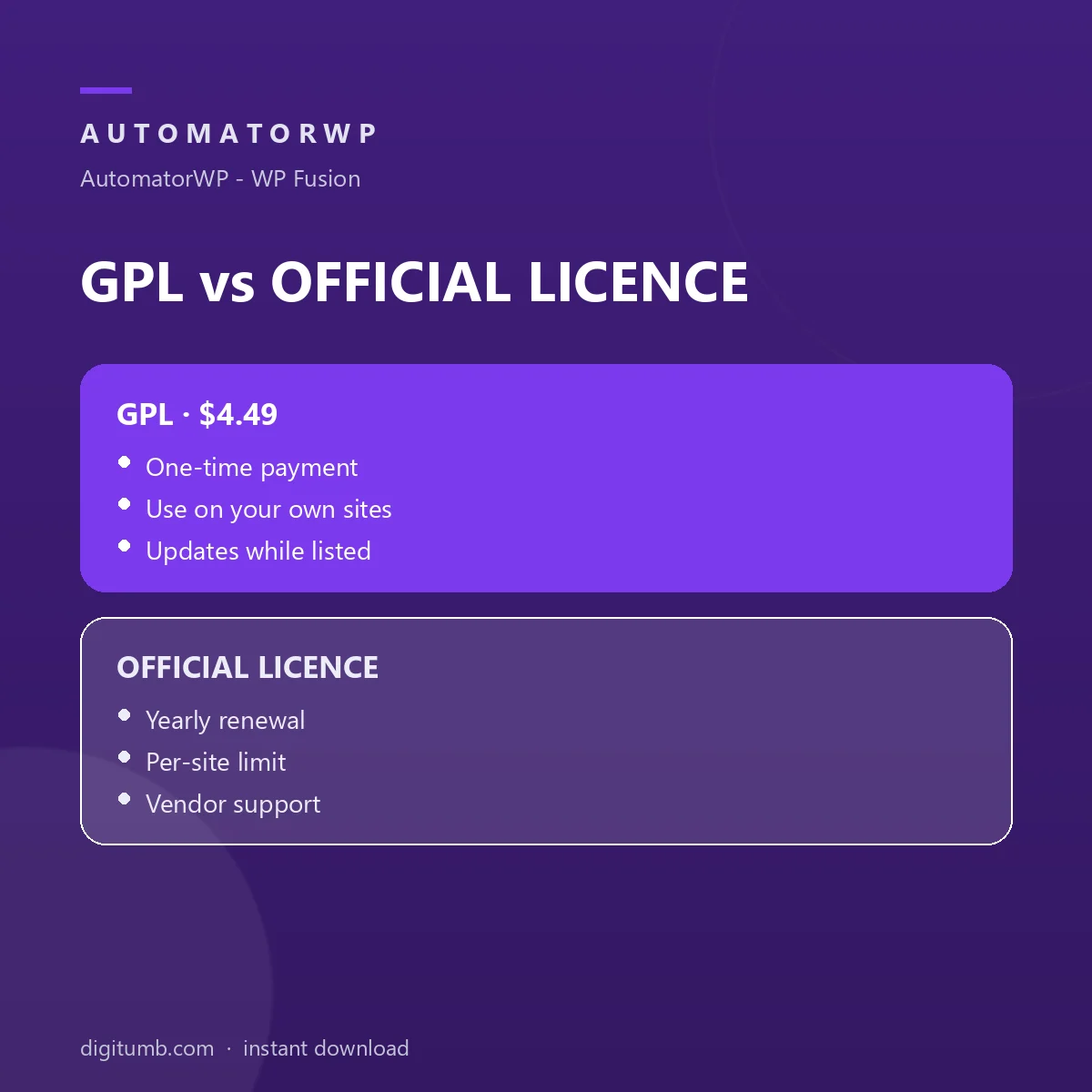
This is the same archive the developer publishes, redistributed under the GNU General Public License: you get the working files for $4.49 with no vendor update channel and no vendor support desk. If you need automatic updates or a support contract, buy the official license from the developer.
| This GPL build | Official license | |
|---|---|---|
| Price | $4.49 one time | Vendor subscription |
| Automatic updates | No | Yes |
| Developer support | No | Yes |
| Number of sites | Unlimited | Depends on plan |
Browse the rest of the WordPress plugins category or the full shop. The licence text is at GNU GPL v2, and general documentation is at WordPress.org.
You must be logged in to post a review.
You may also like…

Related products










Reviews
Clear filtersThere are no reviews yet.