



AutomatorWP – Events Manager GPL
$4.49
AutomatorWP – Events Manager is a GPL build of an AutomatorWP integration plugin that connects your WordPress site to the Events Manager event registration plugin.
AutomatorWP – Events Manager is a GPL build of an AutomatorWP integration plugin that connects your WordPress site to the Events Manager event registration plugin. It adds two triggers to AutomatorWP: a user attending an event and a user cancelling attendance to an event. You get the same plugin files the developer ships, with no vendor update channel and no vendor support desk, for $4.49.
| Product | AutomatorWP – Events Manager |
|---|---|
| Version | 1.0.2 |
| Works with | WordPress 4.4+ / PHP 8.x+ |
| Tested up to | WordPress 6.1 |
| License | GPLv2 or later |
| Delivery | Instant ZIP download, 10 downloads, 365 days |
Which Events Manager actions can AutomatorWP react to?
The integration registers two triggers inside AutomatorWP: User attends to an event and User cancels attendance to an event. Each trigger is available for any event or for one specific event, so an automation can fire only when someone registers for the event you choose.
Because the trigger is the starting point of an AutomatorWP recipe, it lets you pair event registration activity with the other actions AutomatorWP already offers on your site. The plugin itself does not add new automation actions; it supplies the event attendance listener that feeds them.
How the event attendance listener works with Events Manager
The plugin listens for attendance changes made through Events Manager and passes them to AutomatorWP as trigger events. Version 1.0.2 updated that listener to match the latest Events Manager version, and version 1.0.1 carried the same improvement.
Attendance and cancellation are treated as separate triggers, so a recipe built for sign-ups does not fire when somebody withdraws. You can build one automation for attendees and a second for cancellations and keep the two flows apart.
Where AutomatorWP Events Manager fits in a WordPress event site
Events Manager is a full-featured event registration plugin for WordPress built around flexibility, reliability and powerful features. This integration sits between that plugin and AutomatorWP, so event attendance becomes usable as an automation trigger alongside the rest of your site.
Install it when you already run both AutomatorWP and Events Manager and want event sign-ups and cancellations to start automations. It requires WordPress 4.4 or newer and has been tested up to WordPress 6.1.
What this build includes
| Attend-any-event trigger | Fire an AutomatorWP recipe whenever a user attends any event on your site, without naming a specific event. |
|---|---|
| Attend-specific-event trigger | Limit the attendance trigger to one chosen event so the automation runs only for that event's registrations. |
| Cancel-any-event trigger | Start an automation when a user cancels attendance to any event, keeping withdrawals separate from sign-ups. |
| Cancel-specific-event trigger | Restrict the cancellation trigger to a single event when you only care about withdrawals from that event. |
| Updated attendance listener | The listener was updated in versions 1.0.1 and 1.0.2 to match the latest Events Manager version. |
| AutomatorWP trigger labels | Triggers appear in AutomatorWP settings as User attends to an event and User cancels attendance to an event. |
Installing it on a WordPress site
- In your WordPress backend, go to Plugins -> Add new and click the Upload Plugin button next to the Add plugins title.
- Upload the downloaded zip file and activate the plugin.
- Alternatively, upload the zip into your wp-content/plugins/ folder, unzip it, open the Plugins menu and activate AutomatorWP – Events Manager.
Latest changes
Version 1.0.2 updated the event attendance listener to match the latest Events Manager version.
Frequently asked questions
Do I need Events Manager installed for this plugin to work?
Yes. The plugin is an integration for the Events Manager event registration plugin and adds its triggers to AutomatorWP. Events Manager supplies the event registration data the listener reads, and AutomatorWP supplies the automation engine the triggers feed.
Can I trigger an automation for one event only?
Yes. Both triggers offer an any-event option and a specific-event option. Choosing a specific event means the automation runs only when a user attends or cancels attendance to that event, not for every event on the site.
Does a cancellation count as an attendance?
No. Attendance and cancellation are two separate triggers. A recipe built on User attends to an event does not run when someone cancels; use User cancels attendance to an event for that case.
What WordPress version does the plugin need?
It requires WordPress 4.4 or newer and has been tested up to WordPress 6.1. The plugin version is 1.0.2 and the download zip is 0.0 MB.
Is this the developer's plugin or a modified copy?
You receive the same plugin files the developer ships, distributed as a GPL build for $4.49. There is no vendor update channel and no vendor support desk with this purchase.
What the GPL build means for you
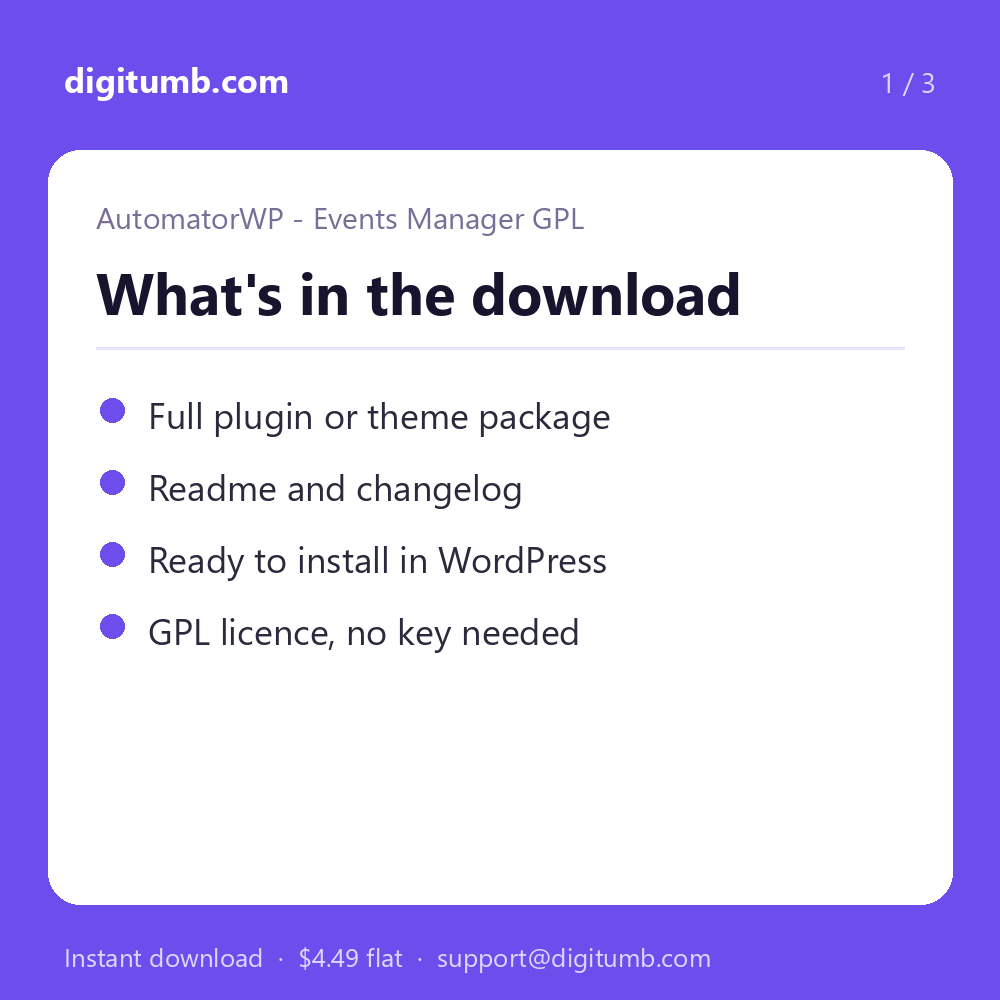
This is the same archive the developer publishes, redistributed under the GNU General Public License: you get the working files for $4.49 with no vendor update channel and no vendor support desk. If you need automatic updates or a support contract, buy the official license from the developer.
| This GPL build | Official license | |
|---|---|---|
| Price | $4.49 one time | Vendor subscription |
| Automatic updates | No | Yes |
| Developer support | No | Yes |
| Number of sites | Unlimited | Depends on plan |
Browse the rest of the WordPress plugins category or the full shop. The licence text is at GNU GPL v2, and general documentation is at WordPress.org.
You must be logged in to post a review.
You may also like…

Related products










Reviews
Clear filtersThere are no reviews yet.