



Searchwp Metrics GPL
$4.49
SearchWP Metrics is a WordPress plugin that records how visitors use the search box on your site.
SearchWP Metrics is a WordPress plugin that records how visitors use the search box on your site. It collects popular searches, popular search content based on clicks, click rank, clicks per search and conversion rate, then lets you export that data per engine. You install it alongside SearchWP and use the recorded behaviour to decide which content to add, adjust or promote.
| Product | searchwp-metrics |
|---|---|
| Version | 1.5.2 |
| Works with | WordPress 6.x+ / PHP 8.x+ |
| Tested up to | WordPress current |
| License | GPLv2 or later |
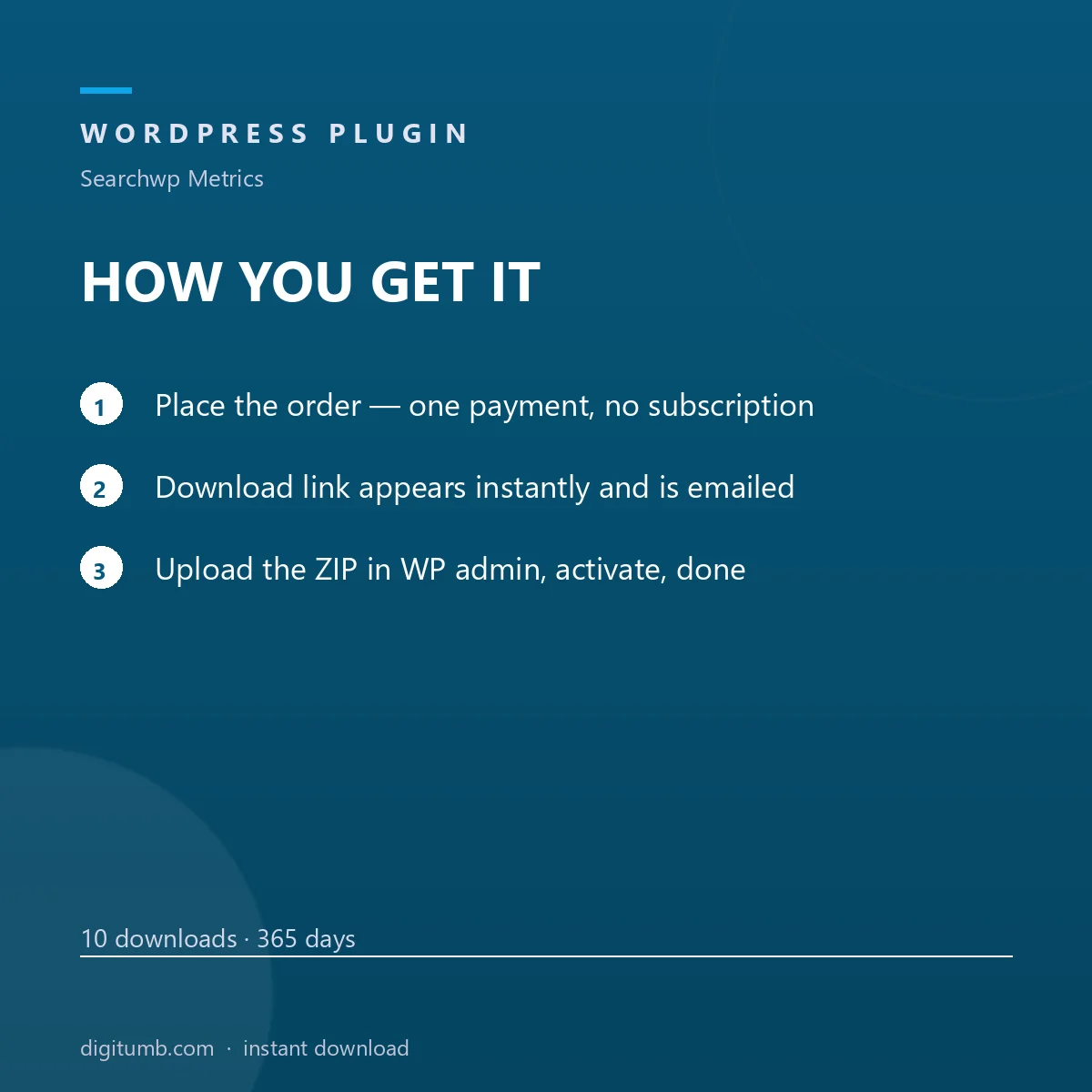
| Delivery | Instant ZIP download, 10 downloads, 365 days |
What SearchWP Metrics records from visitor searches
The plugin keeps a log of the queries visitors type and the results they click. The Popular Searches view lists the most common queries across all engines, while Popular Search Content ranks pages by the clicks they receive from search results. Each logged search also carries a Clicked Result value, so you can see which entry a visitor chose.
Further metrics include Average Click Rank, Clicks Per Search and Conversion Rate. If a search received no clicks during the selected timeframe, the interface says so directly instead of showing an empty row. Ignored Searches lets you list query rules, one per line, that should stay out of the statistics, and searches from listed IP addresses can be excluded as well.
Working with more than one SearchWP engine
SearchWP Metrics is engine-aware. A Choose an engine control scopes the views, and Engines to display decides which engines appear in the statistics. The plugin reports an Invalid Engine message when a request points at an engine that does not exist, and it states that SearchWP must be activated before metrics can be collected.
Engine Statistics summarises activity per engine, and the plugin exposes export actions for Engine Statistics, Popular Searches and Searches Over Time. Those exports let you pull the numbers into a spreadsheet for comparison between engines or between periods.
Click data and search influence
One setting is labelled Influence search results using click data. It ties the recorded click behaviour back to what the search results show, so the clicks you have collected can inform result ordering. The Add as a partial match option appears alongside the query tools for handling related searches.
Logging rules are configurable under Modify Logging Rules. Limit Metrics to Queries narrows what gets recorded, and ignored IP addresses keep internal or test traffic out of the numbers. The interface notes that these rules are not applied retroactively, so changes affect future searches only.
Clearing and exporting the collected data
Clear Metrics Data removes stored metrics, and Clear Data Before sets a cutoff date for what is deleted. This gives you a way to start a fresh measurement period without touching the rest of the site.
For reporting, the export buttons cover engine statistics, popular searches and searches over time. The date and month labels in the interface (January through December, and the short Jan through Dec forms, plus the Su_Mo_Tu_We_Th_Fr_Sa day set) indicate that time-based views and filters are part of the statistics screens.
What this build includes
| Popular Searches report | See the queries visitors submit most often, aggregated across all SearchWP engines, so you know which topics your audience expects to find. |
|---|---|
| Popular Search Content by clicks | Rank content by the clicks it earns from search results across all engines, showing which pages actually satisfy the searches being made. |
| Click and conversion metrics | Read Average Click Rank, Clicks Per Search and Conversion Rate for logged searches to judge how well results match visitor intent. |
| Per-engine statistics | Choose an engine and limit which engines are displayed, then review Engine Statistics for each one separately. |
| Click-data influence setting | Use the Influence search results using click data option to let recorded clicks inform how results are ordered. |
| Ignored searches and IP rules | List search queries one per line and add IP addresses to exclude, keeping internal or irrelevant traffic out of your metrics. |
| Metrics limits and clearing | Limit Metrics to Queries to control what is logged, and use Clear Metrics Data with Clear Data Before to reset the dataset. |
| CSV-style exports | Export Engine Statistics, Popular Searches and Searches Over Time to analyse search behaviour outside the WordPress dashboard. |
Installing it on a WordPress site
- Upload the 0.4 MB plugin zip through Plugins → Add New → Upload Plugin, then activate SearchWP Metrics.
- Make sure SearchWP is installed and activated; the plugin reports that SearchWP must be activated before metrics can be collected.
- Open the SearchWP Metrics settings screen, choose the engines to display and set your logging rules, ignored queries and ignored IP addresses.
Latest changes
This listing is for SearchWP Metrics version 1.5.2, a 0.4 MB zip.
Frequently asked questions
Does SearchWP Metrics work without SearchWP?
No. The plugin's interface states that SearchWP must be activated. Metrics are collected around SearchWP engines, and you choose which engines to display in the statistics. Install and activate SearchWP first, then activate SearchWP Metrics and configure the engines you want to track.
Can I keep certain searches or IP addresses out of the statistics?
Yes. Ignored Searches accepts query rules one per line, and searches from listed IP addresses can be ignored. Logging rules are changed under Modify Logging Rules, and the interface notes that these rules are not applied retroactively, so they affect searches recorded after you save them.
What can I export from the plugin?
Three export actions are available: Export Engine Statistics, Export Popular Searches and Export Searches Over Time. These give you the recorded numbers in a file you can open in a spreadsheet, which is useful for comparing engines or tracking how search behaviour changes across periods.
How do I clear old metrics data?
Use Clear Metrics Data together with Clear Data Before, which sets a cutoff date for deletion. This lets you remove earlier records and start a new measurement window while keeping the plugin and its settings in place.
Is this a GPL build and what does that mean here?
Yes. You receive the same plugin files the developer ships, distributed under the GPL, for $4.49 from digitumb.com. There is no vendor update channel and no vendor support desk with this build, so plan updates and assistance accordingly.
What the GPL build means for you
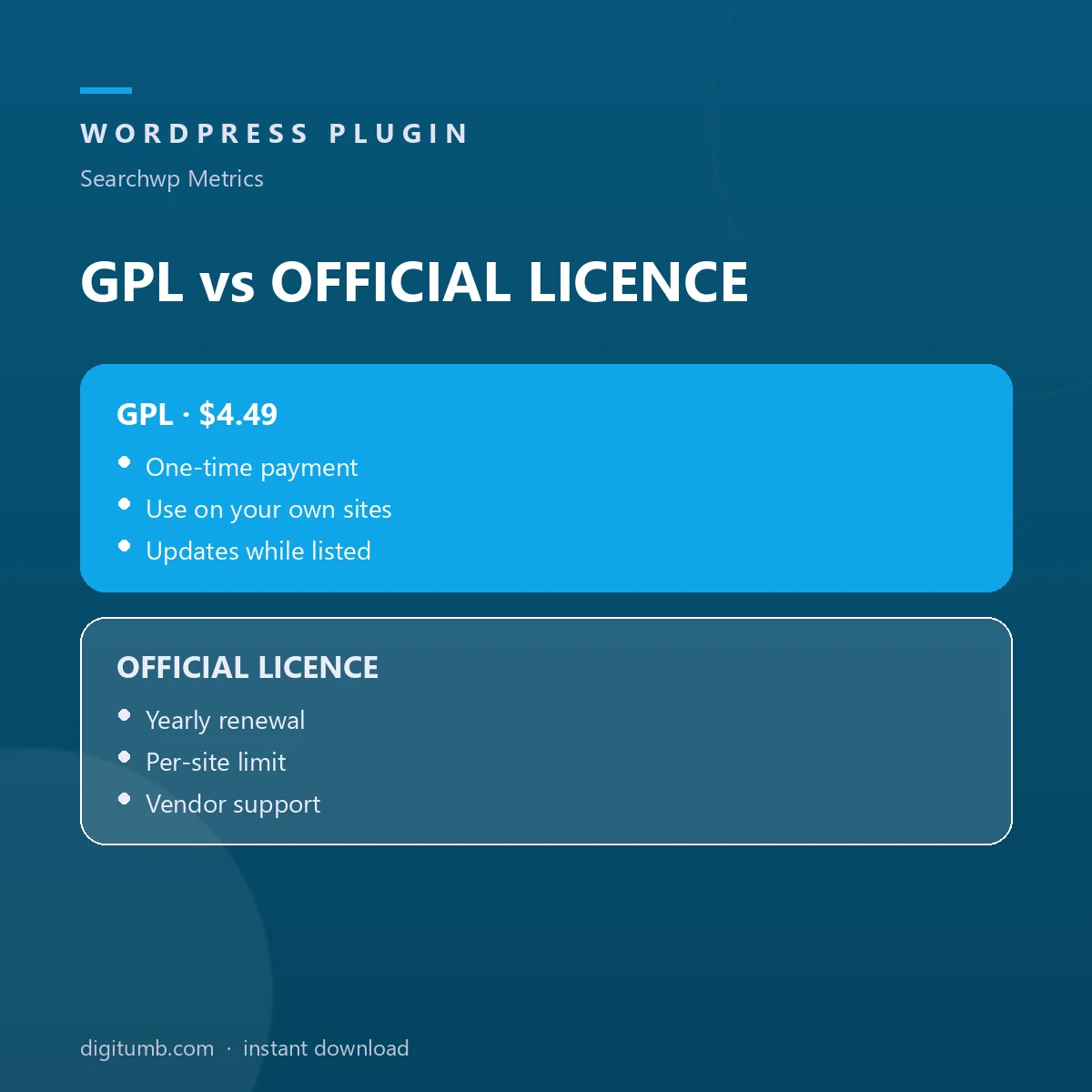
This is the same archive the developer publishes, redistributed under the GNU General Public License: you get the working files for $4.49 with no vendor update channel and no vendor support desk. If you need automatic updates or a support contract, buy the official license from the developer.
| This GPL build | Official license | |
|---|---|---|
| Price | $4.49 one time | Vendor subscription |
| Automatic updates | No | Yes |
| Developer support | No | Yes |
| Number of sites | Unlimited | Depends on plan |
Browse the rest of the WordPress plugins category or the full shop. The licence text is at GNU GPL v2, and general documentation is at WordPress.org.
You must be logged in to post a review.
You may also like…

Related products







Reviews
Clear filtersThere are no reviews yet.